The 9 Editorial Workflow Tools You Need To Know In 2026
Content teams lose 16 hours a week to broken workflows. Find the best editorial workflow tools to take your content from idea to published.
Content teams lose up to 16 hours per week on non-creative tasks. Not writing, not editing, not strategizing, but chasing content approvals, reconciling feedback, or managing version control.
That’s two full workdays, every week, burned on work that exists entirely because the content process is broken. Robert Rose, Chief Strategy Advisor at the Content Marketing Institute, put it bluntly:
"In most businesses, content is everybody's job and nobody's strategy. If you go ask any senior leader, 'How do you get content done?' They go, 'I don't know. I give it to John or Mary, and then they just kind of get it done.' It's just sort of a magic black box that ideas go into, and somehow content gets out the other side."
An effective editorial workflow tool solves this problem, allowing your team to move content from idea to published post and track every step along the way. It's not the same as a project management board or a content calendar (those may be one part, but not the entire workflow).
This guide defines what an editorial workflow tool does, the core stages of an effective workflow, and which tool stack makes sense based on your team size.
The Core Stages Of An Editorial Workflow
An editorial workflow defines who owns each stage, what "done" looks like before a handoff, and how content moves through the process without getting stuck. Think of it ike a relay race. The baton has to be handed off cleanly at each stage, or the whole team loses time.
Here are the seven core stages of an efficient editorial workflow:
The Best Editorial Workflow Tools
Ownership matters more than the tool itself at the editing and review stage. At Nectafy, one person is the final checkpoint before anything goes to a client: "The guardian of the brand is our editor," says founder Lance Cummins. Writers are responsible for their own drafts, "but the editors," he compares the role to a goalie, "can't let things through." Whatever tool you choose, it needs to make that single point of accountability visible, not bury it in scattered comment threads.
True editorial workflow tools don't just handle one stage; the best ones span ideation, planning, assignment, collaboration, review, and approval, all in a single workspace.
The tools below do exactly that, presented in a simple format so you can compare at a glance and go deeper on the ones that look like a good fit.
Asana
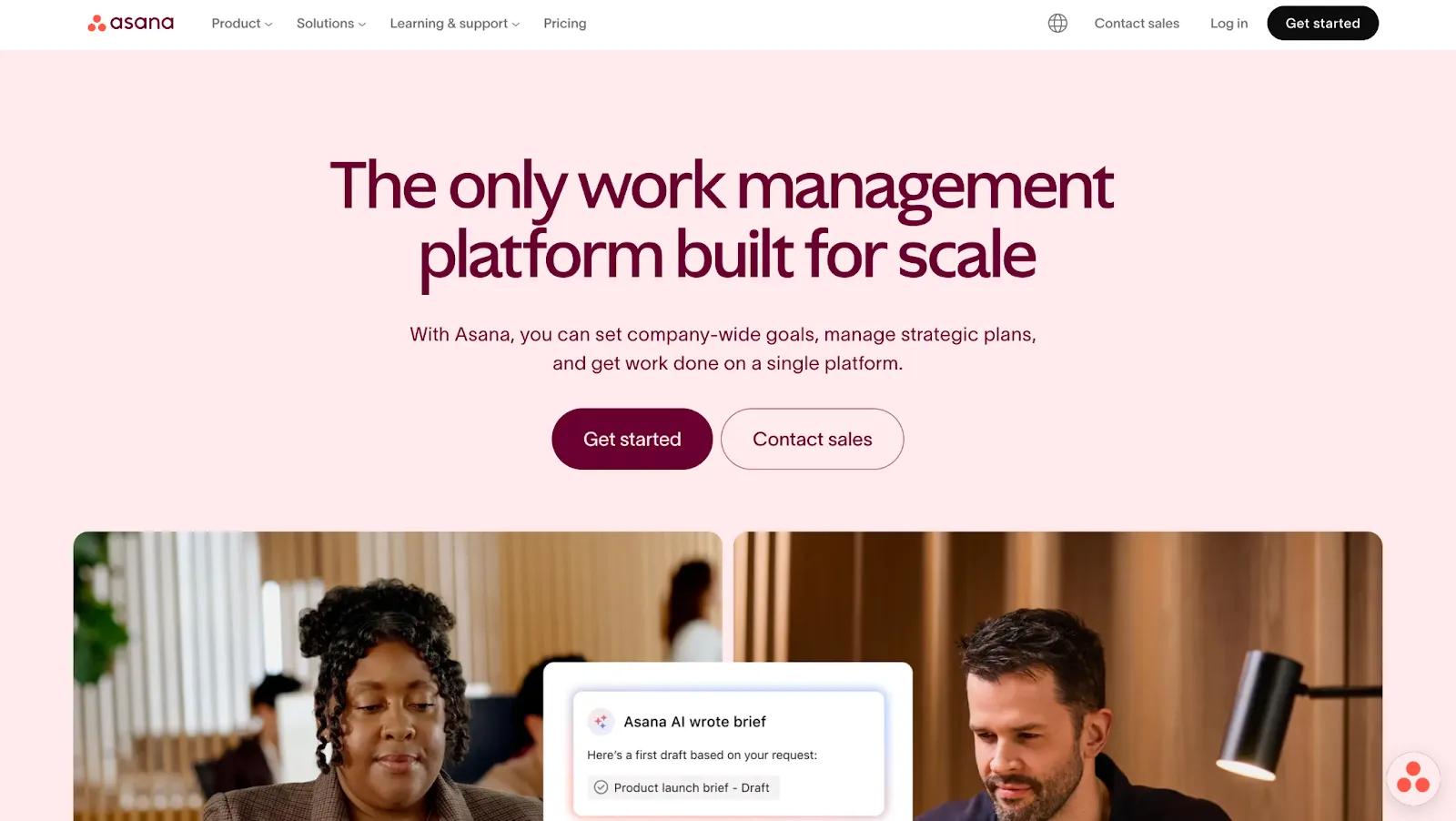
Asana's strength is structure. Its Visual Workflow Builder lets editors map an entire editorial pipeline, and task dependencies enforce sequential handoffs. As Sahil Kakkar, CEO of RankWatch, puts it:
"Each step has a clear definition of done, so quality does not depend on who is available that day."
This means content can't move to approval until editing is cleared, and can't go to publish until it's signed off. Asana’s AI Studio also automates status updates and surfaces at-risk tasks before they become missed deadlines.
Standout feature: Visual Workflow Builder with task dependencies that enforce sequential review-then-approve steps.
Pricing: Free (up to 2 users); Starter $10.99/user/month; Advanced $24.99/user/month; Enterprise custom.
Best for: Small to mid-size editorial teams (5–25) who need structured, enforced approval chains and clear task dependencies.
ClickUp
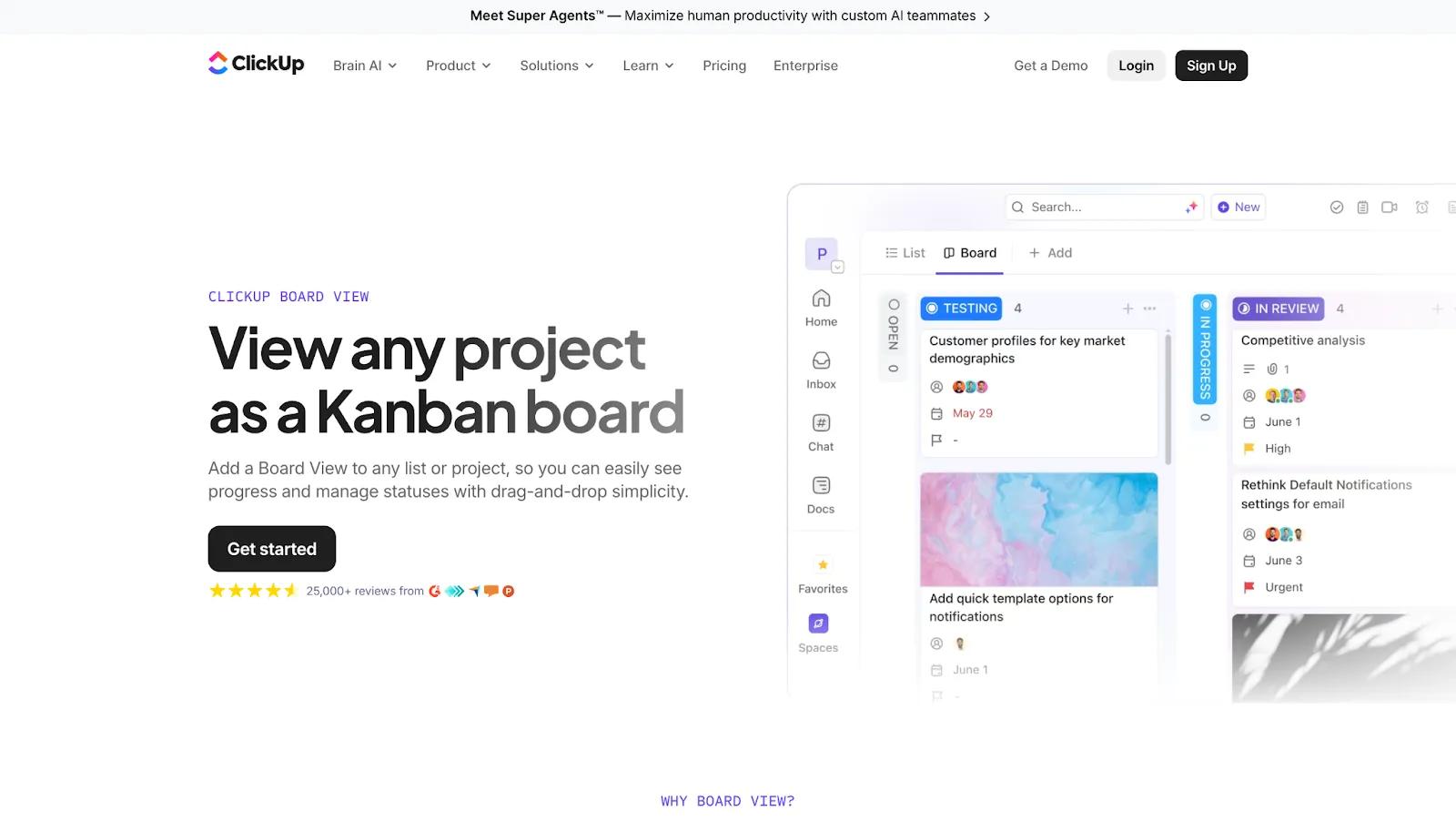
ClickUp's advantage is in consolidation: docs, tasks, editorial calendars, goals, whiteboards, and built-in video calls are all in one workspace. ClickUp Docs lets writers draft briefs and articles inside the same environment where editors track assignments and approvals (which means less browser tab switching). ClickUp Brain turns meeting notes into tasks, drafts content inside docs, and answers questions about project status across the workspace.
Agencies managing client work lean on this structure especially hard. Asher Rumack, VP of Creative Strategy at Column Five Media, runs the agency's case study production through ClickUp because, as he puts it, "it's a lot of stuff moving through many different stages at different times." He organizes that process in ClickUp "so that when I hear recommendations for case studies, I could drop them in and then kind of follow up on them later." It also doubles as the agency's system of record: ClickUp "connects into our financials," he says, functioning as "the home base... of how far along in a project we are" — which is what determines when the agency bills.
In practice, ClickUp’s dependency mapping is also a big feature for content teams. Sahil Agrawal, Head of Marketing at Qubit Capital, tried Trello and Notion before landing on ClickUp:
"ClickUp stuck because of one feature nobody talks about. The dependency mapping between tasks... What it actually eliminated was the 4 daily Slack messages asking who is supposed to do what next. That coordination overhead was eating maybe 45 minutes per person per day."
⚠️ Note: G2 reviewers consistently flag ClickUp’s steep learning curve, with most teams needing two to three weeks to reach proficiency.
Standout feature: ClickUp Docs nested inside tasks, plus ClickUp Brain for AI-assisted drafting and cross-workspace project Q&A.
Pricing: Free Forever (unlimited tasks and free plan members); Unlimited $7/user/month; Business $12/user/month; ClickUp Brain AI add-on: +$9/user/month.
Best for: Medium to large teams (5–50) who want to consolidate multiple tools into one workspace.
Monday.com
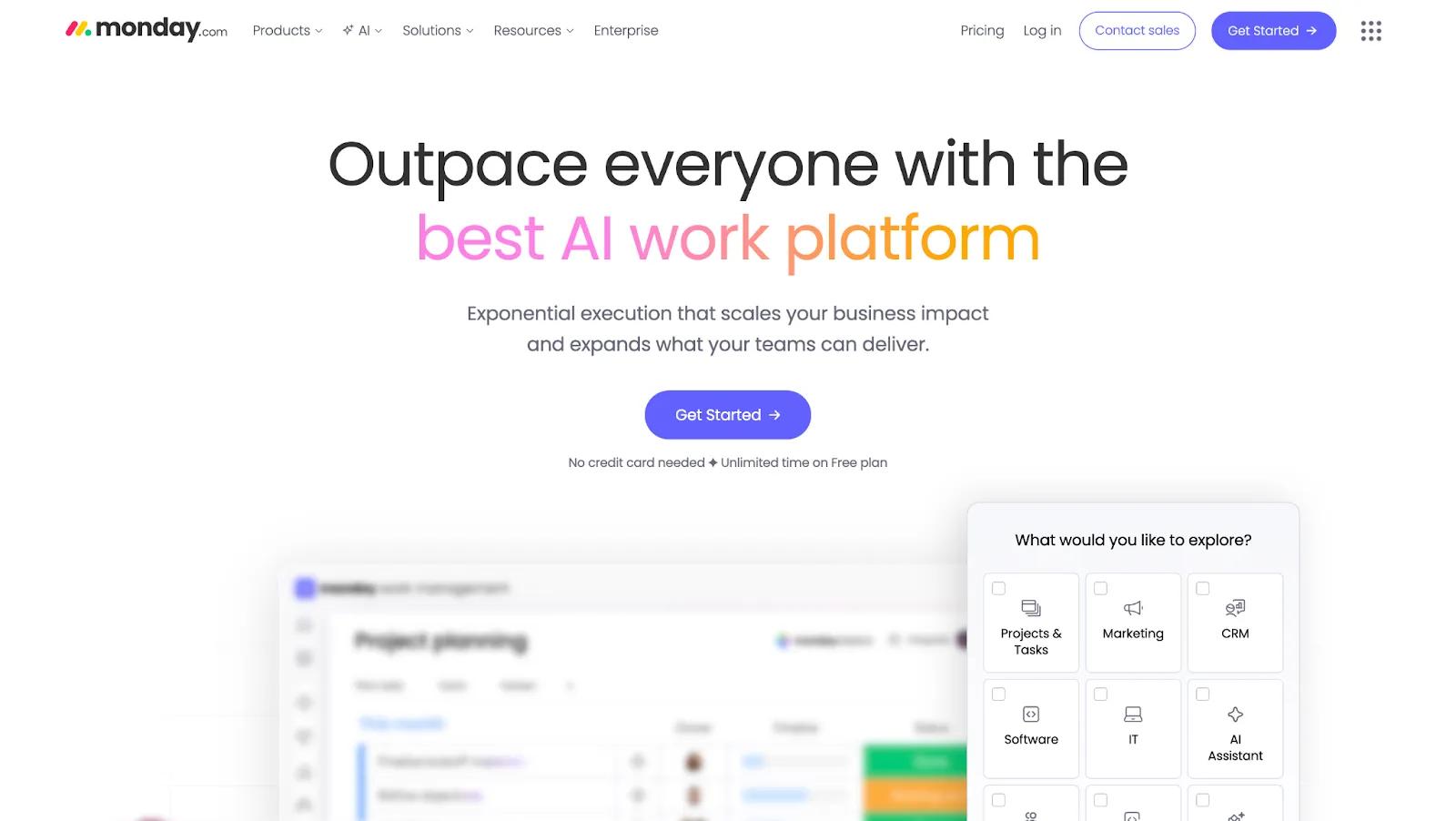
Monday.com’s visual boards handle editorial calendar management, campaign tracking, and multi-stage approvals with a drag-and-drop interface, while AI Sidekick summarizes board updates and flags workflow blockers.
The biggest constraint for small teams (or those on a budget) is Monday.com’s 3-seat minimum on all paid plans, as well as automations being locked behind the Standard tier.
Standout feature: Highly visual campaign and editorial boards with AI-powered board summaries and conditional automation at scale.
Pricing: Free (includes 2 seats); Basic $9/user/month; Standard $12/user/month; Pro $19/user/month; Enterprise custom. 3-seat minimum on all paid plans.
Best for: Mid-size to large teams (10–50+) and agencies managing content across multiple clients or departments simultaneously.
Trello
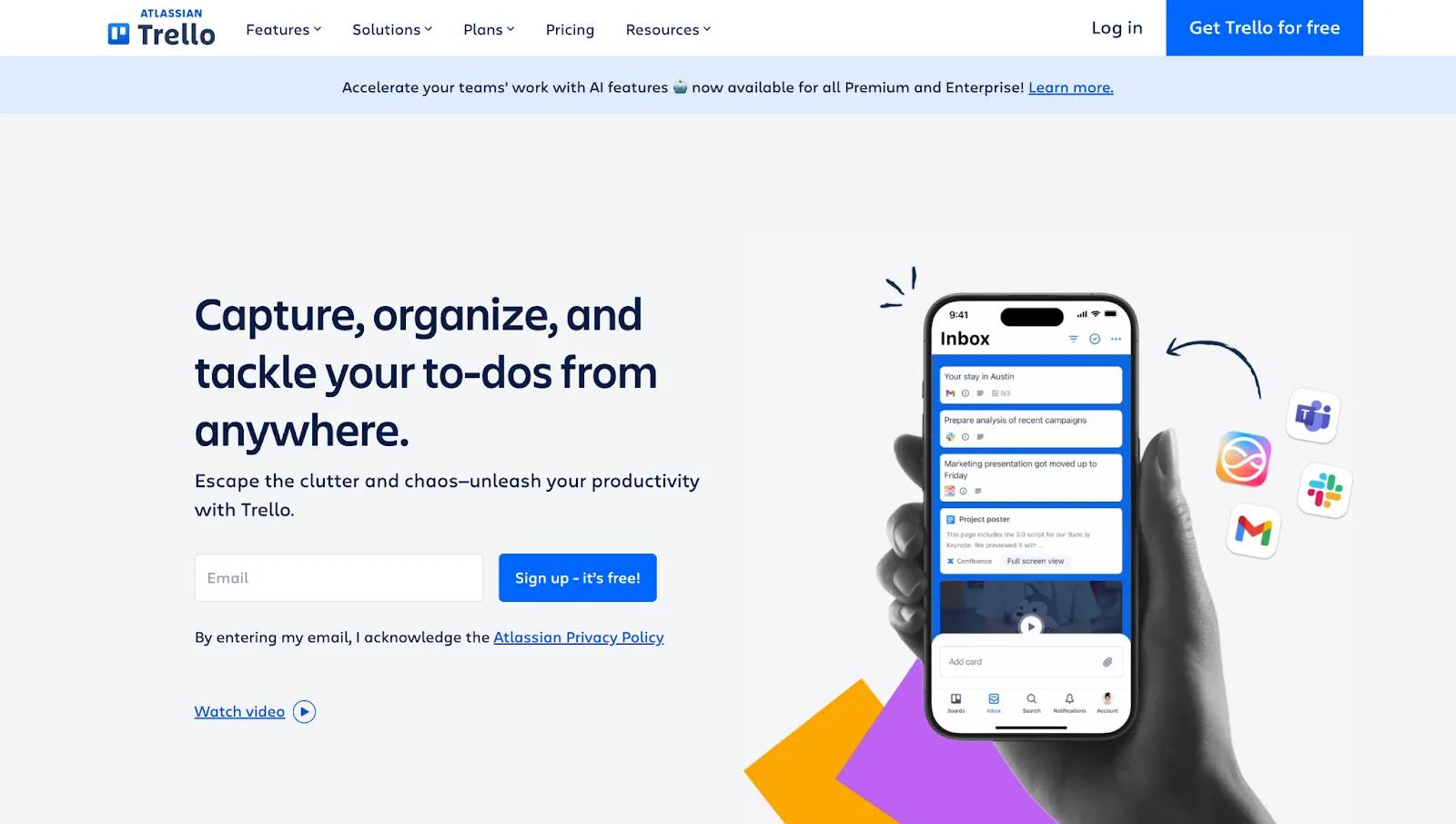
Trello is the most accessible tool on this list. A typical editorial board (Ideas, In Progress, In Review, Approved, Published) takes minutes to configure, and new team members can orient themselves without training. Butler, Trello's automation engine, also handles common editorial if/then rules without code. Where it runs out of road is complex operations: no native dependency tracking, limited reporting, and approval workflows that require workarounds.
That simplicity is exactly why some teams stick with lightweight Kanban tools for years. Lance Cummins, founder of Nectafy, has run his team's workflow on Favro for a long time. Asked what he likes about it, he says: "It's like a simplified version of Jira. It doesn't look as intimidating. There's plenty of other tools on the market that would do what we do with it. We use it very, very simplistically."
Trello has always been my favorite tool for managing content workflows. I’ve used it as a freelancer, a small marketing agency owner, and when managing content at a fast-growing tech startup that produced 4-5 blog posts per week. It’s simple, lightweight, easy to customize (I like adding checklists to each card to keep track of tasks like publishing, setting metadata, etc.), and most importantly, affordable (I’ve always been able to get away with the free plan or lowest pricing tier).
⚠️ Note: Reviews note that boards get cluttered as project volume scales.
Standout feature: Instantly intuitive Kanban boards with Butler automation for no-code if/then workflow rules.
Pricing: Free (includes 10 boards); Standard $5/user/month; Premium $10/user/month; Enterprise $17.50/user/month (minimum 50 users).
Best for: Solo creators, freelancers, and small teams (2–10) who need a lightweight visual workflow with minimal setup and a generous free tier.
CoSchedule
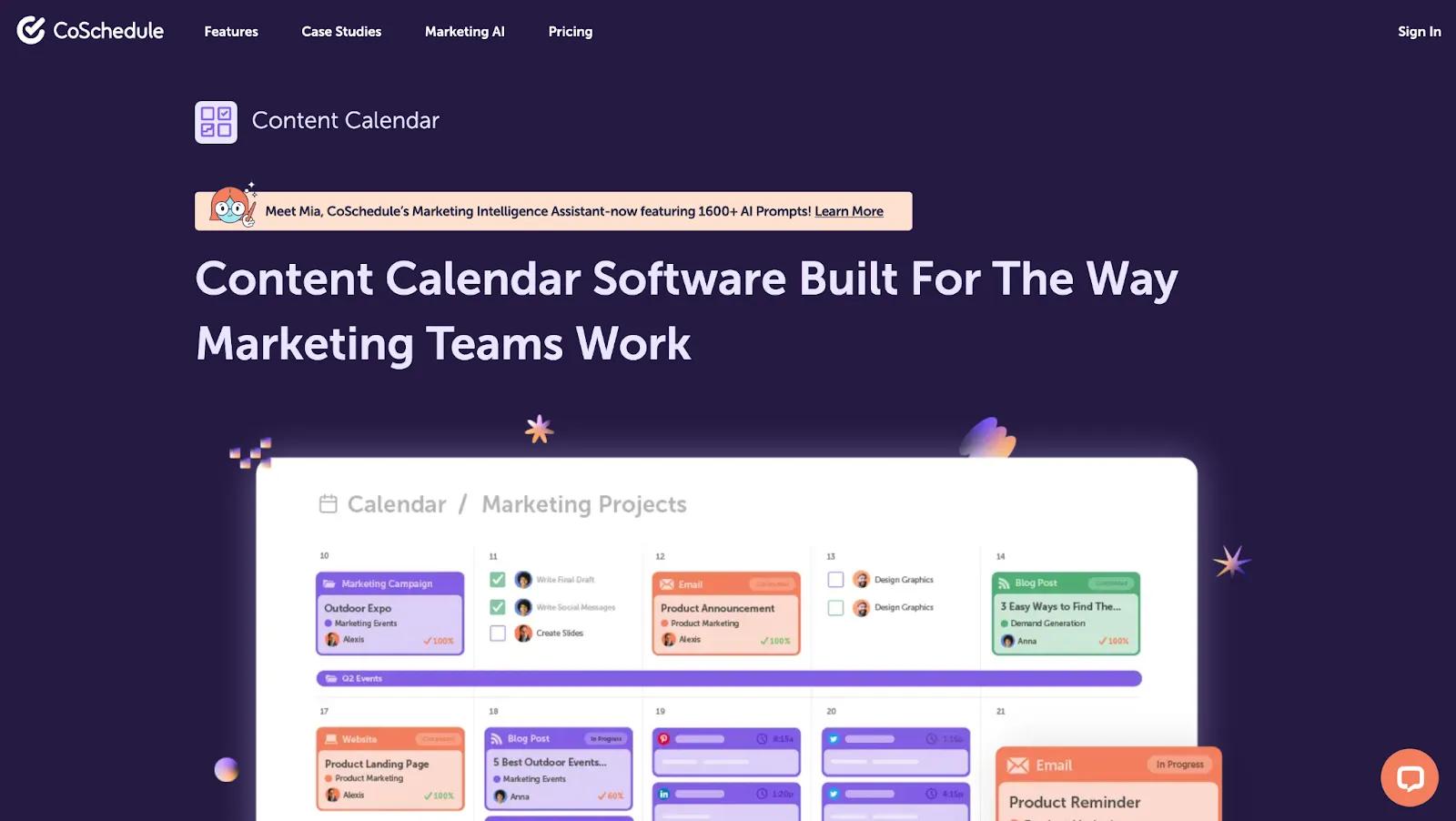
CoSchedule is built specifically for content and marketing teams, and its unified drag-and-drop calendar is the centerpiece. Editors get a single view of every piece in the pipeline (blog posts, social campaigns, email sends) with the ability to reschedule entire campaigns in one move.
CoSchedule’s Mia AI assistant handles ideation and drafting, and Headline Studio uses engagement data to score headlines before publish. Approval workflows are available, but only on the higher-tier Marketing Suite (which requires reaching out to sales for pricing).
Standout feature: Unified drag-and-drop calendar spanning blog, social, and email with AI headline optimization baked in.
Pricing: Free Calendar; Social Calendar $19/user/month; Agency Calendar $59/user/month; Content Calendar and Marketing Suite plans require talking to sales for pricing.
Best for: Small to mid-size marketing teams (2–10) who think and plan visually and want an editorial calendar built specifically for content.
Notion
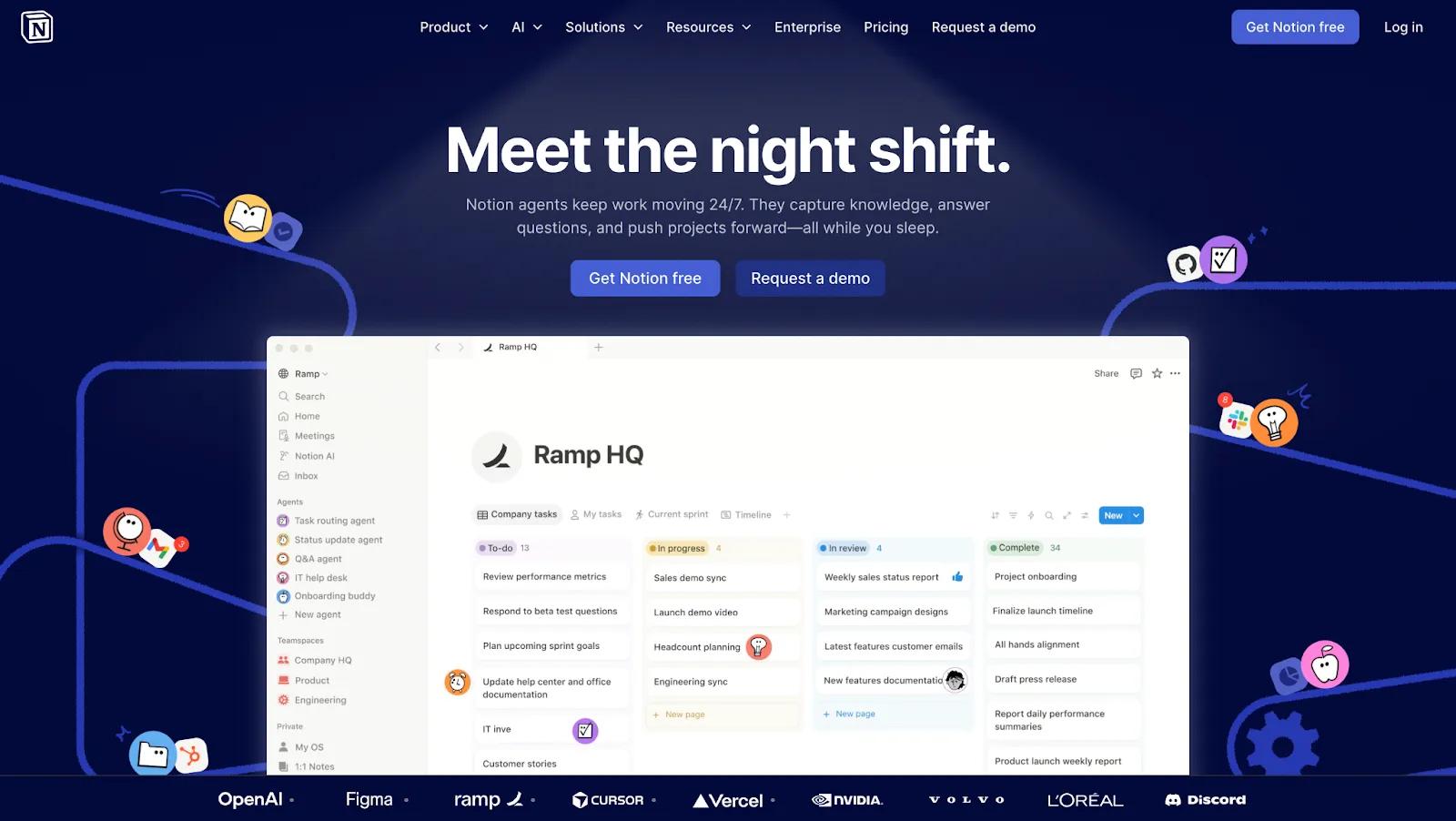
Notion's block-based editor and relational database make it a good fit for editorial teams that live in documents. Writers draft, editors comment, and strategists plan in the same workspace. Notion AI summarizes research documents, turns meeting notes into action items, and drafts content on demand.
Pooja Patwa, Senior Digital Marketing Strategist at Technostacks, switched to Notion from a scattered mix of spreadsheets and comment threads:
"We did not want separate tools for briefs, calendars, and tracking. Notion handles all three in one place. A writer can open a single page and find the brief, SEO notes, reference links, and feedback without switching tabs."
⚠️ Note: G2 reviewers claim Notion’s blank canvas can overwhelm teams that need rigid approval workflows or formal task dependencies out of the box, creating a sort of "Notion Paralysis".
Standout feature: Connected databases that link briefs, drafts, assignments, and published posts in one navigable workspace.
Pricing: Free (includes Notion Calendar); Plus $10/user/month; Business $20/user/month; Enterprise custom.
Best for: Content teams (2–20) that prioritize documents and knowledge over structured project management, particularly startups and creator-led organizations.
ProofHub
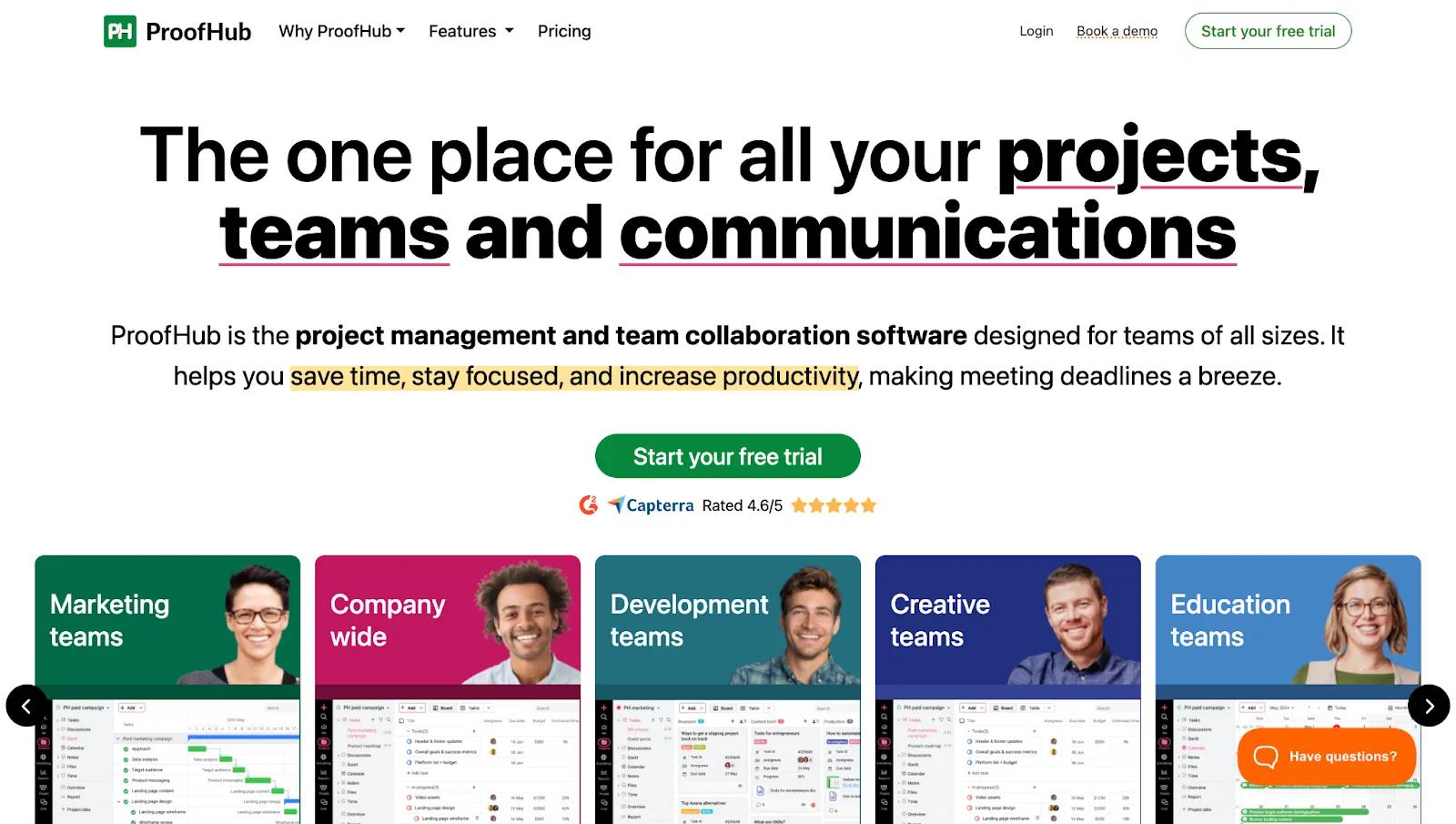
ProofHub's biggest plus is its flat-rate pricing: $45–$89/month for unlimited users. For larger teams, the math is simple. A 20-person team on Asana's Advanced plan costs over $500/month, while ProofHub's Ultimate Control plan is $89 flat.
The platform includes Kanban boards with custom workflow stages, Gantt charts, time tracking, discussion threads, and a built-in proofing module where reviewers annotate documents and designs with pinpoint markup
Note: Integrations are limited and the mobile app lags behind the desktop.
Standout feature: Flat-rate pricing for unlimited users, plus a built-in proofing module for annotating and approving documents and designs in-platform.
Pricing: Essential $45/month (unlimited users, 40 projects); Ultimate Control $89/month (unlimited users, unlimited projects, full proofing and reporting).
Best for: Growing teams (10+) where per-user pricing is becoming expensive, particularly those that need built-in content proofing alongside task management.
Airtable
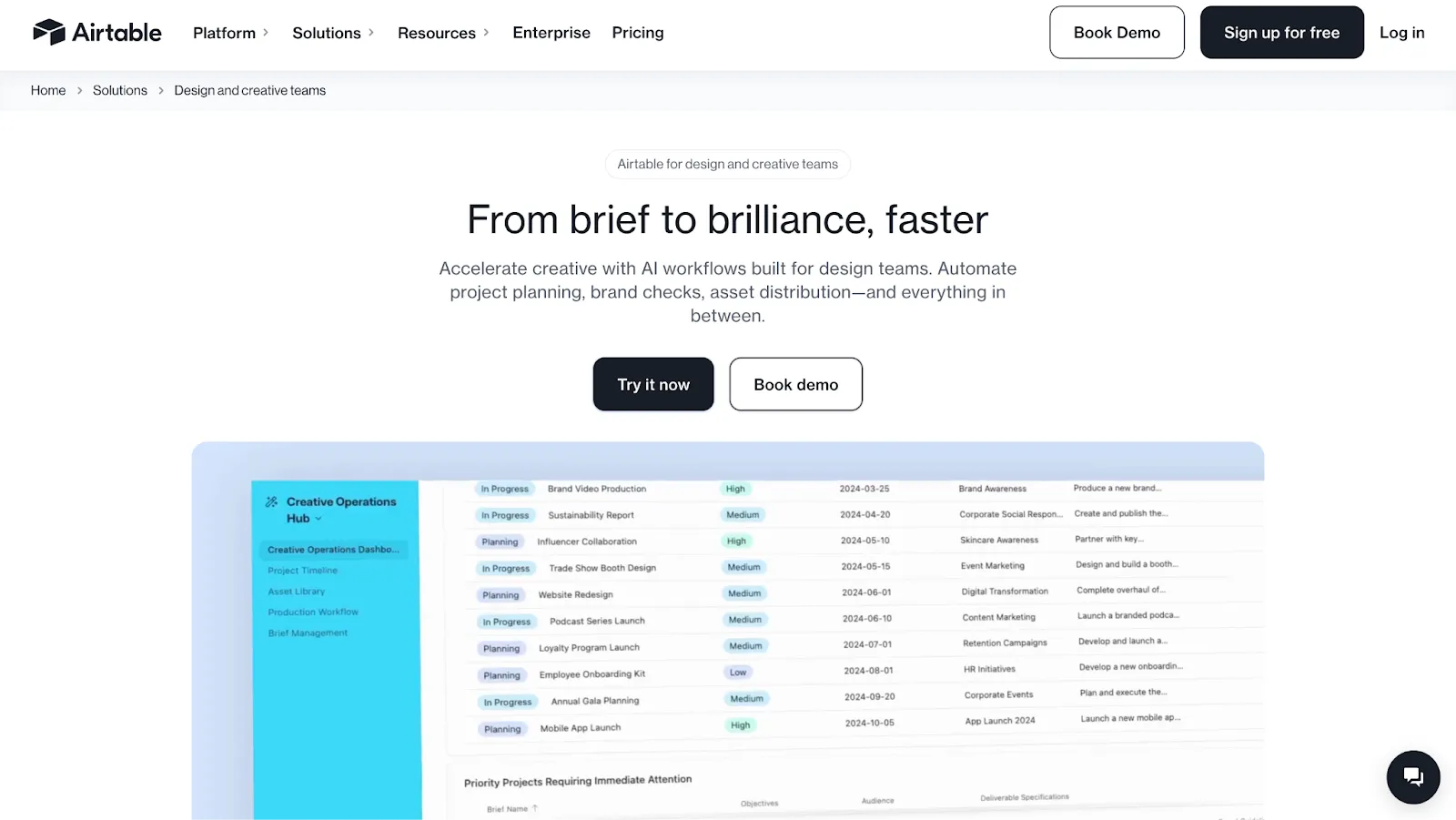
Airtable looks like a spreadsheet, works like a relational database, and lets teams build custom editorial pipelines without writing code. Content teams use it to link briefs to writers, connect drafts to campaigns, and track assets across their full lifecycle using calendar, Kanban, Gantt, and gallery views.
It’s one of the most customizable options on this list. The tradeoff, however, is Airtable’s initial setup: Airtable hands you a blank canvas, not a content-team-specific starting point. A 2025 price increase of up to 87% also drew significant user backlash.
Standout feature: Relational tables that link briefs, writers, deadlines, and campaign data in one connected system.
Pricing: Free (1,000 records/base, 500 AI credits per month); Team $20/user/month; Business $45/user/month; Enterprise custom.
Best for: Mid-size teams and agencies (5–20) who want a highly customizable content operations database with strong automation.
Smartsheet

Smartsheet is for teams that think in spreadsheets but need more than a spreadsheet can offer. Its grid interface feels familiar to anyone who has run an editorial tracker in Excel, but it supports Gantt charts, conditional approval forms, automated status workflows, document proofing with annotation, and real-time dashboards underneath.
For enterprise content operations with formal governance requirements, it's one of the strongest options in this list.
Standout feature: Spreadsheet-native project management with built-in document proofing, conditional approval forms, and Gantt timeline views.
Pricing: Pro $9/user/month (Unlimited sheets, forms, and reports); Business $19/user/month; Enterprise custom.
Best for: Mid-size to enterprise teams (10+) that prefer a structured, spreadsheet-style interface and need robust automation, proofing, and formal approval workflows.
How To Pick the Right Tools For Your Team Size
The right stack for a solo freelancer won’t make sense for a 15-person agency. What follows are three lean recommendations matched to each company size, with guidance on what each stack can and can't do.
Solo creator or freelancer
Recommended: Trello or Notion
At this scale, simplicity wins. You don't need approval chains or role-based permissions. You need a clear view of what's in progress, what's in review, and what's ready to publish, without spending time maintaining a system.
Trello's free plan is sufficient for most solo creators or even small agencies. A single board with columns for each content stage (Ideas, Writing, In Review, Ready to Publish, Live) gives you a quick overview of your editorial process. Butler automation handles simple recurring tasks.
Here’s an example of how I use Trello:
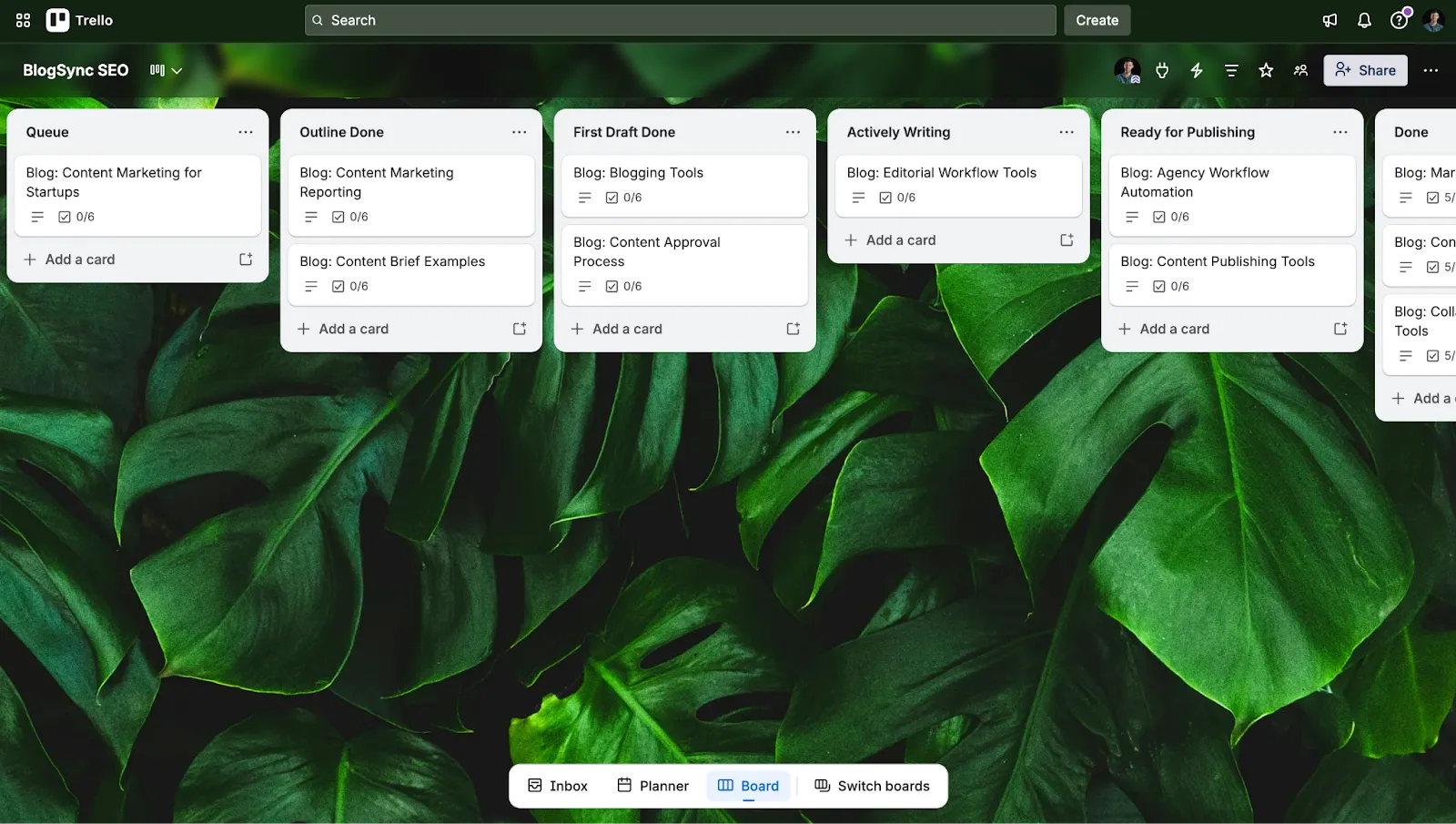
I have a dedicated Kanban board for our editorial workflow, with lists for Queue, Outline Done, First Draft Done, Actively Writing, Ready for Publishing, and Done. The beauty of Trello is that you can create as many lists as you need and name them whatever makes sense for your team. This is just what works for me.
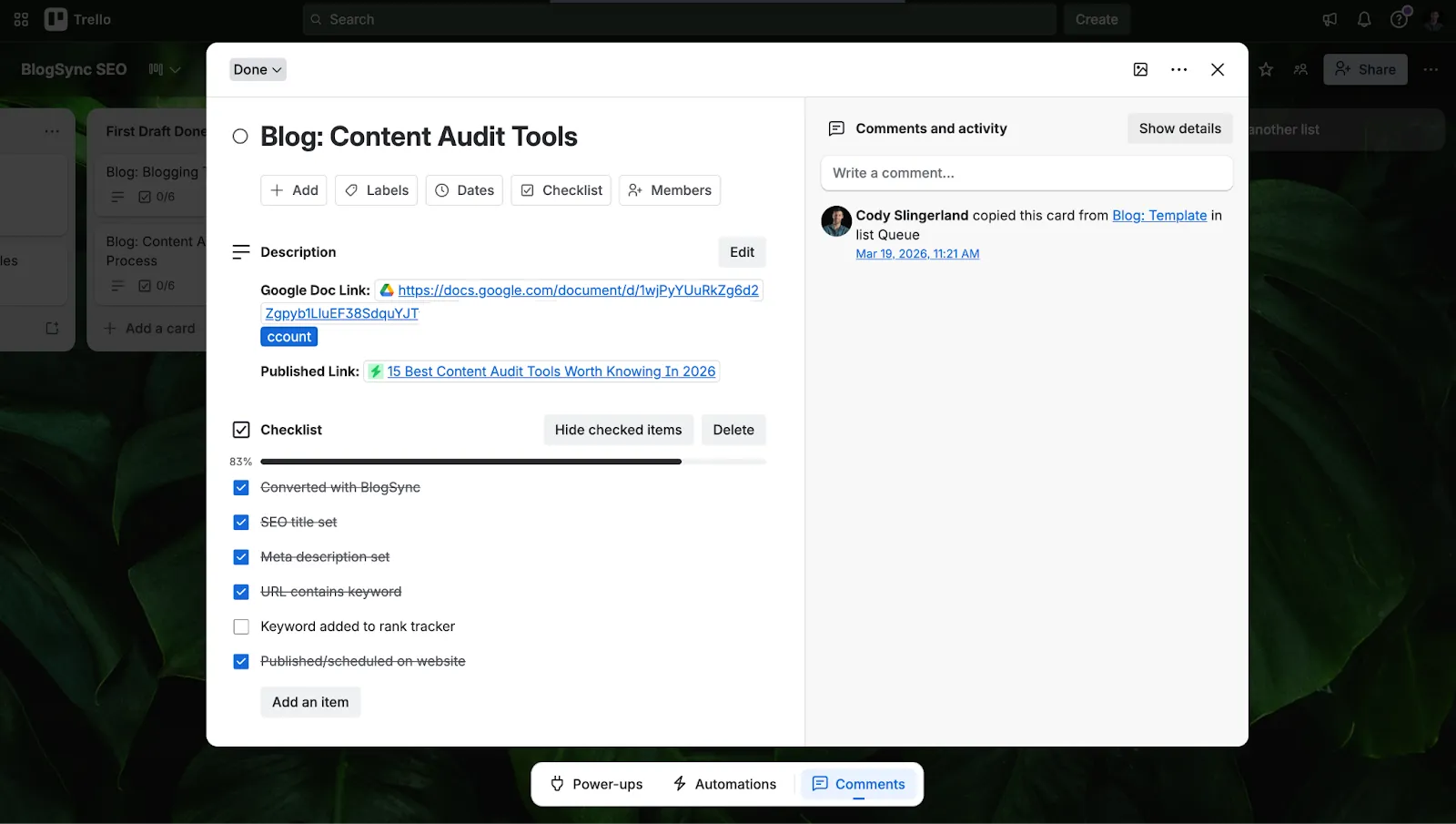
Each card is an article. Within each card, I include a link to the article draft (in Google Docs) and have checklists for publishing tasks like setting metadata details when posts go live:
If you live primarily in documents rather than task boards, Notion is a better fit. Its free plan supports editorial calendar databases, draft storage, and brief templates in one workspace. The tradeoff is setup investment: Notion rewards the time you put in upfront.
✅ Note: For publishing, BlogSync fits naturally into either setup as a separate layer, converting finished Google Docs or Word documents and publishing directly to your website CMS.
Small team (5–10 people)
Recommended: Asana or ClickUp
Small teams need enough structure to avoid missed handoffs or deadlines, without too much overhead. The priority is one place to track work, clear ownership at each stage, and a defined approval step before content goes live.
Asana's free tier covers the basics: task assignments, due dates, and comment threads. Its task dependency feature is particularly valuable: it enforces the sequence of handoffs rather than relying on everyone remembering who goes next. Upgrading to Starter ($10.99/user/month) adds timeline views and automation (which become important as your team scales content production).
ClickUp is a better choice if your team wants ultimate flexibility in workspace customization and/or wants to consolidate writing, briefing, and task management into one environment. Writers can draft inside ClickUp Docs, editors can comment and approve articles, and the editorial calendar lives in the same tool.
Large agency or enterprise (20+ people or multi-client)
Recommended: Monday.com, Smartsheet, or ProofHub
Larger teams need more structure at the planning stage, tighter controls over permissions, and the ability to separate client or brand workspaces.
Monday.com is a popular choice for agencies managing multiple client content workflows simultaneously. Its client-specific boards, guest access controls, and visual campaign tracking keep accounts separated while giving leadership a consolidated view across all active work. Monday.com’s AI Sidekick also helps save time by auto-summarizing board updates and flagging blockers.
Smartsheet is best for organizations that need formal approval forms, Gantt-based timeline planning, proofing with annotation tools, and real-time dashboards.
ProofHub is worth considering for teams above 15 people where per-seat pricing starts to become an issue. Most of the other tools on this list charge per user per month. ProofHub’s Ultimate Control plan is $89/month for unlimited users, unlimited projects, full proofing, and reporting. A 25-person team on Asana’s Advanced plan would be over $600. With ProofHub, it’s just $89/month, no matter what your team size is.
FAQ: Common Questions About Editorial Workflow Tools
What is an editorial workflow?
An editorial workflow is the structured, end-to-end process that takes content from initial idea all the way through to publication. It differs from generic project management because it maps the specific roles, handoffs, approvals, and publishing steps unique to content creation.
What is the best free editorial workflow tool?
Trello and Notion both offer capable free plans for solo creators and small teams. Trello's free tier covers a basic editorial pipeline from ideation through to publish, and is generally where I would recommend most small teams to start.
Notion adds document and database functionality for teams that want briefs, calendars, and draft tracking in one place. For teams that need structured approval workflows, Asana and ClickUp both offer free tiers that cover task management, assignments, and basic automation.
How do I create an editorial workflow from scratch?
Start by mapping what already happens in your content process: how do ideas get approved, who reviews drafts, who hits publish?
Document those steps, assign clear ownership to each stage, and define what "done" looks like. Then pick one tool from the list above that matches your team size and way of working, and build your workflow.
What is the difference between a content calendar and an editorial workflow?
A content calendar is a high-level view of what’s scheduled and when. An editorial workflow is the system that actually produces and publishes that content. Think of the calendar as the map and the workflow as the road itself.
What is the biggest bottleneck in most editorial workflows?
Usually, approvals and handoffs. Without a defined process for moving content from writer to editor to stakeholder, pieces stall in ambiguous in-between states. The tools in this guide solve that problem, making ownership, status, and next steps visible to everyone at all times.
Some teams solve this by formalizing approval into its own step rather than leaving it to email or Slack threads. Nectafy built what Lance Cummins calls a "deliverables board," where clients get "a dedicated web page with all their assets to edit or approve." Only "when they hit approve" does content move into the publishing queue. It's a heavier lift than a Trello card, but it removes the ambiguity around who's waiting on whom.