

FAQ
Have questions? We have you covered.
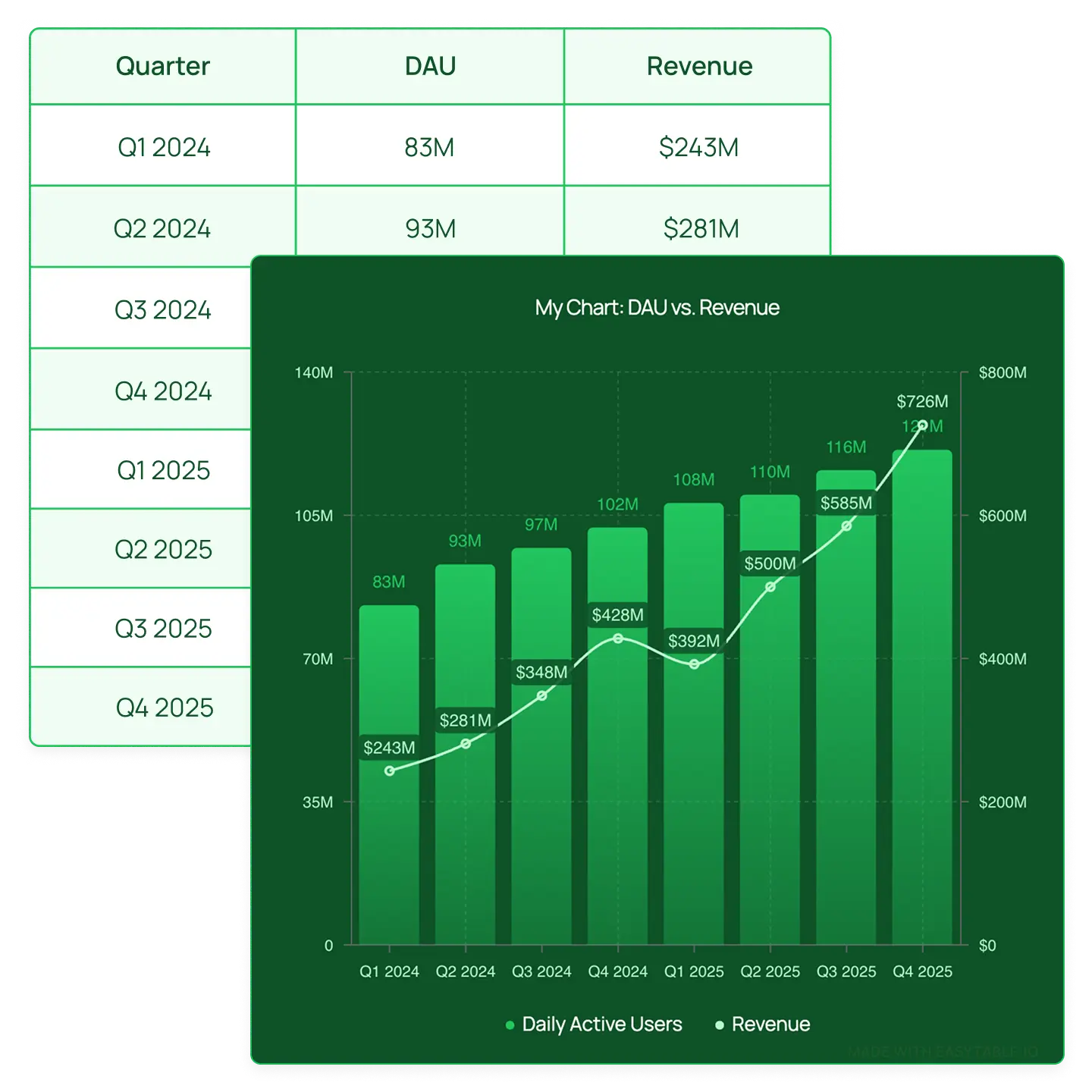
Discover how EasyTABLE helps you create beautifully designed tables and charts for your website.


How EasyTABLE works
Create tables & charts in three simple steps: build, customize, embed.
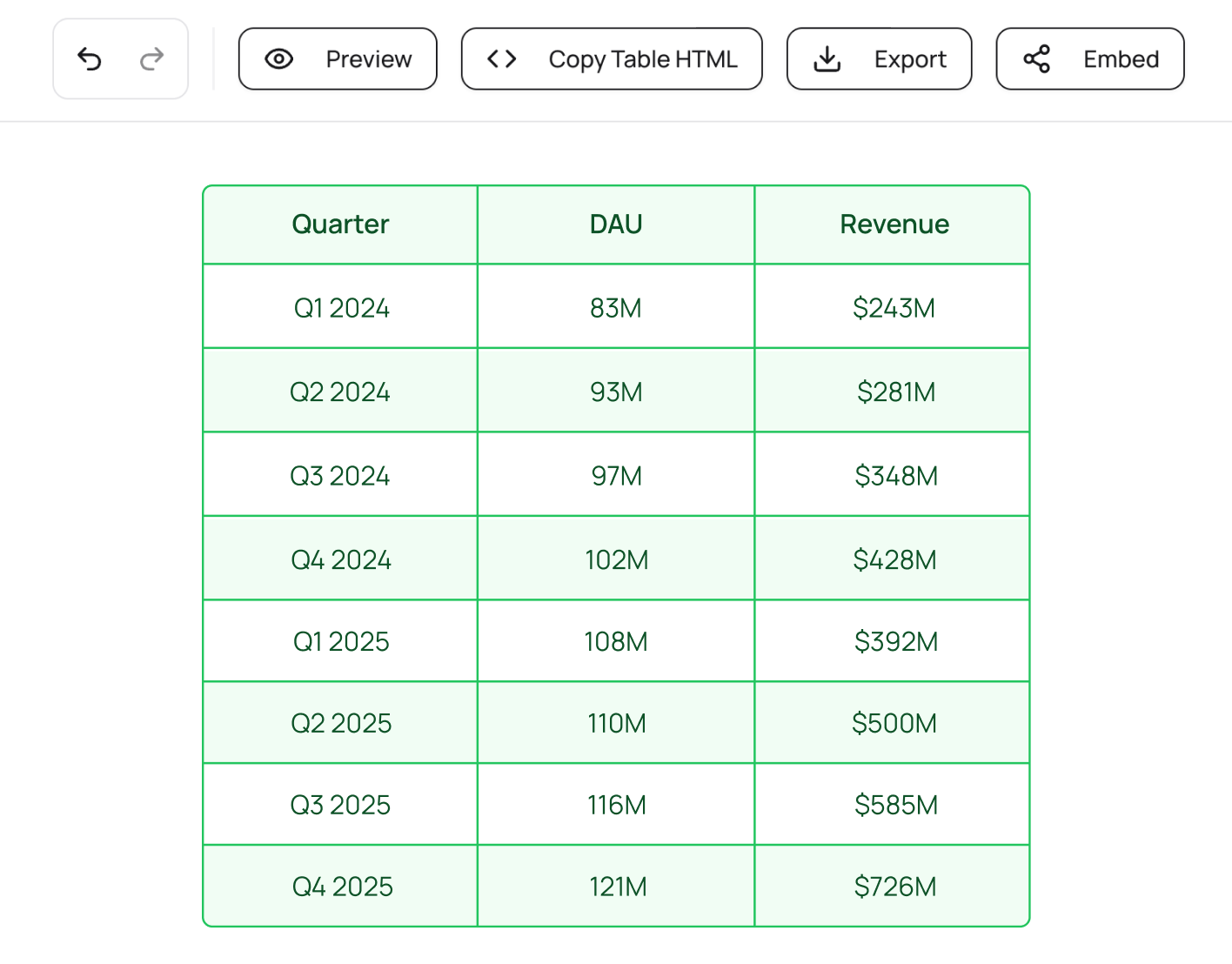
Enter your data manually, or import from CSV, Excel, or HTML. Add rows, columns, and organize your content in seconds.
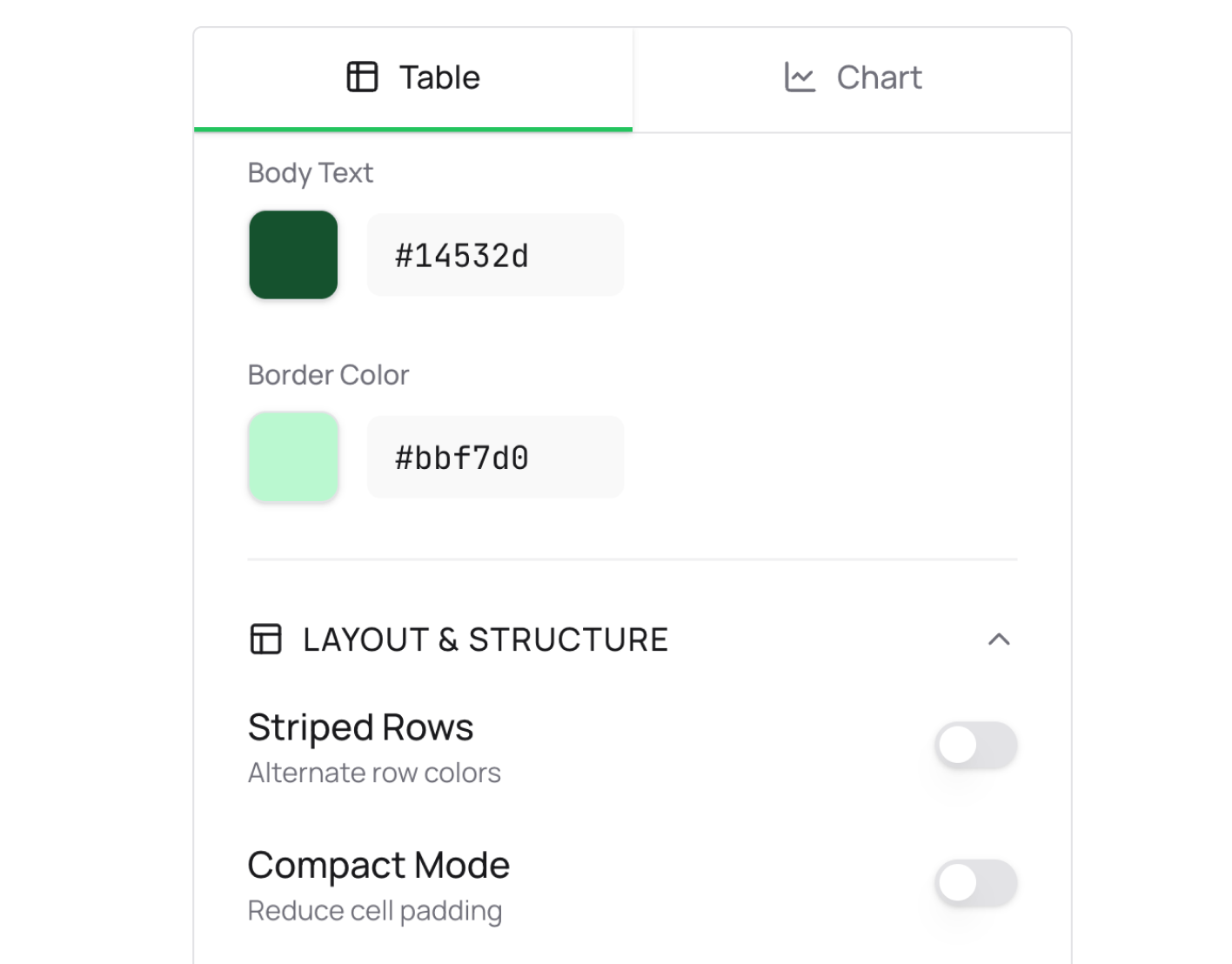
Style your table with colors, fonts, and themes. Toggle on charts to visualize your data. Adjust every detail to match your brand.
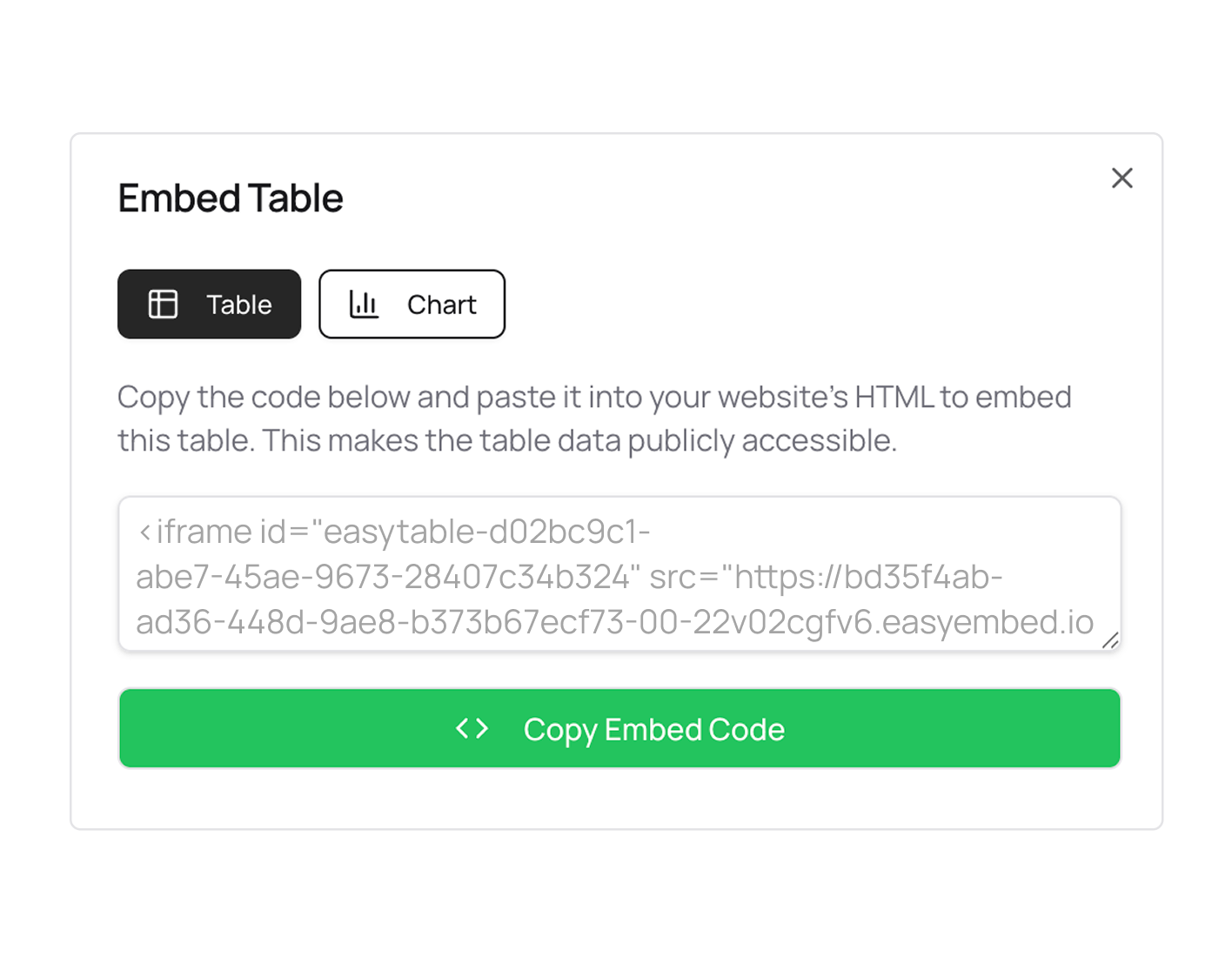
Each table and chart gets a unique embed code that you can copy and paste into your website. It's responsive and looks great!
Visual table & chart generator
Create data-driven content with tools that make your tables and charts look professional: no design skills or coding knowledge needed.

Embed anywhere: Paste your embed code into any website.
Import your content: Bring your existing data in with one click
( CSV, Excel, and HTML table imports supported)
Brand your content: Add your logo and set brand colors.
Your charts carry your brand, not ours.

FAQ
Discover how EasyTABLE helps you create beautifully designed tables and charts for your website.