

FAQ
Have questions? We have you covered.
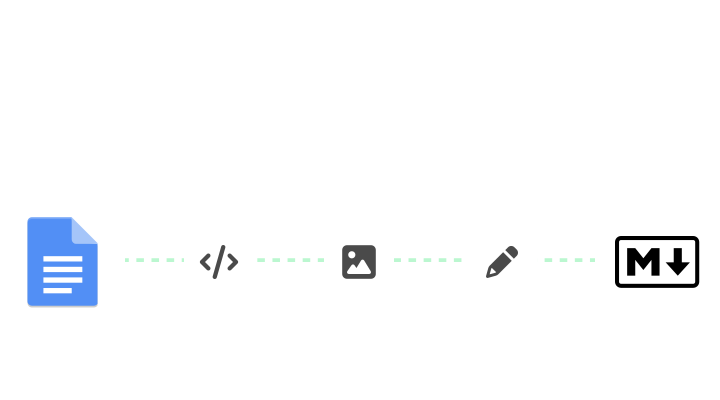
Discover how BlogSync converts Microsoft Word documents (docx) to clean, optimized markdown.
No more manual copy-paste
BlogSync eliminates the friction between your Word docx and generating clean markdown, so you can focus on creating great content.

No more bloated code. Get properly structured markdown that follows web standards and best practices.

Generated markdown works seamlessly in websites and any platform that accepts markdown.

Automatically extract images, compress them to WebP format, and generate proper markdown.

Team members can convert docs and publish to your CMS with role-based permissions.
Streamline your content flow
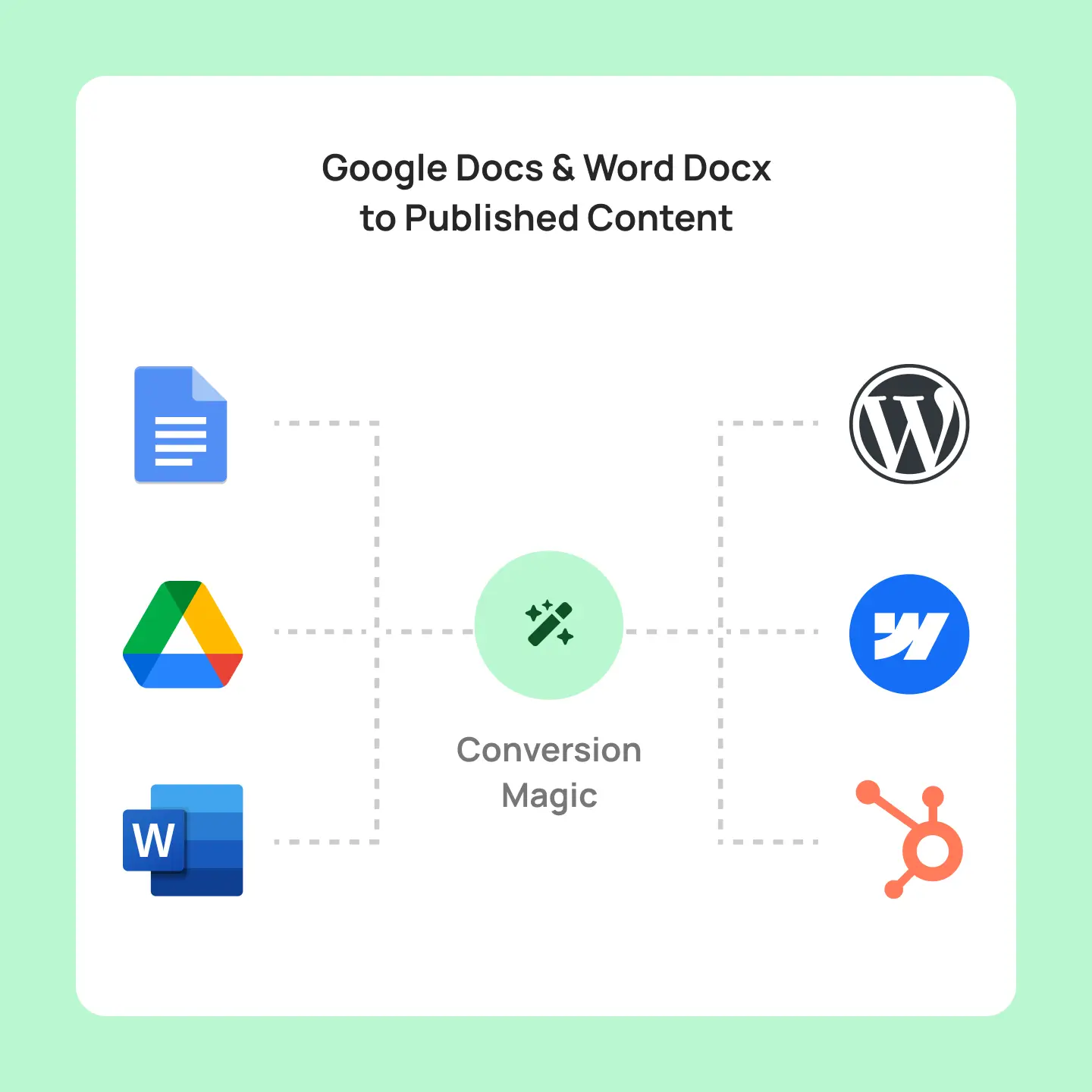
Transform Word and Google Docs into clean, optimized markdown and publish directly to your CMS. No more copy-paste workflows or manual formatting — just drag, drop, and publish.

Save 20+ minutes per document
Automatically converted docs
Convert both Google Docs and Word docx
AI-powered image optimization
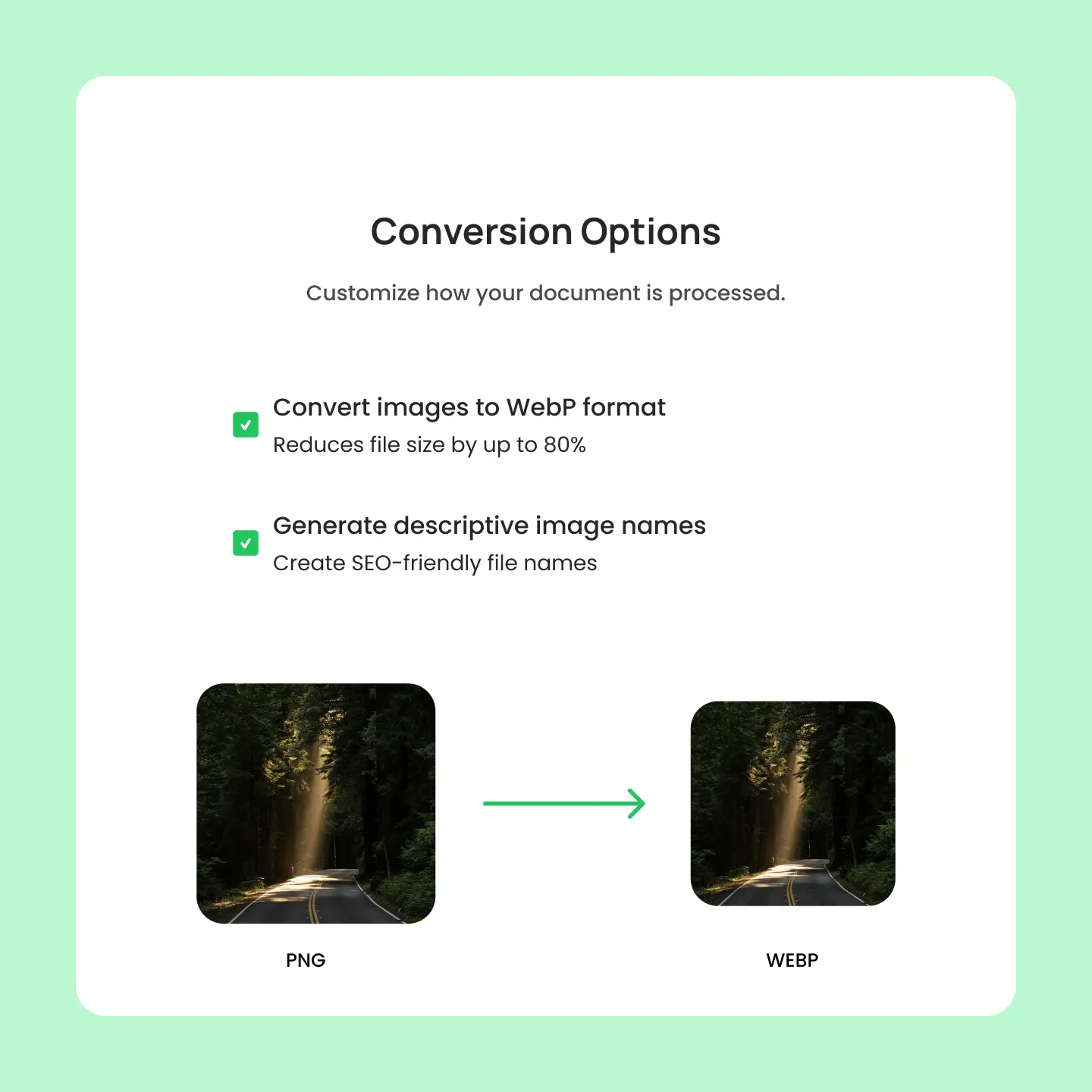
Our AI automatically renames, optimizes, and converts images to WebP format with SEO-friendly filenames.

Perfect images, zero manual work
Automatic, intelligent image conversion
AI-generated image names and alt tags
Turn 30 minutes to 1 click
Manual copy-paste workflows waste valuable time converting docs. BlogSync automates the entire process so you can focus on creating great content.
Wasting 30 minutes per blog post ...

Copy and paste content to CMS
Clean up HTML formatting
Download images from Google Docs or Word
Convert images to WEBP (for faster image loading)
Give images descriptive names
Upload images to your CMS
Set alt tag text for images
Review content
Publish
Docs to published blog posts in minutes ...

Select doc to upload
Convert to clean HTML and optimize images
Automatically publish to your CMS
How BlogSync works
From document upload to published content in minutes. BlogSync automates formatting, optimizes images, and publishes to your CMS effortlessly.

Link your CMS, then upload your Word docx or select Google Docs directly from Google Drive.
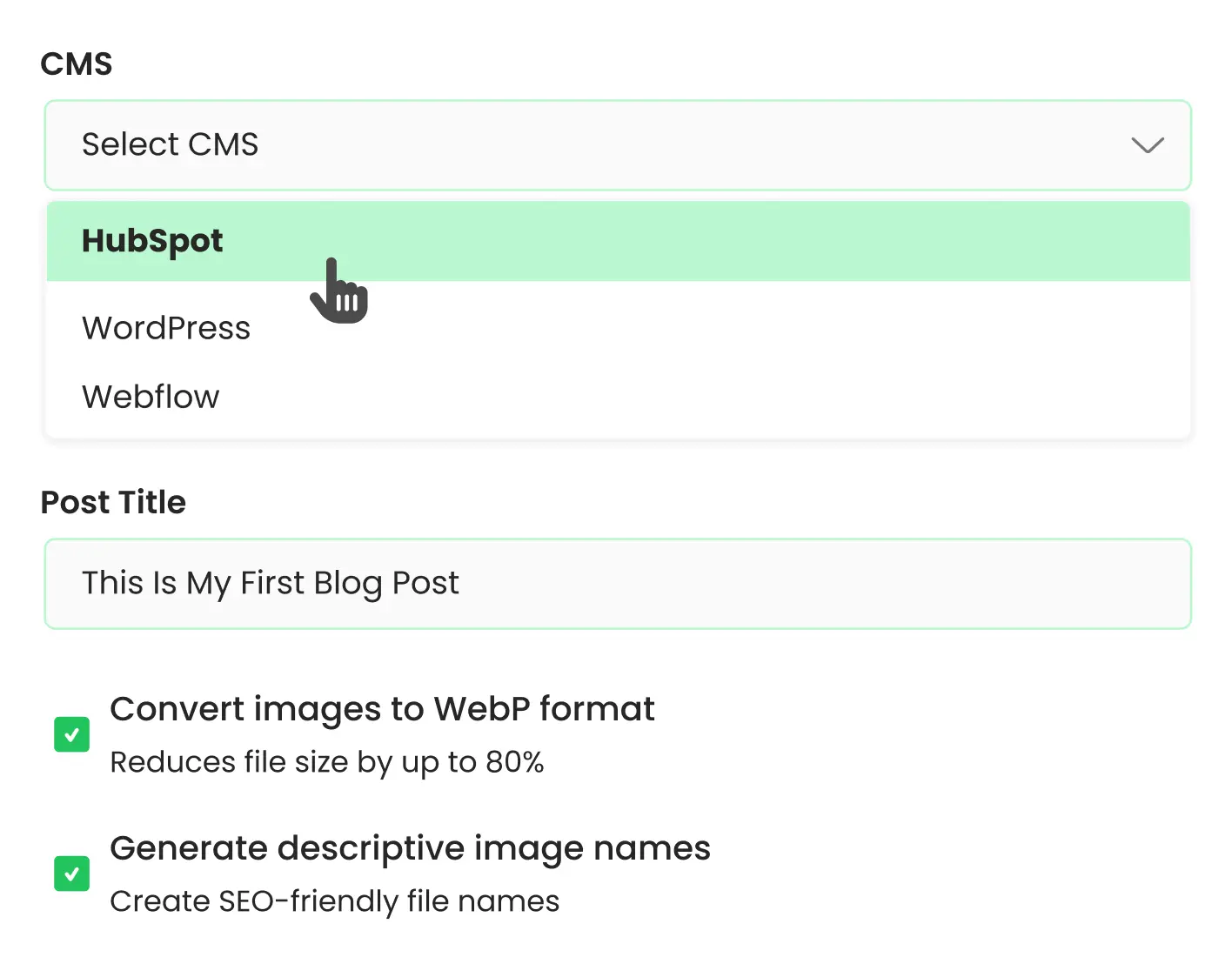
BlogSync automatically converts your docs to clean HTML and perfectly optimizes images.
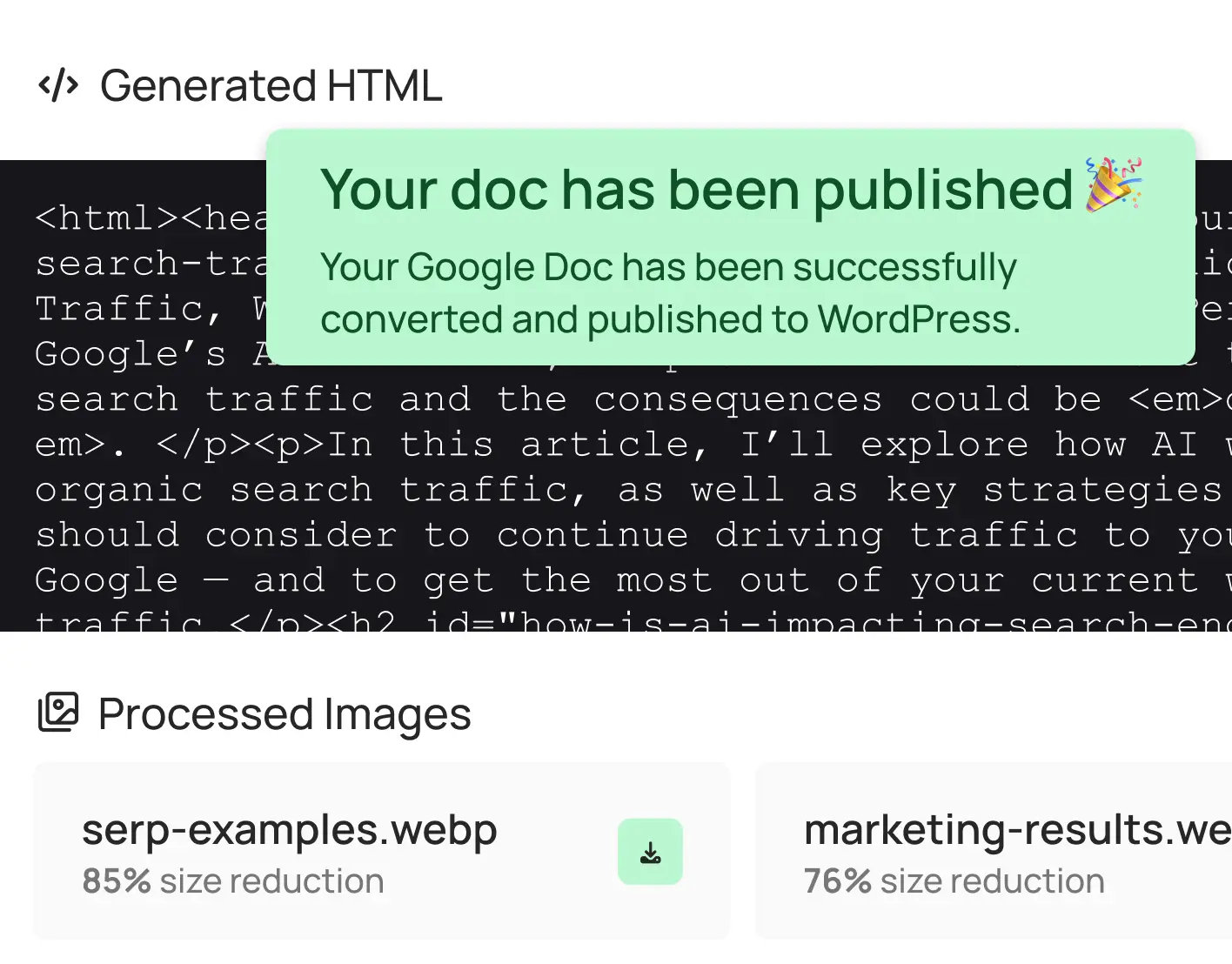
Review your content and publish to your CMS with one click; no manual formatting needed.

Best for trying out BlogSync
/ per month
.svg)
3 posts per month
25 images converted per month
1 user
1 CMS connection
(e.g., WordPress)

No advanced Webflow & Sanity content mapping
Supported CMS:
WordPress, HubSpot, Webflow, Contentful, Sanity, Ghost

Best for freelancers, consultants, SMBs, and small agencies
/ per month
10 posts per month
100 images converted per month
1 user
1 CMS connection
(e.g., WordPress)
No advanced Webflow & Sanity content mapping
Supported CMS:
WordPress, HubSpot, Webflow, Contentful, Sanity, Ghost

Best for SMBs, startups, and medium sized agencies
/ per month

25 posts per month
250 images converted per month
3 users
5 CMS connections
No advanced Webflow & Sanity content mapping
Supported CMS:
WordPress, HubSpot, Webflow, Contentful, Sanity, Ghost

Best for large agencies, enterprise, and high-frequency publishing
/ per month
Unlimited posts per month
1,000 images converted per month
Unlimited users
Unlimited CMS connections
Advanced Webflow & Sanity content mapping
Supported CMS:
WordPress, HubSpot, Webflow, Contentful, Sanity, Ghost
FAQ
Discover how BlogSync converts Microsoft Word documents (docx) to clean, optimized markdown.