
2025 Comparison

Cloudpress vs. BlogSync

Choosing between BlogSync and Cloudpress for your publishing needs?

Both platforms aim to streamline the process of converting documents and publishing to WordPress, but they offer distinctly different approaches and capabilities. Here’s a detailed comparison to help you make the right choice.

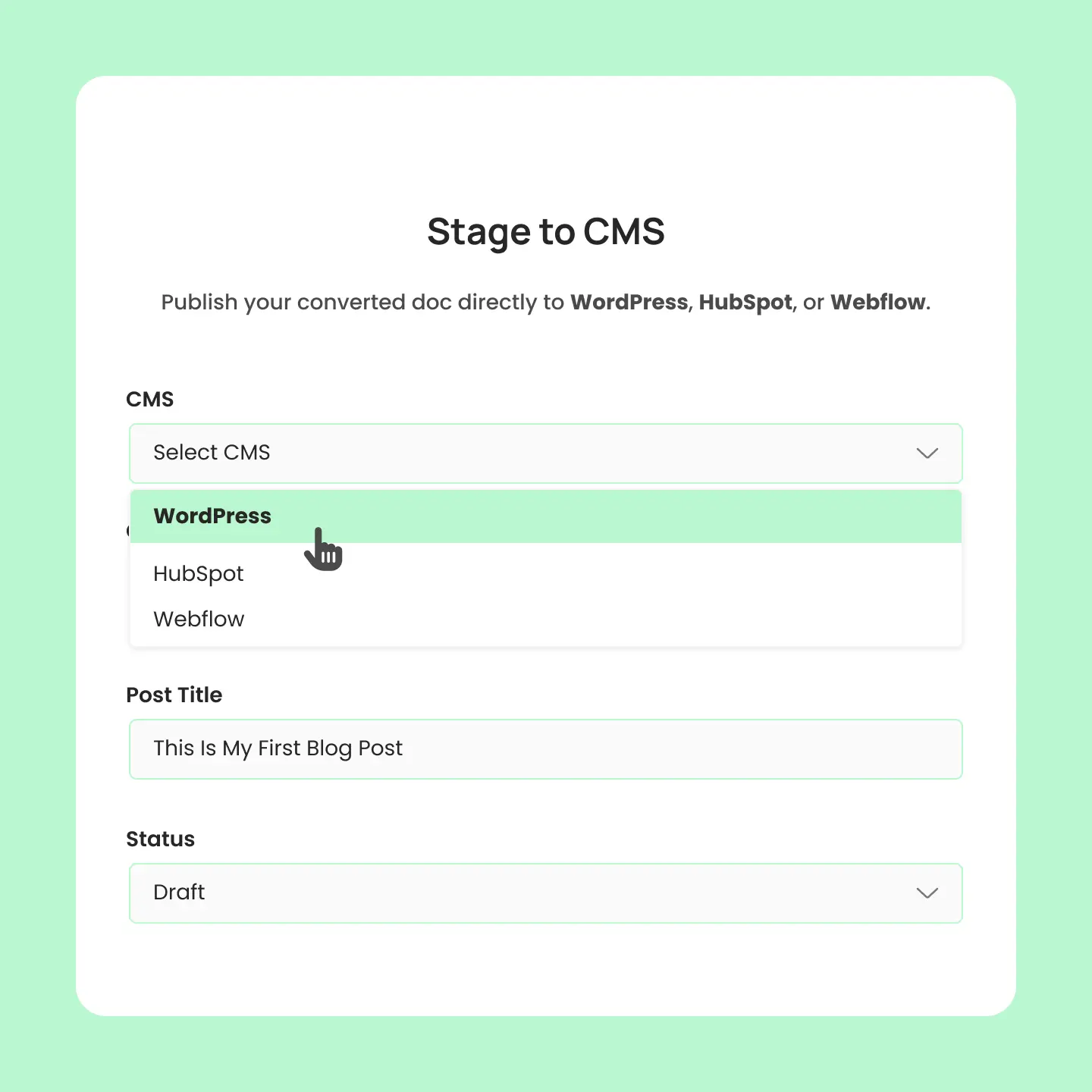
Stage docs to your cms

BlogSync vs. Cloudpress

How do they compare?

Both platforms streamline document-to-CMS publishing, but they're designed for different workflows. Here's how to choose the right solution based on your platform needs and publishing goals.

Choose BlogSync if you want ...

Checkmark Icon

Need multiple platforms (WordPress + HubSpot + Webflow)

Checkmark Icon

Want AI-powered features

Checkmark Icon

Support for both Word docs and Google Docs

Checkmark Icon

Want unlimited exports

Checkmark Icon

Prefer U.S.-based support

Choose Cloudpress if you want...

Checkmark Icon

Work primarily with Google Docs and Notion

Checkmark Icon

Need headless CMS platforms (Contentful, Sanity)

Checkmark Icon

Want advanced workflow automation (Trello, Google Sheets)

Checkmark Icon

Want to spend time manually converting and naming images/alt text

Checkmark Icon

Prefer higher export volumes at entry level

Free

TemplateFlow delivers the foundational pieces to construct professional layout.

$0

/Yearly

tick-icon

Budgeting and Expense Tracking

Pro

TemplateFlow supplies the necessary resources to sleek and professional layout.

$99

/Yearly

tick-icon

Budgeting and Expense Tracking

tick-icon

Automated Investing

tick-icon

Unlimited Activity Notifications

tick-icon

Credit Score Monitoring

tick-icon

Bank Transaction Imports

At a glance

Overview

See how BlogSync and BlogSync stack up across key features, integrations, and capabilities to make the right choice for your workflow.

Features

Google Docs support

Microsoft Word (.docx) support

Real-time processing

File support

Export limits

Browser extension

Integrations

WordPress integration
(publish to WordPress)

HubSpot integration
(publish to HubSpot)

Webflow integration
(publish to Webflow)

Notion integration

Google Sheets integration

Image processing

AI image optimization

Image deduplication

AI-powered alt tag and image naming

Organization management

Organization accounts

Audit trail

Role-based permissions

Plugin support

SEO plugin support (e.g., Yoast)

Plugin required

BlogSync
Check Icon
Check Icon

Live progress updates

Up to 50MB

Up to unlimited exports

Check Icon
Check Icon
Check Icon
Check Icon
Check Icon
Check Icon
Check Icon
Check Icon
Check Icon

Enterprise structure

Complete conversion history

Check Icon
Check Icon

Web-based (no WordPress plugin needed)

Cloudpress
Check Icon
Check Icon

Standard processing

Standard file sizes

Up to unlimited per month

Check Icon
Check Icon
Check Icon
Check Icon
Check Icon
Check Icon
Check Icon
Check Icon
Check Icon

Individual/small teams

Check Icon
Check Icon
Check Icon

Web-based (no WordPress plugin needed)

Detailed comparision

Let's dive deeper

From CMS support and document formats to AI-powered features and team management, see exactly how these platforms compare across every category that matters.

CMS Support

BlogSync focuses on the most popular website building and marketing platforms, providing deep integrations with WordPress, HubSpot, and Webflow. This approach serves traditional website owners and marketing teams who need comprehensive publishing capabilities across these platforms. BlogSync also supports both Word documents and Google Docs, giving teams flexibility in their document creation workflows.

Cloudpress takes a broader approach to content management systems, supporting not just WordPress and Webflow, but also headless CMS platforms like Contentful, Sanity, and Kontent.ai (no HubSpot, though). This makes it valuable for development teams and agencies working with modern, API-driven content architectures.

However, Cloudpress is limited to Google Docs and Notion for source documents, which may require workflow changes for teams currently using Microsoft Word.

BlogSync

Checkmark Icon

WordPress: Full integration

Checkmark Icon

HubSpot: Landing pages, blog posts, website pages

Checkmark Icon

Webflow: Complete CMS integration

Checkmark Icon

Document Types: Word documents (.docx) AND Google Docs

Cloudpress

Checkmark Icon

WordPress: Full integration

Checkmark Icon

Webflow: Full integration

Checkmark Icon

No Hubspot: WordPress, Webflow, Contentful, Sanity, and Kontent.ai supported

Checkmark Icon

Document Types: Google Docs and Notion ONLY

Free

TemplateFlow delivers the foundational pieces to construct professional layout.

$0

/Yearly

tick-icon

Budgeting and Expense Tracking

Pro

TemplateFlow supplies the necessary resources to sleek and professional layout.

$99

/Yearly

tick-icon

Budgeting and Expense Tracking

tick-icon

Automated Investing

tick-icon

Unlimited Activity Notifications

tick-icon

Credit Score Monitoring

tick-icon

Bank Transaction Imports

Trophy Icon

Winner: Depends on CMS Needs – BlogSync for traditional CMS platforms, Cloudpress for headless CMS

Pricing

The pricing models show both platforms competing directly at similar price points, but with different value propositions.

Cloudpress’s Solo plan at $29/month matches BlogSync’s entry pricing, offering 50 exports per month with 1 CMS connection compared to BlogSync’s 10 posts with connection to WordPress only. At the professional tier, both platforms offer $49/month plans with unlimited capabilities, but serve different needs.

Cloudpress provides unlimited exports to 10 CMS connections with advanced automation features, making it ideal for teams managing content across multiple modern CMS platforms. BlogSync offers 50 posts across WordPress, HubSpot, and Webflow with AI-powered optimization, targeting traditional marketing teams who need comprehensive platform coverage with intelligent content enhancement.

BlogSync

Checkmark Icon

Beginner: $29/month (10 posts, 50 images, 1 user, unlimited exports)

Checkmark Icon

Pro: $49/month (25 posts, 250 images, 3 users, unlimited exports)

Checkmark Icon

Platinum: $99/month (Unlimited posts, 1,000 images, unlimited users, unlimited exports)

Cloudpress

Checkmark Icon

Solo: $29/month (50 exports/month, 1 CMS connection, 1 user)

Checkmark Icon

Pro: $49/month (unlimited exports, 10 CMS connections, unlimited users, automation features, user roles)

Free

TemplateFlow delivers the foundational pieces to construct professional layout.

$0

/Yearly

tick-icon

Budgeting and Expense Tracking

Pro

TemplateFlow supplies the necessary resources to sleek and professional layout.

$99

/Yearly

tick-icon

Budgeting and Expense Tracking

tick-icon

Automated Investing

tick-icon

Unlimited Activity Notifications

tick-icon

Credit Score Monitoring

tick-icon

Bank Transaction Imports

Trophy Icon

Winner: Depends on Usage – Similar pricing with different strengths

Image processing

BlogSync leverages AI technology to automatically optimize content during the publishing process, including OpenAI-powered image naming for SEO, automatic WebP conversion, and smart deduplication to prevent redundant uploads. These features provide immediate value by improving website performance and search engine optimization without additional manual work.

Cloudpress focuses on content preservation and format conversion, ensuring that complex formatting from Google Docs and Notion translates correctly to various CMS platforms. While it offers image compression and WebP conversion, it lacks the AI-powered optimization features that can enhance SEO and content organization automatically.

BlogSync

Checkmark Icon

AI-Powered Naming: OpenAI integration for SEO-friendly filenames

Checkmark Icon

Smart Deduplication: MD5-based content detection prevents duplicates

Checkmark Icon

WebP Conversion: Automatic format optimization

Cloudpress

Checkmark Icon

Format Preservation: Accurate Google Docs and Notion formatting transfer

Checkmark Icon

Image Compression: Basic optimization and WebP conversion

Checkmark Icon

Code Block Support: Advanced formatting for technical content

Free

TemplateFlow delivers the foundational pieces to construct professional layout.

$0

/Yearly

tick-icon

Budgeting and Expense Tracking

Pro

TemplateFlow supplies the necessary resources to sleek and professional layout.

$99

/Yearly

tick-icon

Budgeting and Expense Tracking

tick-icon

Automated Investing

tick-icon

Unlimited Activity Notifications

tick-icon

Credit Score Monitoring

tick-icon

Bank Transaction Imports

Trophy Icon

Winner: BlogSync – AI automation vs. manual optimization

Team features

BlogSync provides enterprise-grade collaboration capabilities with organization-based account structures, role-based permissions, complete audit trails, and shared platform connections. This infrastructure supports professional content operations with the transparency and control that larger organizations require for content governance and workflow optimization.

CloudPress focuses more on workflow automation and tool integration, with unlimited users available on the Pro plan and  connections to collaboration tools like Notion, Trello, and Google Sheets. While functional for teams that prioritize automation and multi-tool workflows, it lacks the sophisticated permission management and organizational structure needed for larger or enterprise teams.

BlogSync

Checkmark Icon

Organization Management: Team-based account structure

Checkmark Icon

Role-Based Access: Owner, admin, member permissions

Checkmark Icon

Conversion History: Complete audit trail

Cloudpress

Checkmark Icon

Unlimited Users: Available on Pro plan ($49/month)

Checkmark Icon

✓ Workflow Automation: Trello, Google Sheets, Notion integrations

Checkmark Icon

API Access: Custom workflow development capabilities

Free

TemplateFlow delivers the foundational pieces to construct professional layout.

$0

/Yearly

tick-icon

Budgeting and Expense Tracking

Pro

TemplateFlow supplies the necessary resources to sleek and professional layout.

$99

/Yearly

tick-icon

Budgeting and Expense Tracking

tick-icon

Automated Investing

tick-icon

Unlimited Activity Notifications

tick-icon

Credit Score Monitoring

tick-icon

Bank Transaction Imports

Trophy Icon

Winner: BlogSync – Enterprise-grade team management

User experience

BlogSync offers a modern, web-based interface designed specifically for content publishing teams, with features like organization management, role-based access controls, and comprehensive audit trails for enterprise content operations.Cloudpress provides a more focused experience around content transfer and automation, with particular strength in connecting different tools in a content workflow. Its browser extension and direct integrations make it feel like a natural extension of existing collaboration tools rather than a separate platform.

BlogSync

Checkmark Icon

Real-Time Processing: Live progress updates during conversion

Checkmark Icon

Large File Support: Handles documents up to 50MB

Checkmark Icon

Direct CMS Publishing: Publish to directly to your connected CMS

Cloudpress

Checkmark Icon

Tool Integration: Browser extensions and direct connections

Checkmark Icon

Flexible Export: Multiple CMS platforms from single interface

Checkmark Icon

Collaboration Focus: Built around team content workflows

Free

TemplateFlow delivers the foundational pieces to construct professional layout.

$0

/Yearly

tick-icon

Budgeting and Expense Tracking

Pro

TemplateFlow supplies the necessary resources to sleek and professional layout.

$99

/Yearly

tick-icon

Budgeting and Expense Tracking

tick-icon

Automated Investing

tick-icon

Unlimited Activity Notifications

tick-icon

Credit Score Monitoring

tick-icon

Bank Transaction Imports

Trophy Icon

Winner: Depends on Needs – BlogSync for enterprise management, Cloudpress for workflow integration

Bottom line

Which should you choose?

The choice between BlogSync and Cloudpress depends primarily on your platform needs and publishing workflows.

With identical pricing at both the entry ($29/month) and professional ($49/month) levels, the choice between BlogSync and Cloudpress comes down to platform architecture and workflow preferences rather than cost considerations.Cloudpress excels for teams working with modern, headless CMS platforms and those who want deep integration with collaboration tools like Notion and Trello. Its unlimited exports at the Pro level and support for up to 10 CMS connections make it ideal for agencies and development teams working with diverse technology stacks.BlogSync provides a more comprehensive solution for traditional marketing teams and content publishers who need multi-platform capabilities with AI-powered optimization.While Cloudpress offers more export volume at the entry level (50 vs. 10), BlogSync’s unlimited exports within plan limits and advanced AI features provide better long-term value for teams focused on WordPress, HubSpot, and Webflow publishing.

FAQ

Still deciding? We've got answers.

Compare Cloudpress and BlogSync side-by-side with answers to the most common questions about features, pricing, and platform compatibility.

What's the main difference between Cloudpress and BlogSync?

When should I choose BlogSync?

When should I choose Cloudpress?

How do export limits differ between the platforms?

How does image optimization differ between the platforms?