Arrow Icon
Back to BlogSync

FREE Line Chart Maker

Create stunning line charts in minutes

Turn your data into beautiful, interactive line charts. Build, customize, and export or embed on any website (no coding or design skills needed).

Create beautiful tables & charts with EasyTABLE
Icon
Fully customizable

Control colors, thickness, data points, gridlines, labels, and more.

Icon
Import your data

Bring in data from CSV, Excel, or HTML files. No manual entry required.

Icon
Embed anywhere

Copy one line of code and paste it into any website, fully responsive.

Icon
Brand control

Add your logo and brand colors. Your charts carry your brand, not ours.

Icon
Quick themes

Design fast with ready-made themes, or make and save your own styles.

Icon
Multiple export options

Download your line chart as a high-resolution image, with easy resizing.

How EasyTABLE works

Get started in three steps

Build beautiful line charts in minutes. No spreadsheet formulas, no coding, no design tools.

01
EasyTable: Step 1

Enter your data

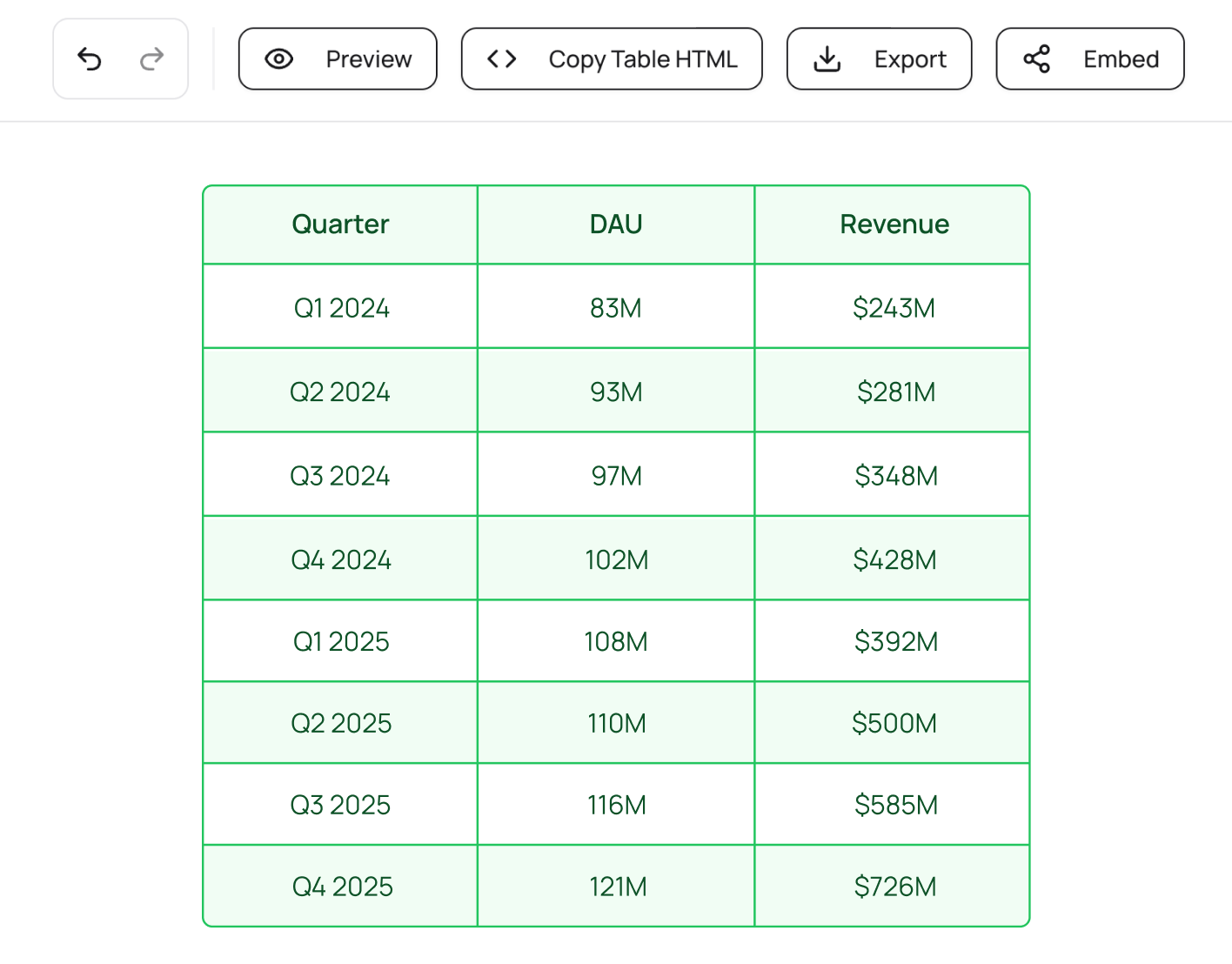
Enter your data in manually or import via CSV, Excel, or HTML . EasyTABLE automatically detects your columns and rows.

02
EasyTable: Step 2

Customize your line chart

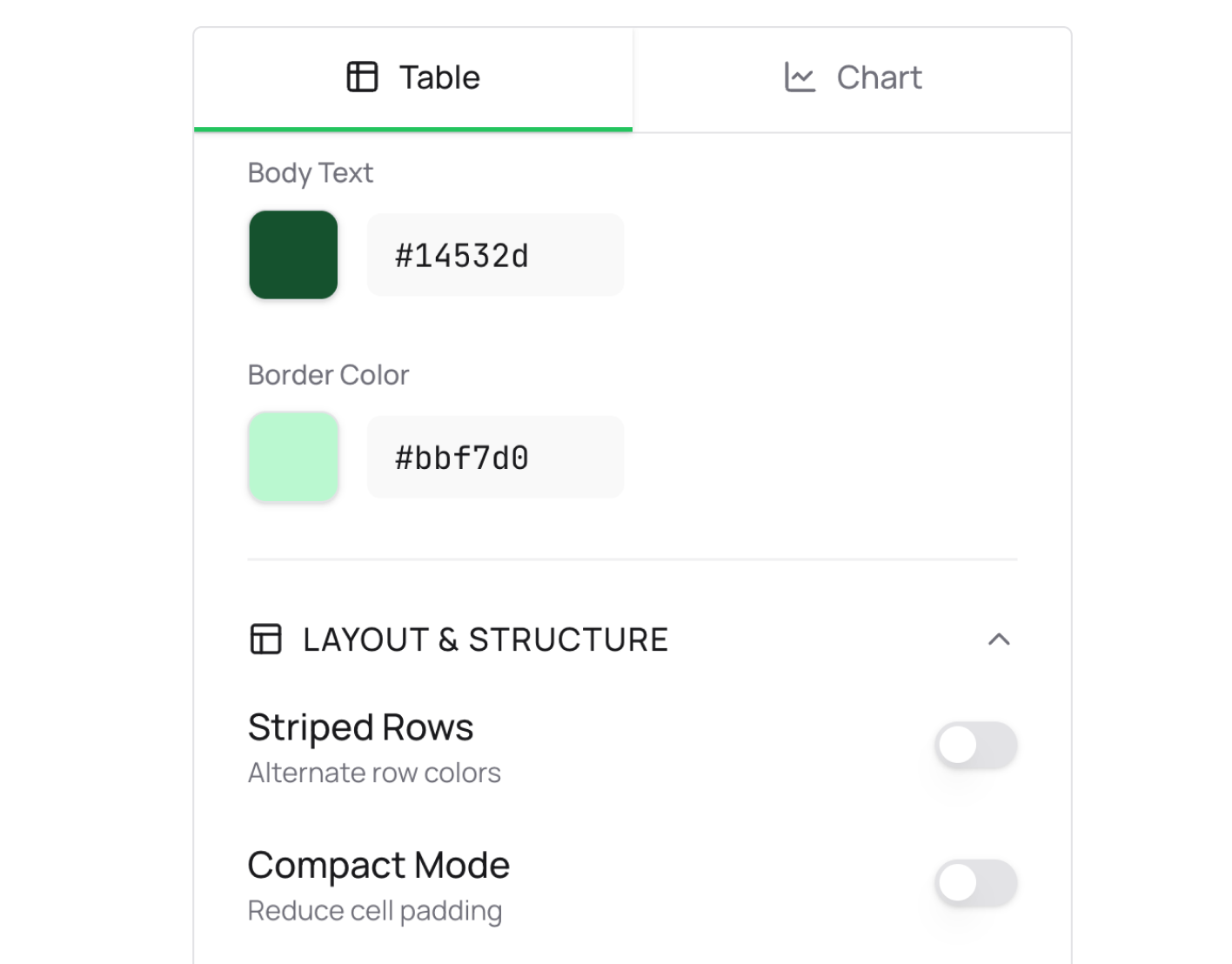
Select your chart type and watch your data come to life. Customize colors, styles, labels, and more. Every detail is in your control.

03
EasyTable: Step 3

Export or embed anywhere

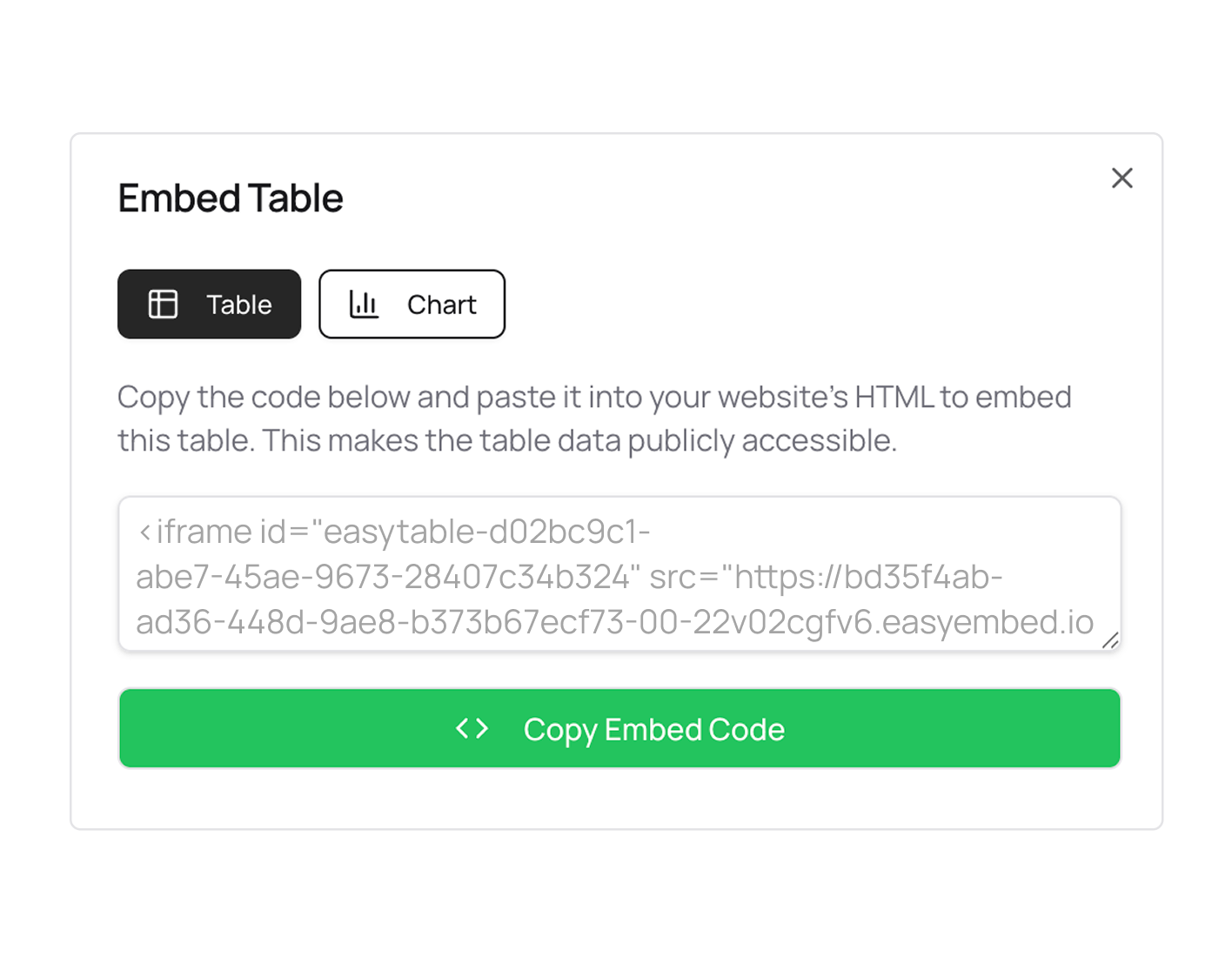
Export your line chart as a high-resolution image or embed directly on your website for an interactive, fully-responsive experience.

Your data, beautifully displayed anywhere

Try it free

Arrow iconArrow icon

Visual line chart generator

Everything you need to make beautiful charts

EasyTABLE gives you a complete set of tools to create line charts that look professionally designed.

Icon

Import your data: Add your existing data in with one click.

Icon

Brand your content: Your charts carry your brand, not ours.

Icon

Embed anywhere: Paste your embed code into any website.

EasyTABLE Table & Chart Maker
Icon
Smooth or sharp line styles

Choose between smooth or sharp lines for your line chart display.

Icon
Show or hide data points

Show data points for detail-heavy charts, or hide them for a cleaner look.

Icon
Adjustable line thickness

Fine-tune your line weight from thin and delicate to bold and prominent.

Icon
Custom colors for every series

Assign distinct colors to each data series, giving you full customization.

Icon
Gradient or flat fill

Add gradient fills for a modern look or keep it flat for a clean, minimal style.

Icon
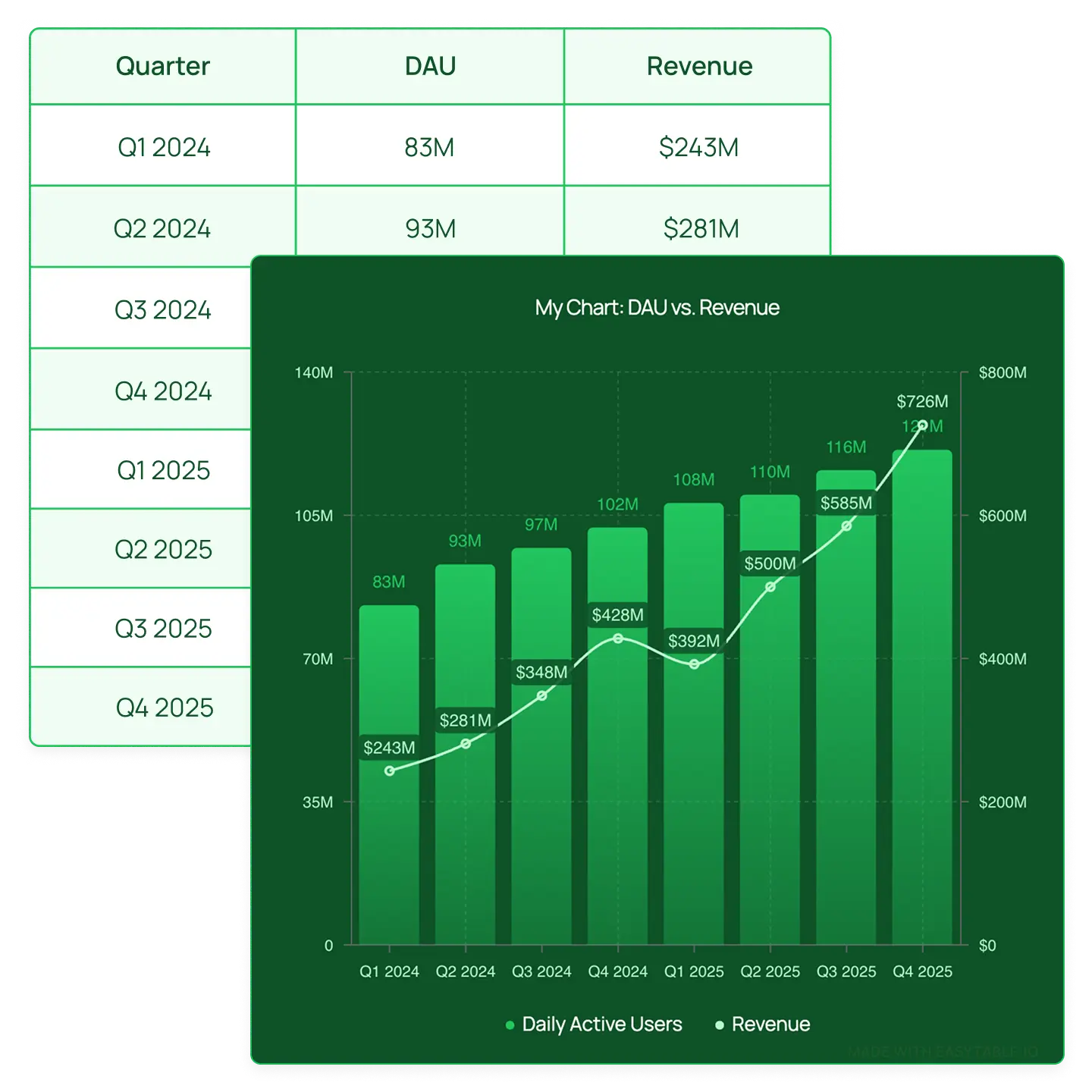
Dual Y-axis support

Plot two different data series with different scales on the same chart.

Icon
Data labels on the chart

Display values directly on the chart so readers don't have to guess.

Icon
Gridlines and axis labels

Control gridline color, axis label color, and title color to match your branding.

Icon
Combo charts

Combine line and bar charts in a single visualization for more layered stories.

Real-life examples

Line charts for every use case

*Each chart below is added as an embed for an interactive experience. But you can also export charts as static images.

EXAMPLE 1

Track growth over time

Visualize monthly revenue, user signups, website traffic, or any metric that changes over time. Line charts make trends immediately clear.

EXAMPLE 2

Compare multiple metrics

Plot two or more data series on the same chart to show how different metrics relate. Use dual Y-axes when the scales differ.

EXAMPLE 3

Embed in blog posts and reports

Add interactive, responsive line charts directly into your blog posts, newsletters, or online reports.

Try it free

Arrow iconArrow icon

EXAMPLE 4

Create social media graphics

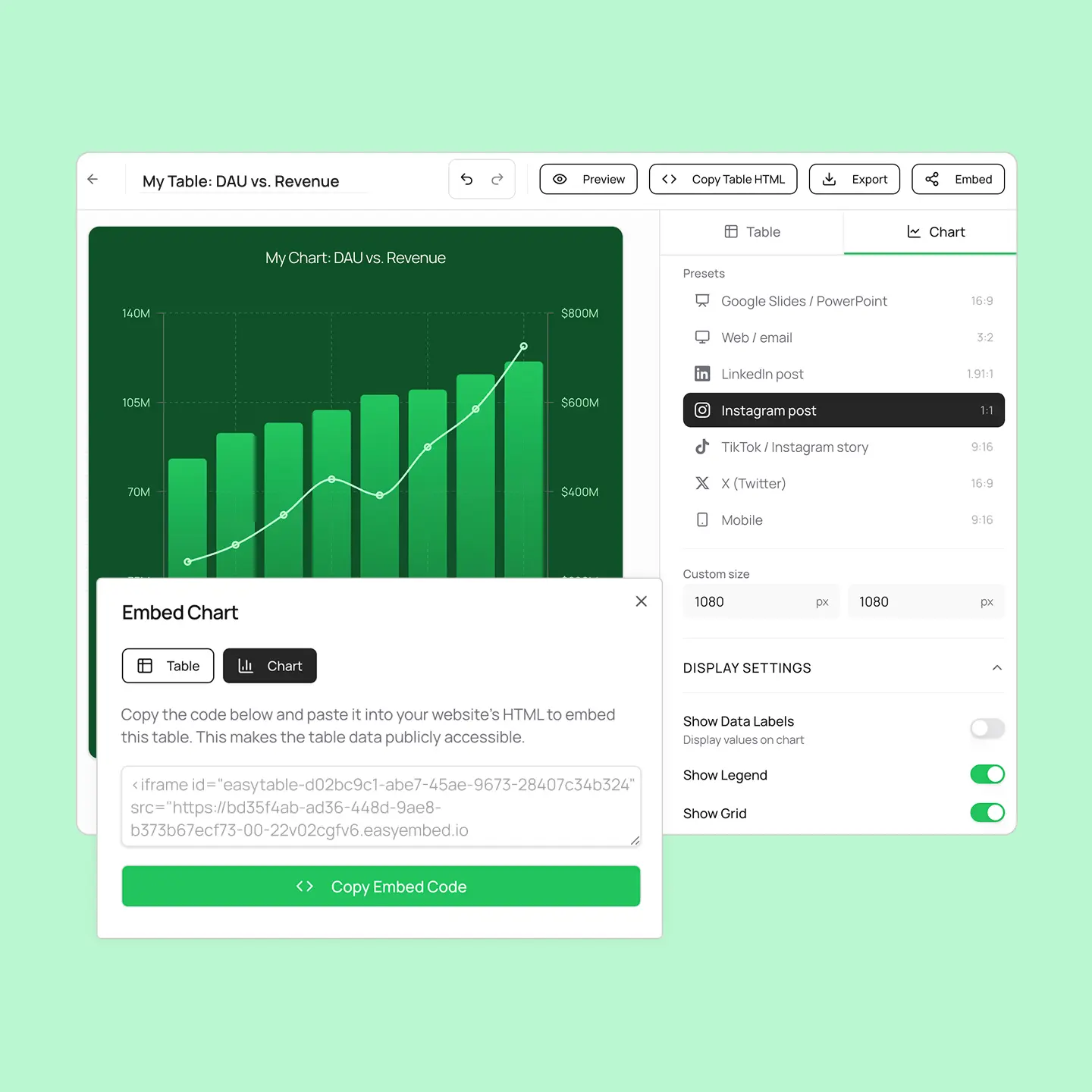
Export your line chart as a perfectly sized PNG for LinkedIn, Twitter/X, Instagram, or TikTok. Choose from preset aspect ratios.

EXAMPLE 5

Present data in meetings

Download clean, branded chart images for slide decks and presentations. No more screenshots of spreadsheets.

FAQ

Have questions? We have you covered.

Discover how EasyTABLE helps you create beautifully designed line charts for your website.

How do I create a line chart?

Can I show multiple lines on one chart?

What's the difference between smooth and sharp lines?

Can I combine line and bar charts?

Can I add my logo to the chart?

What sizes can I export?

Can I embed the chart on my website?

Do I need to know how to code?