

FAQ
Have questions? We have you covered.
Discover how EasyTABLE helps you create beautifully designed table charts for your website.


How EasyTABLE works
Build beautiful tables in minutes. No spreadsheet formulas, no coding, no design tools.
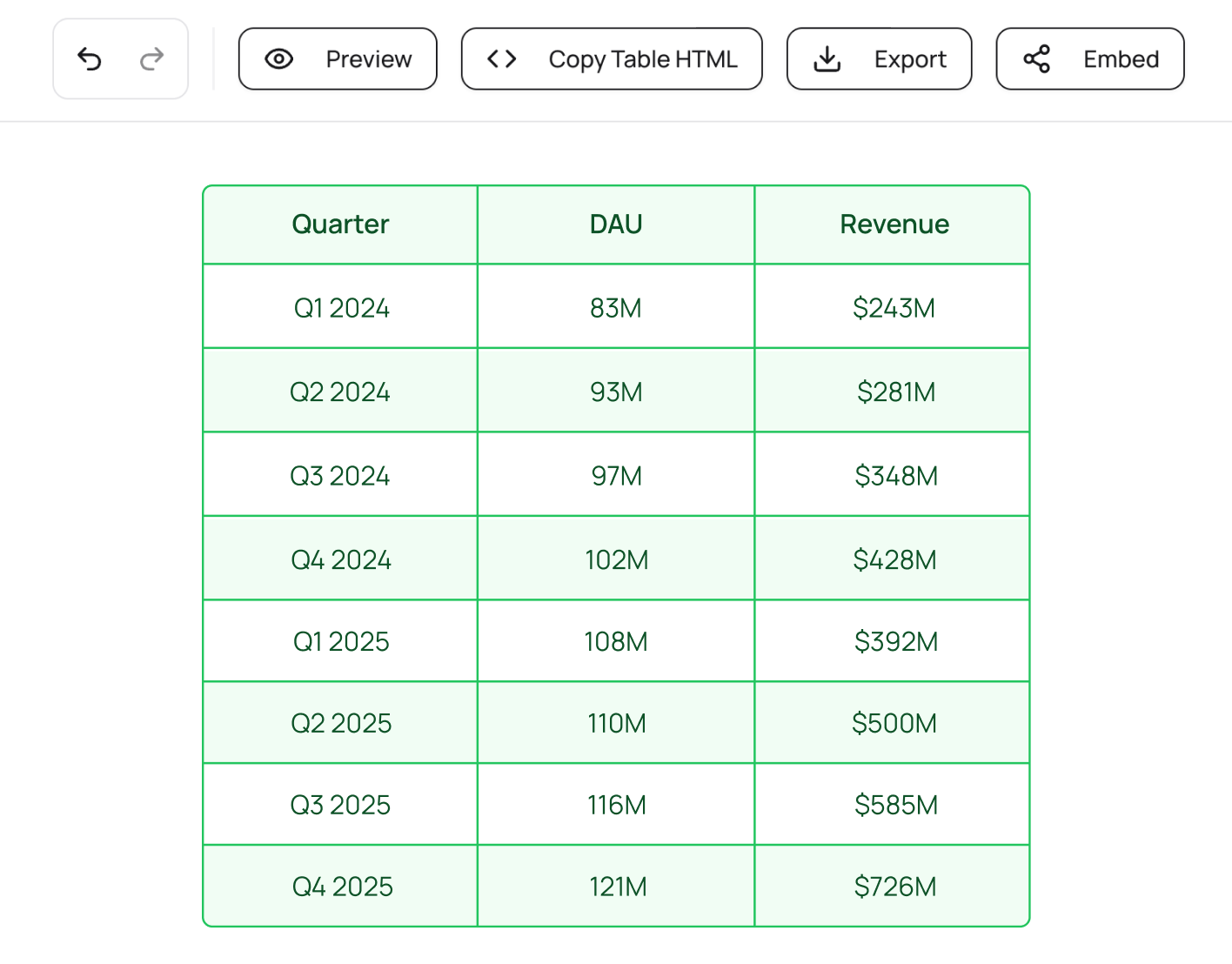
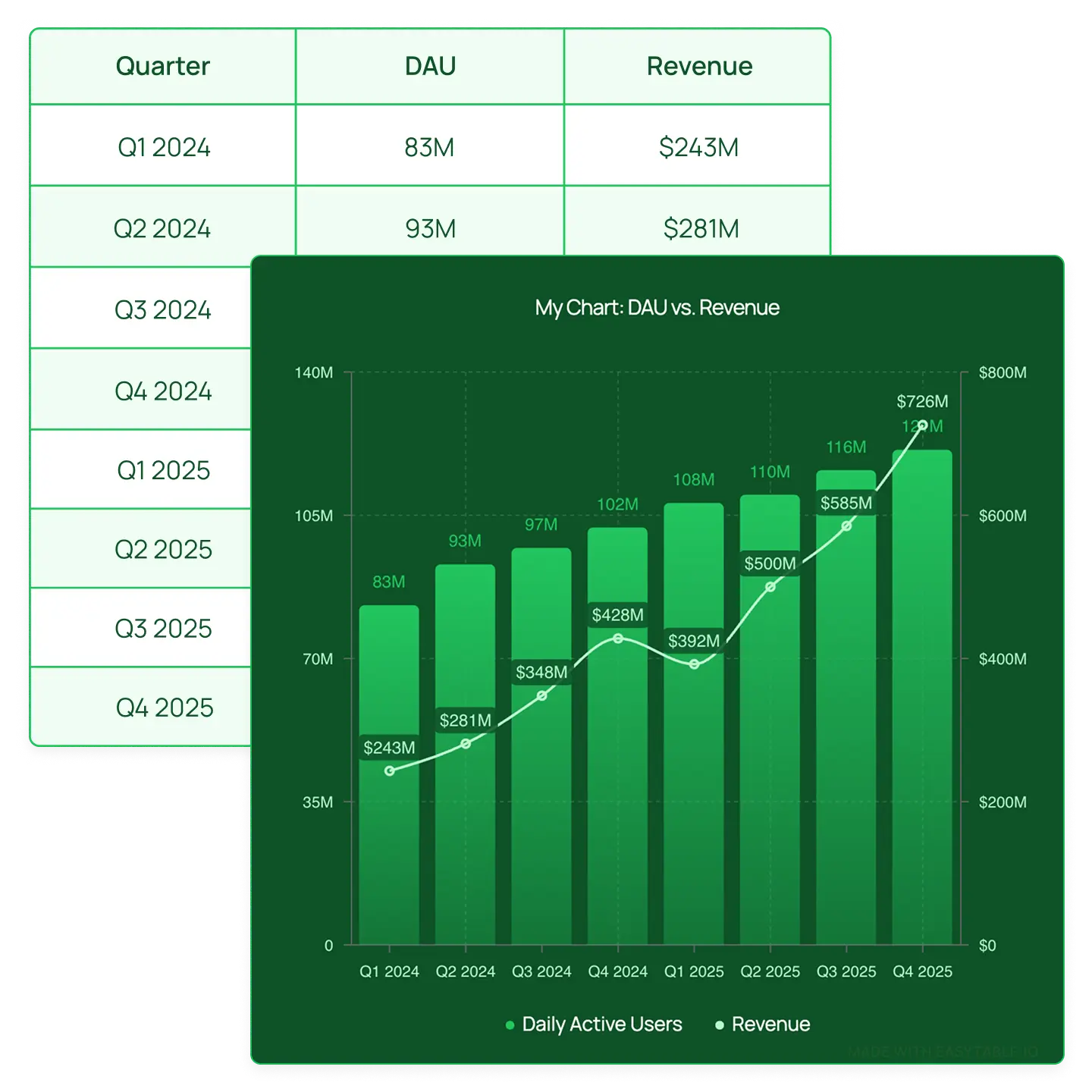
Enter your data in manually or import via CSV, Excel, or HTML . EasyTABLE automatically detects your columns and rows.
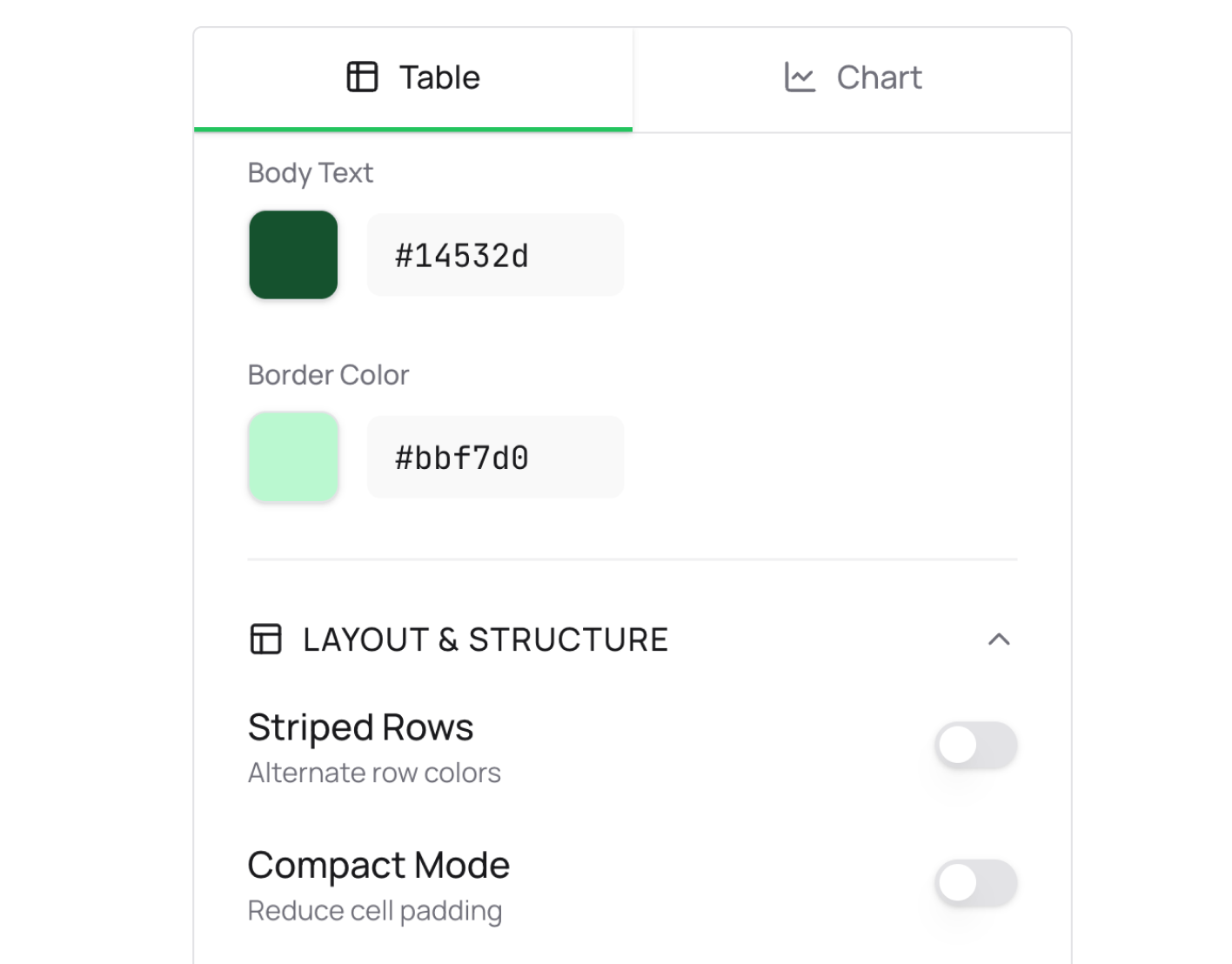
Customize your table with colors, fonts, borders, and alignment. Optionally, toggle on a chart to visualize your data.
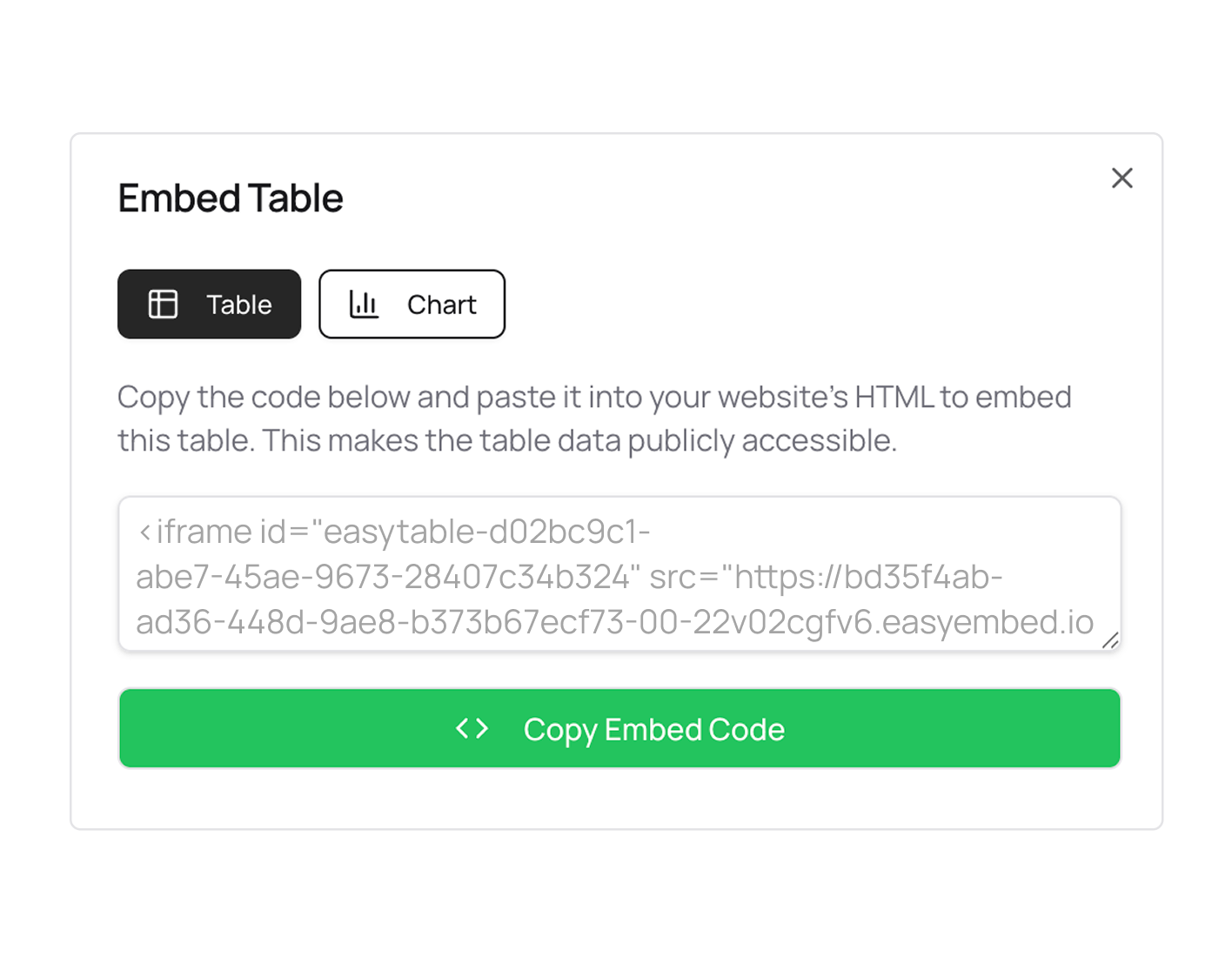
Export your table as a high-resolution image or embed directly on your website for an interactive, fully-responsive experience.
Visual table chart generator
EasyTABLE gives you a complete set of tools to create table charts that look professionally designed.

Import your data: Add your existing data in with one click.
Brand your content: Your charts carry your brand, not ours.
Embed anywhere: Paste your embed code into any website.

Real-life examples
*Each table below is added as an embed for an interactive experience. But you can also export charts as static images.
EXAMPLE 1
Compare products, pricing plans, features, or specs side by side in a clean, styled table with an optional chart visualization.
EXAMPLE 2
Turn raw data into polished tables with matching charts that make your findings easy to understand at a glance.
EXAMPLE 3
Embed responsive tables and charts directly into your WordPress posts, newsletters, or online reports. No screenshots needed.
EXAMPLE 4
Create styled pricing comparison tables for your website. Customize colors to match your brand and embed with one line of code.
EXAMPLE 5
Download clean, branded table and chart images for slide decks and presentations. No more copying from spreadsheets.
FAQ
Discover how EasyTABLE helps you create beautifully designed table charts for your website.