The Best Marketing Agency Tools, Organized By Worfklow Stage
Does your marketing agency actually need another tool? This guide will help you decide, and showcase tools that are helpful at each workflow stage.
Choosing the right tool for your marketing agency can mean the difference between wasting or saving hundreds of hours per month, winning or losing a new deal, or providing mediocre or amazing services to your clients.
I ran a content marketing agency for five years, sold it, joined a SaaS startup that grew to 150 employees, and then left to start my own SEO consultancy. I’ve been on every side of the agency-client relationship: freelancer, agency owner, and client. I understand many of the tools agencies use.
This guide will provide an overview of the best marketing agency tools at each workflow stage (e.g., Client Acquisition, Proposals, Project Management, etc.). I’ve personally used many of these tools.
Throughout the guide, I will cover some of my favorites and what has worked for me. I’ve also interviewed six marketing agency leaders to find out how they’re using them. I’ve provided up-to-date pricing for each tool. All pricing is calculated using annual billing.
Lastly, at the end of this guide, I’ve added three example stacks for agencies of different sizes to account for the different agencies reading this.
With all of that out of the way, let’s dive in. Starting with, do you actually need another tool?
How To Build A Marketing Agency Tool Stack That Actually Works
Let’s be honest, your agency isn't short on tools. If anything, it has too many (the average company has 275 SaaS applications).
So that you don’t waste time or money, it's worth having a framework for evaluating whether or not you actually need a new tool. Ask yourself:
- Does the tool match your core services? A branding agency and a performance marketing agency have different needs. A tool that's essential for one may be irrelevant to the other.
- Does it match your current size and volume? Enterprise-grade platforms come with long onboarding processes and expensive contracts. Buying ahead of your actual needs means paying for features no one on your team uses yet.
- Does it integrate cleanly with what you already use? A tool that requires manual data exports to connect with the rest of your stack will eat into your billable hours, reducing your margins.
If a tool doesn’t pass all three questions, it's not needed yet. If there is a real need, then use these criteria when evaluating tools:
- Scalability: Can it handle 5 clients today and 50 in two years without a platform migration?
- Integrations: Does it connect natively with your existing tools, or will you need a workaround?
- Onboarding: Will your team actually use it after the first week?
- Role-based access: Can you give clients visibility without exposing internal communication?
- White-label: Does it offer reporting, portals, or branded exports that your clients will see?
Total cost: What does this tool cost relative to your full monthly stack?
💡 Pro tip: Run a software audit every quarter. Pull every active subscription, note who uses it and how often, and flag anything that duplicates a capability you're already paying for. The martech landscape now contains 15,384 solutions, which means there is always something new to add. The discipline is in knowing when not to.
Xi He, CEO of BoostVision, describes the philosophy this way:
"Every tool maps to one operational job, and reporting is unified. That reduces tool overlap, speeds decision-making, and makes client ROI conversations much clearer." That simplicity is the goal.
Client Acquisition & Relationship Management Tools
Before you can deliver great work, you need a system for attracting, managing, and closing new clients. These tools are meant for just that.
Prospecting & Cold Outreach Tools
For finding new clients …
Apollo
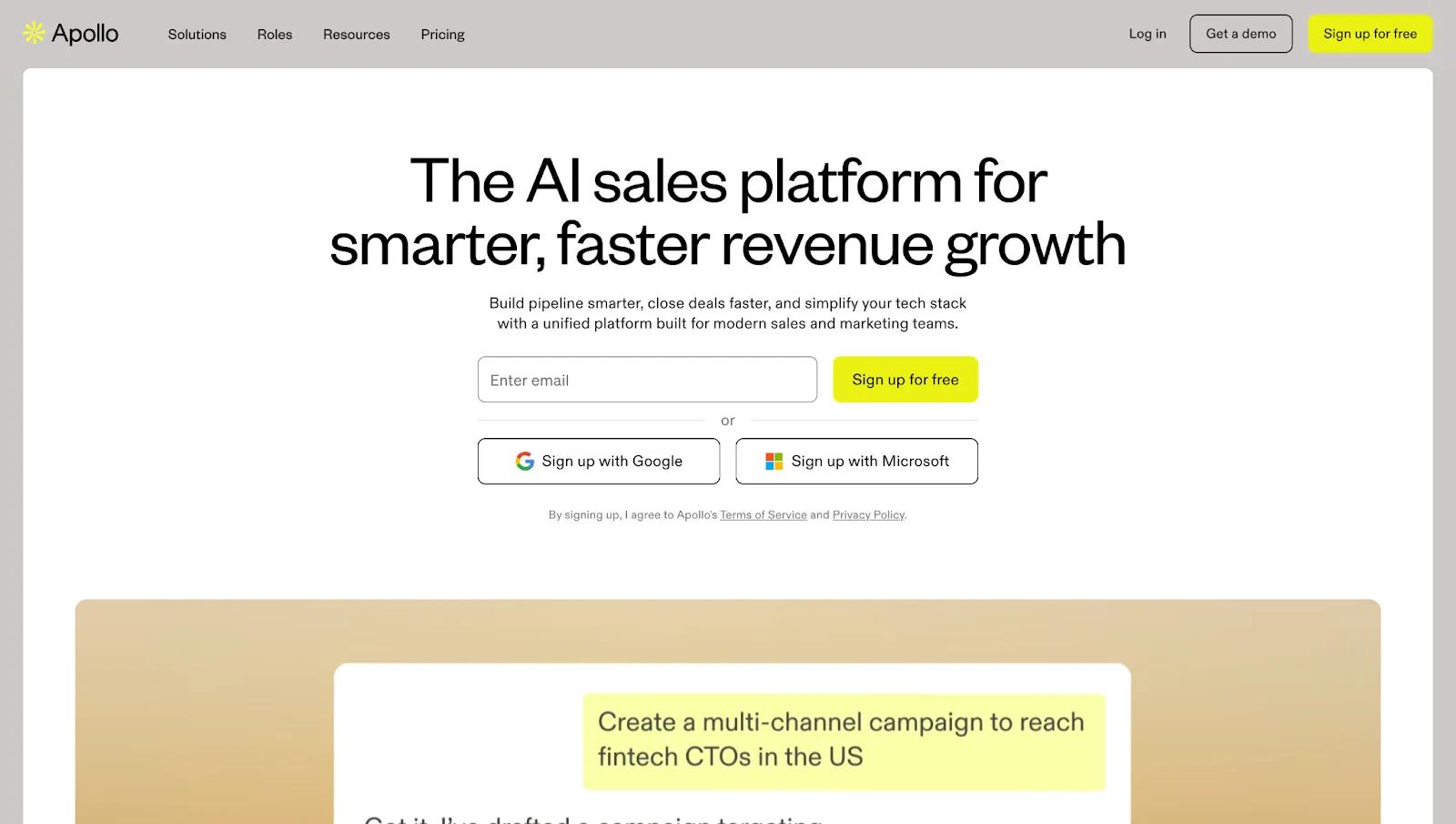
Apollo.io is the most complete all-in-one option in this space. You can find leads, enrich contacts, build automated email sequences, track engagement, and sync everything directly to HubSpot, Salesforce, or Pipedrive.
This is the outreach tool I’m currently using. But I’ve tried several others, including Instantly, Snovio, and Saleshandy. There are two things I really like about Apollo. First is the data quality. Second is the sequence builder. The UI is clean and easy to use. It’s really easy to build out multi-step sequences, which is great when you want to build out very specific sequences (e.g., one sequence for CMOs at SaaS companies, another for CEOs at Fintech companies, etc.)
Pricing: Free (100 credits/month, limited features); Basic $49/user/month; Professional $79/user/month; Organization $119/user/month.
Best for: Agencies running outbound new business who want prospecting, sequencing, and tracking in one place.
Note: Apollo runs on a credit system, and credits are consumed every time you reveal contact details, export data, or enrich contacts. At high volumes, costs can climb beyond the advertised seat price.
Lemlist
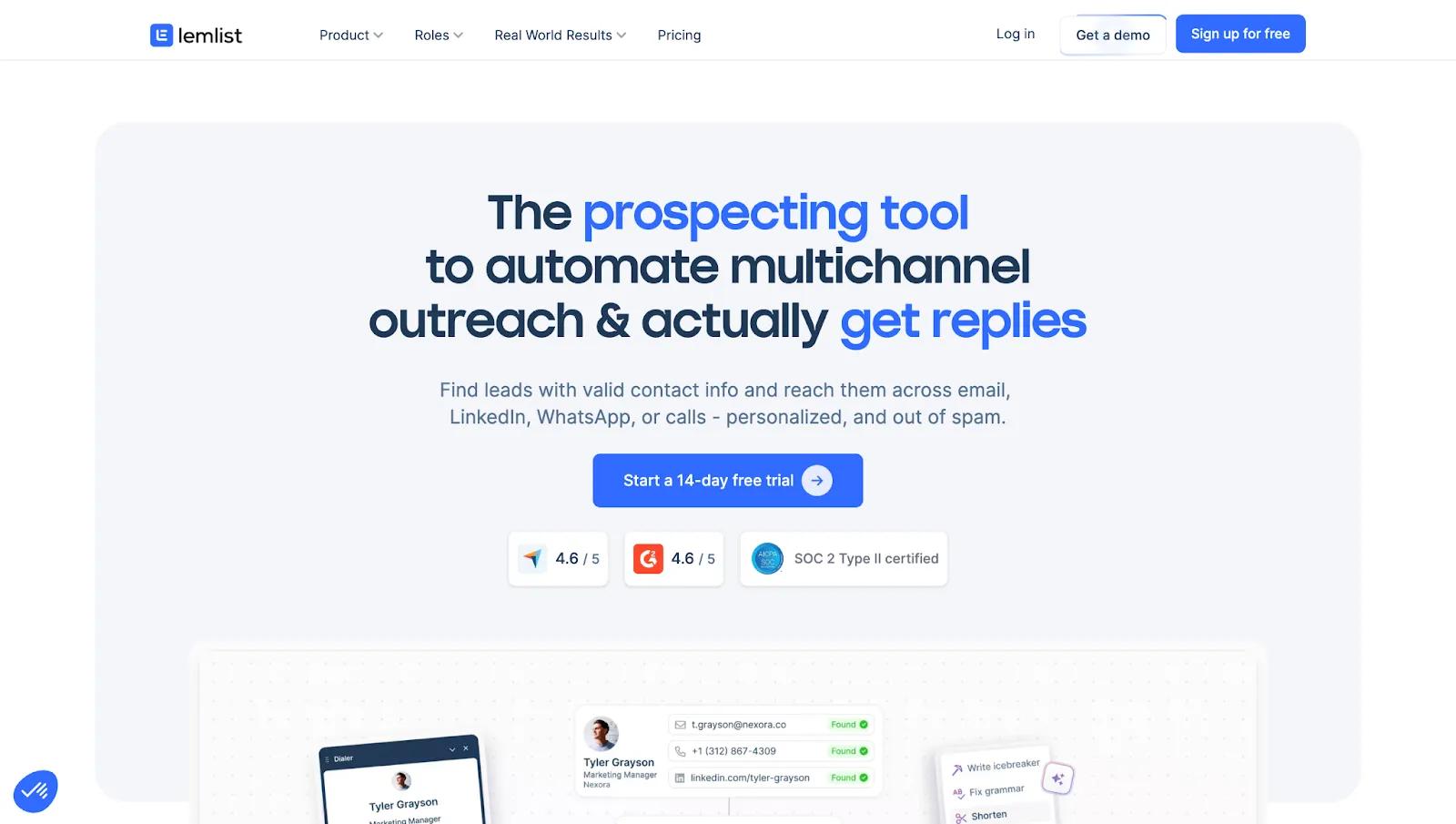
Lemlist pairs well with Apollo for agencies where personalization quality matters more than volume, with dynamic image personalization, custom landing pages, and true multi-channel sequences across email, LinkedIn, and phone.
Pricing: Email Pro $63/user/month; Multichannel Expert $87/user/month. Enterprise custom.
Best for: Agencies targeting senior buyers where personalization quality matters more than volume.
Proposal & Contract Tools
For sending proposals …
PandaDoc
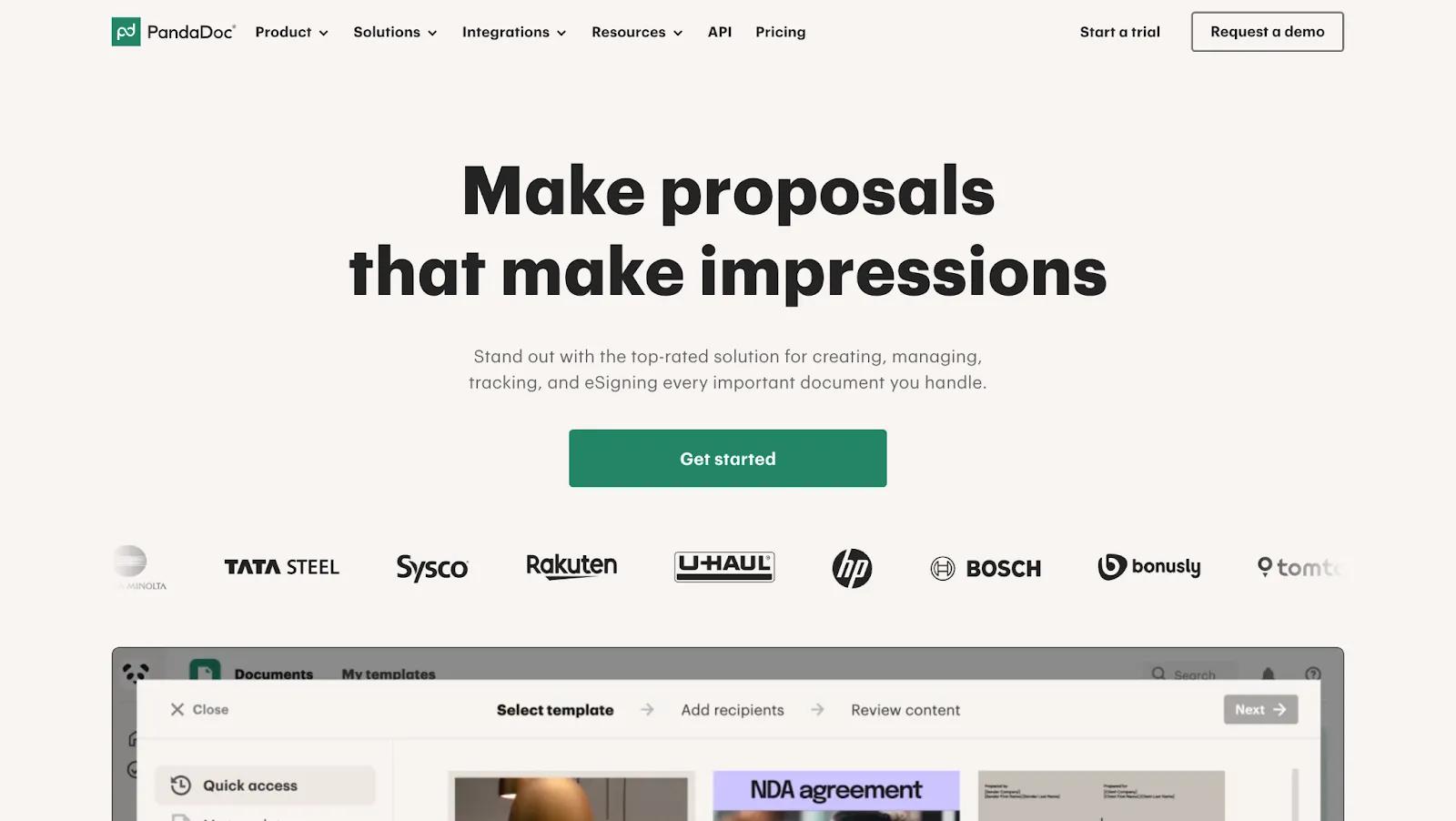
PandaDoc covers the full document lifecycle from proposal to contract to payment. It has robust e-signature capabilities that make it useful beyond the initial pitch.
Pricing: Free eSign plan; Starter $19/user/month; Business $49/user/month; Enterprise custom pricing.
Best for: Agencies that want one platform for proposals, contracts, and e-signatures.
Qwilir
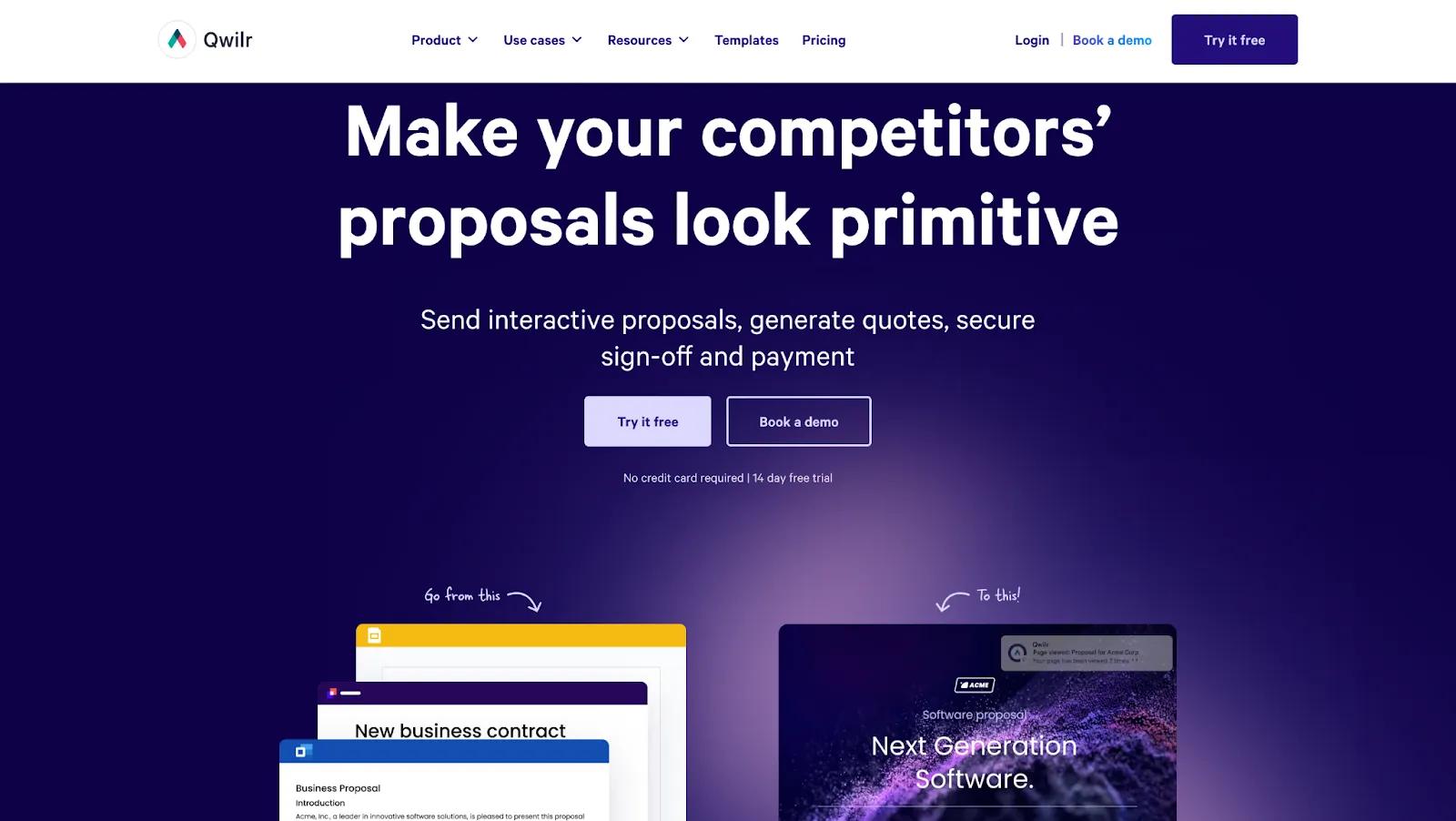
Qwilr is more visual and web-native (it creates proposals as interactive web pages rather than PDFs), which is good for agencies selling creative or design services where the proposal itself signals your capabilities (e.g., Design agencies).
Pricing: Business $35/user/month; Enterprise $59/user/month (10-user minimum). No free plan; 14-day trial available.
Best for: Creative agencies where pitch visual quality signals anticipated quality of delivered work.
CRM Tools
For managing deals and client relationships …
HubSpot
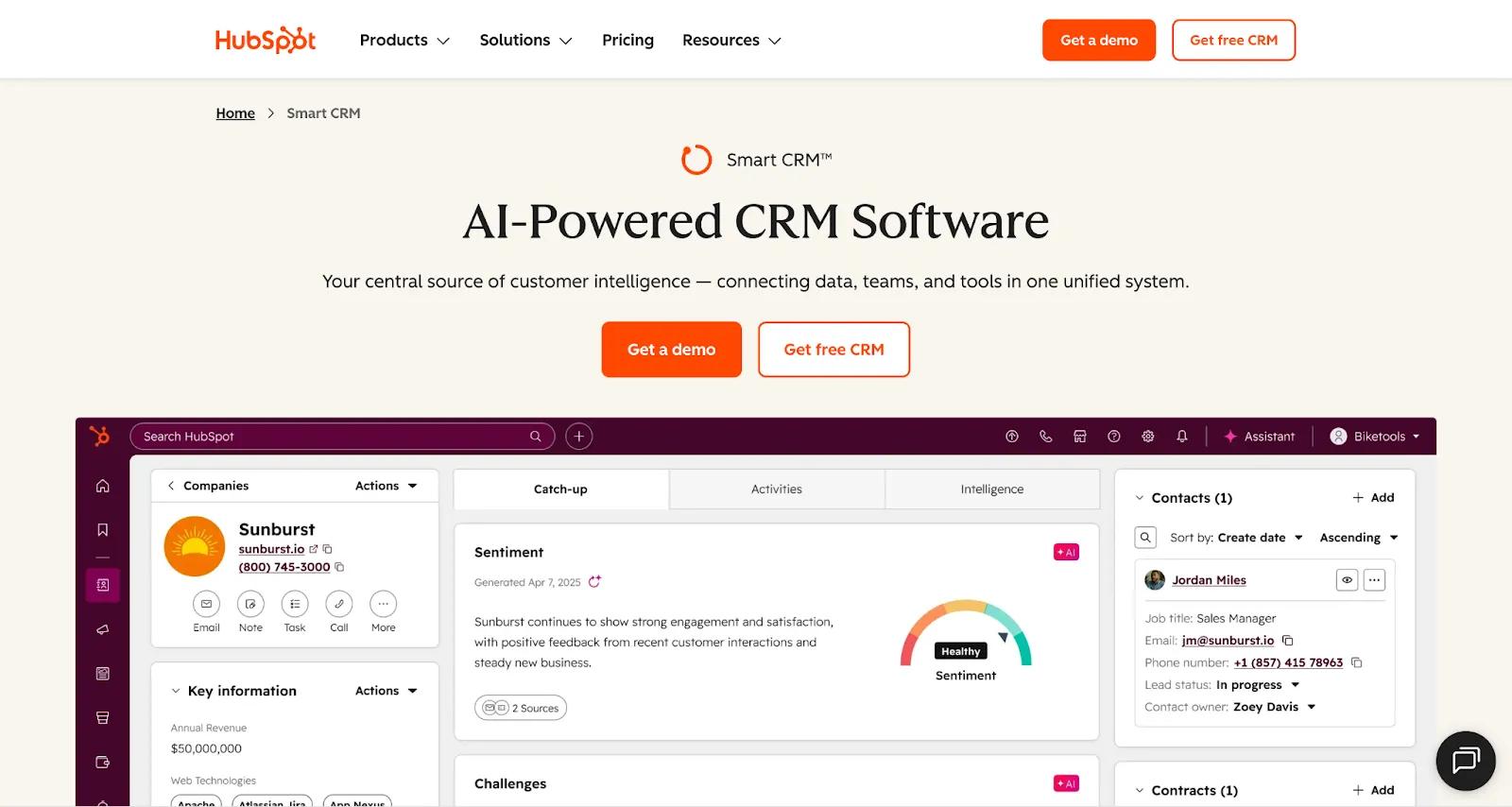
HubSpot CRM is the consensus choice across nearly every agency tool comparison, and it makes sense. HubSpot has been the market leader for a long time, and the free tier is very capable. It integrates natively with HubSpot's own marketing, CMS, and service hubs, and it scales into a full customer platform as your agency grows.
Almost every company I’ve worked for or worked with has used HubSpot. If you’re an agency, at the very least, it makes sense to learn HubSpot (e.g., how to create reports) because there’s a good chance at least one of your clients will have HubSpot.
Pricing: Free CRM forever; Sales Hub Starter $9/user/month; Professional $90/user/month (includes three seats)
Best for: Agencies managing their own pipeline and their clients' marketing on one platform.
Pipedrive
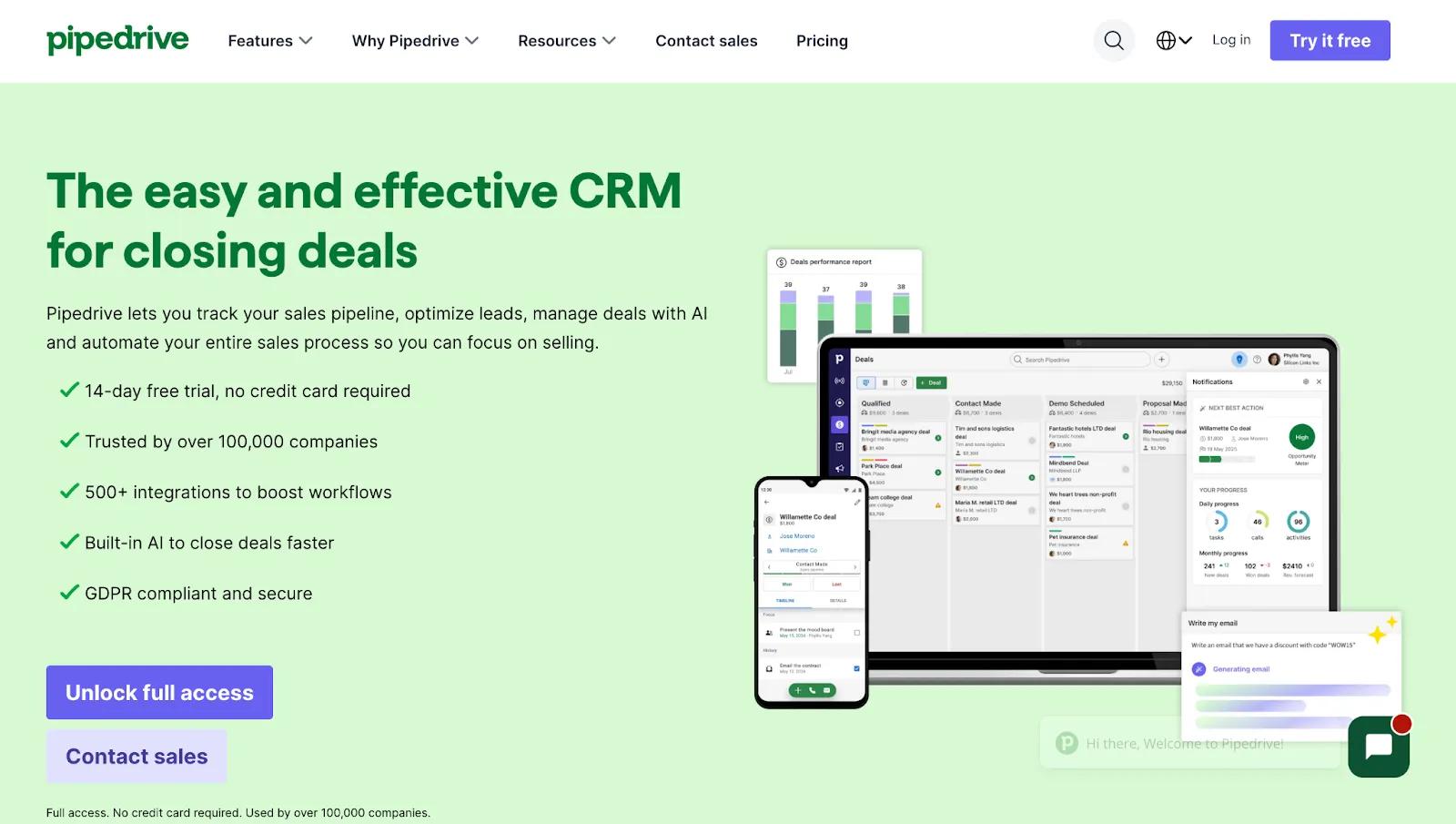
Pipedrive is a sales-first CRM built around deal progression rather than contact management, making it the stronger pick for agencies with dedicated reps running a high-volume outbound pipeline.
Pricing: Lite $14/user/month; Growth $39/user/month; Premium $59/user/month; Ultimate $79/user/month. No free plan.
Best for: Agencies with dedicated sales reps running a high-volume outbound pipeline.
Copper
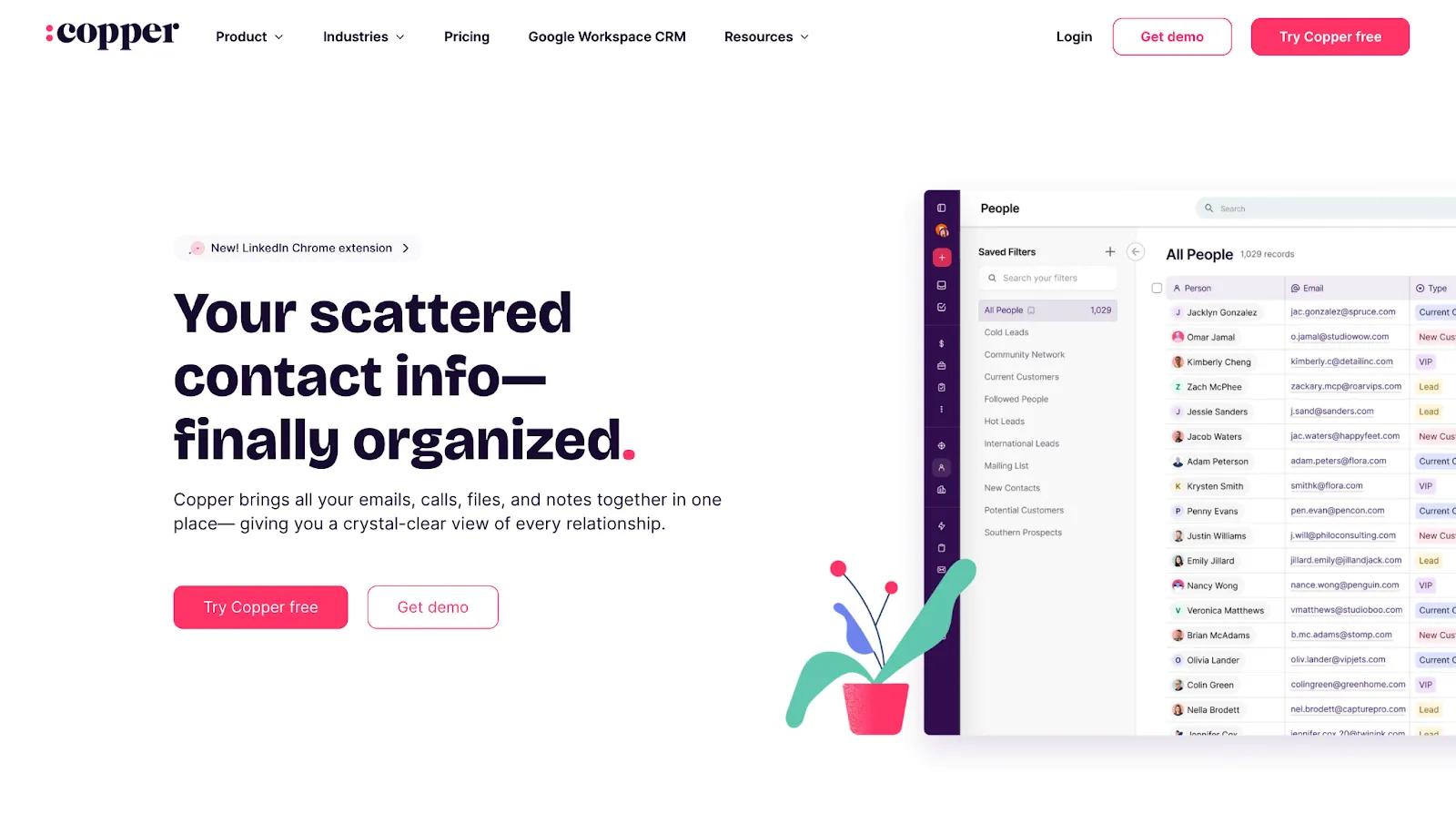
Copper lives inside Gmail and syncs natively with Google Calendar and Drive. It’s a good choice for agencies already running entirely within Google Workspace.
Pricing: Starter $9/user/month; Basic $23/user/month; Professional $59/user/month; Business $99/user/month. No free plan.
Best for: Google Workspace-first agencies who want a CRM without leaving Gmail.
CRM Comparison
✅ The value of getting this right is significant: research consistently shows CRM delivers $8.71 for every $1 spent, and users report a 41% increase in sales revenue on average after proper adoption.
Honorable mentions
- Calendly removes back-and-forth of scheduling calls. It’s especially helpful for scheduling discovery calls. When a prospect clicks a link and books directly, you remove friction that causes drop-off.
- Cal.com an open-source scheduling platform that offers more configurability than Calendly at a lower price point. I’m currently using the free plan of Cal.com. I can sync it with multiple Google calendars, which is a paid feature on Calendly.
- Vidyard can help you create personalised videos for your sales outreach process. Sent videos include viewer trackin so you know exactly who watched, for how long, and what they clicked.
Project Management & Team Collaboration
This is the category with the most options and the most opinions. The best PM tool will depend on your agency's size and how your workflows are structured.
Project Management Tools
Asana
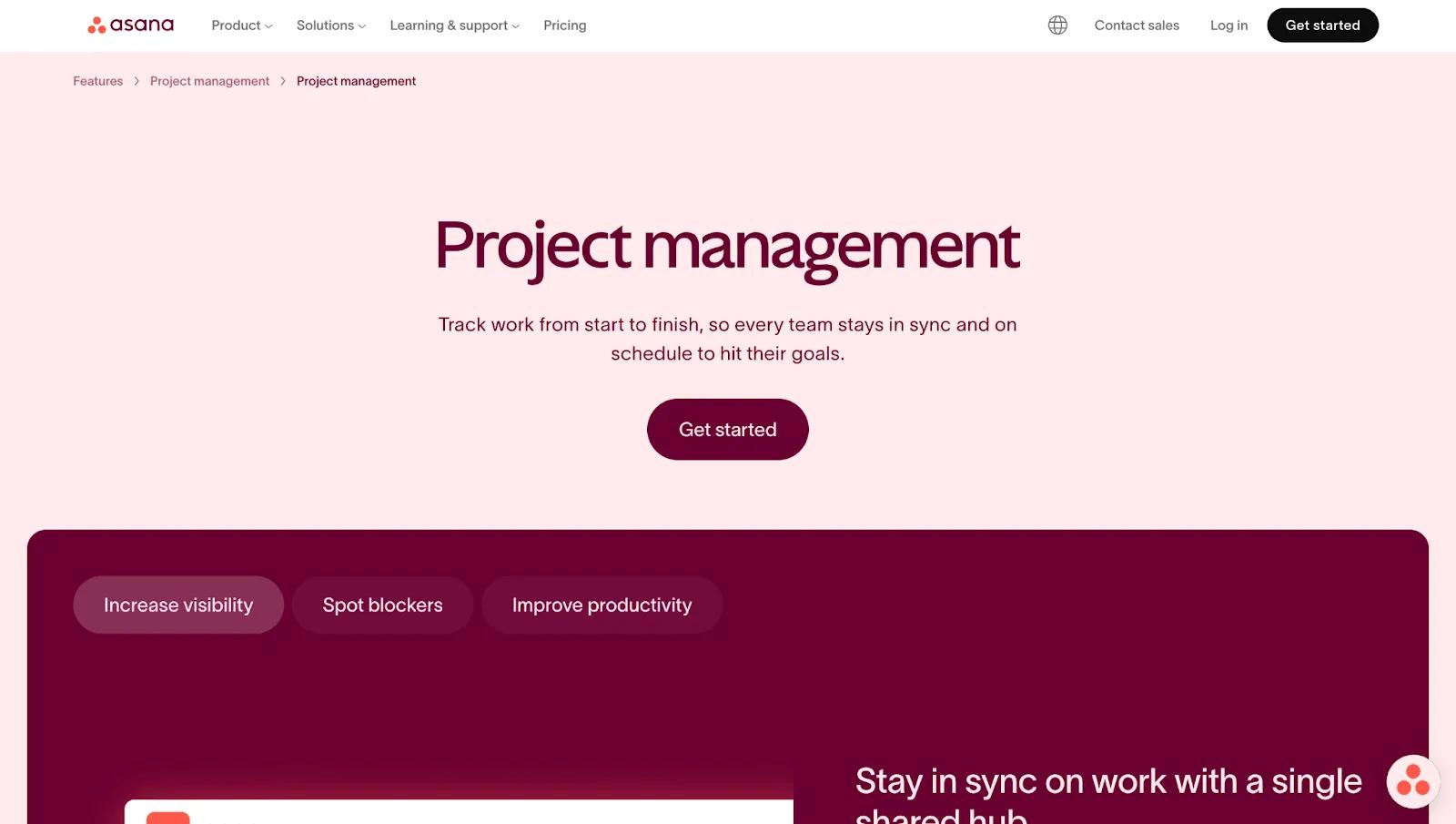
Asana has held the top spot in both the Forrester 2025 CWM Wave and the Gartner 2025 Magic Quadrant for collaborative work management for the past three years. The tradeoff is that Asana’s simplicity can feel like a ceiling as workflows become more custom.
Yet, Sahil Kakkar, CEO of RankWatch, has found Asana effective for this exact reason:
"For project tracking, we use Asana as it keeps tasks clear and highlights blockers early. This stack works well because it builds a single source of truth and keeps decisions consistent."
Pricing: Free up to 2 users; Starter $10.99/user/month; Advanced $24.99/user/month.
Best for: Mid-size agencies managing multiple client campaigns simultaneously.
ClickUp
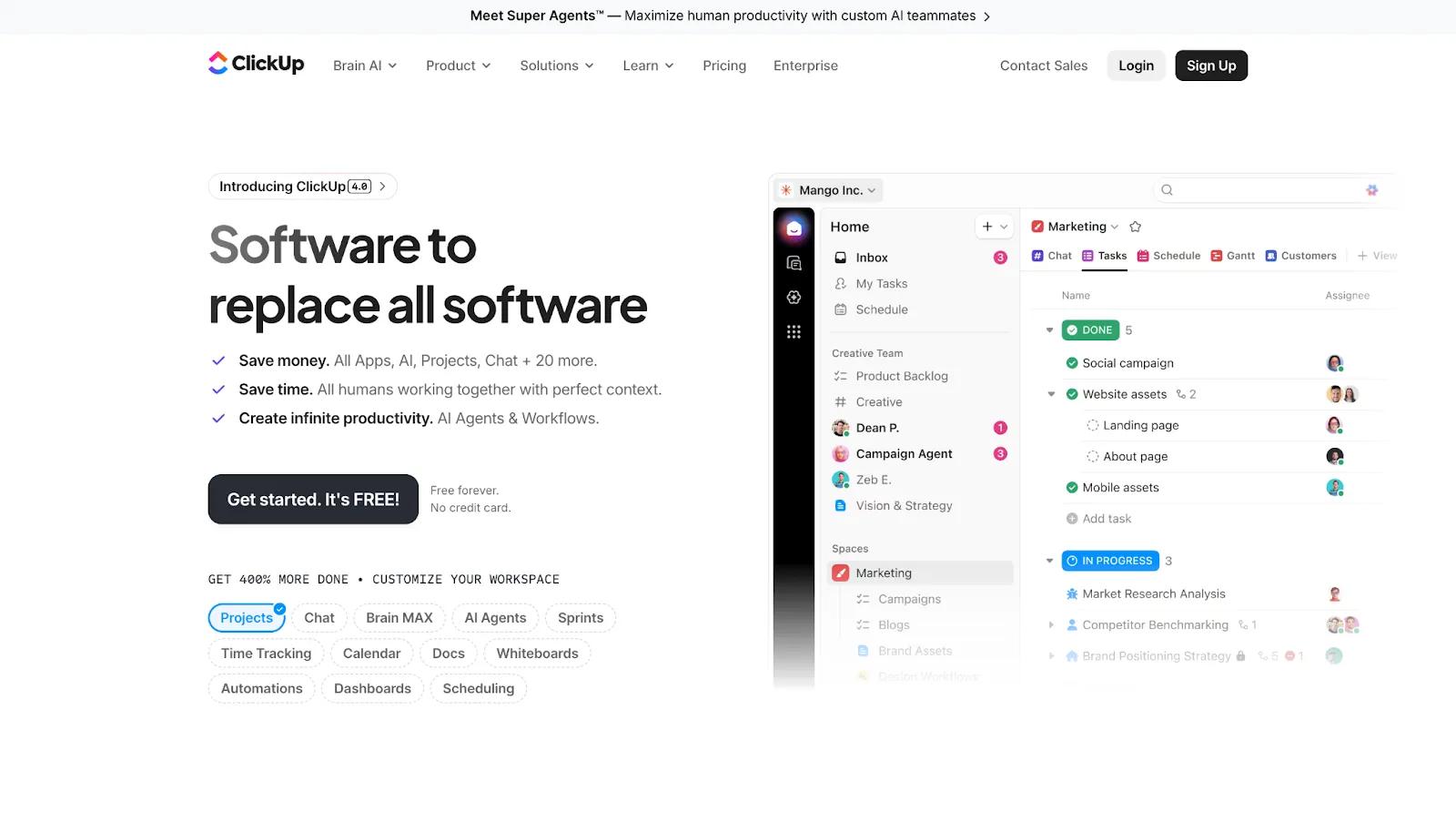
ClickUp is the most configurable PM tool on this list, combining tasks, docs, chat, goals, dashboards, and time tracking in one place. That flexibility is only an asset, though, if your team has the time to set it up properly.
Asher Rumack, VP of Creative Strategy at Column Five Media, uses ClickUp for exactly this kind of custom setup. His agency's case studies move through several distinct stages, "client approval, then copy, then design," and ClickUp is where he tracks it all: "It's a lot of stuff moving through many different stages at different times... I organize that specific process so that when I hear recommendations for case studies, I could drop them in and then kind of follow up on them later."
It also doubles as the agency's system of record for billing, since ClickUp "connects into our financials" and functions as "the home base... of how far along in a project we are."
Pricing: Free Forever (unlimited users); Unlimited $7/user/month; Business $12/user/month; Business custom pricing.
Best for: Agencies willing to invest time to build custom workflows and/or those wanting to consolidate PM, docs, and goal-tracking.
Teamwork
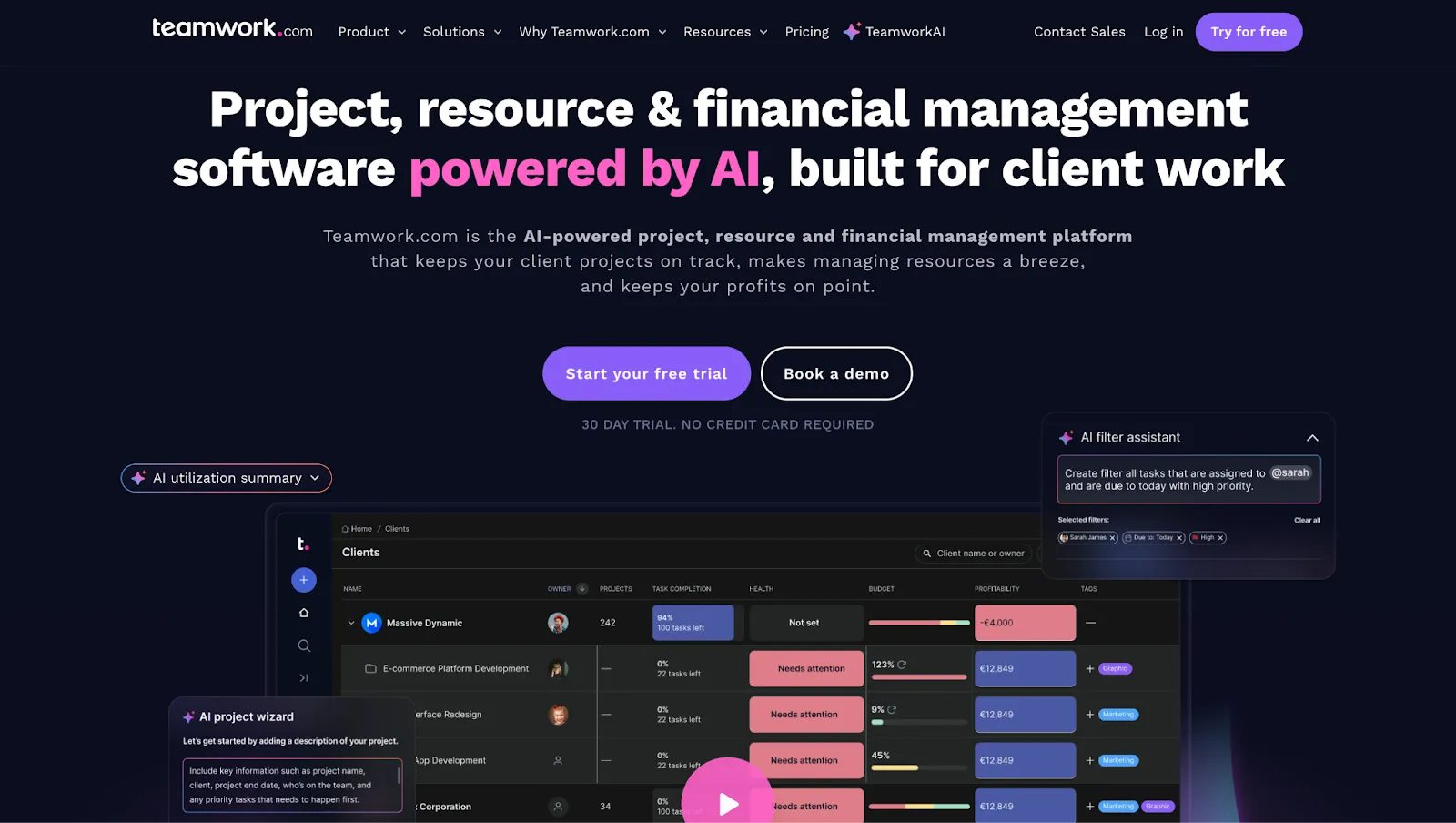
Teamwork.com was built from the ground up for agency and client work (built by web agency owners), with native time tracking, billing, client portals, and budget management built in.
Pricing: Free up to 5 users and 5 projects; Deliver $10.99/user/month; Grow $19.99/user/month; Scale (custom pricing). Unlimited client seats on all paid plans.
Best for: Agencies that bill by the hour, manage retainers, and need time tracking, invoicing, and project management in one place.
Monday.com
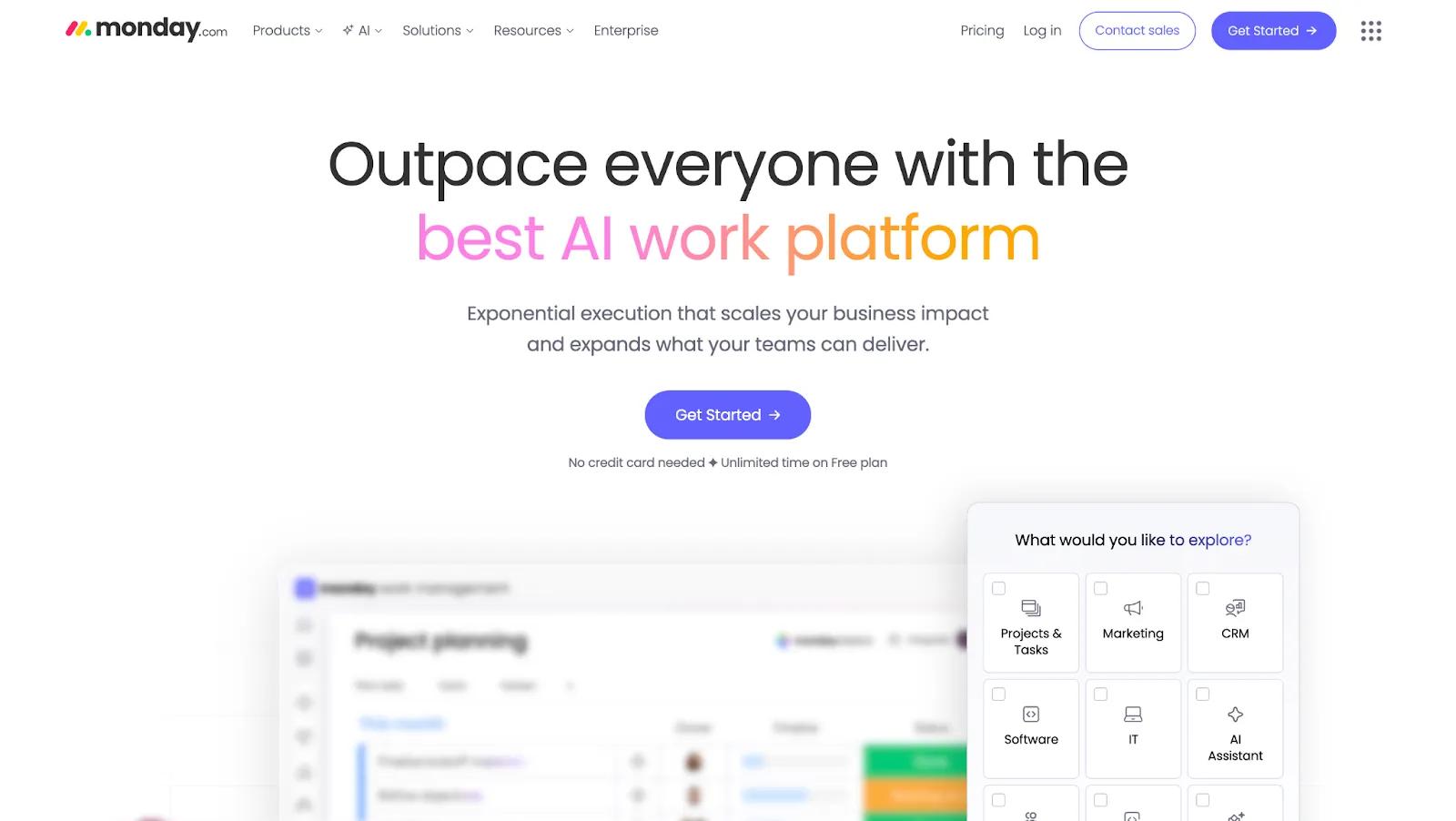
Monday.com is the most visually appealing PM tool in this group. It’s also expanded into a broader work OS with Monday CRM and Monday Campaigns for teams that want to consolidate further.
Pricing: Free up to 2 users; Basic $9/seat/month; Standard $12; Pro $19.
Best for: Agencies adopting formal project management for the first time, or teams with a visual-first culture where adoption simplicity matters more than deep configurability.
Project Management Tools Comparison
Honorable mentions
- Trello is Atlassian's Kanban-board tool. It’s probably the most intuitive visual task manager on this list, ideal for very small agencies or freelancers. Trello is what I’ve used for the last 10 years when managing content editorial workflows for clients or companies I’ve worked at. It doesn’t have the reporting and resource management of some of th either PM tools on this list, but it’s perfect for this type of simple step-bt-step workflow (e.g., Moving cards from a list like “Writing” to “Editing” to “Publishing”).
- Basecamp combines message boards, to-do lists, group chat, file storage, and schedules in one platform. However, it lacks Gantt charts, time tracking, and advanced reporting.
- Wrike is a structured PM platform with strong Gantt charts, resource management, and marketing-specific templates. It sits between Asana and ClickUp in configurability.
Collaboration Tools
Slack
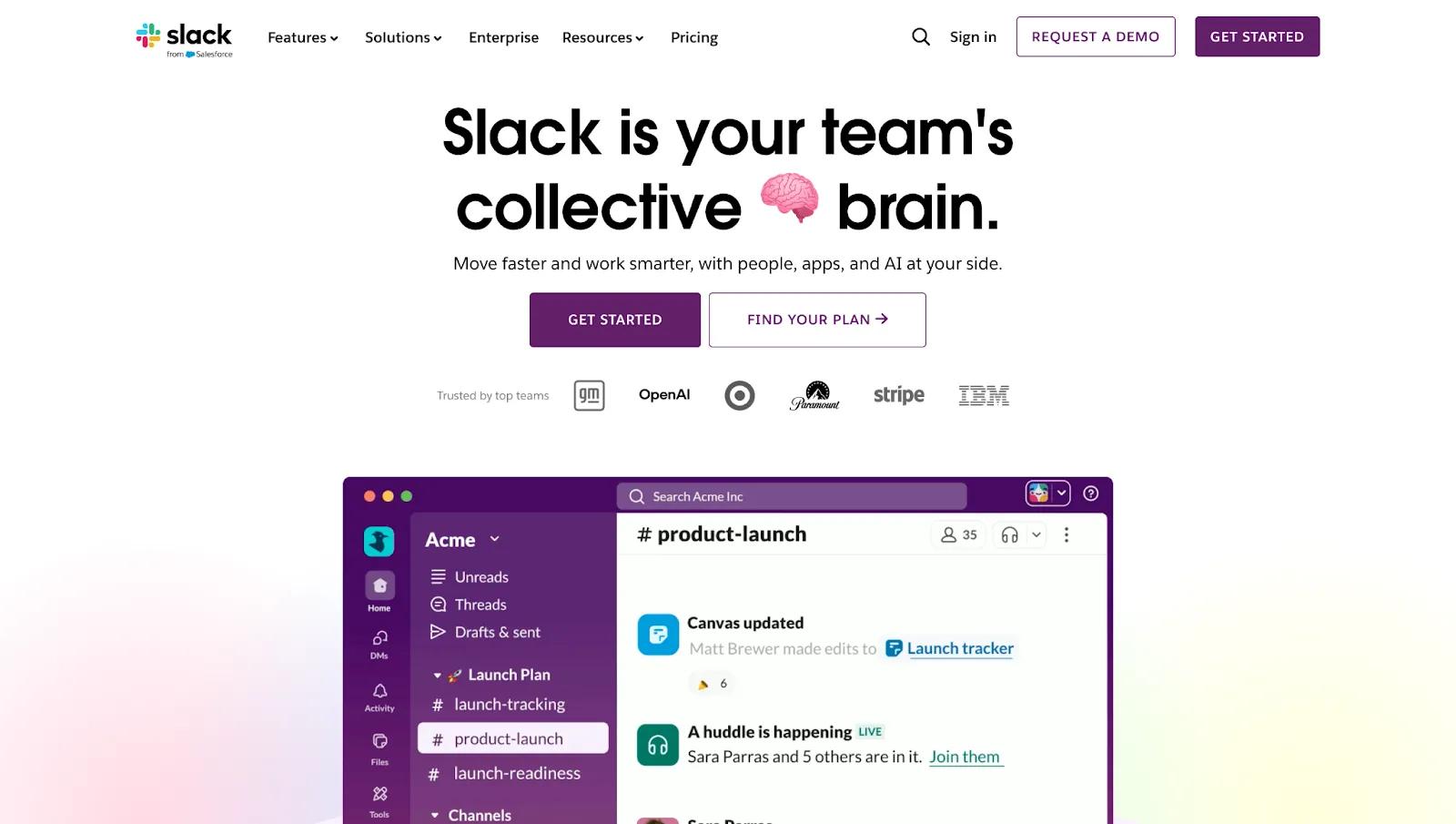
Slack is the standard for real-time team communication. Slack Connect is great for agencies to create a dedicated communication channels for clients. If you can get all your clients to have their own Slack channel, it makes communication easier vs. email (clients are bombarded with emails, and many companies live in Slack now).
Pricing: Free (90-day message history, 10 integrations); Pro $4.38/user/month; Business+ $9/user/month.
Best for: Any agency running a remote or distributed team.
Loom
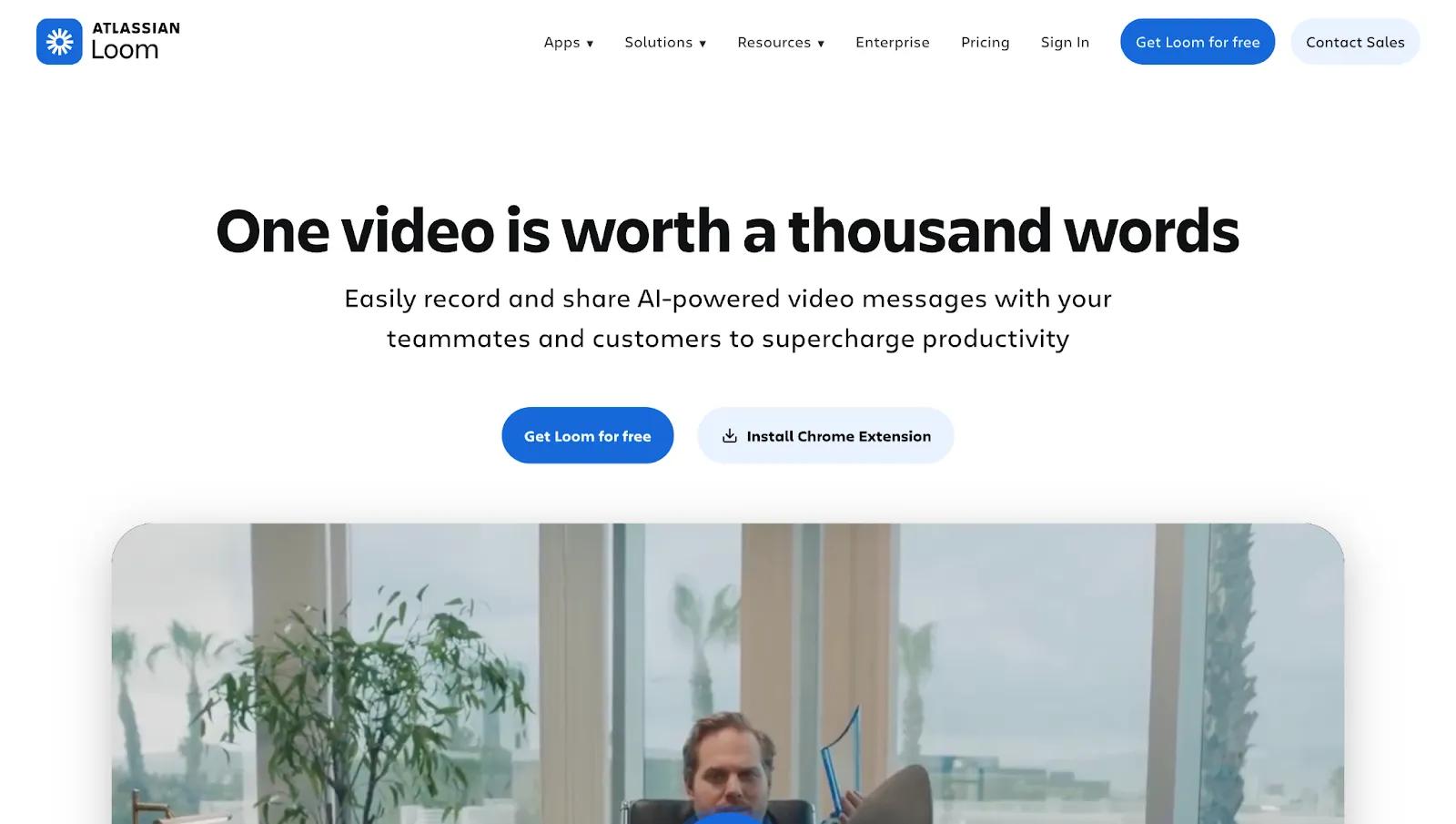
Loom is a video tool that can be great for async client communication. A two-minute video walkthrough of a deliverable is faster than writing a long explanation, and far less disruptive than a meeting.
Pricing: Free Starter (25 recordings, 5-minute limit); Business $18/creator/month; Business + AI $24/creator/month. Monthly billing.
Best for: Remote teams and agencies delivering creative work that benefits from a recorded walk-through.
SEO & Content Tools
This section covers the three layers every content-producing agency needs: SEO research, content optimization, and design and production. Ahrefs and SEMrush are two consensus picks, but there are a few others you should know about.
SEO Tools
Tools for optimizing your SEO strategy …
Ahrefs
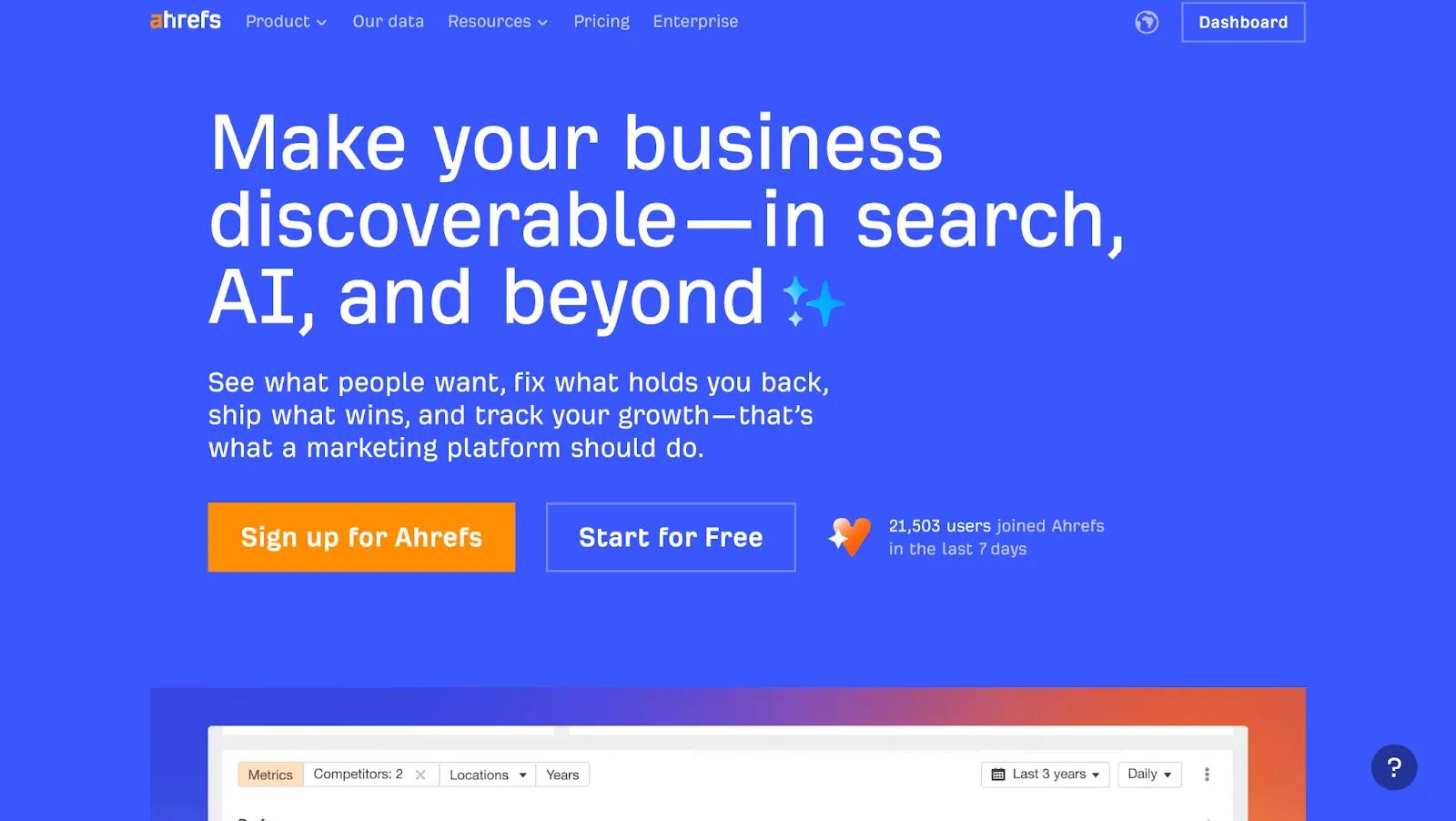
Ahrefs runs the world's second-most active web crawler after Google, making it the go-to platform for backlink analysis and content gap research among SEO-focused agencies.
Josiah Roche, Fractional CMO at JRR Marketing, describes how he uses both Ahrefs and Google Search Console (free tool) in practice:
"For SEO work, I lean on Ahrefs and Google Search Console. Ahrefs is where I map keyword sets, check link profiles, and spot content gaps against competitors; Search Console tells me what Google is already rewarding, which pages are close to moving up, and where I'm wasting effort."
Pricing: Lite $129/month; Standard $249/month; Advanced $449/month; Enterprise $1,499/month. No free trial.
Best for: SEO-first agencies needing deep, reliable backlink and keyword data as a daily workflow tool.
Semrush
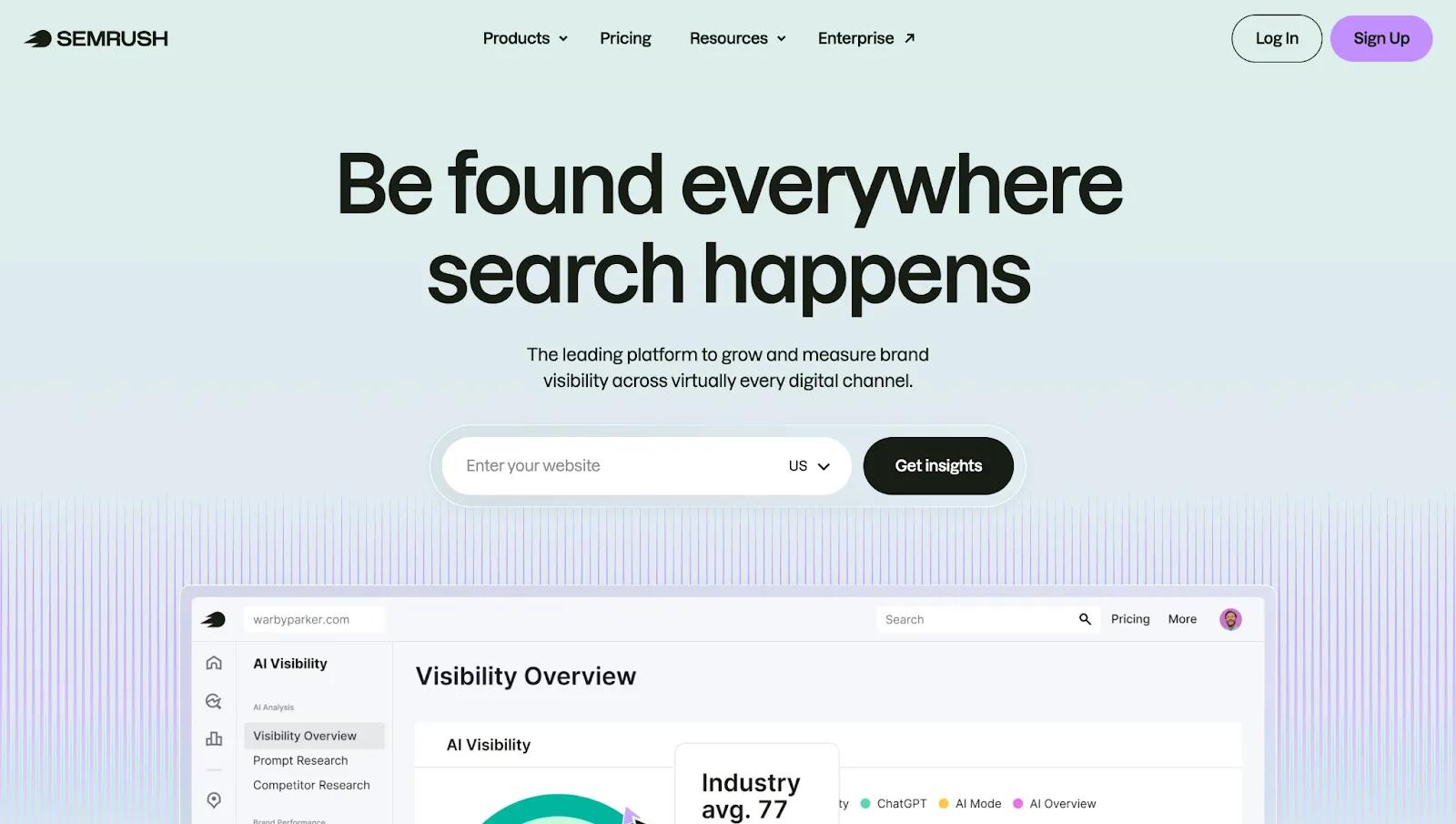
Semrush is a broader digital marketing platform that spans SEO, PPC, social, and local, alongside organic search. It’s a good fit for full-service agencies that want cross-channel visibility from one tool.
Pricing: Pro $117.17/month; Guru $208.17/month; Business $416.66/month. New Semrush One bundles start at $165.17/month.
Best for: Full-service agencies wanting SEO, PPC, and social visibility from one platform.
Surfer SEO
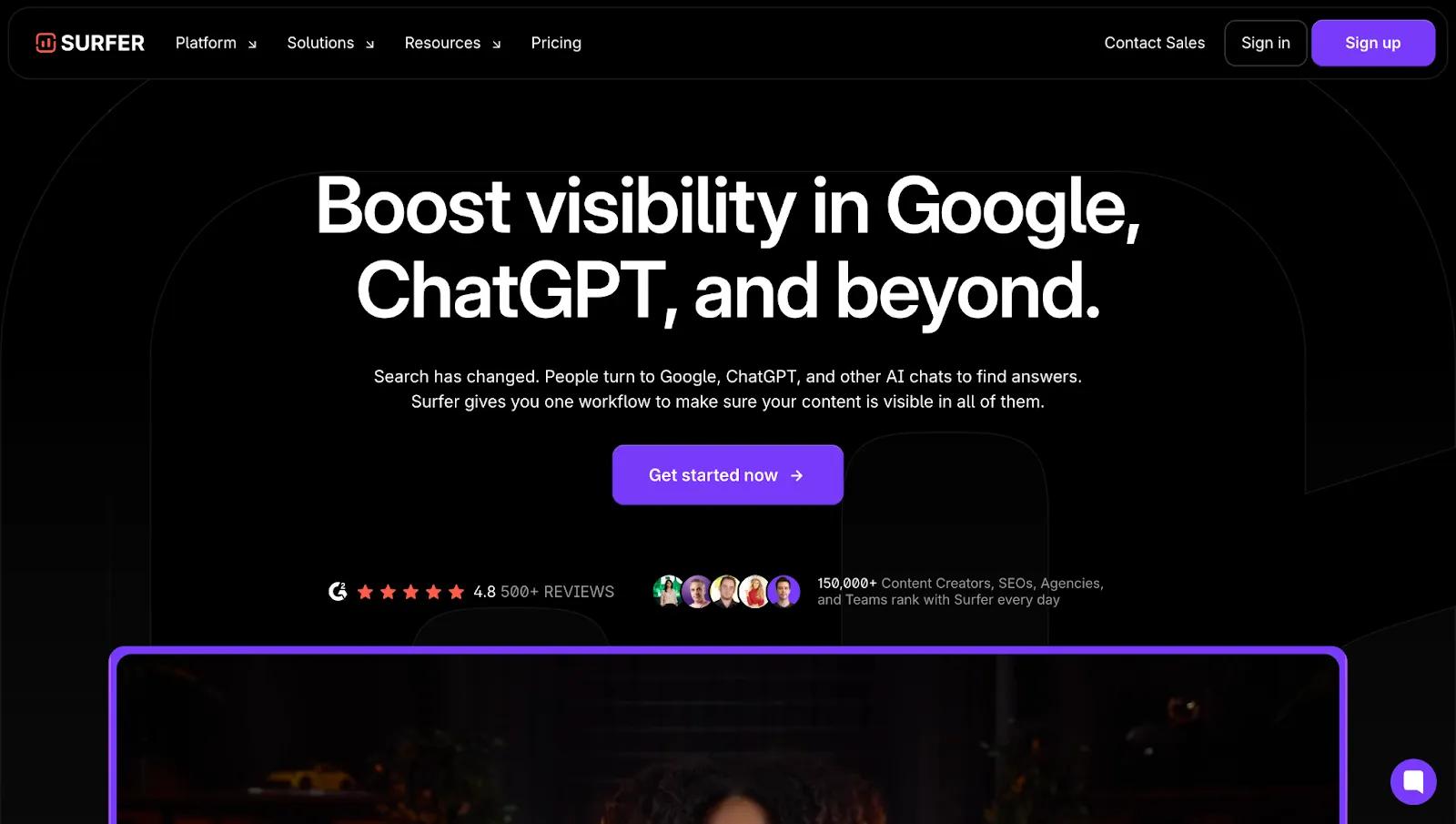
Surfer SEO works well as a complement to either platform. It’s best used for on-page optimization scoring. It can help agencies speed up editorial quality control at scale and improve SERP rankings.
Pricing: Discovery $49/month; Standard $99/month; Pro $182/month; Peace of Mind $299/month; Enterprise $999/month. 7-day money-back guarantee.
Best for: Content agencies producing high article volumes who need scalable on-page optimization.
SEO Tools Comparison
✅ For research on a budget: Google Trends and AnswerThePublic (Starts at ~$13/month) are low-cost ways to validate content angles and understand what questions your audience is actively searching for before committing resources to a full article.
Content Quality Tools
Tools for ensuring your content is high-quality …
Grammarly
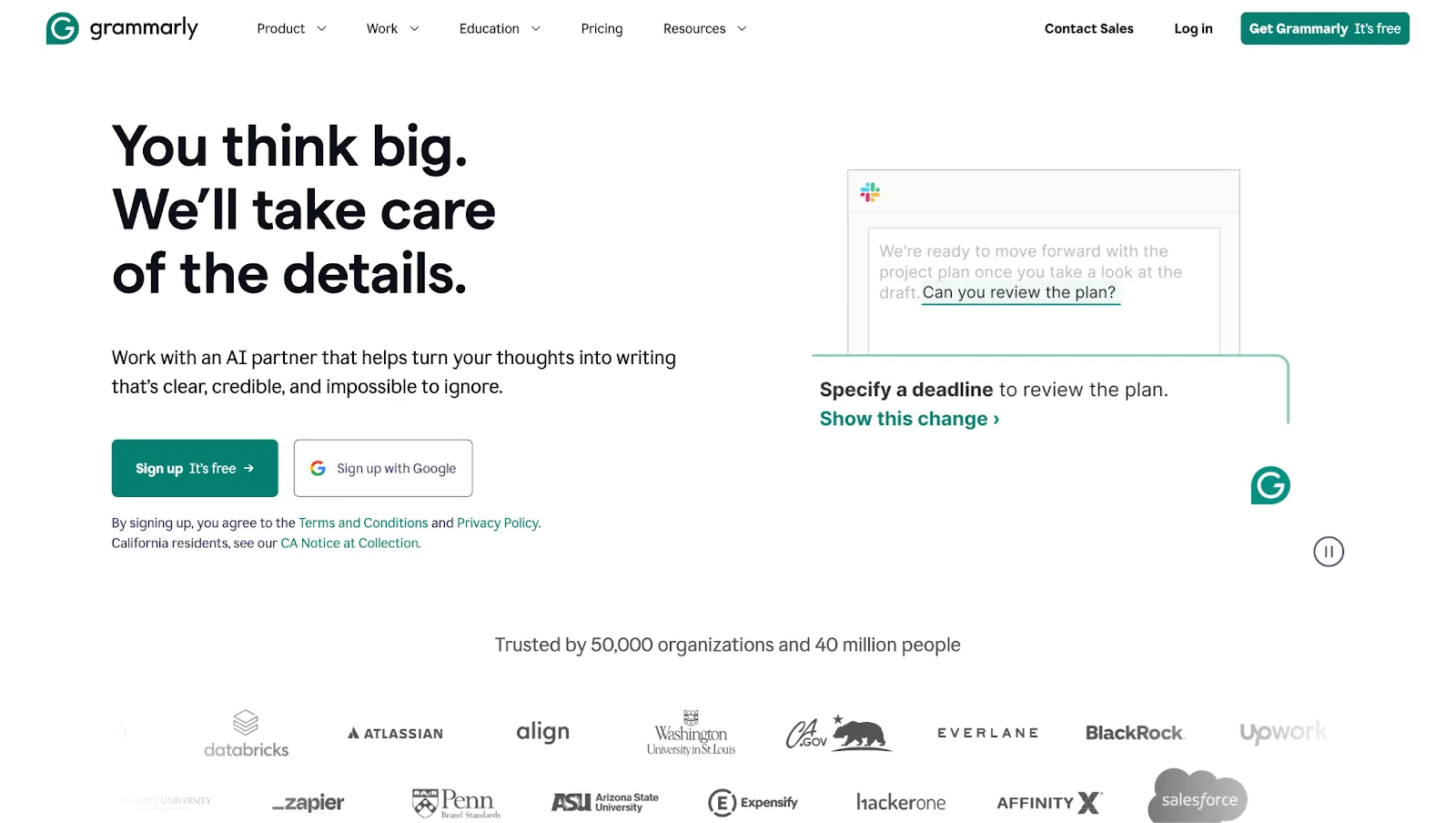
Grammarly helps you keep written content consistent across team members and ensures client-facing copy meets a consistent standard.
Pricing: Free (basic grammar and spelling, 100 AI prompts/month); Pro $12/user/month (adds tone suggestions, full-sentence rewrites, and plagiarism detection); Enterprise custom pricing.
Best for: Agencies with multiple writers who need consistent quality and brand voice across client-facing content.
Descript
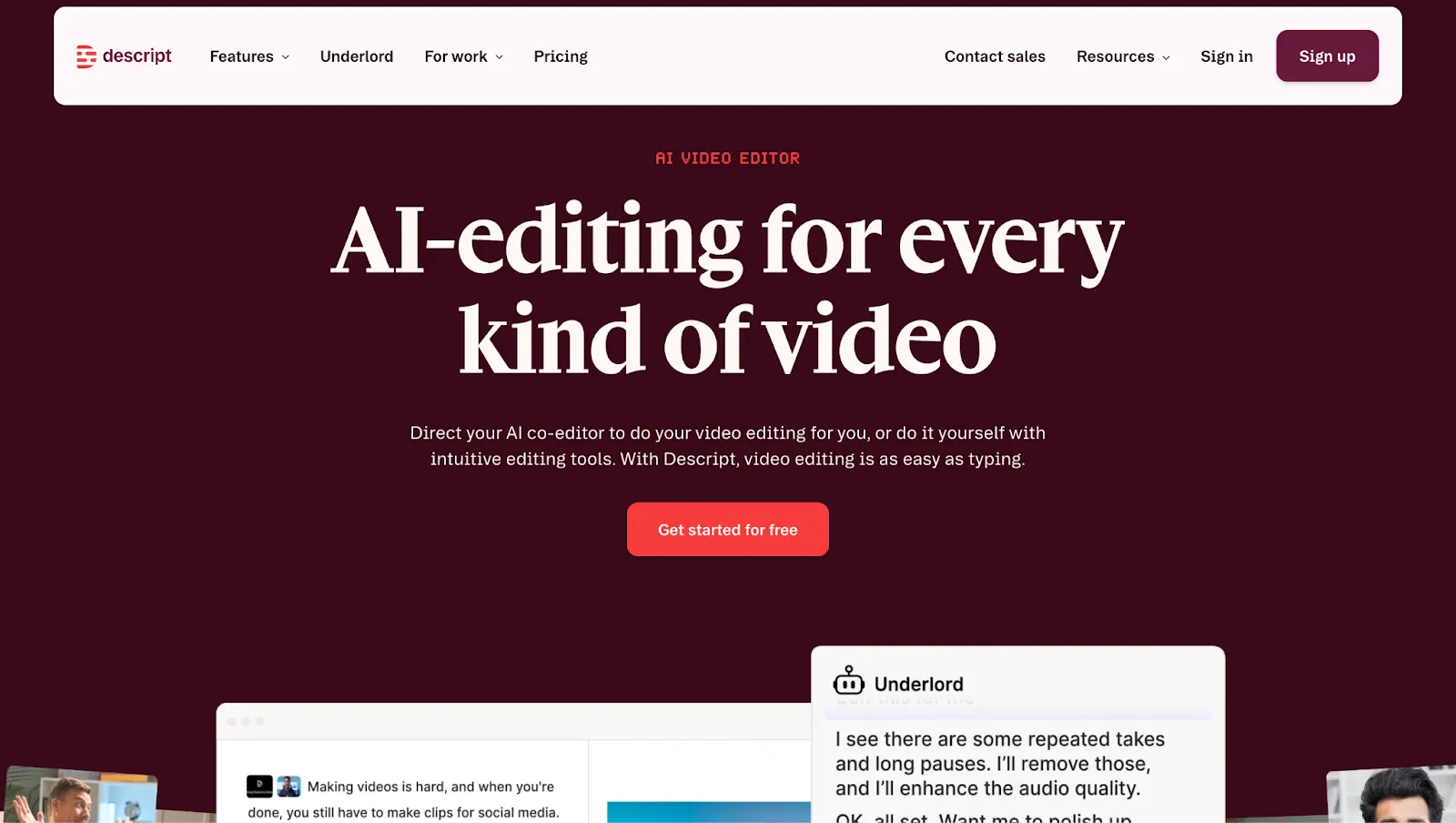
Descript is a transcript-based audio and video editor that lets you edit recordings by editing text, cutting filler words, removing silences, and re-sequencing content.
Pricing: Free (60 media minutes/month, limited AI credits); Hobbyist $16/month; Creator $24/month; Business $50/user/month.
Best for: Agencies producing regular podcast or video content where transcript-based editing saves significant post-production time.
AI Tools
ChatGPT and Claude are now standard parts of the agency workflow for drafting briefs, repurposing content, generating campaign ideas, and synthesizing research. They work best as a drafting and ideation layer, not a final output.
The agencies that use the tools most effectively have a human reviewing and editing generated content before anything reaches the client.
Alessandro Quraitem Altieri, Founder of Digital Labz, takes this approach:
"Claude helps organize thinking, structure strategies, and process large amounts of information quickly. By combining spreadsheets with Claude, we're able to analyze data faster, extract insights, and develop strategies or marketing assets much more efficiently. Tasks that used to take hours can now be done much faster."
Creative & Design Tools
Tools for putting on the final touch …
Canva
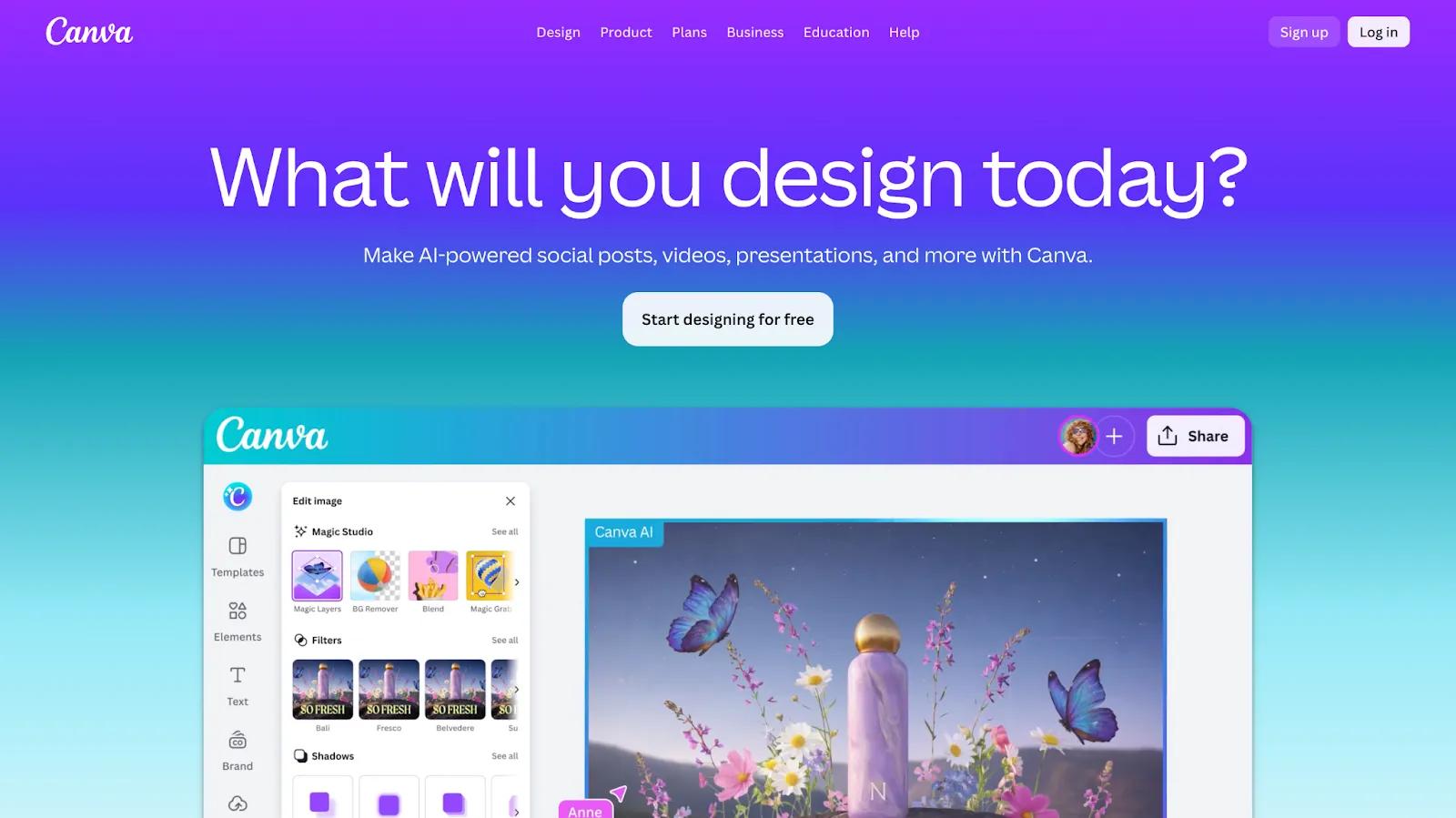
Canva handles quick-turnaround client assets: social graphics, presentation decks, branded templates, and ad creatives that need to look good without requiring hours of a designer's time.
Pricing: Free (1.6M+ templates, 5GB storage); Pro $10/user/month; Business $16.66/user/month. Enterprise custom pricing.
Best for: Agencies producing high volumes of branded assets, or those handing design tools to clients for self-editing.
Figma
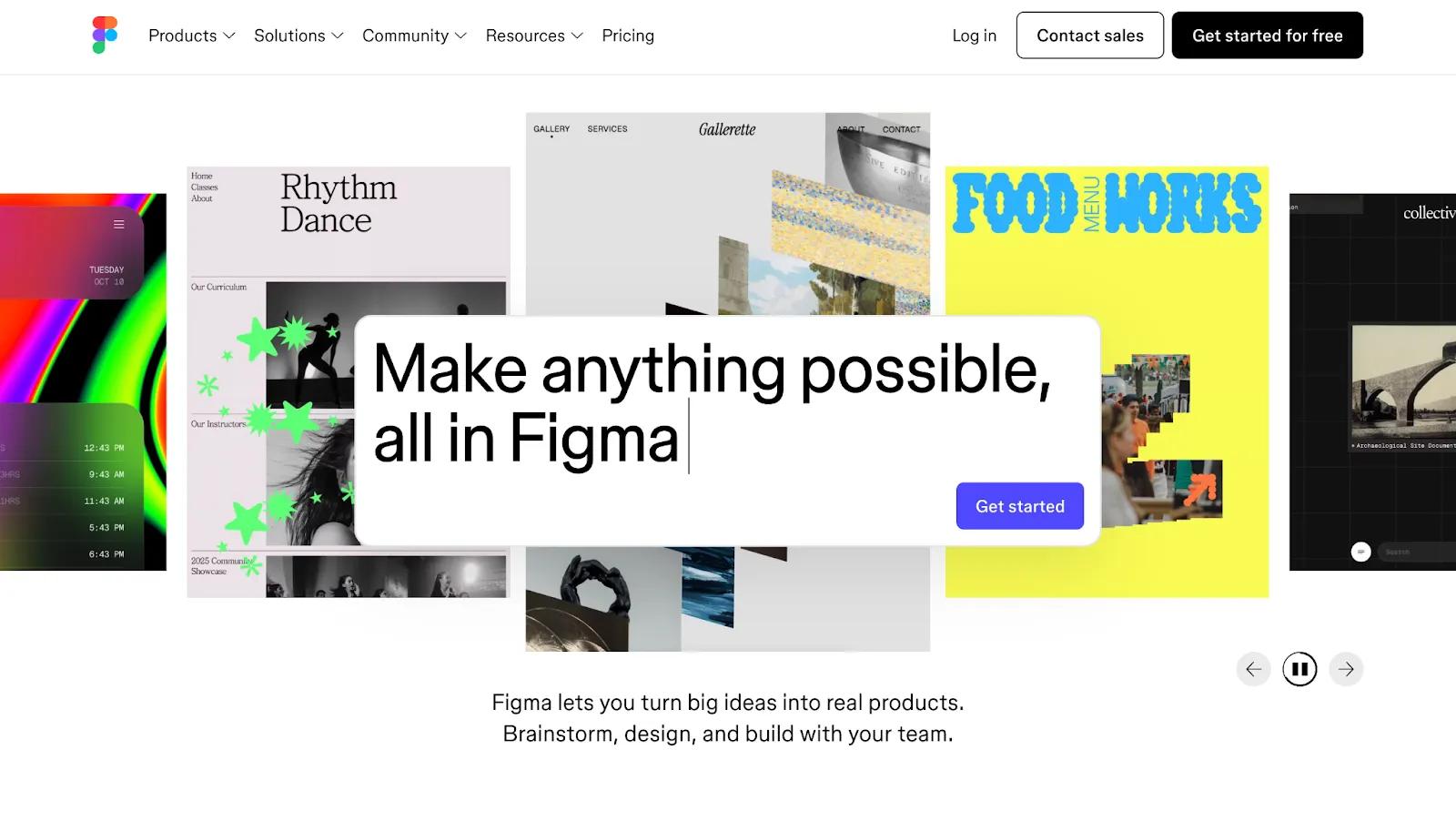
Figma is best for collaborative, detail-intensive design work (e.g., UI mockups, brand systems, client presentations, etc.).
Pricing: Free Starter (unlimited drafts, 150 AI credits/day); Professional $16/seat/month; Organization $55/seat/month; Enterprise $90/seat/month.
Best for: Agencies with designers doing UI/UX or brand work that requires real-time collaborative review.
Adobe Creative Cloud
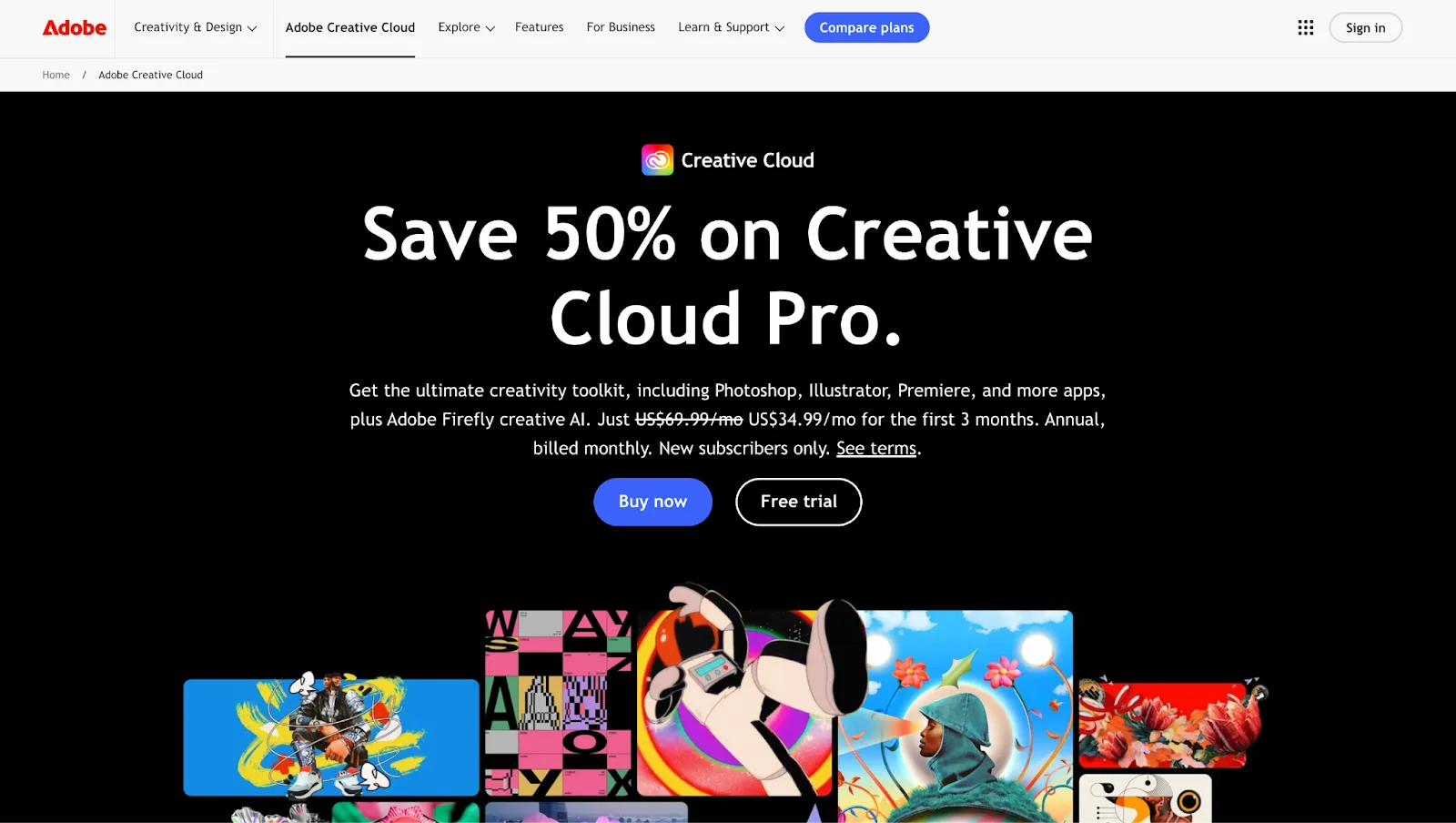
Adobe Creative Cloud is still the foundation for professional designers doing production-level work; vectors, illustrations, logos, custom graphics, and video editing
Pricing: From $55/user/month for the full suite.
Best for: Agencies with senior designers producing professional-grade print, video, or digital assets.
Design Tools Comparison
Social Media & Email Marketing Tools
Social media management and email marketing are often overlapping services, but they need distinct tools, different skill sets, and different reporting metrics. This section covers both.
⚠️ Note: There is a real difference between a scheduling tool (e.g., Buffer, Later) and a full social management platform (e.g., Sprout Social, Hootsuite). Many agencies use a scheduling tool when they actually need a full analytics and social listening platform.
Social Media Tools
Tools for scheduling posts or managing client social accounts …
Sprout Social
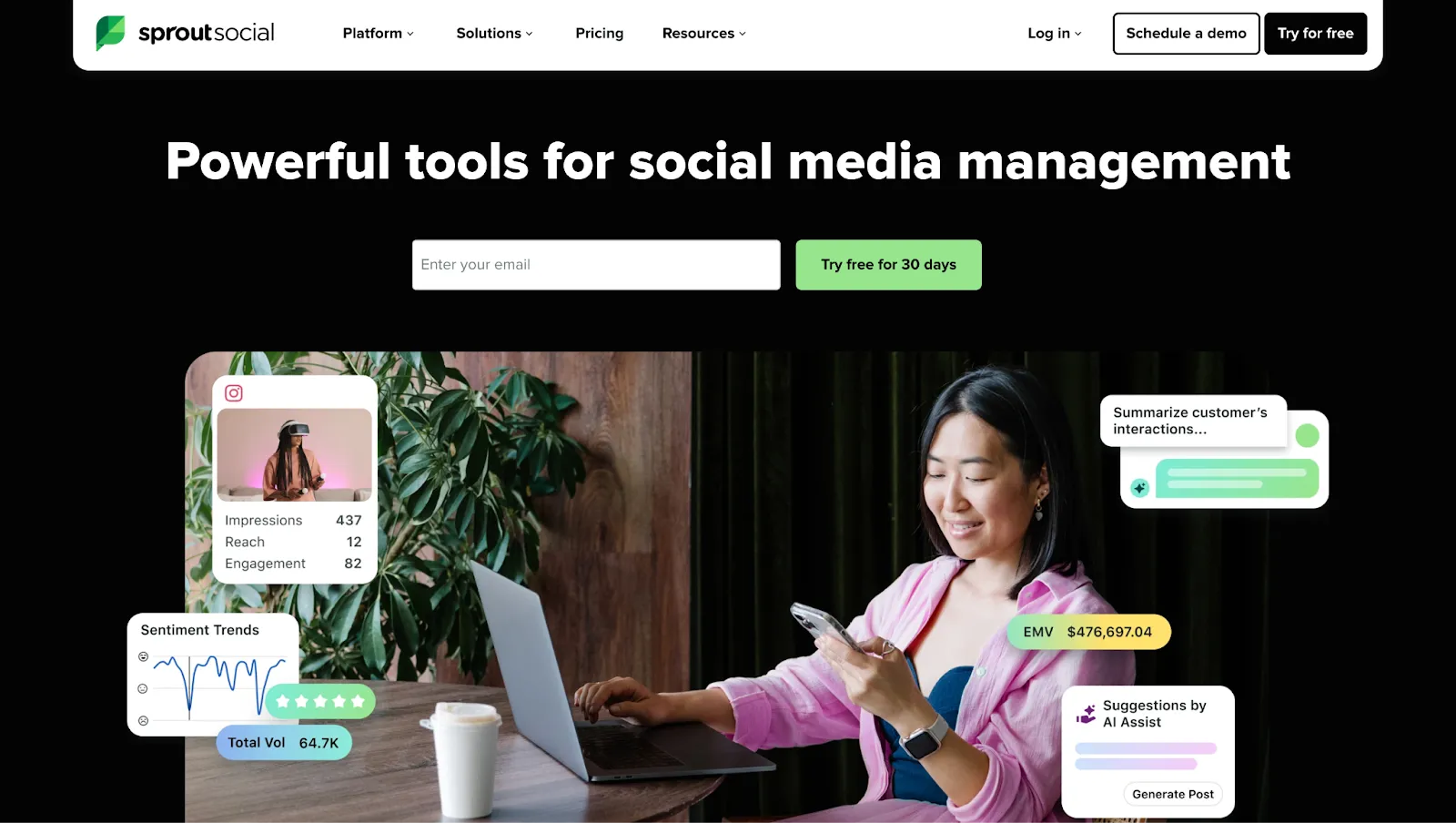
Sprout Social is the deepest analytics and reporting platform on this list, with a Smart Inbox, multi-level approval workflows, and white-label reporting. Its price reflects that.
Pricing: Standard $199/seat/month; Professional $299/seat/month; Advanced $399/seat/month. No free plan; 30-day trial available.
Best for: Agencies where social media is a primary service line and monthly reporting is a client deliverable.
Hootsuite
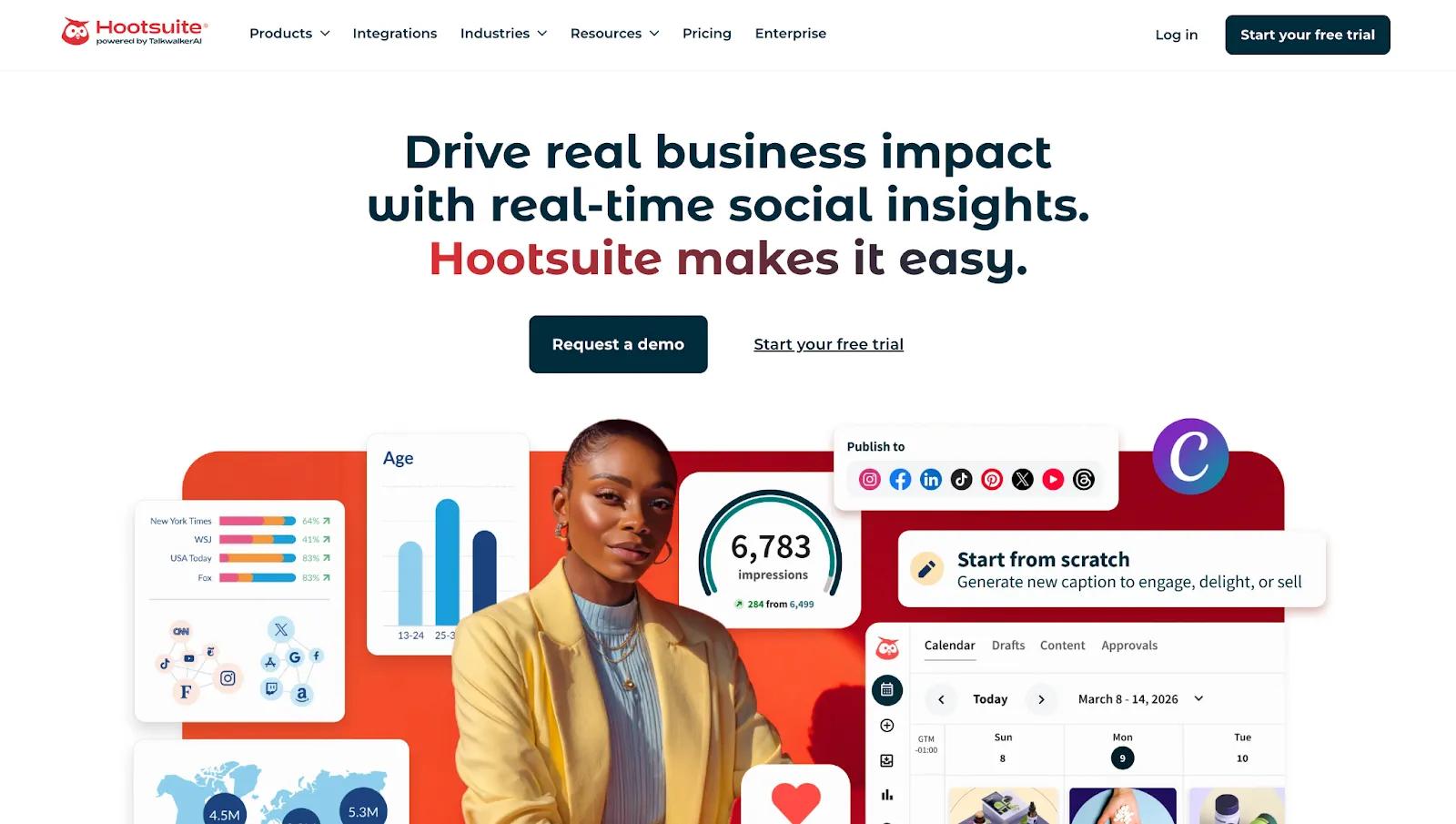
Hootsuite is the longest-standing social platform with strong scheduling depth across multiple platforms. Its free plan was eliminated, and pricing has risen in recent years.
Pricing: Professional $99/month (1 user, 10 accounts); Advanced $399/month; Enterprise custom. No free plan; 30-day trial available.
Best for: Mid-size agencies managing a high volume of social accounts who need scheduling depth and strong analytics.
Buffer
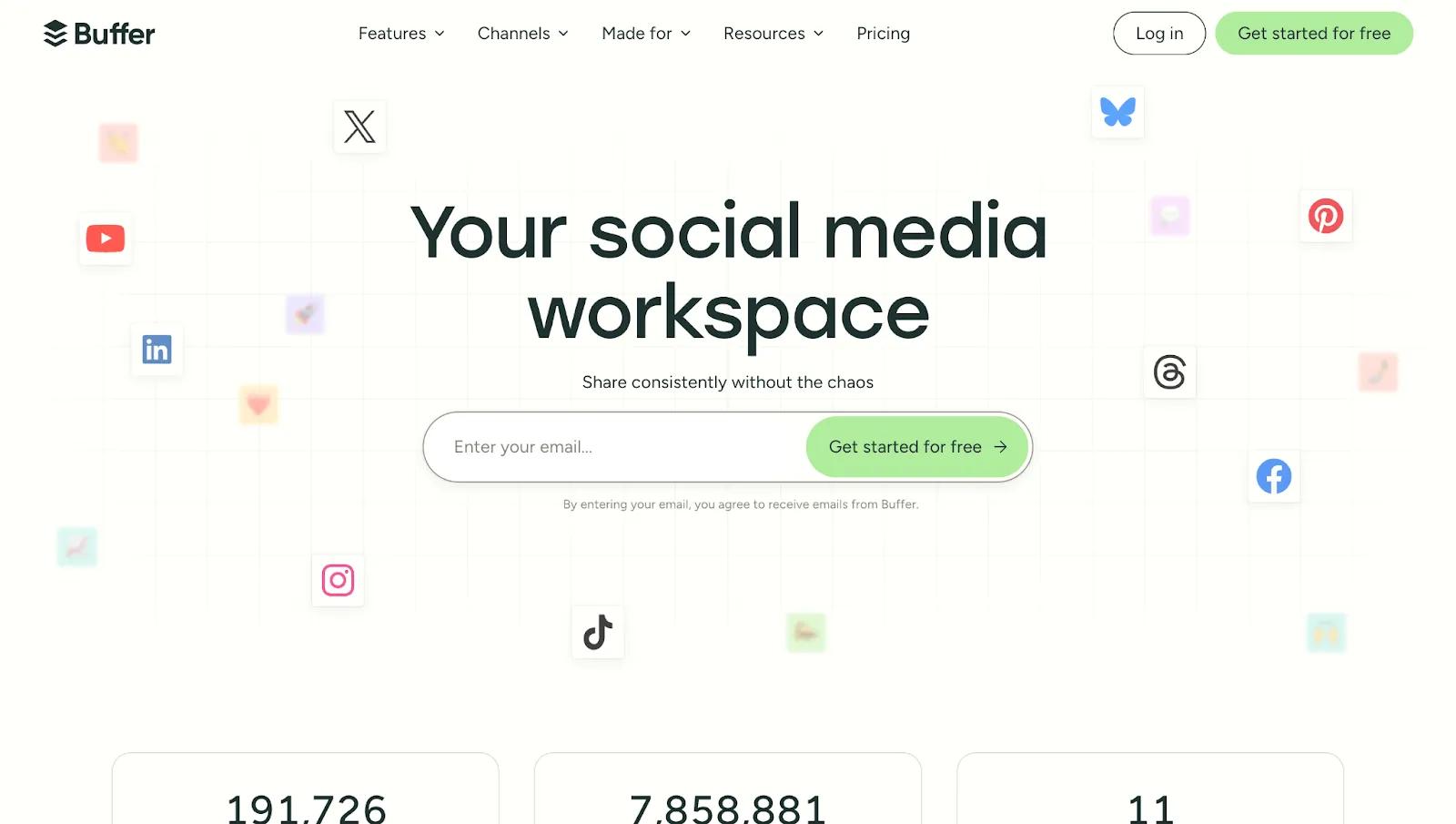
Buffer is a clean, affordable scheduling tool priced per channel rather than per user, making it the most accessible option for small agencies or social as an add-on service.
Pricing: Free (3 channels, 10 posts per channel); Essentials $5/channel/month; Team $10/channel/month.
Best for: Small agencies or those where social is a secondary service, and for client handoff setups.
Planable
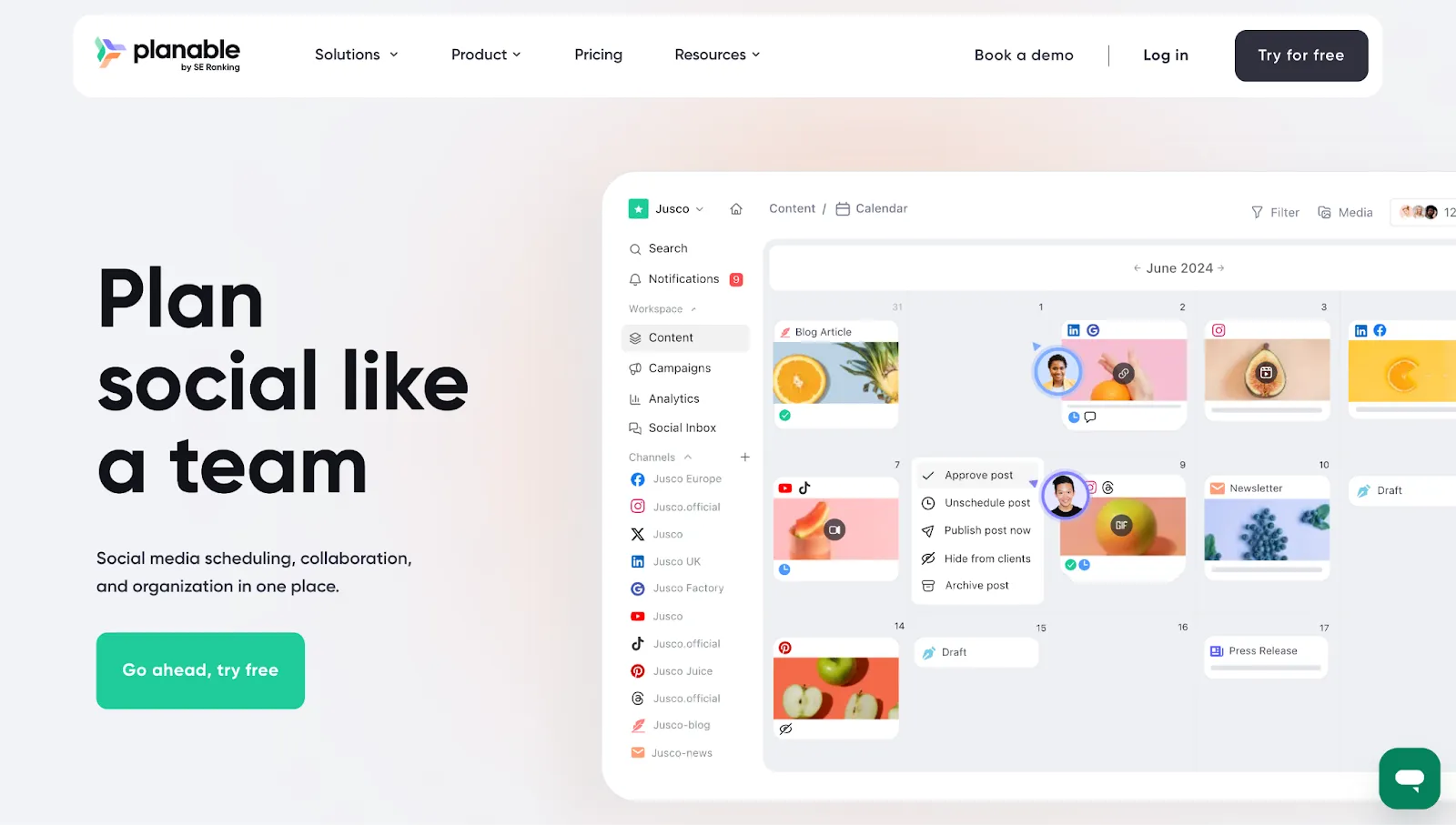
Planable is purpose-built for agency content approval workflows, with a shared workspace where clients can review and sign off at multiple stages before anything goes live.
Pricing: Free (50 total posts lifetime); Basic $33/workspace/month; Pro $49/workspace/month; Enterprise custom. Unlimited users on all paid plans.
Best for: Agencies managing multi-client social content with structured client approval requirements.
Social Media Tools Comparison
Email Tools
Tools for email marketing …
Active Campaign
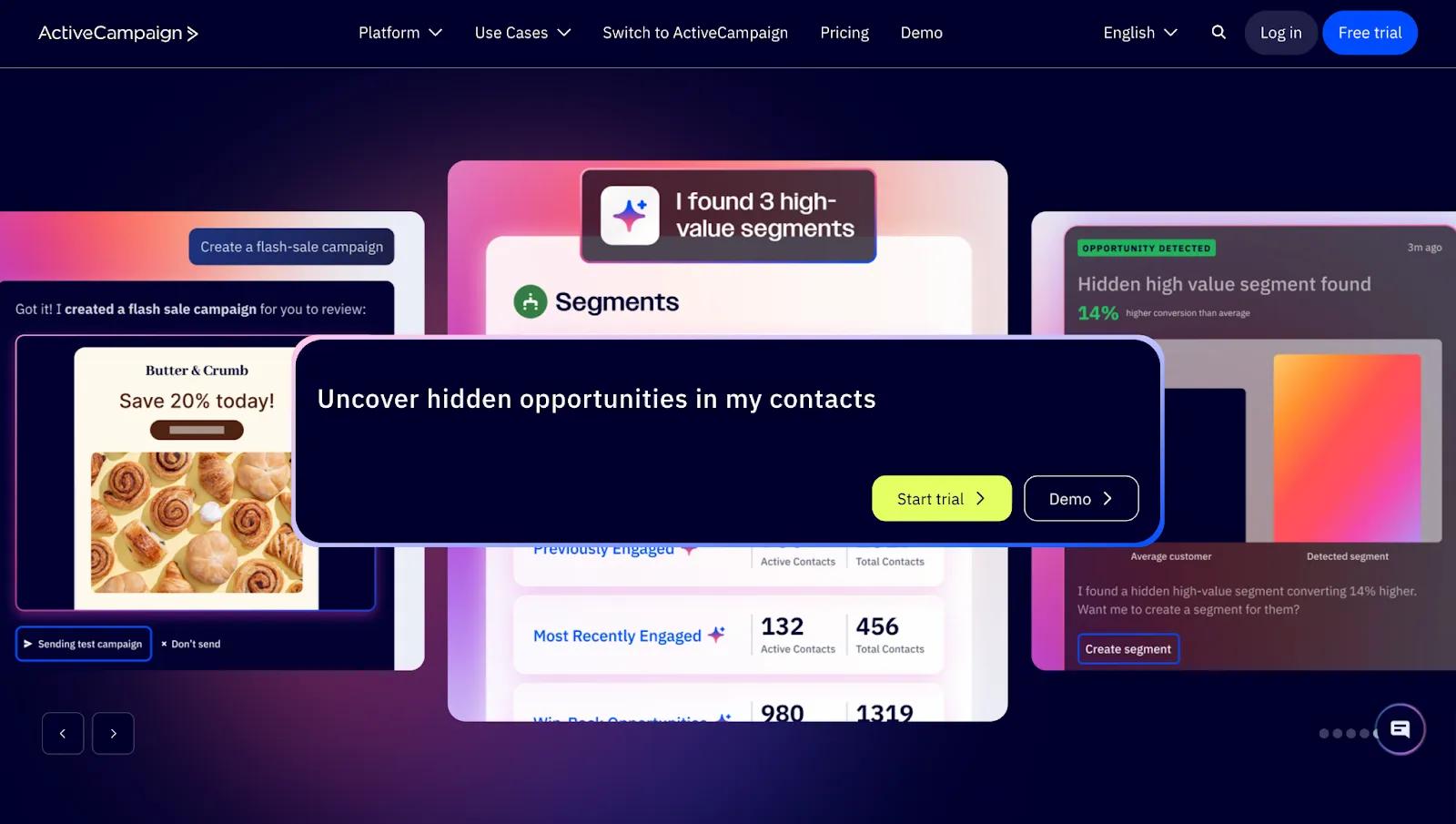
ActiveCampaign is an advanced email automation platform with a visual sequence builder, conditional logic, and multi-account management; the kind of complex email infrastructure agencies build and hand off or manage on retainer.
Pricing: Starter $15/month; Plus $49/month; Pro $79/month. Prices scale with contact volume.
Best for: Agencies managing complex email automation across multiple clients as a managed service.
MailChimp
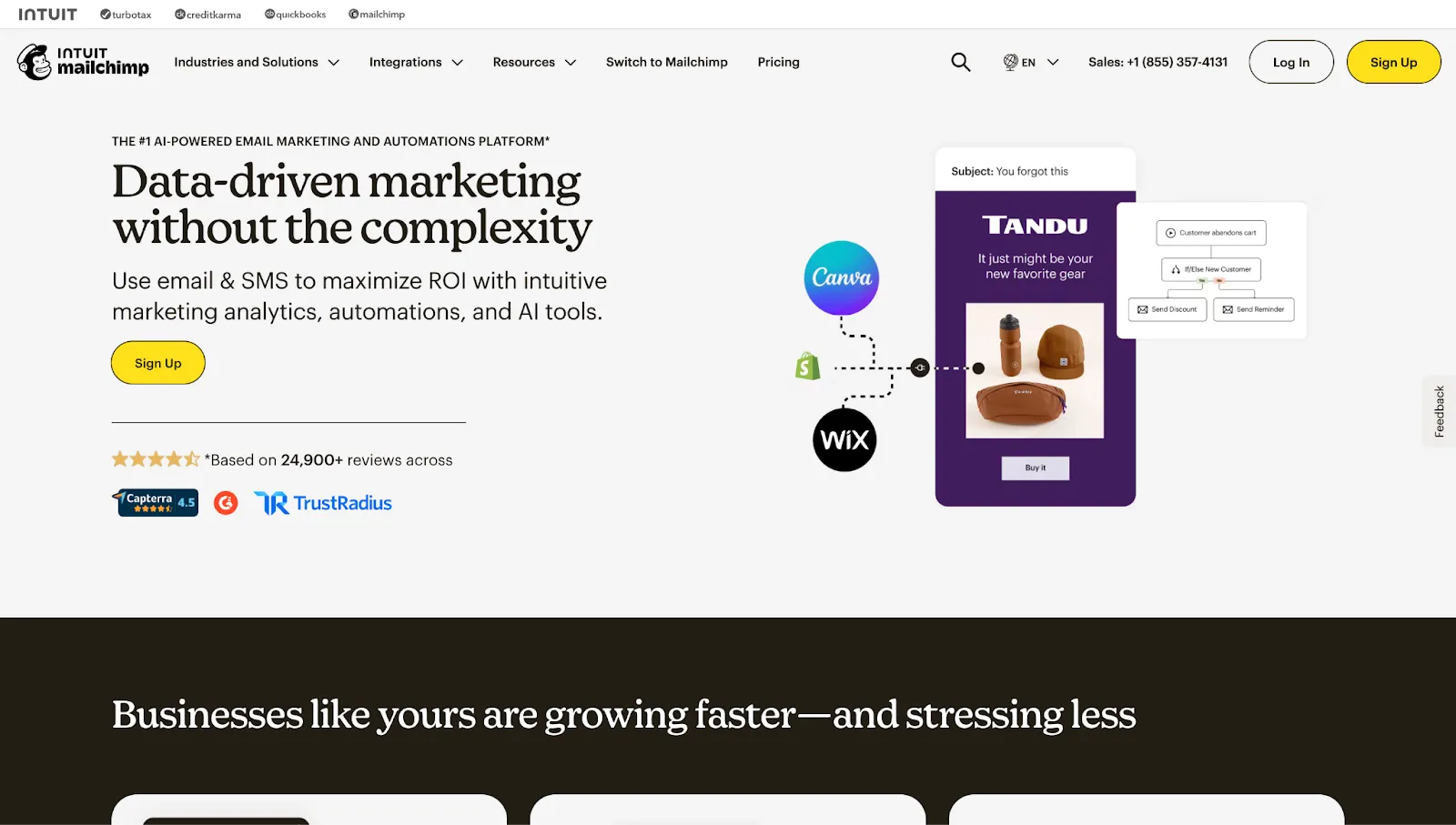
Mailchimp is better suited for simpler campaigns and clients who want to self-manage after the initial setup. It’s the most widely recognised email platform in the world with 11 to 13 million customers.
Pricing: Free up to 250 contacts (limited features); Essentials $13/month; Standard $20/month; Premium $350/month (10K contacts). Prices scale with contacts.
Best for: Agencies setting up email for clients who will self-manage, or running straightforward broadcast campaigns.
Honorable mentions
- SmarterQueue is a lesser-known content recycling and scheduling tool. It automatically reshares evergreen posts on a rotating schedule. This is what I used at CloudZero (a B2B startup) for several years. My favorite feature was the ability to create categories, set a schedule for when posts from that category would be shared, then add posts to those categories. I didn’t have to worry about scheduling individual posts; they went out according to the category schedule.
- Later is a visual-first scheduling platform built around Instagram and TikTok content planning, with a drag-and-drop media library and a link-in-bio tool that turns your feed into a clickable landing page.
- Social Status automates social media report exports in PDF, Excel, PowerPoint, or Google Slides.
- Threadlytics is a Reddit-specific intelligence platform that monitors brand mentions, tracks keywords, and surfaces competitive Share of Voice data. For agencies managing brands where Reddit is a relevant channel, it fills a gap that no general social media tool covers well.
Process & Automation Tools
Automation is where agencies improve their margins. Every task a tool handles is time your team can redirect toward strategy, execution, and client relationships.
Automation Tools
Tools to help you automate redundant tasks …
BlogSync
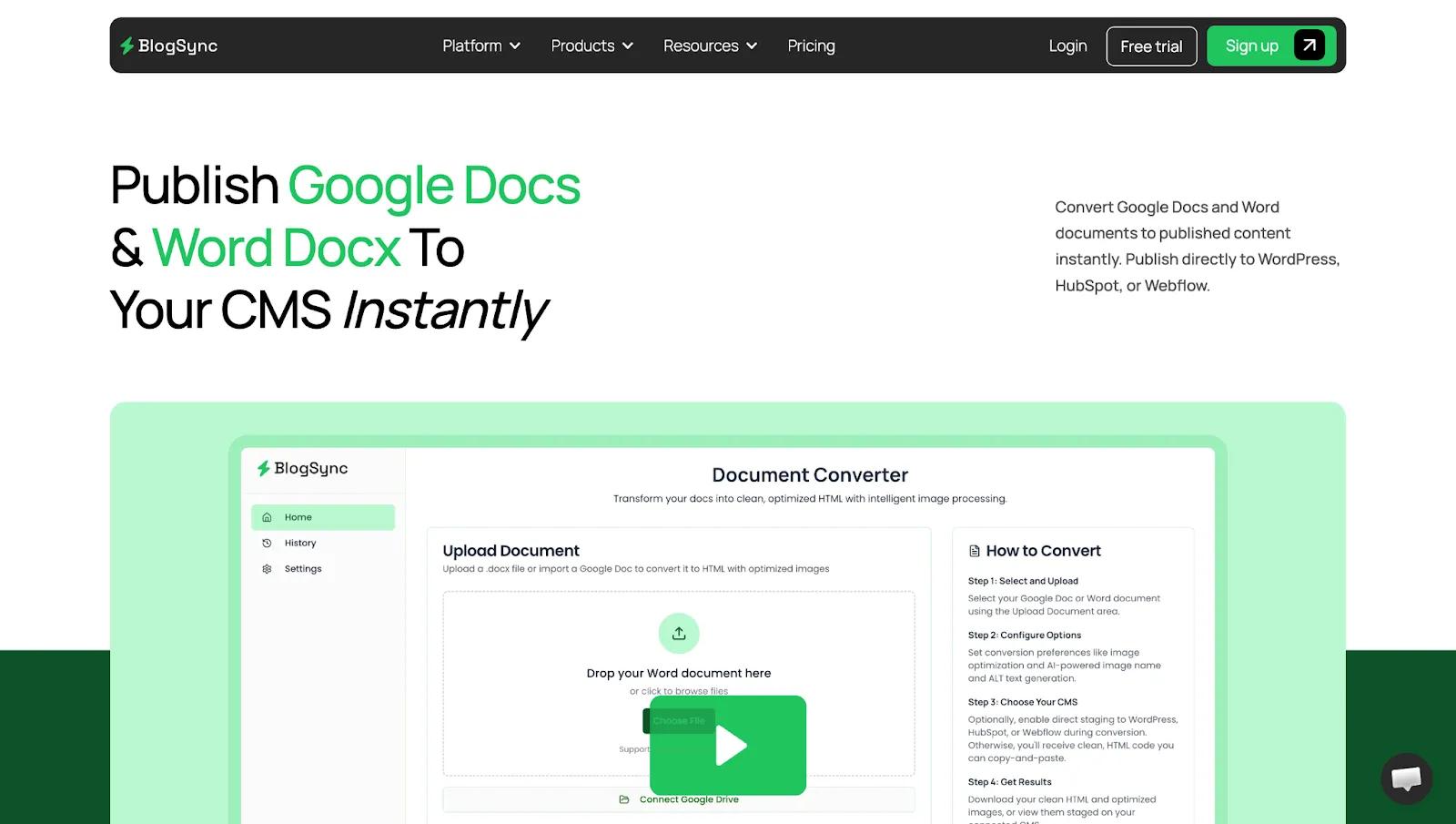
BlogSync helps agencies streamline content publishing to client websites. It converts documents (Google Docs, Word, and Notion) into clean, SEO optimized HTML and stages directly to your website, with support for WordPress, Webflow, HubSpot, Sanity, Contentful, and several others. Additionally, it automatically optimizes images and gives them SEO-friendly names.
This turns a 20-30minute process per blog post into just a few minutes.
Pricing: Free (3 total posts converted and staged); Basic $29/month; Pro $49/month; $99/month (unlimited posts, unlimited CMS connections, unlimited users).
Best for: Content-focused agencies publishing regularly across multiple client sites.
Zapier
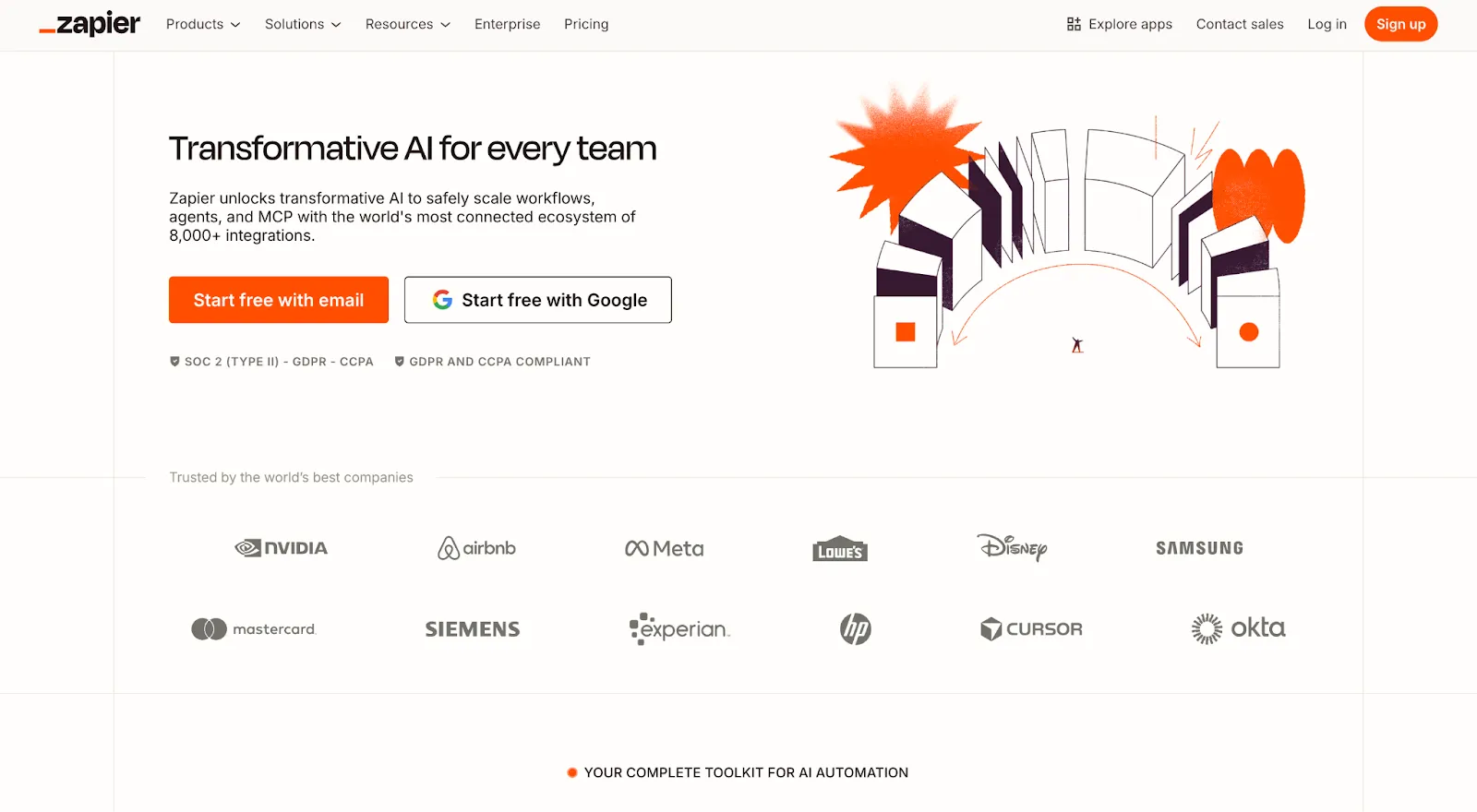
Zapier handles the straightforward cross-platform triggers that make up the majority of agency automation needs. Most teams can set up useful workflows in under an hour without any technical background.
Pricing: Free (100 tasks/month); Professional $19.99/month (750 tasks); Team $69/month (2,000 tasks).
Best for: Any agency with repetitive cross-platform data handoffs between tools.
Make
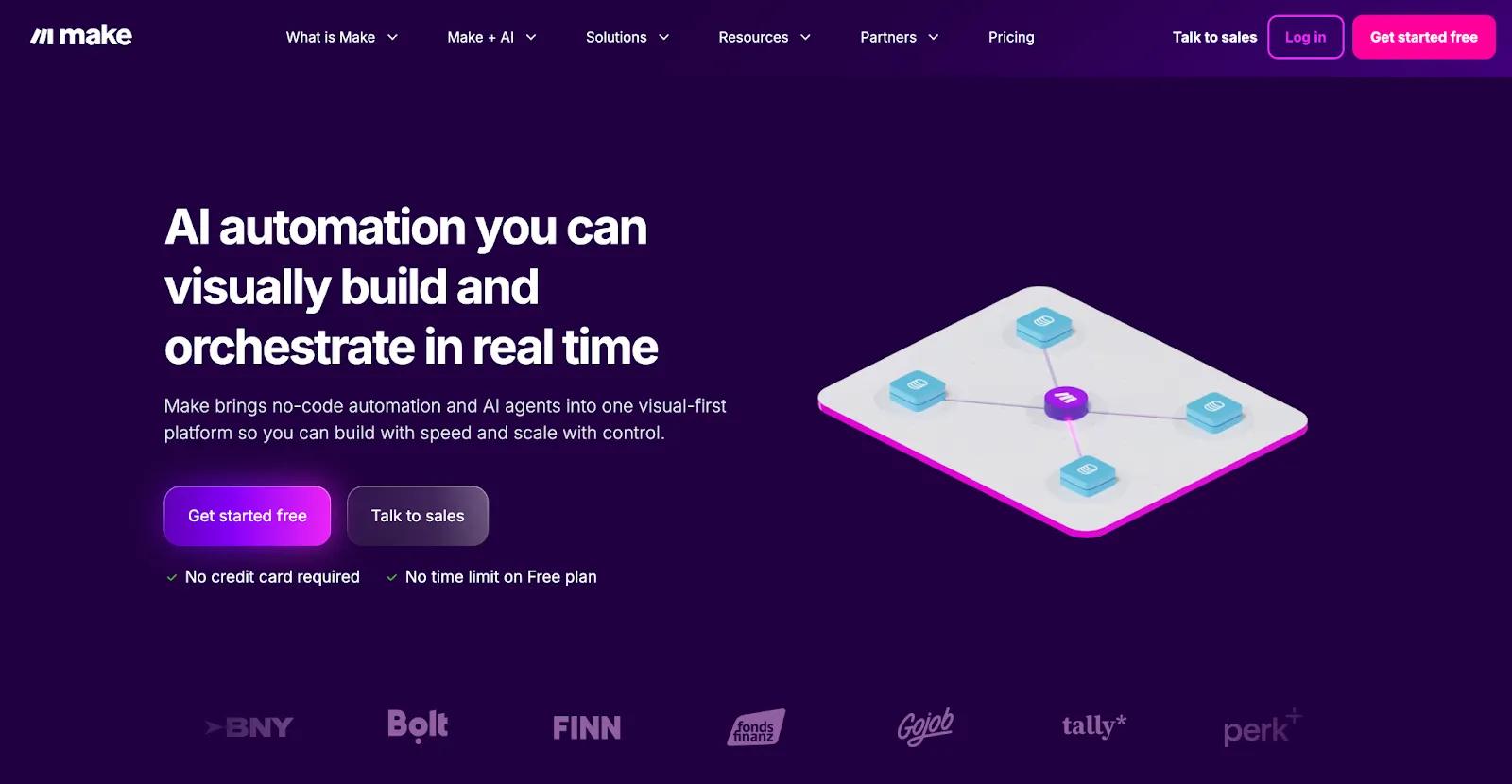
Make is the right tool when your workflows require conditional logic, data transformation, or multi-step sequences that Zapier's simpler trigger-action cannot accommodate.
Pricing: Free (1,000 credits/month); Core $9/month; Pro $16/month; Teams $29/month. Unused
Best for: Agencies with complex, multi-step automations requiring conditional logic beyond what’s possible with Zapier.
Process Documentation
Tools for internal or client documentation …
Scribe
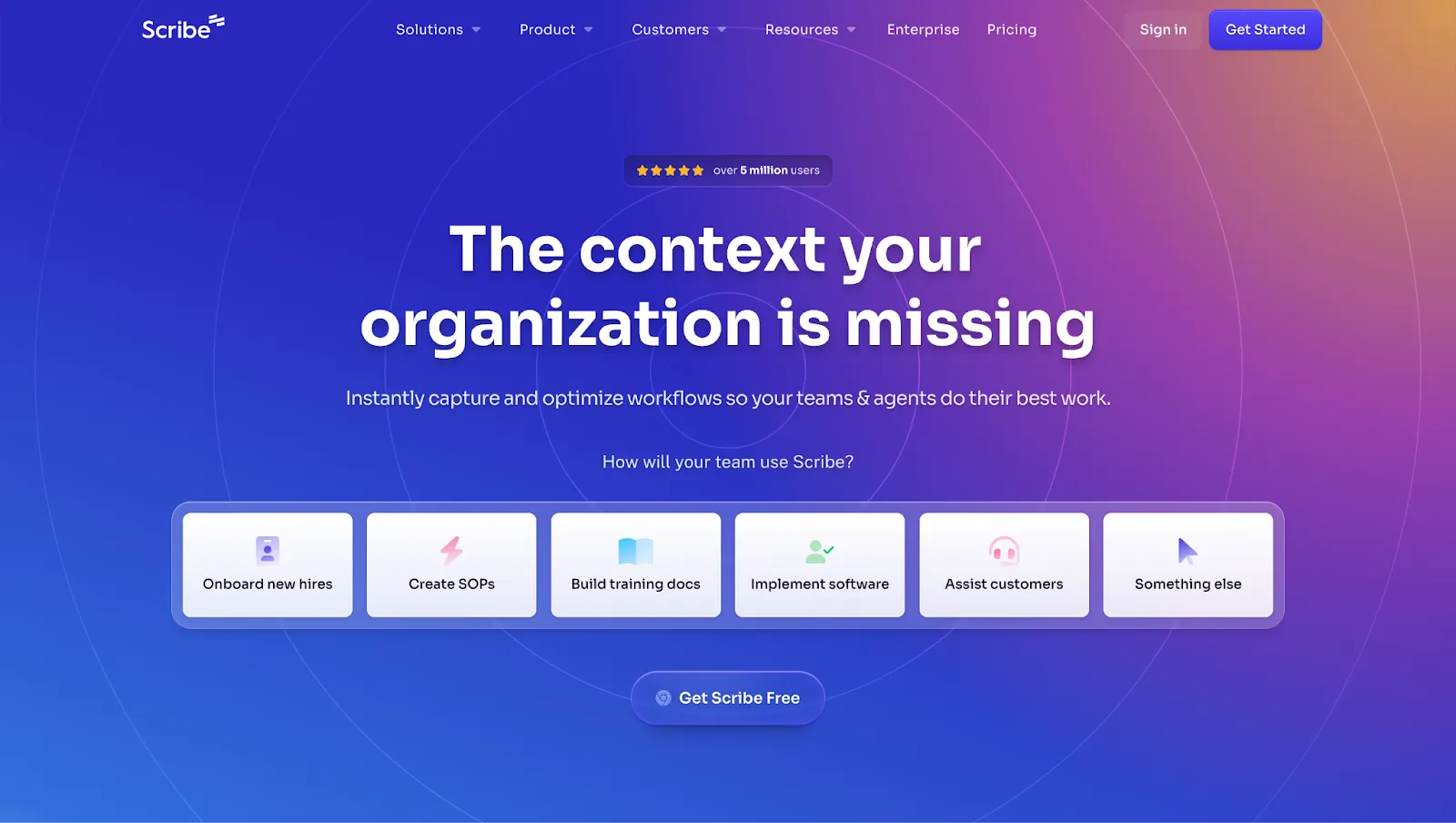
Scribe auto-generates step-by-step SOPs from screen recordings. It documents processes 12 times faster than writing them manually.
Pricing: Free; Pro Personal $25/user/month; Pro Team $13/user/month (5-seat minimum).
Best for: Growing agencies that need to document and standardize repeatable processes fast.
Notion
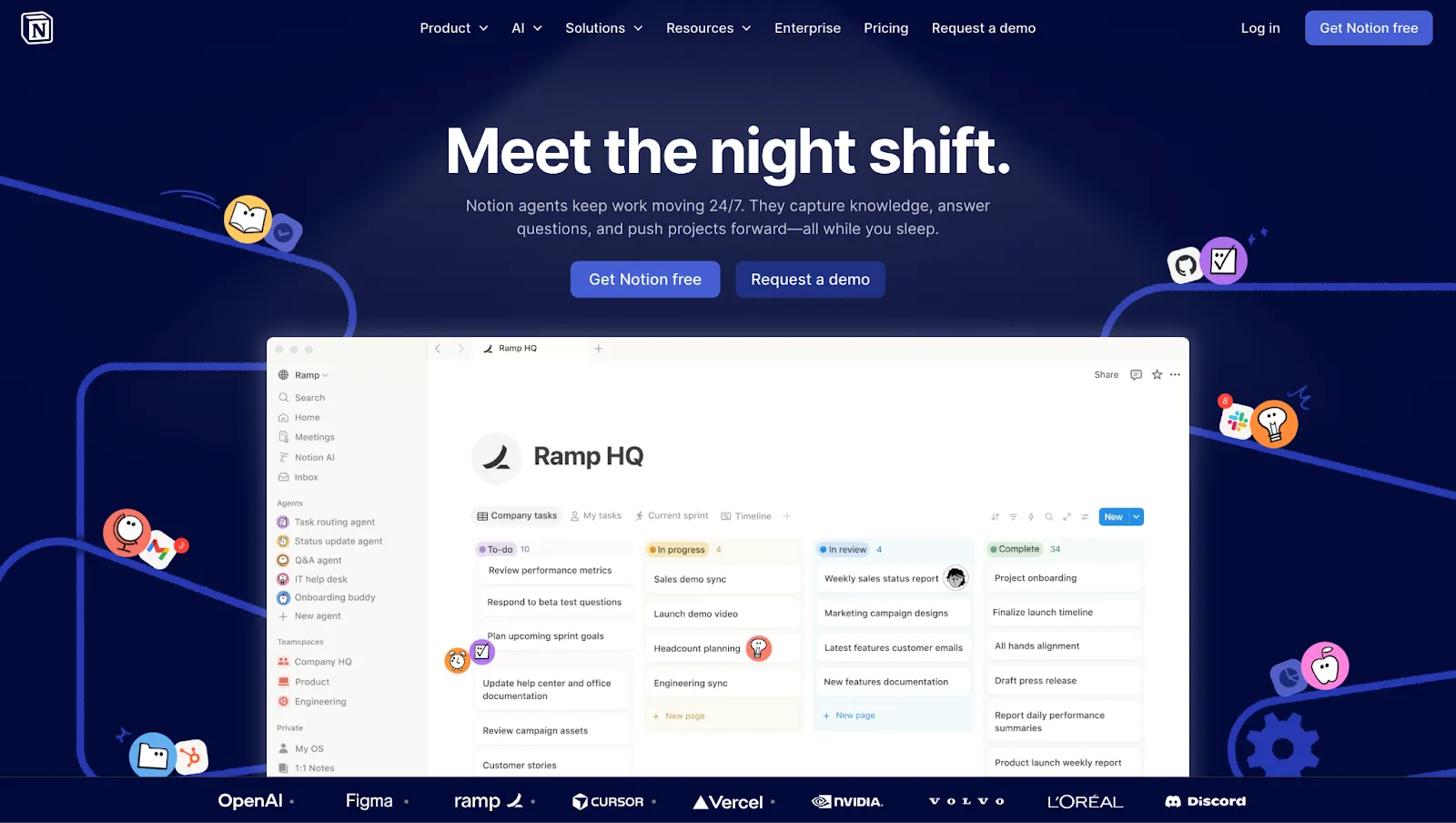
Notion functions as an internal knowledge base and workflow hub. SOPs, onboarding docs, client briefs, campaign templates, and meeting notes all in one searchable place.
Christopher Pappas, Founder of eLearning Industry, finds this centralization essential:
"We use Notion as our main system for daily work. It is where briefs stay organized, calendars remain updated, and workflows stay visible to everyone. A simple template for briefs or campaign kickoffs helps keep quality steady. Version history keeps decisions clear and easy to track."
Pricing: Free (unlimited pages for individuals); Plus $10/user/month; Business $20/user/month. Enterprise custom.
Best for: Agencies centralizing SOPs, internal docs, briefs, and templates. It’s best as a complement to a PM tool, not a replacement.
Analytics, Reporting, & Client Dashboards
Client reporting is one of the biggest time drains for agencies. Research from AgencyAnalytics found that agencies save an average of 137 billable hours per month by automating client reports.
These tools help automate reporting, while also allowing you to provide comprehensive, polished reports.
Analytics Foundations
The essential analytical tools for agencies …
Google Analytics
Google Analytics 4 is the foundation for any agency managing digital channels. Admittedly, GA4 is much more difficult to use than its predecessor (Universal Analytics). However, it’s still the most used web analytics tool, and it's free.
Pricing: Free for standard properties.
Best for: Every agency.
Looker Studio
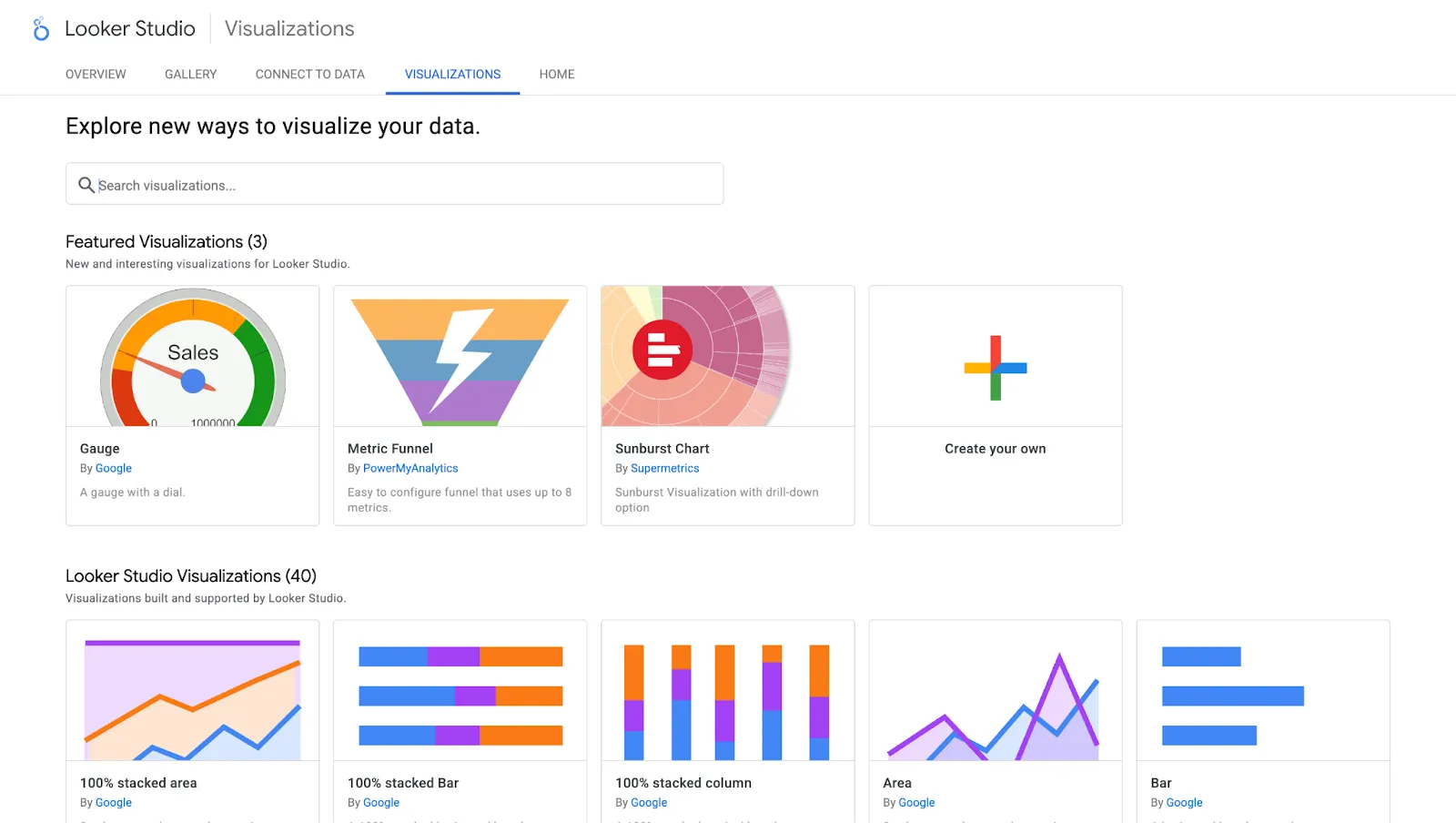
Looker Studio is a free dashboard builder that pulls from GA4, Google Ads, Search Console, and 800+ other connectors. It can help agencies create polished, client-ready reports for free.
Josiah Roche describes how GA4 anchors his reporting stack, in combination with Looker Studio:
"For reporting and tracking, I use Looker Studio with GA4 and Search Console connectors. Looker Studio lets me build a dashboard that matches how the client thinks about the business (leads, calls, revenue per channel) instead of just charts. With one local services client, adding CallRail and cleaning up their conversion tracking showed paid search was driving about 25 to 30% of booked jobs, while organic was driving closer to 45%, which changed where we put budget and effort."
Pricing: Free
Best for: Every agency needing client-facing dashboards.
Dedicated Reporting Tools
Analytics tools for advanced agencies …
AgencyAnalytics
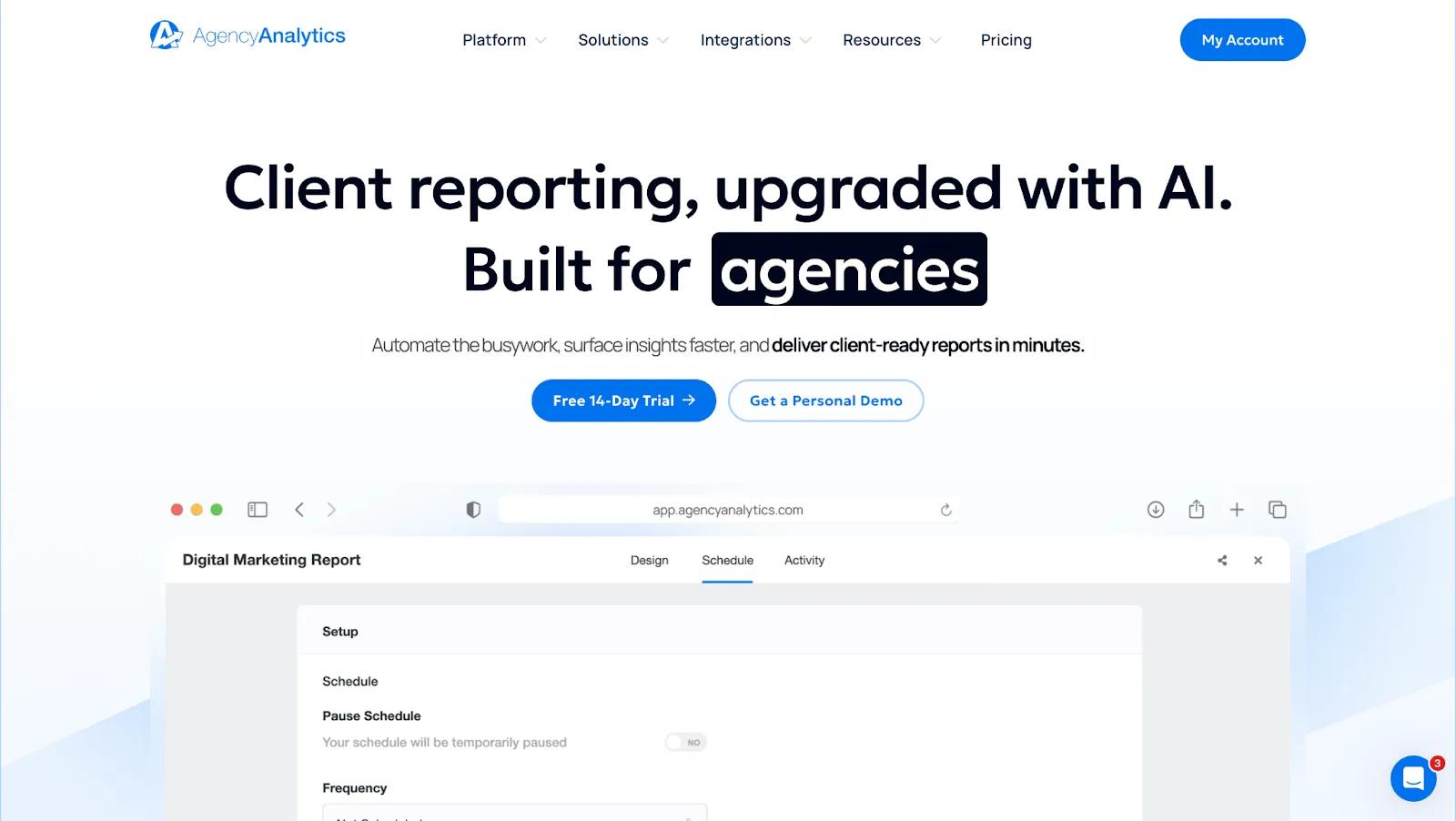
AgencyAnalytics is a white-label reporting platform built specifically for agencies, trusted by 7,000+ agencies, with per-client pricing and built-in SEO tools alongside cross-channel dashboards.
Pricing: Freelancer $59/month (5 clients); Agency $179/month (10 clients); Agency Pro $349/month (15 clients).
Best for: Mid-size agencies (5 to 20 clients) needing white-label, branded reporting without a heavy data setup.
Funnel.io
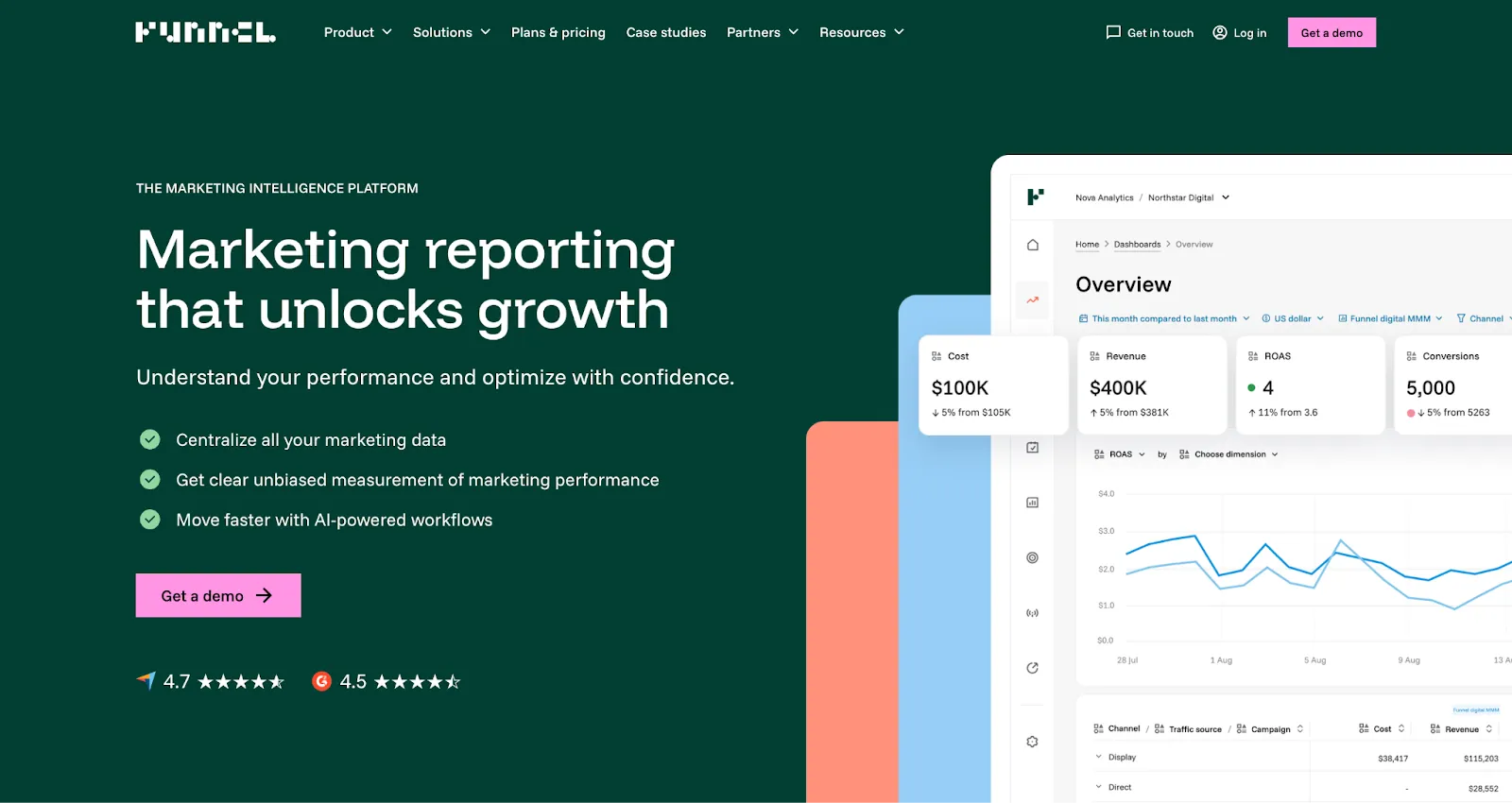
Funnel.io aggregates data from 600+ sources into a single environment. This eliminates manual pulls that make month-end reporting painful at scale.
Pricing: Starter $200/month; Business $800/month; Enterprise custom. No free plan or free trial.
Best for: Larger agencies (15+ clients) managing heavy data workloads across multiple paid and organic channels.
Hotjar
Hotjar provides heatmaps and session recordings that give clients visual evidence of user behavior on their own site.
Pricing: Free (200k monthly sessions); Growth $39/month; Pro and Enterprise have custom pricing.
Best for: Agencies offering CRO or UX services where behavioral data supports the strategy and retainer story.
Analytics and Reporting Tools Comparison
⚠️ Note: The goal is not to use all of these tools. It's to build a reporting stack that builds on the other. GA4 feeds Looker Studio. Funnel.io feeds AgencyAnalytics. The output is one coherent story, not six dashboards from six platforms.
Build Your Stack At Three Budget Tiers
Finally, to help you get started, here are three full-stack blueprints mapped to agency size and budget, with realistic monthly cost estimates.
Starter Stack
This stack covers the full workflow without redundancy. Every tool has a free tier or an affordable entry point.
Cost: ~$200 to $300/month
Best for: Early-stage agencies and freelancers transitioning into agencies.
Growth Stack
At this tier, the focus shifts toward tools with client-facing features: branded reporting, client portals, and scalable content publishing.
Cost: ~$600 to $900/month
Best for: Agencies with 5 to 20 clients looking to professionalize operations and add robust client-facing reporting.
Scale Stack
At this tier, Teamwork.com earns its place with native billing and utilization tracking. Funnel.io becomes justifiable when the alternative is hours of manual reporting across dozens of platforms.
The stack is tighter and more purpose-built for scale rather than growth-stage experimentation.
Cost: $2,000+/month
Best for: Established agencies managing 20-plus clients with dedicated teams per service line.
Build A Stack You'll Actually Use
Dillon Lara, Lead Web Developer at Point Source Marketing, puts the selection process simply:
"Every tool has to either save time or improve what the client sees. If it doesn't do one of those two things, we cut it."
That test applies whether you're building from scratch or auditing what you already have. The best agency tool stack is not the most comprehensive one. It's the one your team actually uses and provides real value.
Start with the workflow stages that create the most friction or cost your team the most hours. Map your current tools against them. Identify the gaps, apply the three-question framework, and add deliberately rather than reactively. Run a quarterly audit, cut what isn't earning its place, and reinvest in what is.
That discipline will compound over time.
Agencies that build tight stacks spend less time managing software and more time on the work that actually grows their clients' businesses, and their own.