7 Content Publishing Tools Worth Considering In 2026
Manual publishing costs your team hours every month. Here are the best content publishing tools to get your content live faster.
Draft done, editor approved, it’s time to publish your content. But what should be a quick, straightforward process turns into 30+ minutes every time you add a new blog post to your website CMS.
Pasting from Google Docs is never a quick or ideal process. Formatting breaks, images don't transfer, and by the time you've cleaned up HTML, optimized images manually, re-uploaded every image, and filled in metadata, you've burned 30 to 60 minutes on a repetitive, mundane task that could be automated.
This guide is designed to help you stop wasting tens of hours and, consequently, potentially hundreds of dollars every month on paying someone to manually publish content. We'll define exactly what a content publishing tool does, cover potential cost savings, and showcase the top content publishing tools available today.
What Counts As A Content Publishing Tool (And What Doesn't)
A content publishing tool is any tool that moves content from an article draft (in Google Docs, Word, Notion, etc.) to a live website CMS (WordPress, HubSpot, Webflow, Framer, Ghost, and so on).
Some other guides include tools like Buffer, CoSchedule, Notion, and Trello. Buffer and CoSchedule are social schedulers. Trello and Notion boards are editorial calendars. They're useful, but they’re not content publishing tools.
This guide covers two categories:
- Dedicated doc-to-CMS publishers that exist solely to take a document and publish it cleanly to a CMS, with formatting preserved, images optimized, and metadata set.
- Content creation platforms with built-in publishing that are primarily for AI-assisted content generation, with CMS publishing as an added step in the workflow.
The Hidden Cost Of Manual Publishing Workflows
Manual publishing is a time suck that can cost your business tens of hours and hundreds of dollars in wasted spend every month. The problem amplifies the more content you produce and publish.
As one QA lead at Productive Shop, a B2B marketing agency, described it:
"What should be a simple copy-paste turns into an hour of fixing broken formatting. Random line breaks, weird spacing, messy lists and tables that just don't behave. Fixing the layout manually took longer than the content review itself."
That experience is not unusual. It's the default. Pantheon's research found that 90% of their customers create content in Google Docs, yet traditional CMS workflows force them to transfer everything manually.
Here’s what the content publishing process usually looks like (when you hit all SEO best practices):
- Copy the content from your Google Doc or Word document
- Paste it into your website CMS (e.g., WordPress, Webflow, etc.)
- Formatting typically breaks, and unnecessary HTML tags are added (especially when pasting to WordPress), which bloats your code
- Images may be pasted, but best practice calls for you to download the hi-res image from your document and compress it
- Compress images (i.e., convert to WebP for smaller file sizes and faster load speeds)
- Give images SEO-friendly names (e.g., “content-marketing-flow-chart.webp” rather than “image-001.webp”)
- Upload images and manually replace them in the post in your website CMS editor
- Give images proper alt text
- Set metadata like meta titles and meta descriptions
- Review and click publish or schedule
If your team publishes 20 posts a month and each one costs 30 minutes in formatting work, that's ten hours wasted on repetitive, manual tasks. At $50/hour, that’s $500 every month.
The good news is that this is a solved problem. The right publishing tool makes the entire process take just a few minutes, if not seconds.
Dedicated Content Publishing Tools
These tools are built specifically for one job: taking a document and getting it into your CMS cleanly, quickly, and without a human spending thirty minutes cleaning up the wreckage.
They're the right choice for teams that write content in Google Docs, Word, or Notion.
BlogSync
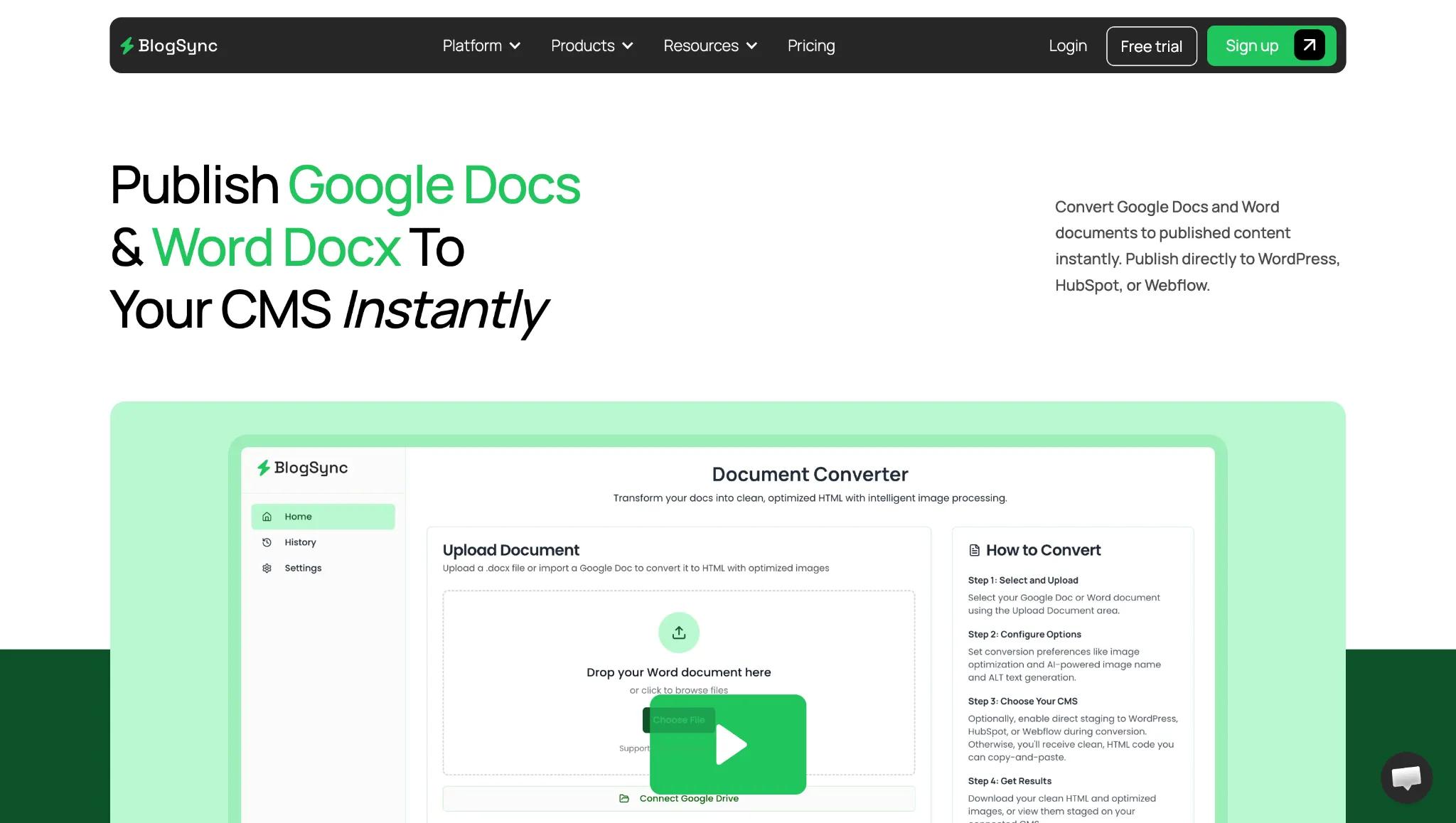
BlogSync is the most complete content publishing tool on this lists. It supports Google Docs, Microsoft Word (.docx), and Notion as document sources, and publishes to WordPress, HubSpot, Webflow, Ghost, Contentful, Sanity, Wix, and Framer, as well as providing generated HTML or Markdown (so you can copy manually if needed).
What clearly separates BlogSync from competitors is its image pipeline. BlogSync automatically converts images to WebP format (for smaller file sizes and faster page load speeds), gives the image context, SEO-friendly names (AI-powered image naming understands the context of the image and content around it, then gives it a specific name), sets alt text for the image, and uploads images to your website CMS.
For content teams, BlogSync includes role-based permissions (owner, admin, and member levels) and a complete conversion history audit trail.
Pricing: Free trial (3 converted posts total); Basic $29/month (10 posts/month, 100 images/month, 1 user, 1 CMS connection); Pro $49/month (25 posts/months, 250 images/month, 3 users, 5 CMS connections); Platinum $99/month (unlimited posts, unlimited users, unlimited CMS connections, 1,000 images/month).
Limitations: Entry-tier post limits are modest. No public API.
Best for: Teams publishing from Google Docs, Word, or Notion to WordPress, Webflow, HubSpot, Ghost, Framer, Contentful, Sanity, or Wix.
Wordable
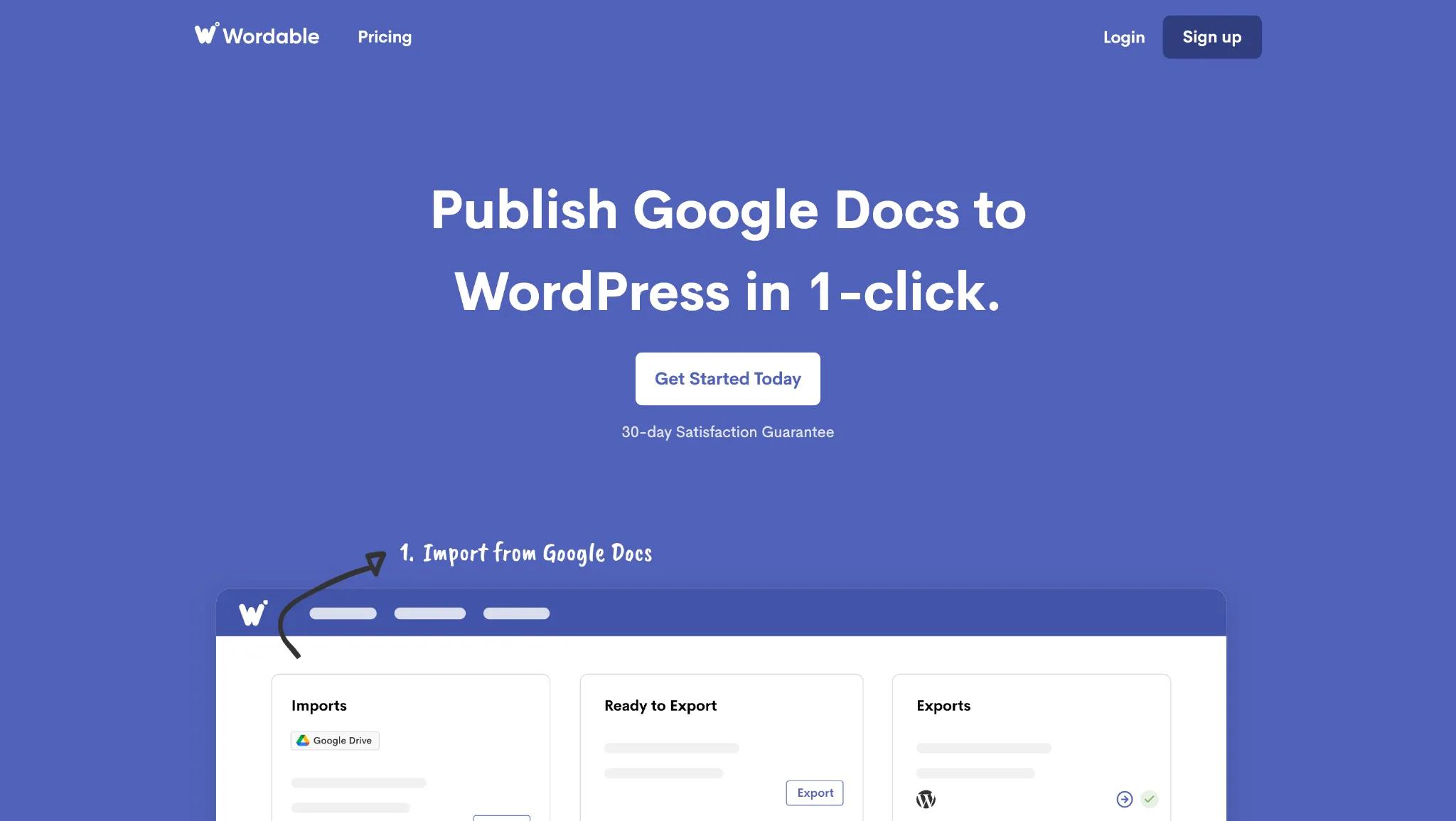
Wordable is the oldest tool in this category (founded in 2016), with a 4.7/5 rating on Capterra. The tool exports Google Docs to WordPress, cleaning HTML, compressing images, and preserving formatting. HubSpot and Medium are also supported.
However, most reviews are from 2022 or earlier, and the most recent reviews note reliability issues on the platform. From my tests, the UI is quite janky and outdated. It doesn’t appear that this tool has been unkept or that it is still fully supported.
Pricing: Hobbyist plan is free (includes 1 site, 2 users, and 5 exports per month); Basic $29/year; Pro $149/year; Premium $349/year.
Limitations: Google Docs only, no Word or Notion support. Three CMS platforms. Higher price floor than alternatives. Recurring complaints about recent reliability. Wordable's recent updates have received criticism on Capterra and G2 for bugs, a clunkier interface, and inconsistent support responsiveness.
Best for: Established Google Docs-to-WordPress teams that need an affordable tool.
Docswrite
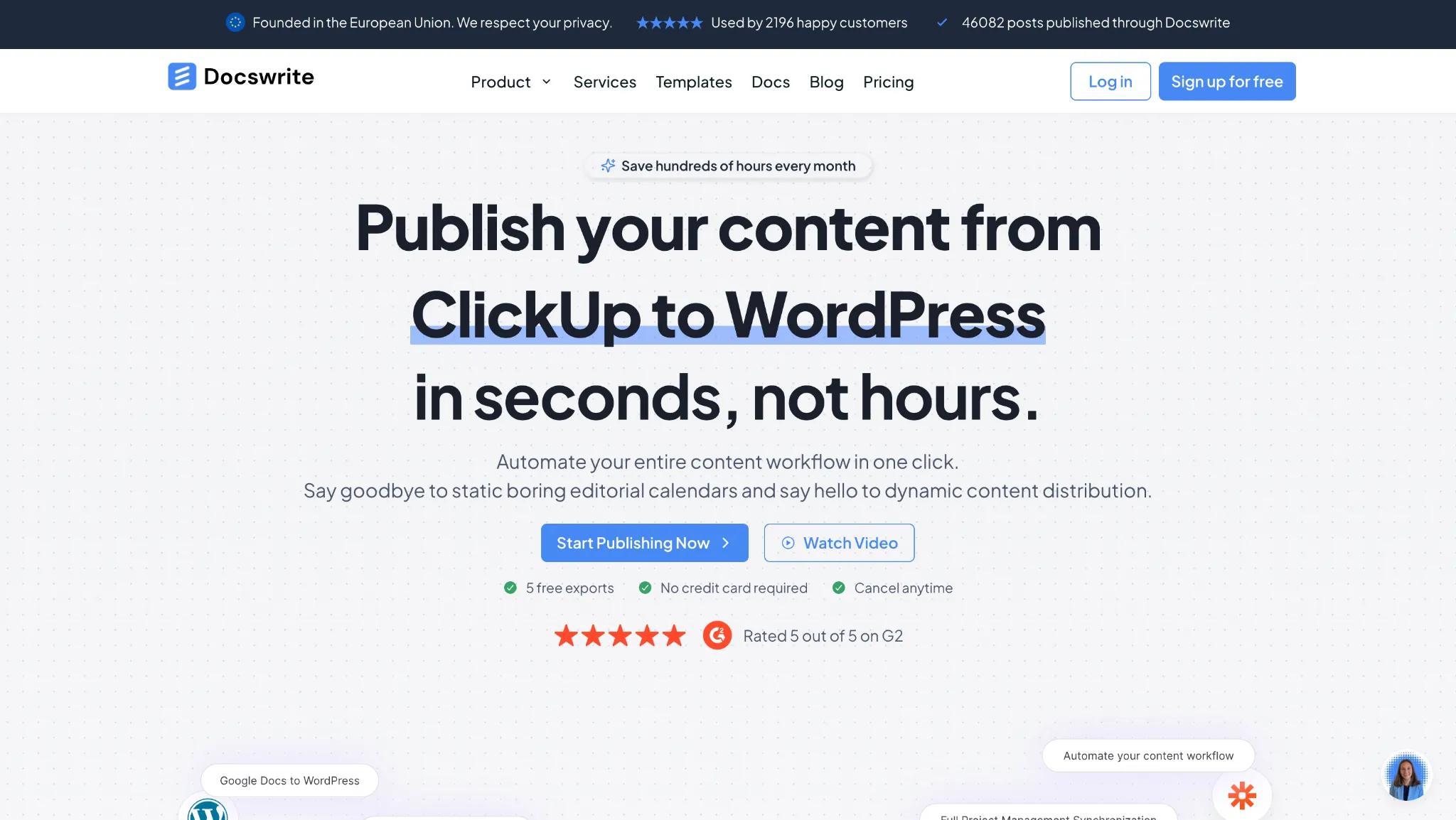
Docswrite does one thing that no other tool in this category does: it lets you export and publish content from a Google Sheet to WordPress. This can be a good way to publish content at scale. It also has standard content publishing from Google Docs to WordPress, Contentful, and Newspack.
For WordPress users, Docswrite also integrates with Yoast and RankMath, allowing you to set metadata from your converted doc.
Pricing: Start-Up $29/month (up to 75 Google Docs converted per month); Business $49/month; Enterprise $89/month.
Limitations: No Notion or Microsoft Word conversion support. Webflow, HubSpot, Ghost, Sanity, and Wix are notably missing as supported websites. Basic image processing (no AI-powered image naming or alt text). Mediocre UI.
Best for: WordPress-focused teams with high volume, or anyone running programmatic SEO from Google Sheets.
GoPublish
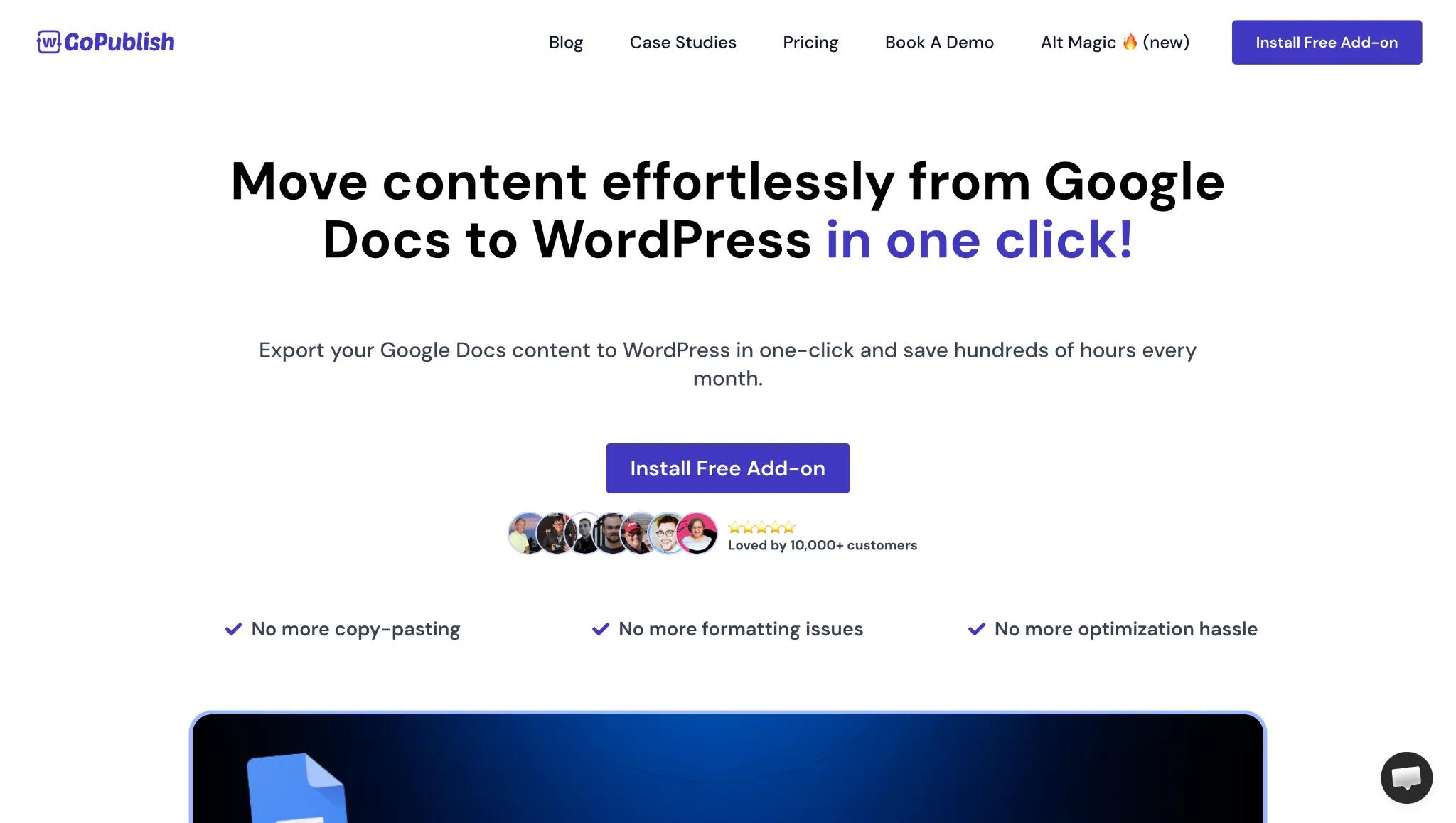
GoPublish lives as a Google Docs add-on, so writers can publish directly from their document. From the add-on sidebar, writers can set SEO metadata, optimize images with AI-generated alt text, assign categories and tags, and publish directly to WordPress. It also supports bulk export via Google Sheets, Yoast and RankMath integration, and ACF (Advanced Custom Fields) syncing. However, note that only WordPress is supported as a connected website.
Pricing: Free (1 connected website, 10 exports/month); Starter $9/month; Professional $19/month; Agency at $69/month.
Limitations: WordPress-only. Google Docs only. No Word or Notion support. No Webflow, HubSpot, Contentful, Wix, Sanity, or Framer support. Functionality is constrained to what the Google Docs sidebar can accommodate.
Best for: Budget-conscious teams who want a lightweight, Google Docs-native WordPress publishing tool.
Pantheon Content Publisher
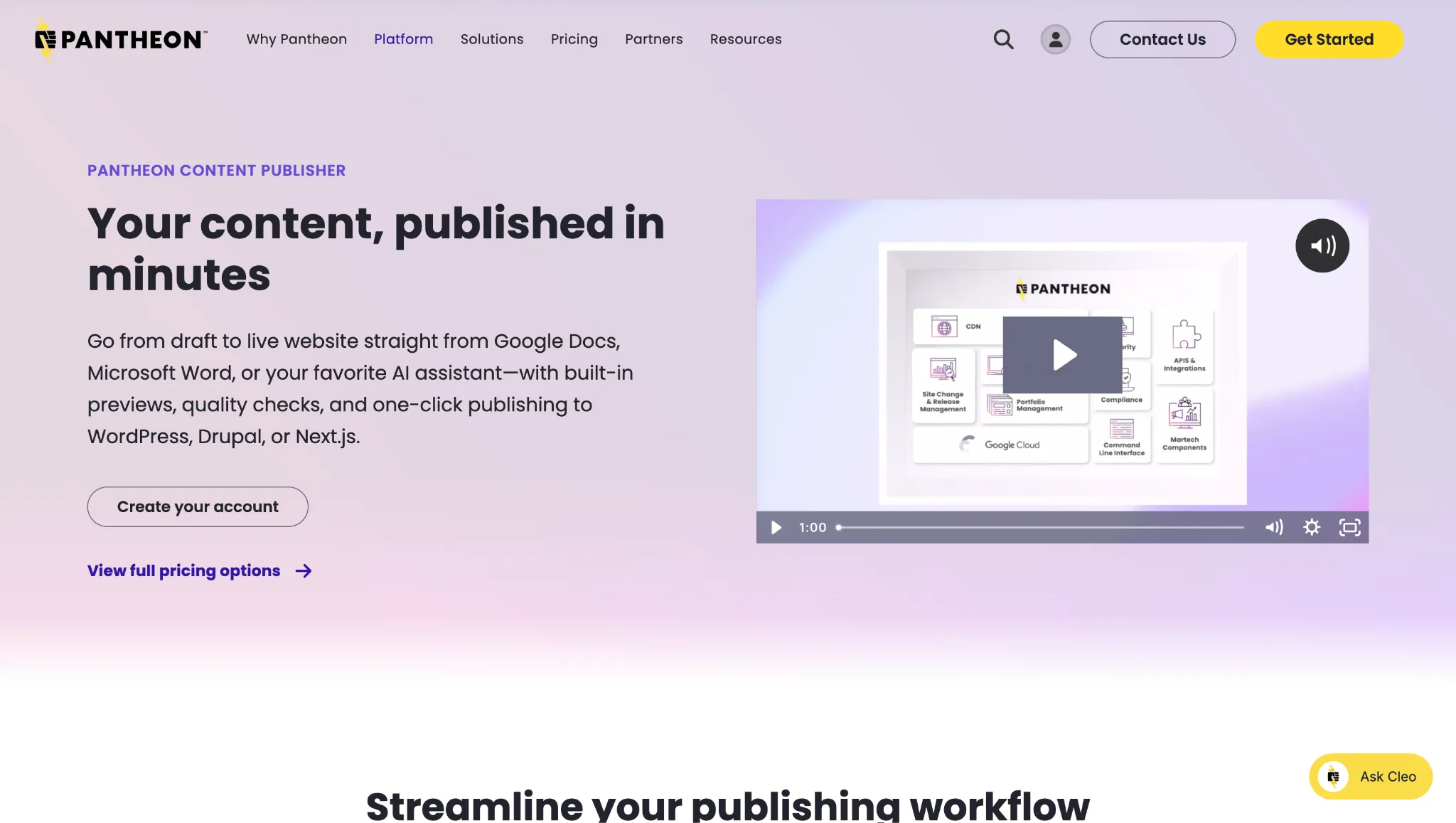
Pantheon Content Publisher is the most feature-rich tool in this category, but it comes with an important caveat: it's a feature within the Pantheon WebOps hosting platform, not a standalone product.
It supports Google Docs and Microsoft Word as document sources, and publishes to WordPress, Drupal (the only tool on this list with Drupal support), and Next.js. Standout features include a live preview of exactly how content will render on desktop and mobile before publishing, a quality assistant that catches accessibility issues (missing alt text, improper heading structure), and approval workflows with granular permission controls.
Pricing: Pricing is quite complex and varies dramatically. Pricing starts at $42/month (with annual billing) and goes up to over $1,800/month, with Enterprise pricing available on request.
Limitations: Not a standalone tool. Requires Pantheon hosting infrastructure. Professional tier pricing is a significant jump from the free plan and is clearly aimed at enterprise budgets. Not suitable for teams hosting elsewhere. Not a good fit if all you want is a content publishing tool.
Best for: Enterprises and agencies hosting on Pantheon who need governance or Drupal support.
Content Creation Platforms With Built-In Publishing
AI-assisted content research and creation is the primary function of the tools in this category, with CMS publishing integrated into their workflow. In general, publishing functionality is meaningfully lighter than the dedicated tools above, with narrower CMS support, limited image optimization, and less formatting control.
They work best for solo creators or smaller teams without an established Google Docs or Word workflow.
Frase.io

Frase is an all-in-one content research, creation, and AI visibility platform. Frases bundles together SERP research, content briefs, GEO and SEO audits, and AI-assisted content creation and editing. For content creation, you enter a keyword, it analyzes the top-ranking pages, builds a structured brief, and creates AI-written content with SEO and GEO scoring.
The feature set is impressive, but the platform is quite busy, cluttered, and there is a lot of information to take in. As for content publishing, Frase supports Google Docs and Notion as sources, and WordPress, Webflow, and Sanity as connected websites.
Pricing: Starter $49/month (includes 10 AI-optimized articles/month); Professional $129/month; Scale $299/month.
Limitations: Publishing is a secondary feature. Limited CMS support (No HubSpot, Contentful, Ghost, Framer, or Wix). Image optimization during publishing is basic (no AI-powered image naming or alt text).
Best for: SEO-focused content teams who want research, writing, optimization, and publishing in a single platform.
Contentpen

Contentpen (by ContentStudio) is an AI-assisted content generation platform, with content publishing as a built-in feature. The primary use case is AI-generated content, from brief to finished blog post. But it does support WordPress, Ghost, Shopify, Wix, and Webflow, with scheduled publishing, content version syncing, pre-publish error checks, and role-based approval workflows.
Limitations: No Google Docs, Word, or Notion import. Entirely self-contained workflow (the workflow is generally from AI-generated content to published blog post).
Best for: AI-first teams who want to go from keyword to published post without leaving a single platform.
How To Choose The Right Content Publishing Tool (+ Detailed Comparison)
The right tool isn't the one with the longest feature list. It's the one that fits where your team actually writes today and fixes the specific bottleneck costing you the most time.
If you already write in Google Docs, Word, or Notion, get a dedicated doc-to-CMS tool. Don't change your writing environment to gain a publishing feature.
If you need to publish to more than one CMS platform, BlogSync is the strongest option. It has the widest CMS range of any tool in this category (with support for WordPress, Webflow, HubSpot, Contentful, Sanity, Wix, and Framer) and is the only one supporting Google Docs, Word, and Notion.
If you publish exclusively to WordPress and write in Google Docs, both Wordable and Docswrite work well.
If your publishing volume is high (20 or more posts per month), the economics of a dedicated tool are clear. At ten hours of formatting work per month, even a $99/month tool pays for itself.
If you're a solo creator or small team who wants writing, SEO research, and publishing in one place, Frase.io or Contentpen are worth exploring. Just go in knowing that the publishing step is a feature within a larger creation suite, not a dedicated publishing tool. Plus, with any tool that uses AI-generated content, the output will likely need heavy editing.
Final Thoughts
The gap between a finished draft and a published post shouldn't be where your time disappears. But for most content teams, it is, and it gets more expensive with every article you publish.
Publishing content is exactly the kind of repetitive work that you should be automating.
Data from Canto is clear on what happens when teams fix it: automated workflows are 48% more likely to produce meaningful ROI improvements, and teams that can update content in real time report significant revenue increases at more than four times the rate of slower teams.
For teams with an existing doc-based workflow, a dedicated publishing tool will almost always outperform a creation platform's built-in publisher. The formatting quality is more reliable, the image optimization is deeper, and the CMS flexibility is broader.
If you're looking for a strong starting point, especially if your team writes in Google Docs, Word, or Notion and publishes to WordPress, HubSpot, Webflow, or beyond, BlogSync is worth exploring first. The free trial gives you three full conversions to test the workflow end-to-end, no credit card required.