The Best Blogging Tools For Each Workflow Stage
Which blogging tools actually move the needle? This guide skips the mega-lists and tells you exactly what to use at each stage.
If you search "best blogging tools," most articles give you a giant list of 40+ tools, with no real guidance on which ones actually matter. This guide is different.
Instead of listing every tool imaginable, each recommendation is organized by workflow stage, so you can identify the tools you need the most.
There are ten categories: writing, editing, AI assistants, SEO, publishing, design, planning, promotion, and monetization. Each category has one clear "best" pick, followed by runner-ups.
Over 7.5 million blog posts are published every single day. Standing out is not about writing more; it’s about working smarter. These tools will help you do just that.
Starter Stack (for skimmers who want a quick answer)
If you read nothing else, start with these four:
- Google Docs for writing
- Claude for content creation and ideation
- Google Search Console + GA4 for SEO performance
- Ahrefs for keyword research
- BlogSync for publishing to your CMS
- Canva for graphics
These tools cover your core workflow: research, create, optimize, publish, and illustrate.
Writing Tools
Best Pick: Google Docs
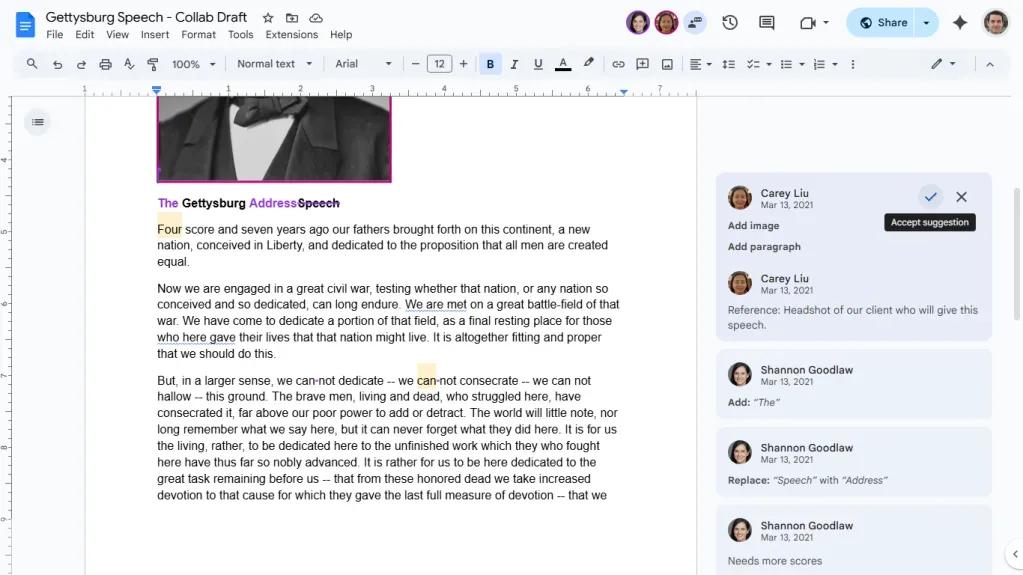
Google Docs is a universal writing standard. Real-time co-editing, reliable version history, inline commenting and suggesting mode, and deep integration with the rest of Google Workspace make it the default for good reason. It works on any browser, has strong offline support, and the barrier to entry is zero.
Best for: Any blogger or team who wants a frictionless, collaborative writing environment.
Pricing: Free for personal use; Google Workspace from $7/user/month for full team features.
Drawback: Formatting and layout fall short of Microsoft Word; converting to other formats can introduce issues.
Runner-up: Microsoft Word
Microsoft Word is the right choice for anyone who needs desktop-grade formatting, complex document design, or deep Microsoft Teams integration.
Best for: Enterprises and teams already in the Microsoft ecosystem.
Pricing: From $6/user/month.
Drawback: Copilot AI significantly increases the cost; overkill for most solo bloggers.
Honorable mentions:
- Zoho Writer (free): A full-featured word processor with real-time collaboration, track changes, and a built-in AI assistant at no extra cost.
- Ellipsus (free): Purpose-built for creative writers and co-authors, with a unique multi-draft system and a firm no-AI policy.
Editing Tools
Best Pick: Grammarly
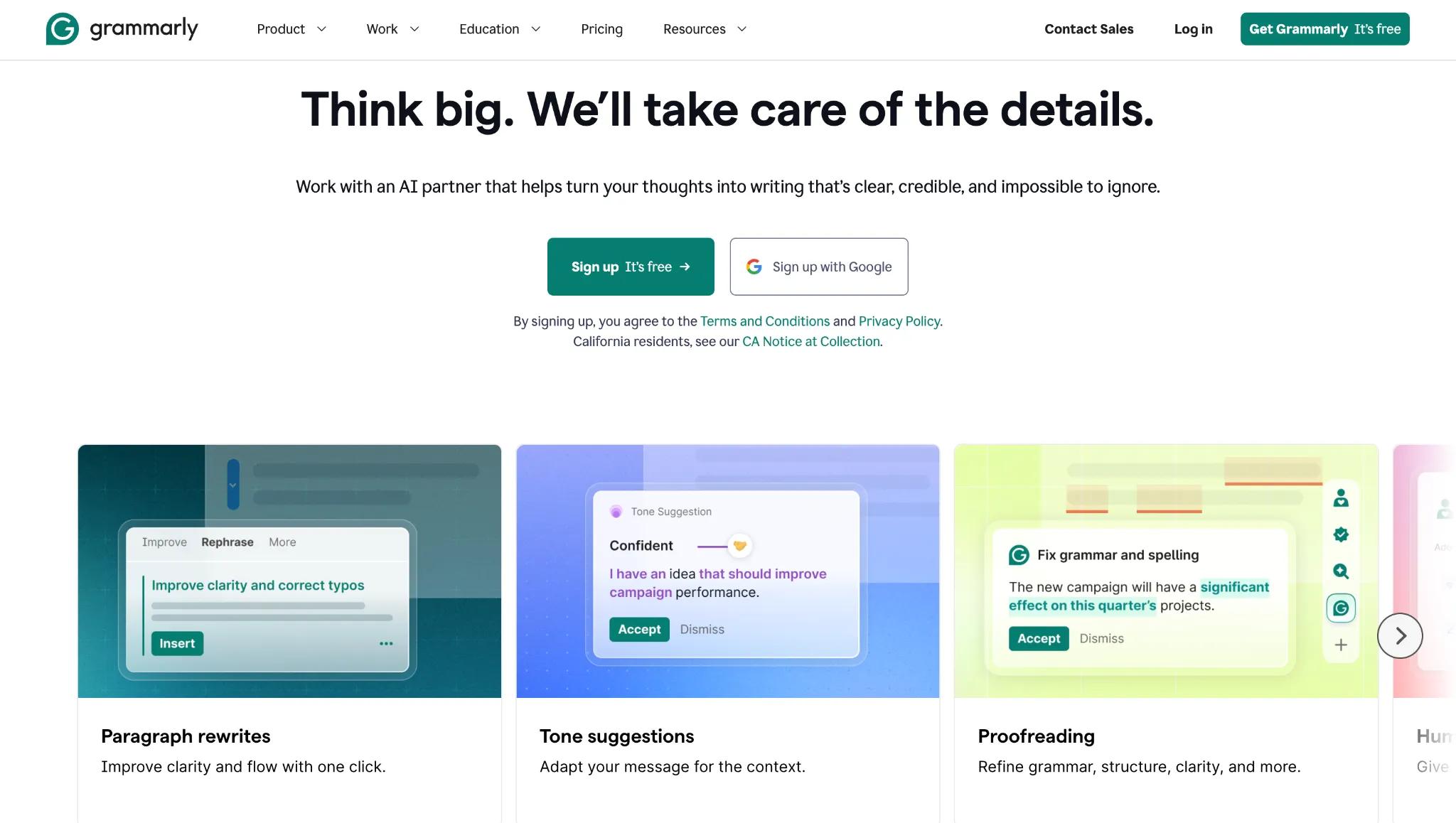
Grammarly is the safety net every blogger needs. It checks grammar, spelling, clarity, and tone in real time across your browser, Google Docs, and CMS.
Best for: All bloggers as a universal "last pass" before hitting publish.
Pricing: Free (with basic checks and 100 AI prompts/month); Pro at $12/month billed annually.
Drawback: Pro suggestions can occasionally strip personality from creative writing; AI features overlap with what Claude or ChatGPT already do.
Runner-up: Hemingway Editor
Hemingway does one thing well: it tells you when your writing is hard to read. Color-coded highlights flag complex sentences, passive voice, and weak constructions. Especially useful as a final pass on AI-generated content.
Best for: Tightening drafts for clarity and readability.
Pricing: Free web editor; Desktop app at $19.99 one-time; Editor Plus from $8.33/month annually.
Drawback: Very narrow in scope; can push writing toward being overly simple.
AI Assistants
Best Pick: Claude (Anthropic)
Claude is the AI writing assistant most bloggers overlook. It stands out for nuanced long-form writing, strong analytical reasoning, and an ability to maintain your voice across a longer document. The Projects feature lets Claude "remember" your blog's tone and style guidelines across sessions, making it especially useful for consistent, ongoing content creation.
Agencies are pushing this further than most solo bloggers realize. Asher Rumack, VP of Creative Strategy at Column Five Media, has built what he calls "an almost headless SEO tool" on top of Claude, connecting it to five data sources including Google Search Console, Google Analytics, and their SEO research tools. "I have two kind of major skill files that I lean on," he says, one for high-level calendar strategy and one purpose-built for SEO writing in the brand's voice. It's a good preview of where Claude's Projects and Skills features are headed for content teams that want more than one-off drafts.
Best for: Bloggers who value careful, well-reasoned output and work primarily in long-form content.
Pricing: Free tier available (with usage limits); Pro at $20/month or $17/month billed annually; Team at $25/seat/month.
Drawback: Usage limits exist on all tiers, including Pro, and they are not always clearly communicated upfront.
Runner-up: ChatGPT (OpenAI)
ChatGPT remains the default choice for bloggers who want one AI tool that does it all. Beyond writing, it handles brainstorming, image generation via DALL-E, and data analysis, making it the most versatile option on this list.
Best for: Bloggers wanting a versatile, all-purpose AI tool for writing, images, and research.
Pricing: Free (limited GPT-5 access); Plus at $20/month; Pro at $200/month.
Drawback: Free and Plus output can feel generic; message caps apply during peak hours.
Honorable mentions
- Type.ai (from $12/month): An AI-native document editor that keeps your writing environment and AI assistant in the same place.
- Jasper (from $59/month): The enterprise pick, with 50+ templates and a brand voice engine built for marketing teams producing content at scale. Though likely too expensive for most solo bloggers.
SEO Tools
Organic search drives 53.3% of all website traffic and over 1,000% more traffic than organic social media. Here is how to think about which SEO tools you need at each stage.
Keyword Research
Before you write, you should know whether people are actually searching for what you're about to cover. Two free tools make this possible at the ideation stage:
Best Pick: Google Trends
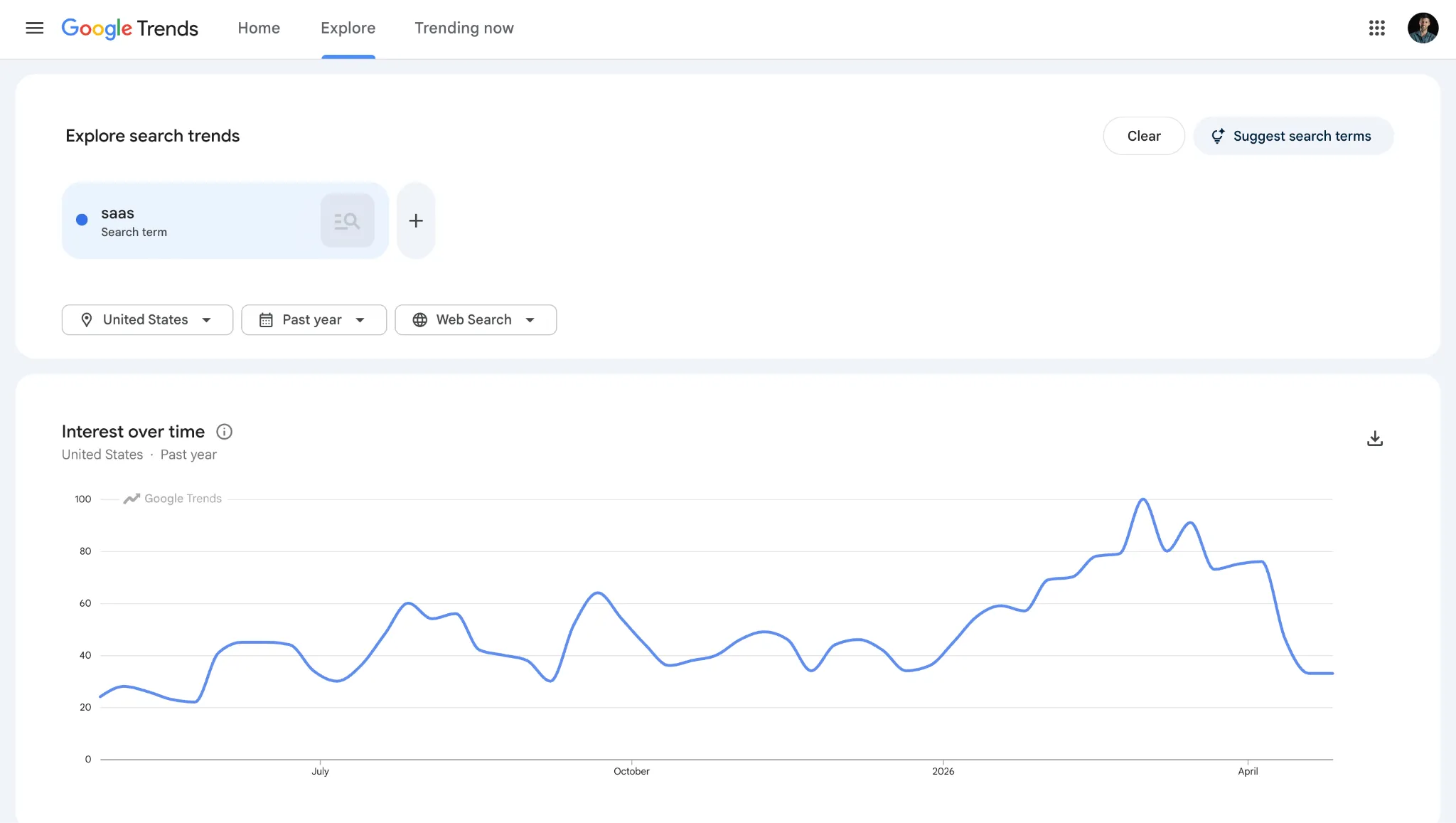
Google Trends is 100% free and shows how search interest for a topic changes over time. It’ss especially useful for finding seasonal content opportunities.
Best for: Bloggers identifying trending topics and seasonal patterns.
Pricing: 100% free.
Drawback: Shows relative interest (0–100 scale), not actual search volume numbers.
Runner Up: AnswerThePublic
AnswerThePublic visualizes the questions people search around a keyword, pulled from autocomplete data. The free version gives you three searches per day, which is enough for most bloggers.
Best for: Bloggers brainstorming topic ideas and FAQ content based on real user searches.
Pricing: Free (3 searches/day); paid plans from $99/month.
Drawback: No search volume data; requires a separate SEO tool to prioritize results.
SEO Performance
Best Pick: Google Search Console & Google Analytics 4
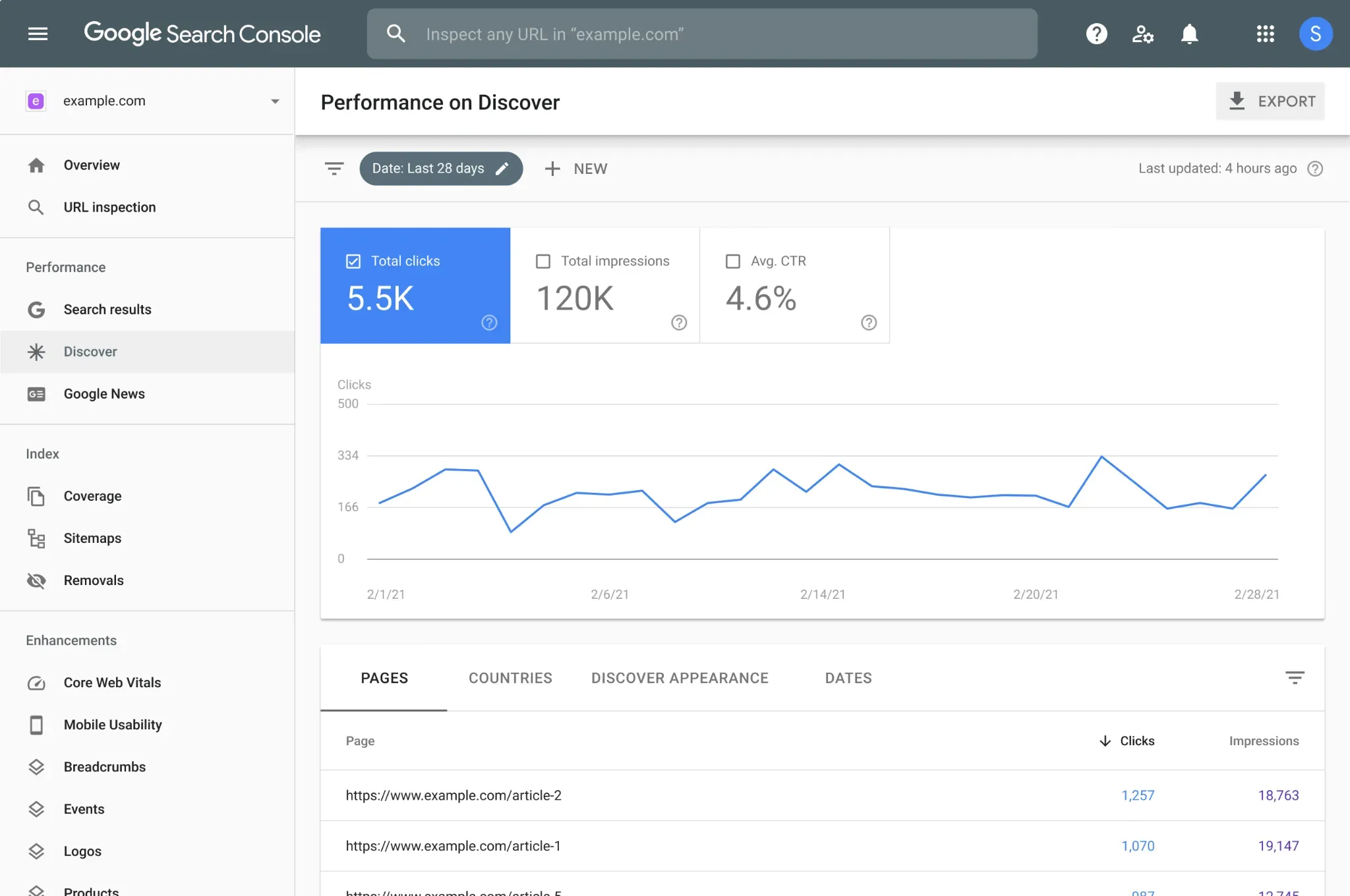
Use these two together. Google Search Console shows which keywords drive impressions and clicks, where your rankings sit, and which pages Google has indexed.
Google Analytics 4 (GA4) provides context: where is traffic coming from, and what are visitors doing once they arrive? Both are completely free.
Best for: Every website owner, period.
Pricing: 100% free.
Drawback: Search Console is Google-only with no competitive analysis; GA4 has a steep learning curve and an unintuitive interface for new users.
Paid SEO Tools
When do you need a paid SEO tool?
Simply put, not immediately. The free tools above are enough to grow a blog from zero to meaningful traffic. Upgrade to paid when you have content consistently ranking and need to understand why competitors outrank you or which pages have untapped potential.
Best Pick: Ahrefs
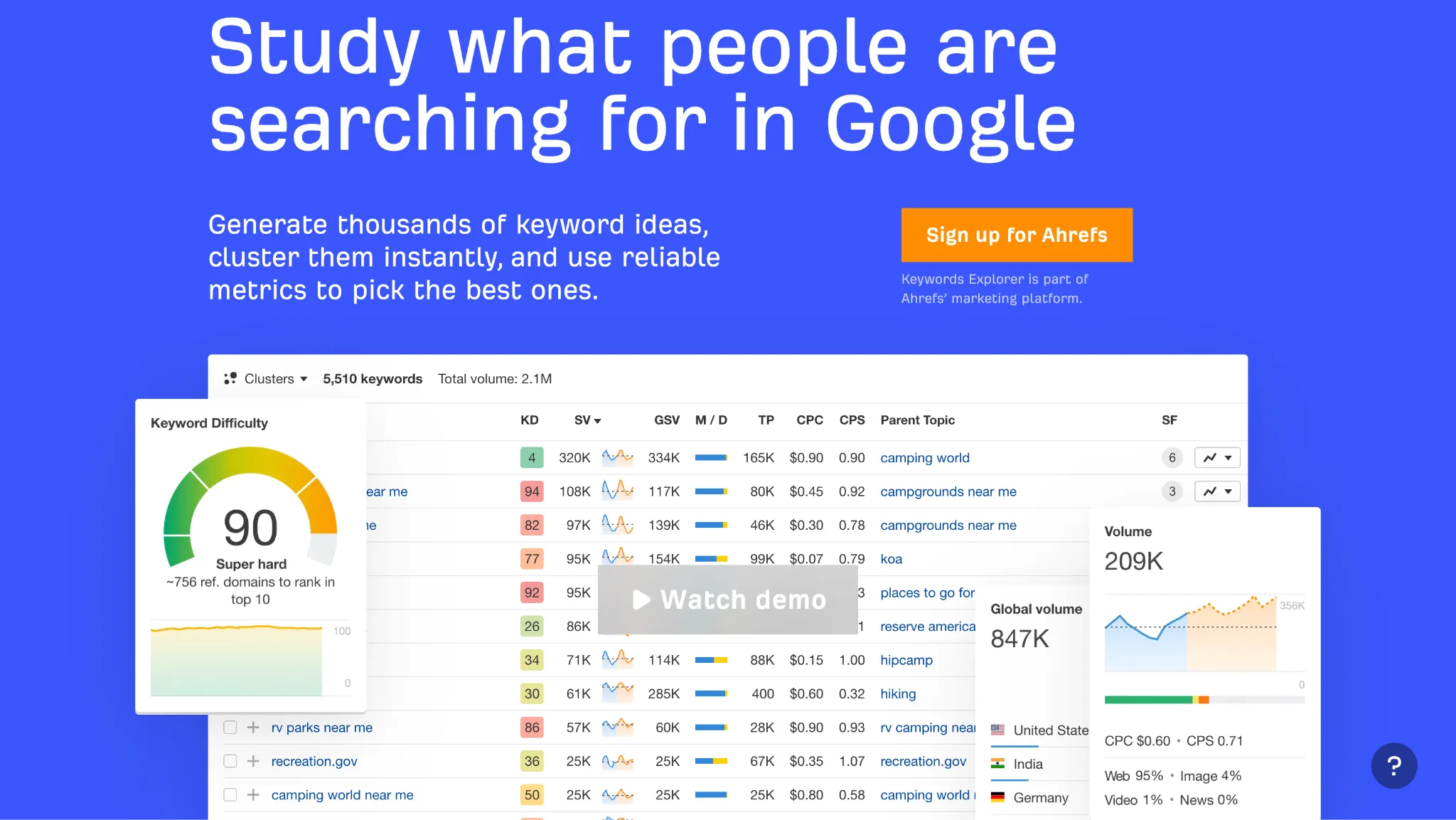
Ahrefs has the largest backlink index of any SEO tool, but for bloggers, its keyword research and content gap features are where its value lives. You can find what competitors rank for that you do not, then build your content plan around those gaps.
Runner-up: Semrush
Semrush is the all-in-one option, covering SEO, PPC, content analytics, and competitive intelligence in a single platform. The tradeoff is cost and complexity. For a solo blogger, Ahrefs is usually the better value. Semrush makes more sense for agencies or teams needing cross-channel visibility.
Best for: Agencies and marketing teams who need SEO, PPC, content, and competitive intelligence in one platform.
Pricing: Pro from $117/month billed annually.
Drawback: Expensive and overwhelming for solo bloggers; modular add-on structure means costs add up quickly.
On-Page SEO Plugins (WordPress Users)
If your blog runs on WordPress, you need one of these:
Best Pick: Yoast SEO
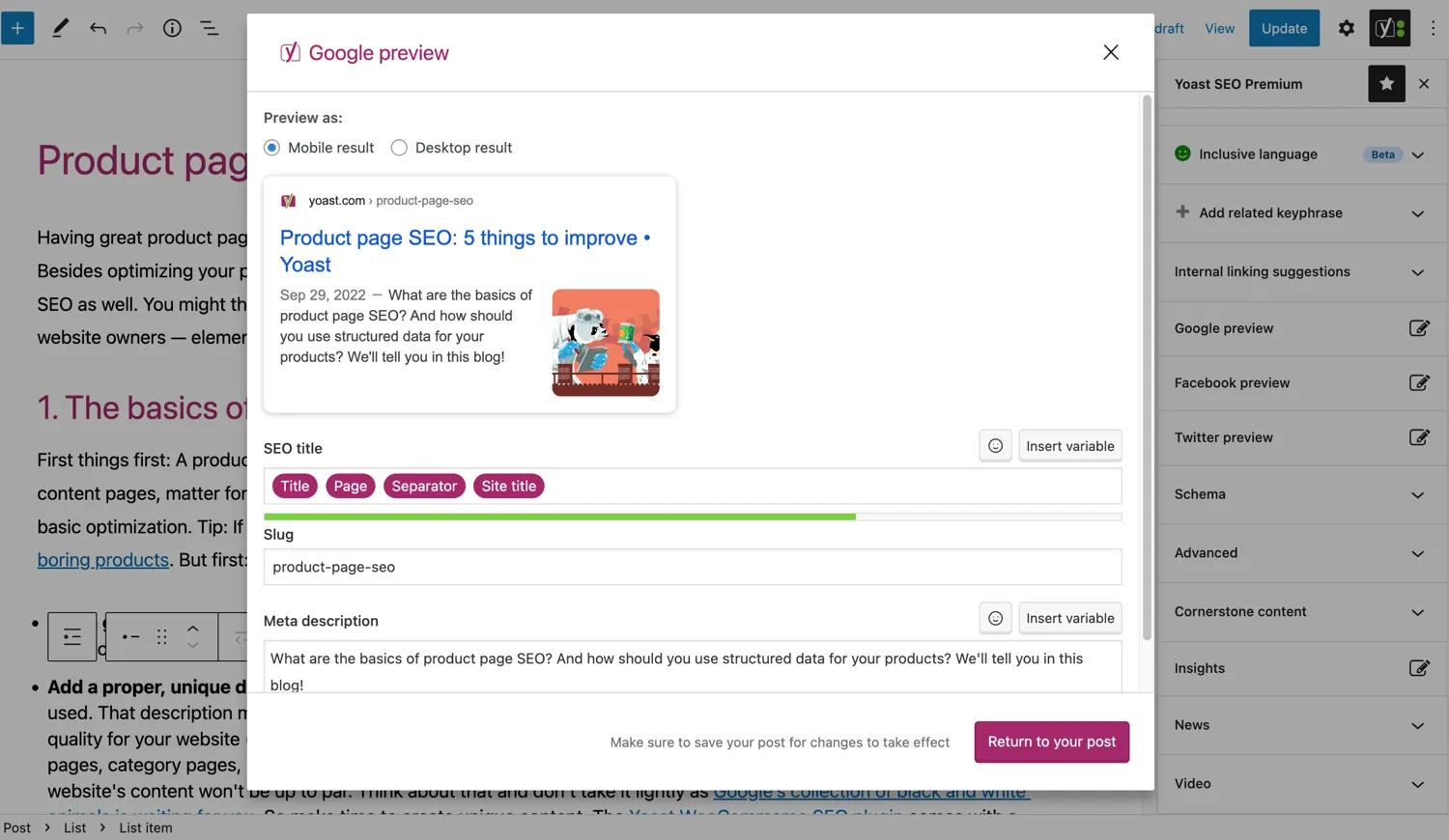
Yoast SEO is the most widely used WordPress SEO plugin in the world. Its traffic-light scoring system guides you through optimizing each post for a target keyword, readability, and meta tags.
Best for: WordPress bloggers who want guided, beginner-friendly on-page SEO optimization.
Pricing: Free; Premium at $118.80/year per site.
Drawback: Per-site pricing adds up for multi-site publishers; the plugin can encourage bloggers to optimize content for the plugin rather than the reader.
Best Pick: Rank Math
Rank Math is Yoast’s most notable challenger. Its free version is arguably more capable than Yoast Premium, with advanced schema markup, 404 monitoring, and rank tracking built in.
Best for: Cost-conscious WordPress users who want maximum features at the lowest price.
Pricing: Free; Pro from ~$119/year.
Drawback: Can be overwhelming for beginners due to the sheer number of settings.
Publishing Tools
You write in Google Docs, but copying into WordPress, Webflow, or Ghost breaks formatting and costs an hour of cleanup. Doc-to-CMS tools fix this, turning a 30-minute per blog post publishing process into just a few minutes.
Best Pick: BlogSync
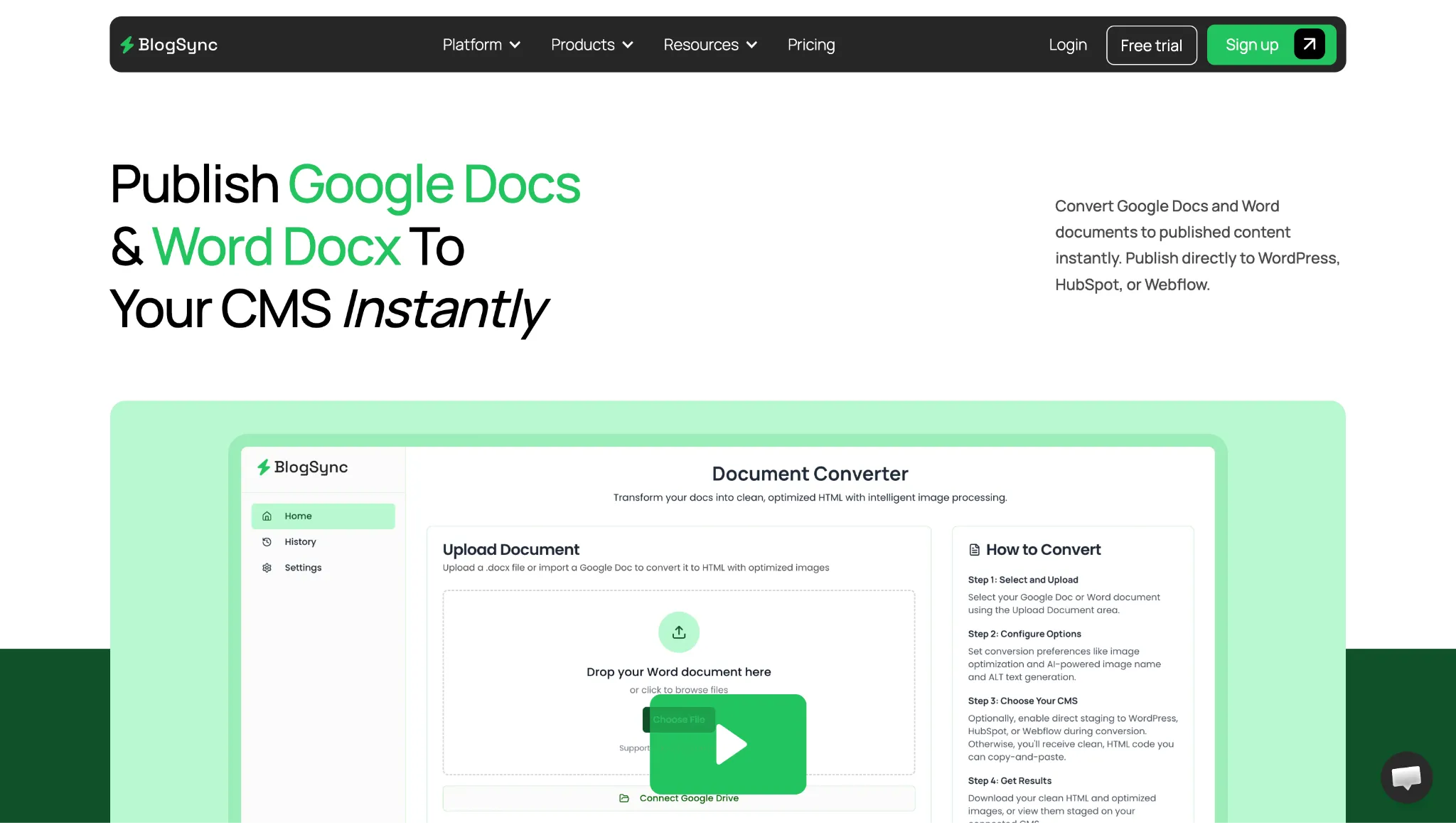
BlogSync is the most capable option for teams publishing across multiple CMS platforms. Connect Google Docs (or Microsoft Word), and it converts your document into clean, SEO-optimized HTML and publishes directly to your website CMS (e.g., WordPress, Webflow, HubSpot, Ghost, etc.).
Its AI image optimization is a standout feature: it converts images to WebP, generates alt text automatically, renames files intelligently, and automatically uploads images to your CMS. No other tool in this category does this.
Best for: Content teams and agencies publishing frequently, who want AI-powered formatting and image optimization.
Pricing: Free trial (3 posts); Basic at $29/month (10 posts, 1 CMS); Pro at $49/month (25 posts, 3 users, 5 CMS connections); Platinum at $99/month (unlimited)
Drawback: Basic plan limits you to 10 posts and one CMS connection.
Runner-up: Wordable
Wordable is one of the most established names in this category. The tool is more basic than BlogSync, as it only supports WordPress and HubSpot (whereas BlogSync also supports Webflow, Ghost, Sanity, Contentful, and Wix). Wordable also does not support AI-powered image optimization or naming.
Best for: Solo bloggers and small teams publishing Google Docs to WordPress or HubSpot.
Drawback: No Word (.docx) support; no Webflow, Ghost, or Contentful; image optimization is basic compared to BlogSync.
Design Tools
You do not need to be a designer to produce visuals that look professional. This section covers the three tools categories that matter most: image creation, stock photos, and image compression.
The last one is the most overlooked, and arguably the most important for SEO.
Image Creation
Best Pick: Canva
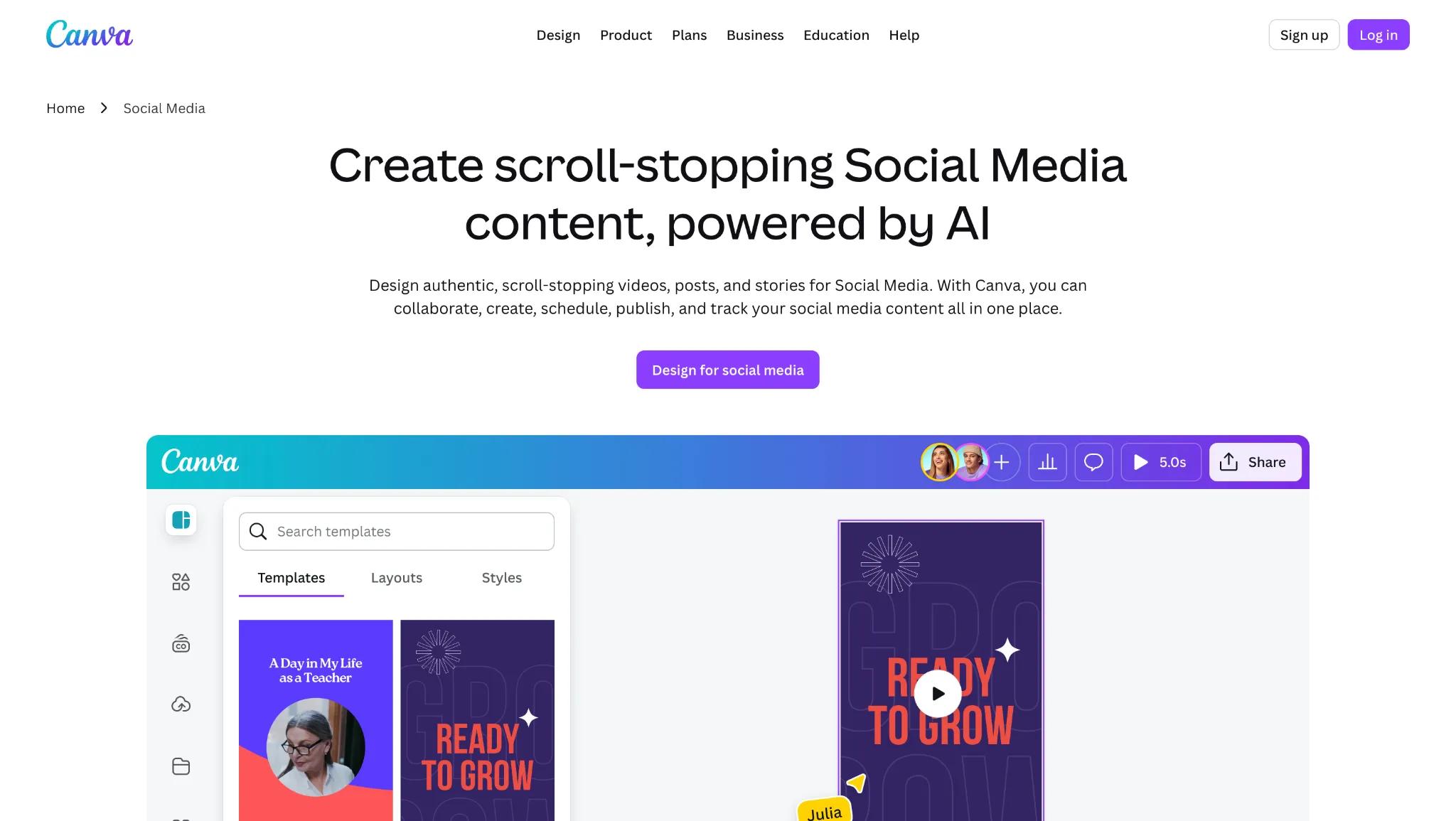
Canva wins at the free tier because nothing else comes close. Two million-plus templates, a drag-and-drop editor that requires no design experience, and a Magic Studio AI suite for generating and editing images. The free plan covers most bloggers' needs.
Viktor Hendelmann, co-founder of GenViral, a content automation tool, puts it plainly: "Hands down, by far the best is, in my opinion, Canva." His rule of thumb is to save AI image generation for content that actually needs to be unique, and default to Canva for anything simple or repeatable, like title images for videos.
"If it's simple, if it's repeatable ... For example, I do title images for some of the videos that I do in Canva, because it wouldn't be worth it to waste AI credits on it."
Best for: Bloggers who need professional-looking graphics without any design experience
Pricing: Free (generous); Pro at $119.99/year per user
Drawback: Premium elements tempt free users constantly; Teams pricing jumped significantly in late 2024
Runner-up: Adobe Express
Adobe Express brings the Adobe Firefly AI and Adobe Stock library together in a cleaner, less template-heavy interface. If you are already in the Adobe ecosystem, it is a natural fit. Premium is $99.99/year.
Stock Photos
Best Pick: Pexels
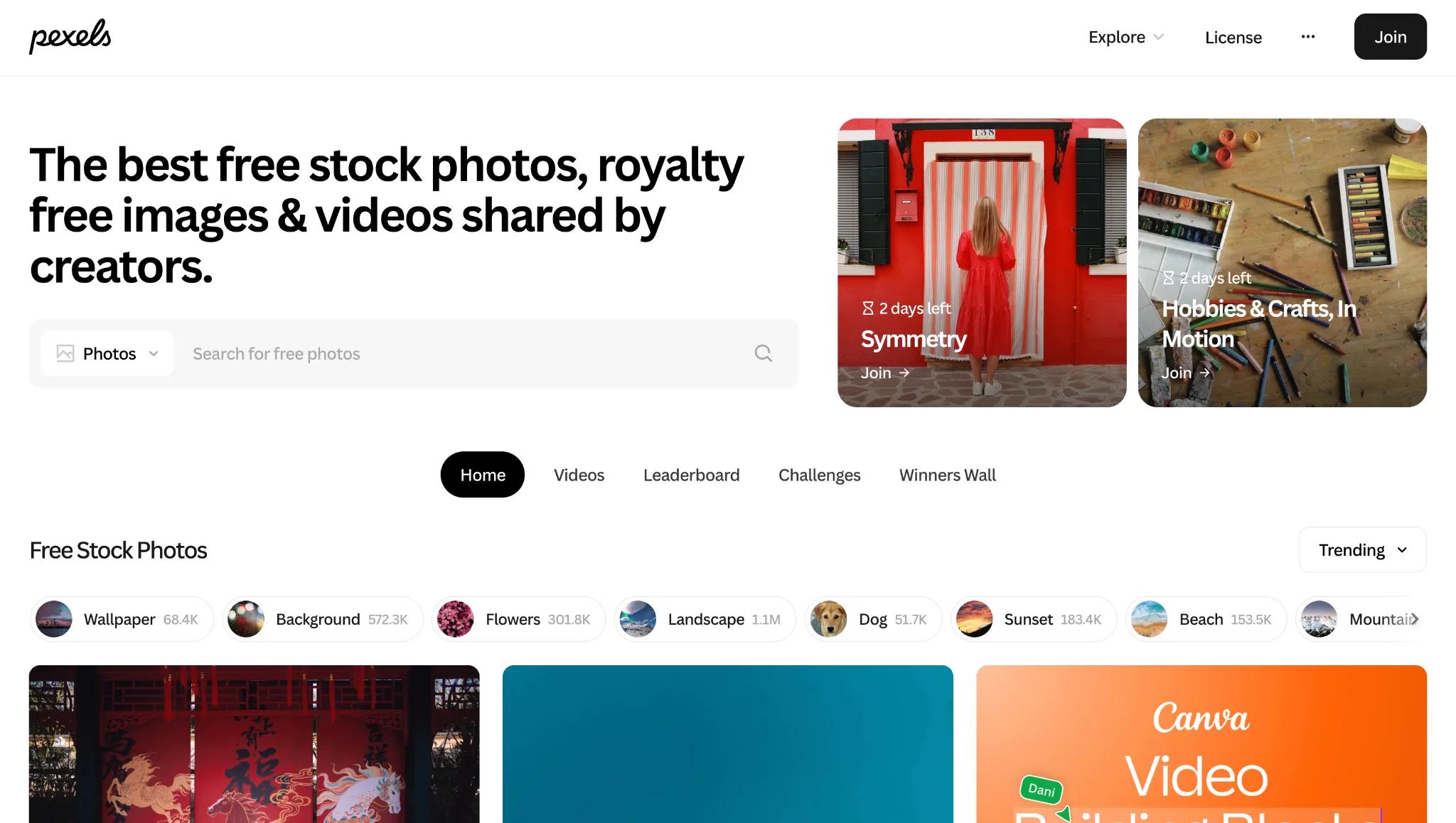
Pexels is the most practical free stock photo library for bloggers, with a broad, versatile selection of royalty-free images that require no attribution.
Best for: Bloggers who need reliable, practical stock photography at no cost.
Pricing: 100% free.
Drawback: Popular images appear on thousands of other websites; selection skews generic.
Runner-up: Unsplash
Unsplash offers a more curated, artistically-driven library of free, royalty-free images. A good complement to Pexels when you need something with a more editorial or creative feel.
Best for: Bloggers looking for more distinctive, high-quality photography.
Pricing: 100% free.
Drawback: Most popular images are heavily overused; not all images have model or property releases.
Image Compression
Images account for almost 60% of total webpage weight and are the single biggest lever for improving page speed.
✅ Key insight: If you are already using BlogSync to publish your content, image compression is handled automatically. BlogSync converts images to WebP, generates alt text, and optimizes file sizes on publish, so a separate compression tool is not necessary.
Best Pick: ShortPixel
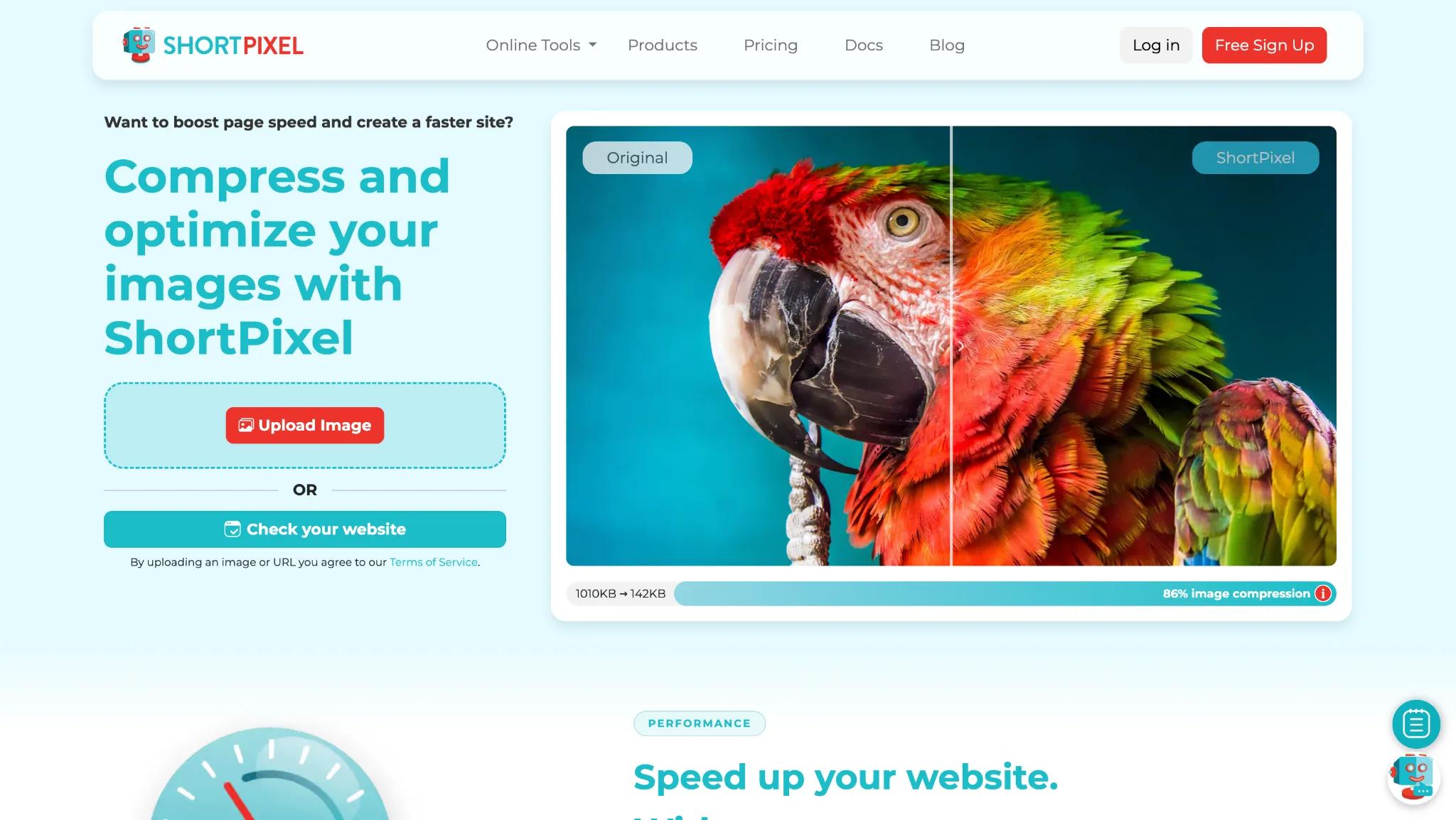
ShortPixel is the best image compression option for WordPress users. It installs as a plugin, automatically compresses images on upload, converts to WebP or AVIF, and includes a built-in CDN.
Image compression is standard practice at the agency level too. At Column Five Media, Asher Rumack's team runs a dedicated image workflow after generating visuals: "We optimize, change that [images] to WebP files, and then we have the alt text," he says. It's the same conversion and alt-text step BlogSync automates on publish, just done manually on their end.
Best for: WordPress bloggers who want automatic, set-and-forget image compression on every upload.
Pricing: Free (100 images/month); paid from $8.33/month.
Drawback: Credit system can be confusing; 100 free credits runs out quickly on image-heavy sites.
Runner-up: TinyPNG
TinyPNG is the best option for one-off compression without a plugin. Drag images into the browser, download compressed versions. Free for up to 20 images at a time (5MB max file size).
Best for: Bloggers who want quick, no-setup compression without installing a plugin
Pricing: Free (20 images at a time); Pro at $39/year.
Drawback: No automatic compression on upload; no built-in CDN.
Planning Tools
A blog without a plan is just a list of random ideas. The tools in this section help you turn those ideas into a structured, repeatable publishing workflow, so content actually gets written, reviewed, and published on a consistent schedule.
Best Pick: Notion
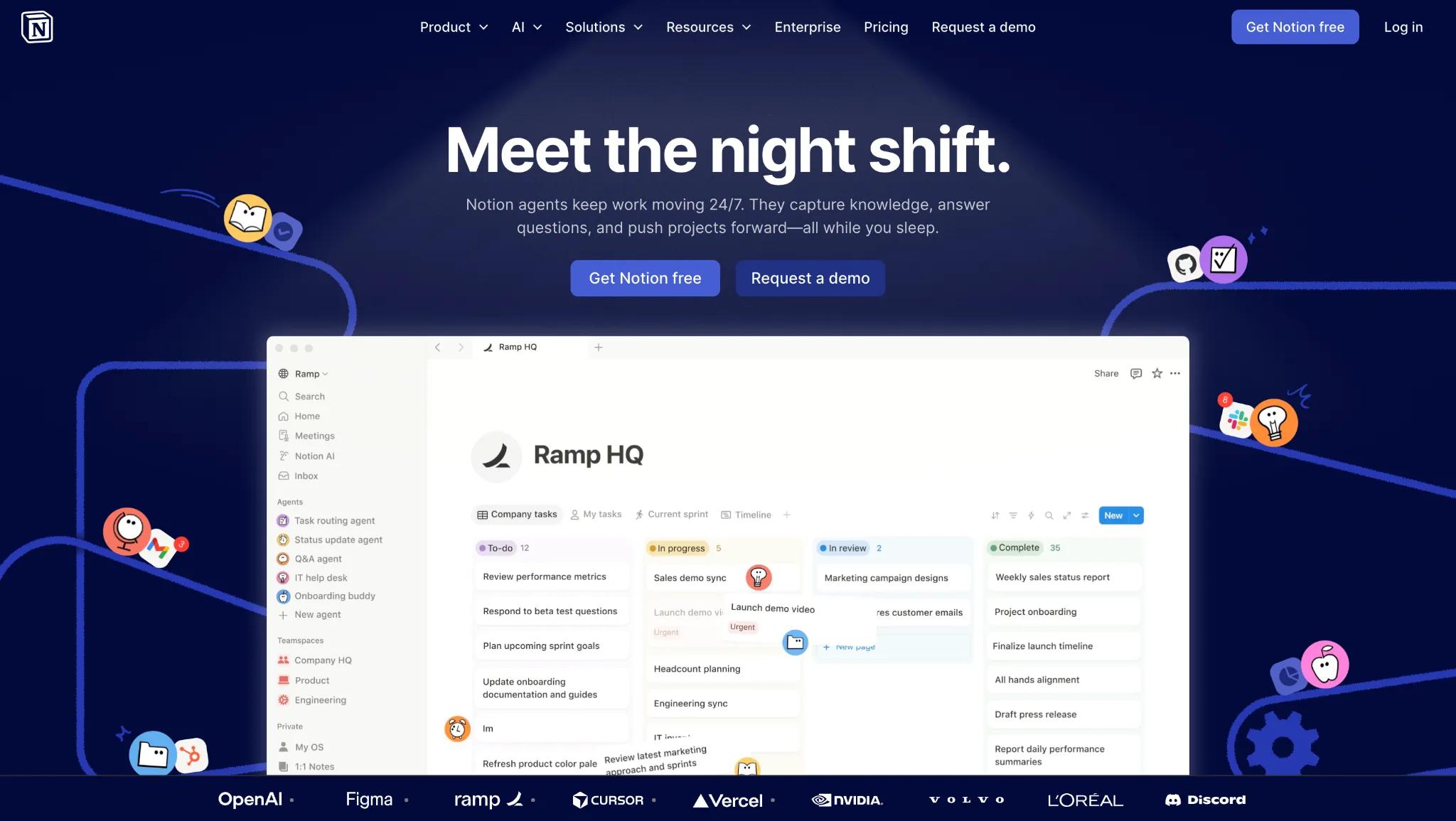
Notion is the consensus pick for editorial planning. Build a content calendar, store research and briefs, manage contributor workflows, and run your entire blog operation in one workspace.
Best for: Bloggers and content teams who want a single workspace for editorial calendars, briefs, and workflow management.
Pricing: Free; Plus at $10/user/month annually; Business at $20/user/month.
Drawback: Steep learning curve; AI features now require the Business tier.
Runner-up: Trello
Trello is a better choice if you want something simpler. A Kanban board with columns like "Idea," "In Progress," "In Review," and "Published" gives your content pipeline immediate visual clarity. The free plan (10 boards) is enough for most individual bloggers and small teams.
Best for: Bloggers and small teams who want a simple, visual content pipeline without a learning curve.
Pricing: Free (10 boards); paid from $5/user/month.
Drawback: Limited for complex workflows; Timeline and Calendar views require a paid plan.
Not everyone lands on Notion or Trello, and that's fine. Lance Cummins, founder of Nectafy, has stuck with Favro for years. "We've just used it forever," he says. "It's like a simplified version of Jira. It doesn't look as intimidating." He's the first to admit it's not because Favro is uniquely powerful: "There's plenty of other tools on the market that would do what we do with it. We use it very, very simplistically." Sometimes the best planning tool is just the one your team already knows.
Promotion Tools
Building an audience is just as important as building content. Of all the distribution channels available to bloggers, email marketing consistently delivers the highest return. For every $1 spent on email marketing, the average return is $36.
Best Pick: Kit (formerly ConvertKit)
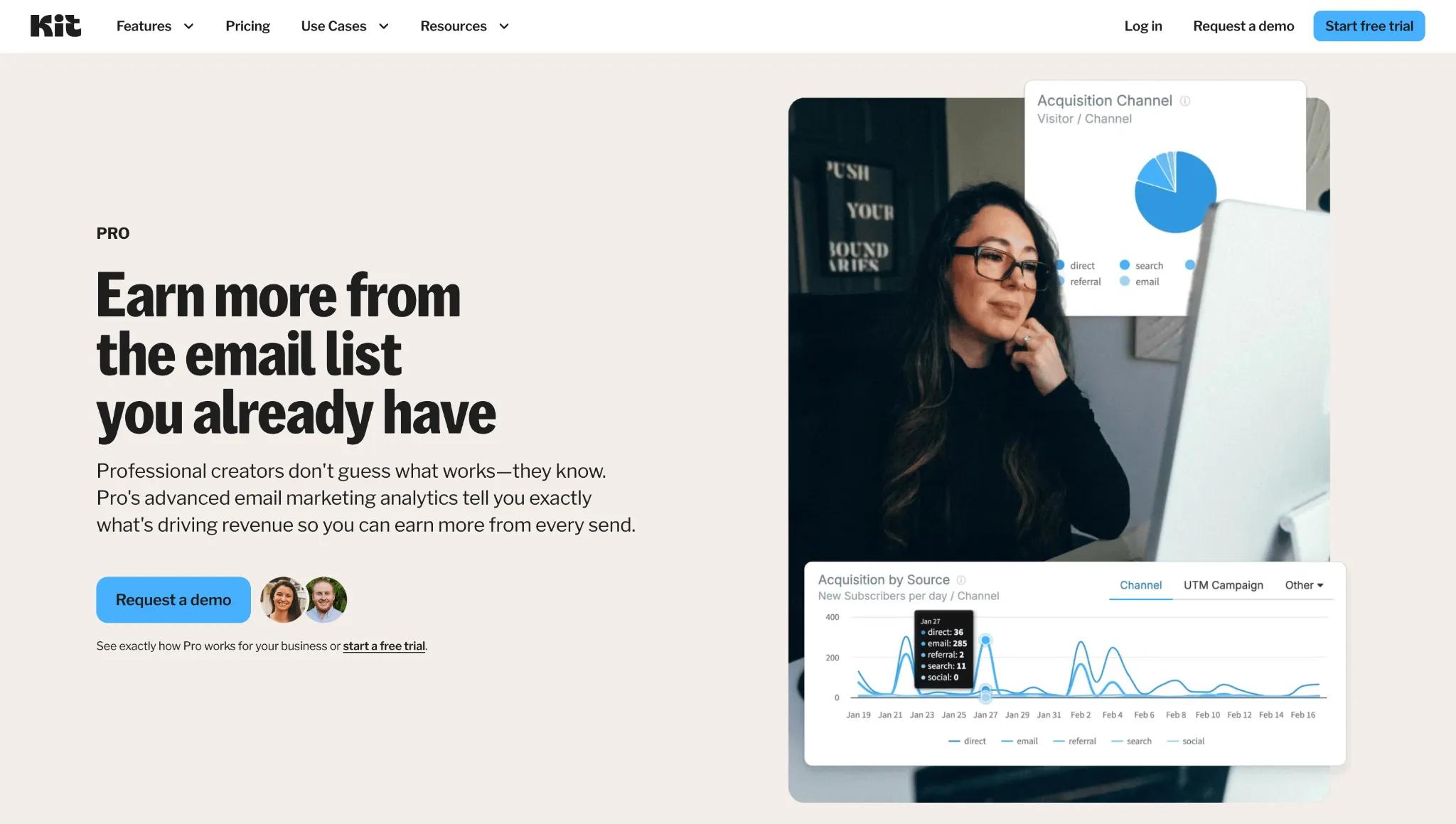
Kit is built specifically for creators, with email sequences, newsletters, landing pages, and digital product sales under one roof. The free plan supports up to 10,000 subscribers.
Best for: Creators and bloggers who want email marketing with built-in monetization features like digital product sales and paid newsletters.
Pricing: Free (up to 10,000 subscribers); Creator from ~$33/month (1K subscribers, scales with list size).
Drawback: Significantly more expensive than MailerLite or Brevo at scale; limited email template design options.
Runner-up: Mailerlite
MailerLite is the better-value option for bloggers who just need email fundamentals without the creator-focused extras. It covers newsletters, automation, landing pages, and pop-ups, with a free plan up to 1,000 subscribers and paid plans starting at $9/month. Significantly cheaper than Kit at scale.
Best for: Bloggers who want solid email fundamentals at a lower price point without creator-specific features.
Pricing: Free (up to 1,000 subscribers); paid from $9/month.
Drawback: Fewer creator-focused features than Kit; no built-in digital product sales.
Monetization Tools
Most bloggers treat monetization as a late-stage topic. But, it shouldn’t be. Fewer than 10% of the world's 600 million blogs generate any revenue, and waiting too long to set up the infrastructure is a big reason why. Start earlier than feels necessary.
Ad Management Platforms
Best Pick: Mediavine
Mediavine is the gold standard for lifestyle, food, travel, and parenting bloggers. Revenue share ranges from 70% (Journey tier) to 90% (Premiere). In a significant change effective early 2026, the Journey tier entry threshold dropped to just 1,000 monthly sessions, making it accessible much earlier in a blog's life.
Best for: Bloggers in lifestyle, food, travel, and parenting niches.
Pricing: Revenue-share only; no upfront cost.
Drawback: Graduating beyond the entry Journey tier requires hitting $5,000 in annual ad revenue first; heavy ad loads can impact site speed.
Runner-up: Raptive
Raptive (formerly AdThrive) requires 25,000 monthly pageviews (reduced from 100,000 in late 2025) and pays 75% to publishers. At least 50% of your traffic must come from English-speaking countries. Food, home, and lifestyle niches perform especially well here.
Best for: Mid-to-high traffic bloggers in food, home, and lifestyle niches with strong English-speaking-country traffic.
Pricing: Revenue-share only; 75% to publisher, no upfront cost
Drawback: 25,000 monthly pageview minimum; geographic traffic requirements make it inaccessible for blogs with international audiences.
Affiliate Link Management
Best Pick: Lasso
Lasso is the best affiliate link management plugin for WordPress, combining link cloaking, product display boxes, comparison tables, and click tracking.
Best for: Serious affiliate marketers managing a high volume of links on WordPress.
Pricing: Free; Paid plans from $19/month annually.
Drawback: Expensive for bloggers not yet earning meaningful affiliate income; setup has a learning curve.
Runner-up: Pretty Links
Pretty Links is the simpler, cheaper option. It cloaks and tracks affiliate links, and its automatic keyword-to-link replacement feature hyperlinks a defined keyword across every post on your blog automatically.
Best for: Bloggers who want simple affiliate link cloaking with automatic keyword-to-link replacement across all posts.
Pricing: Free Lite version; full-featured plans from $99.60/year.
Drawback: WordPress-only; renewal pricing jumps significantly after the first year; less feature-rich than Lasso for product displays and Amazon integration.
Building Your Stack
Resist the temptation to overhaul everything at once. The average blog post already takes nearly 4 hours to write. Adding six new tools simultaneously means six new learning curves and a lot of time configuring instead of creating.
Pick one tool from the category most relevant to your current bottleneck and build from there.
Here is a practical progression by stage:
Start narrow, build the habit, then expand.