Content Workflow Management Guide: Build A System That Scales
Why do finished drafts sit for weeks? Learn how content workflow management maps every stage, names every owner, and fixes the slowest handoffs.
What Is Content Workflow Management?
Every piece of content follows a defined path from idea to publication, and content workflow management is what keeps that path structured. It governs how content moves from an idea to a published, measured piece. It covers the stages content passes through, the people responsible for each one, and the tools that keep the handoffs moving.
That's different from a content calendar, which only tracks publish dates. It's also different from a single approval chain, which covers just one stage. Workflow management spans the entire lifecycle, from the first outline to the performance report after launch.
Task-based workflows
A task-based workflow breaks each stage into a specific action with an owner and a due date. Everyone knows exactly what's expected of them at each step.
This structure works well for newer teams or ones with frequent turnover. The detail leaves less room for confusion about what "done" means for a given task.
Status-based workflows
A status-based workflow tracks content through labeled stages instead, like draft, in review, approved, and published. It skips the detailed task-by-task instructions in favor of flexibility.
Experienced teams tend to prefer this model. It moves faster once everyone already understands the process, though it depends on that shared understanding being in place. Many teams land on a hybrid: task-based structure for newer team members or complex content types, status-based tracking for everything else.
Getting this system right pays off
Teams that document and follow a defined workflow keep brand voice consistent across every piece. They also hit deadlines more reliably and know exactly who's accountable when something slips through review.
Teams without one don't just move slower. They lose track of who approved what. That becomes a real problem the first time a piece of content needs to be pulled or corrected.
The stakes are only getting higher. 71% of marketers expect demand for content to grow 5x or more by 2027. 62% say it has already grown that much over the past two years.
The Stages Of A Content Workflow
Every piece of content moves through the same basic lifecycle, whether the team tracking it knows it or not. Naming each stage explicitly is what turns a vague process into a usable framework.
Ideation and planning
This stage covers audience research, keyword and topic research, and mapping each idea to a content type and format. Good ideation ends with a prioritized list of topics.
A blog post about a product launch gets scoped here. That means the target audience, the primary keyword, and whether it should even be a blog post instead of a video.
Briefing and creation
A brief turns an idea into something a writer or designer can execute: audience, angle, required sources, and brand guidelines to follow. Skipping this step is the single fastest way to end up with a first draft that misses the point entirely.
Creation is where the writer or designer produces the first version, working from that brief and the reference material it points to.
Review and editing
This stage covers structural editing, line editing, and brand voice alignment, plus subject-matter expert (SME) review for anything technical. A piece covering a regulated topic, for instance, needs a SME to confirm accuracy before it moves any further.
Good review catches problems while they're still cheap to fix.
Approval
Approval means defining who has sign-off authority and routing content to legal or compliance when it's needed. It also means setting a clear timeline so the piece doesn't sit indefinitely.
This is where most workflows break down. Building a defined approval process with named approvers and expected turnaround times solves most of it before it starts.
Publishing
Publishing covers formatting the piece for its content management system (CMS), scheduling it, and a final quality check before it goes live. A piece that reads perfectly in a Google Doc can still break once it hits a CMS. Broken links, missing alt text, and stripped formatting are common culprits.
Distribution and promotion
Once a piece is live, this stage covers sharing it across owned channels, like email, social, and internal newsletters, and tracking early engagement. A well-timed distribution push in the first 48 hours often determines how much traffic a piece gets in its first month.
Performance analysis and refresh
The final stage reviews traffic, conversions, and engagement data, then decides what to update, repurpose, or retire. A high-performing piece from two years ago with outdated statistics is a refresh candidate.
Roles And Responsibilities
Every stage above needs an owner, and unclear ownership causes more workflow bottlenecks than any tool problem does. Here's how responsibility typically breaks down:
- Content strategists and managers own the overall plan, the calendar, and prioritization.
- Writers and designers produce the work based on the brief.
- Editors and SMEs review it for quality and accuracy.
- Stakeholders (department leads, legal, executives) give final approval.
- Distribution and analytics owners publish, promote, and track results.
A simple way to document this is a RACI-style table, mapping each stage above to who's Responsible, Accountable, Consulted, and Informed. It takes an hour to build and eliminates most "I thought you had this" moments.
On a two-person team, one person often wears three or four of these hats at once, and that's fine as long as it's explicit. As a team grows past five or six people, splitting these roles into dedicated owners becomes worth the overhead.
Tools For Content Workflow Management
The right tool depends on which stage is causing friction. It does not mean just picking one all-in-one platform and hoping it covers everything. Each tool below handles a distinct job in the workflow, so together they map the full toolchain rather than compete as interchangeable options.
For a closer look at how these fit around editorial review and publishing, see this breakdown of editorial workflow tools. Most teams need a handful of the ten below.
BlogSync
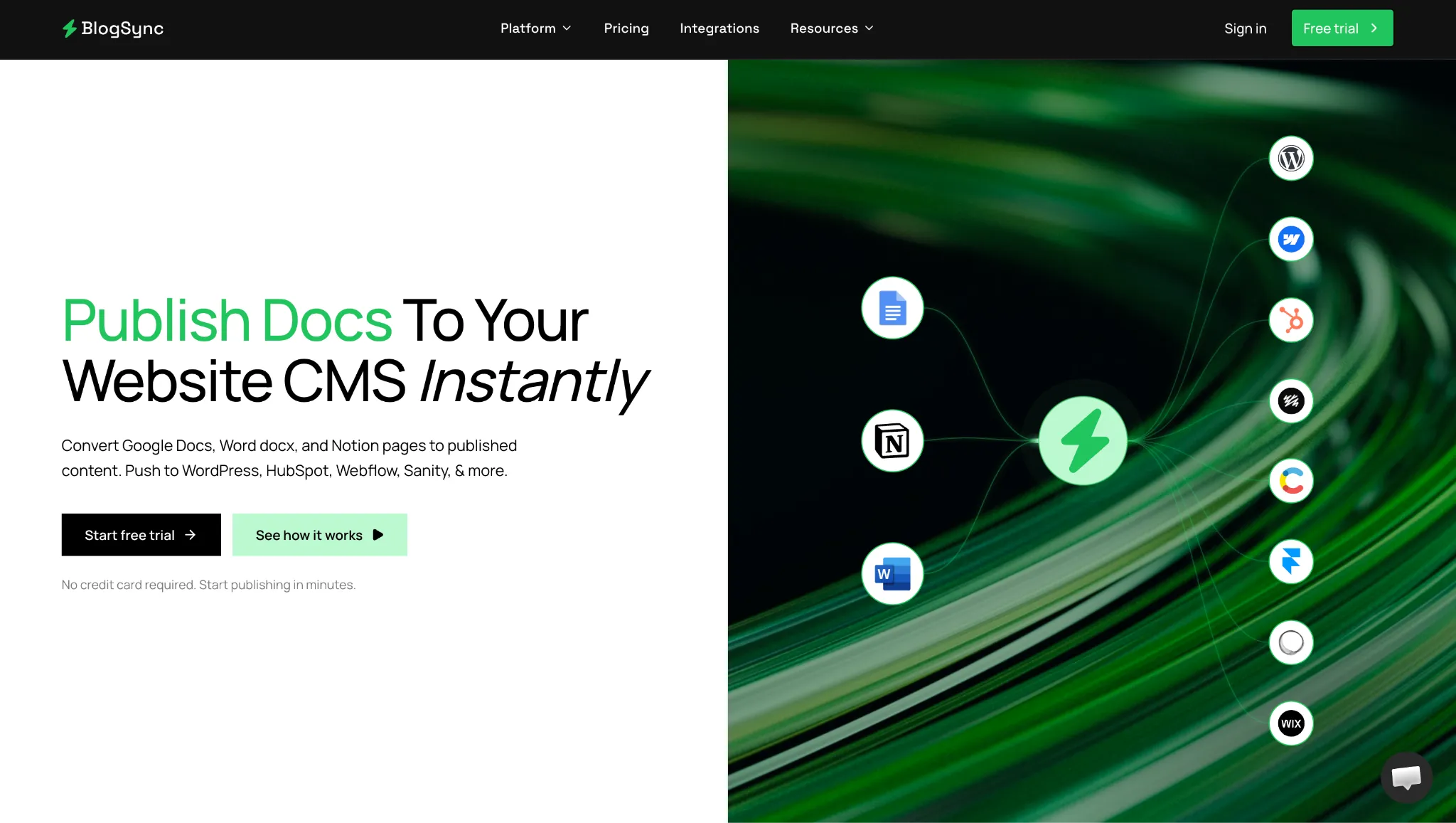
Purpose: Doc-to-CMS publishing automation.
BlogSync converts an approved Google Doc, Word file, or Notion page into clean, SEO-optimized content and publishes it directly to a connected CMS. It handles the formatting and image optimization automatically, so the last step of the workflow doesn't fall back to manual copy-paste.
Best for: Teams publishing regularly to WordPress, HubSpot, Webflow, Contentful, Sanity, or Ghost who want to skip manual reformatting.
Standout feature: AI-powered image optimization with automatic WebP conversion and image naming on every plan.
Limitation: The Free Trial and Basic tiers cap out at 10 posts per month, so higher-volume teams need Pro or Platinum.
Pricing: Free trial available; paid plans start at $10/month, with Pro at $25/month and Platinum at $50/month.
Asana
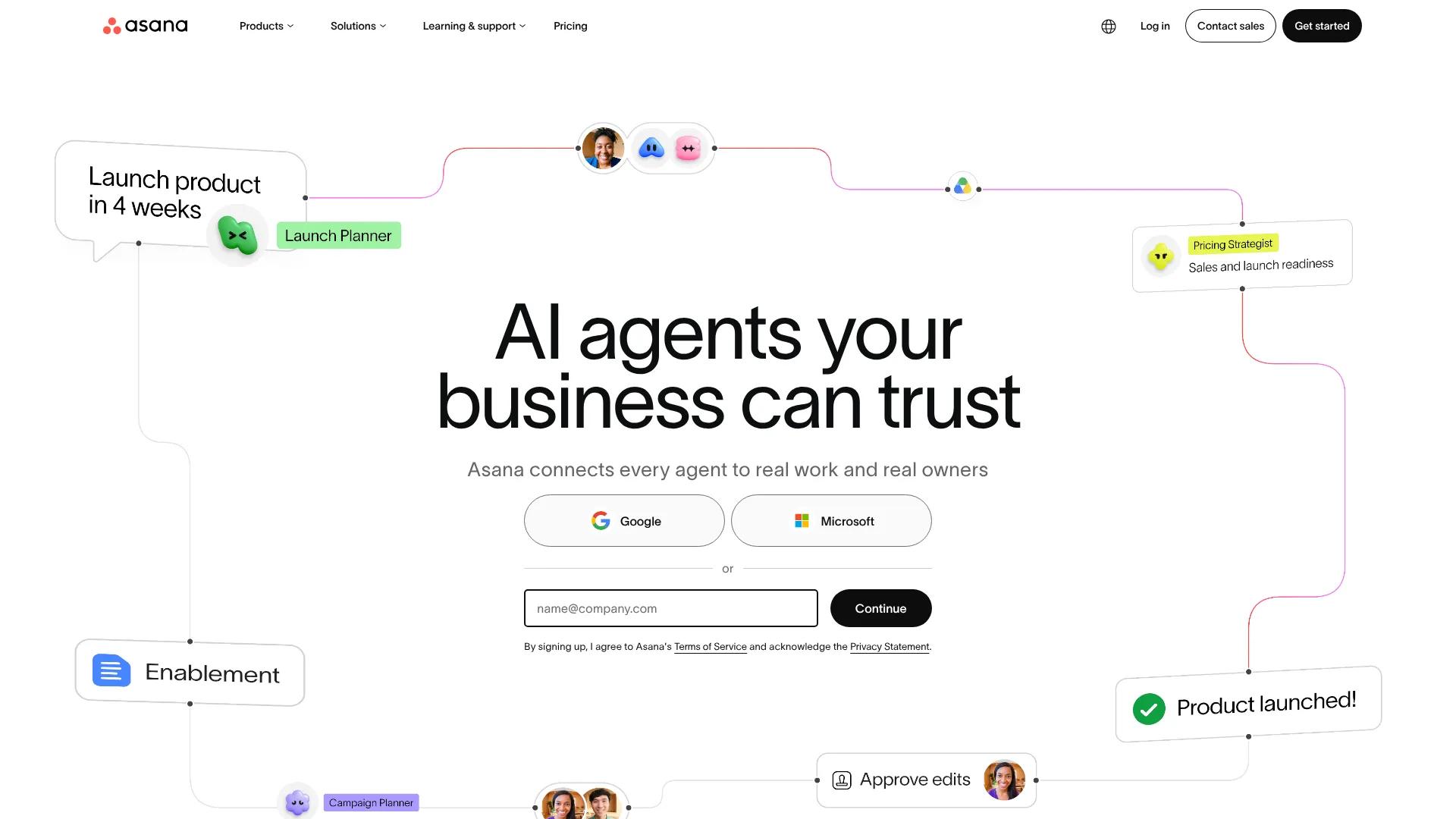
Purpose: Task and project management.
Asana tracks tasks, deadlines, and dependencies across a content team, with timeline and Gantt views for planning multi-step projects. Its Advanced tier adds built-in approvals and proofing. This covers the review stage directly inside the same tool.
Best for: Teams that need one shared view of every piece of content in flight, from brief to publish.
Standout feature: Smart Status drafts status updates from live project data, which one reviewer noted has cut real time off weekly reporting.
Limitation: The strongest AI features sit behind the Advanced plan, and heavy use of AI Studio for custom workflows burns through credits fast.
Pricing: Free for up to 2 users; Starter runs $10.99/user/month annually, Advanced $24.99/user/month annually, and Enterprise is custom.
Google Workspace
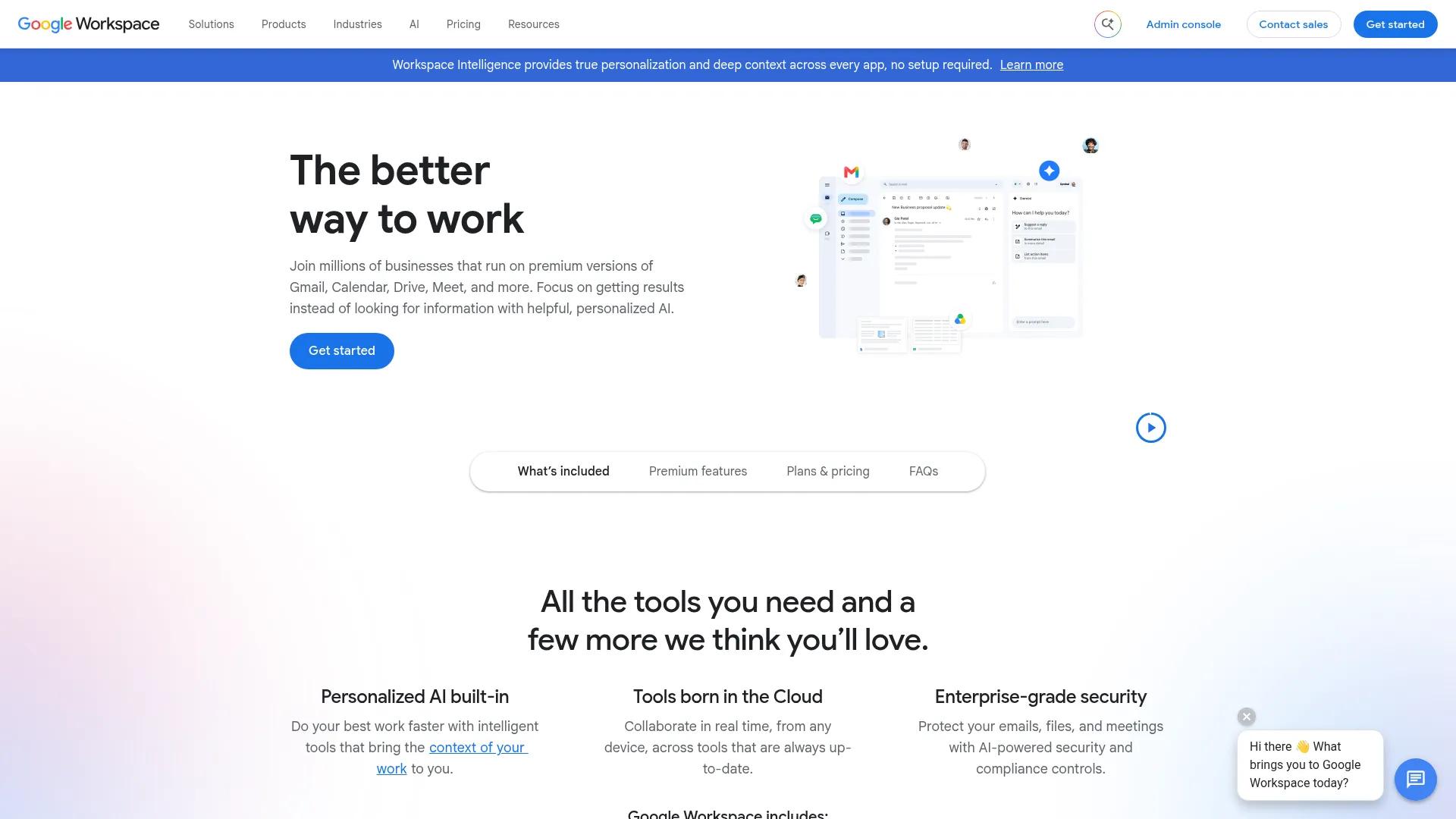
Purpose: Content creation and real-time collaboration.
Google Workspace is where most content gets written and edited, with Docs supporting simultaneous editing, inline comments, and suggestion mode. It's the default drafting environment for a huge share of content teams.
That makes it the natural starting point for any workflow.
Best for: Teams that need real-time collaborative drafting before content moves into review.
Standout feature: Native commenting and suggestion mode make it easy to track exactly who suggested what change.
Limitation: Storage and feature access scale sharply by tier, so a team's working limits depend heavily on which plan it's on.
Pricing: Business Starter runs $8.40/user/month, Business Standard $16.80/user/month, and Business Plus $26.40/user/month, all on the flexible monthly plan; Enterprise is custom.
Grammarly Business
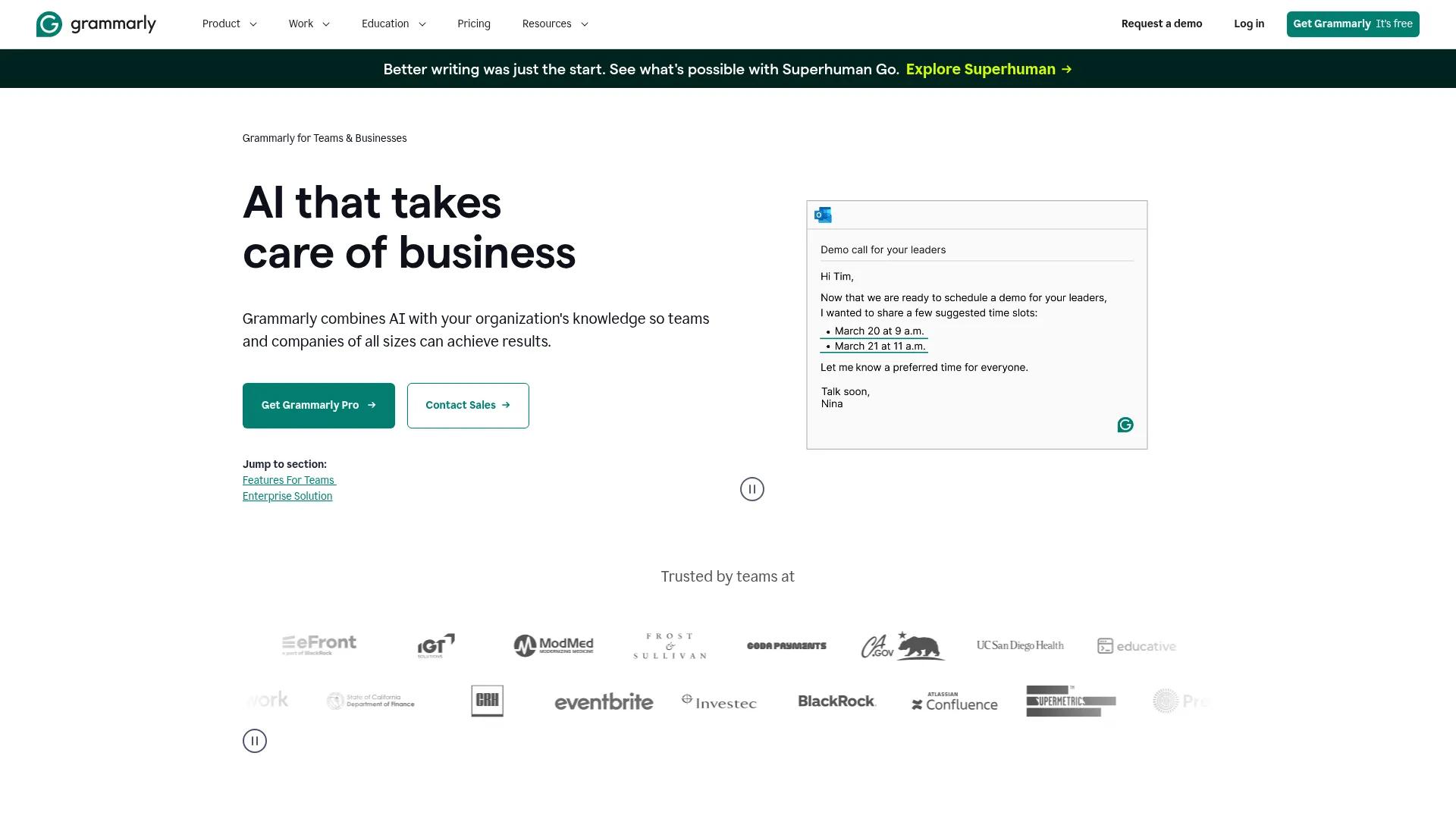
Purpose: Editing and brand voice consistency.
Grammarly Business checks grammar, tone, and clarity as content is written, with a team-wide brand tone setting that flags language inconsistent with a defined voice. That single feature does a lot of the manual editing work a human reviewer would otherwise catch late.
Best for: Teams with multiple writers who need consistent tone without a heavy manual editing pass on every piece.
Standout feature: Brand tone detection. One founder said helps the team stay mindful of tone.
Limitation: The weekly writing-quality summary can be unreliable; one reviewer flagged swings of 30 percentage points or more between weeks on the same writer.
Pricing: Free tier available; Pro is $12/month per member, and Enterprise is custom with SSO and data loss prevention.
Filestage
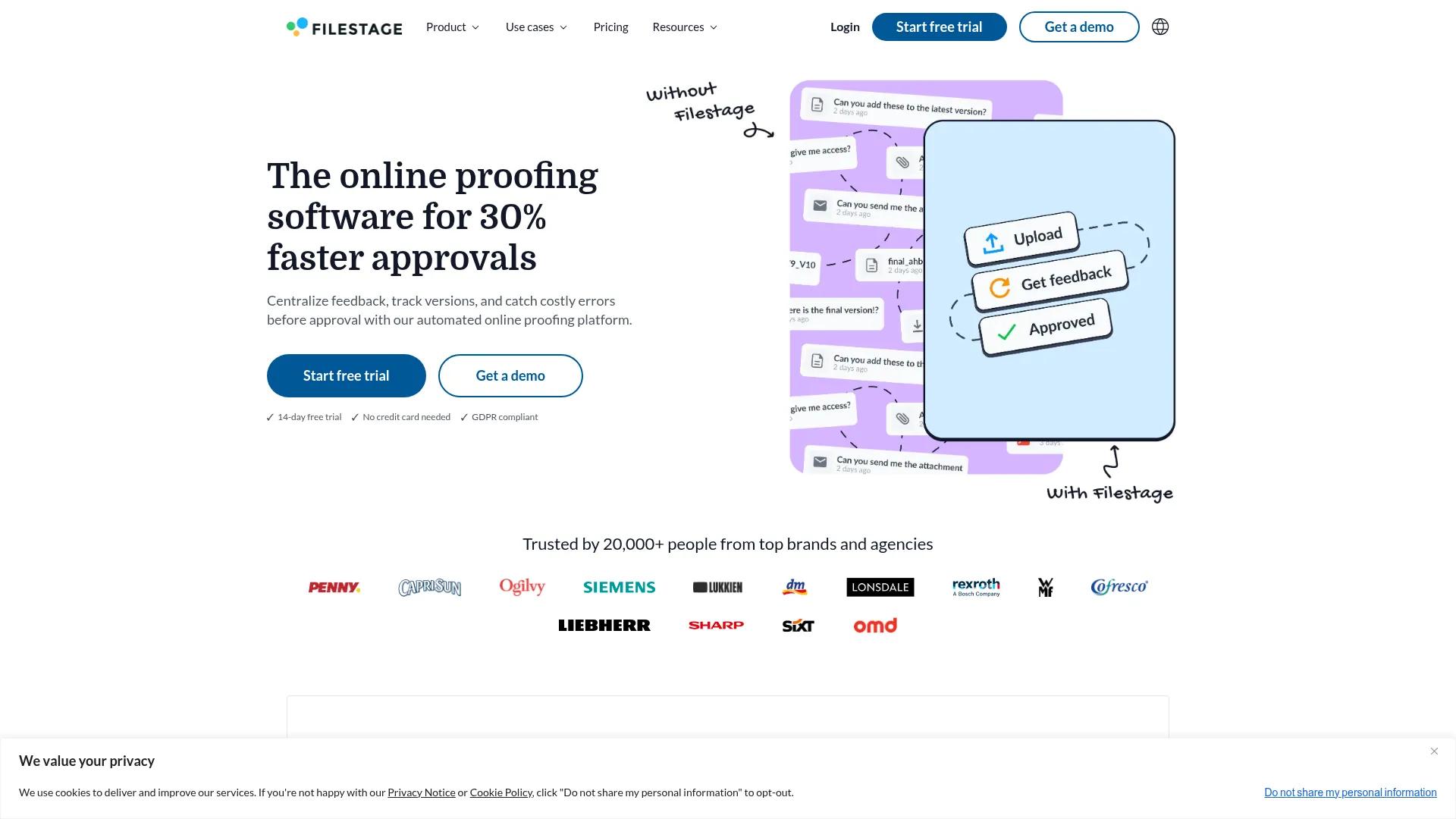
Purpose: Review and approval workflows.
Filestage centralizes file review with in-line annotations, version comparison, and configurable reviewer groups, so feedback doesn't scatter across email threads and chat messages. It's built specifically around the review and approval stages rather than general project tracking.
Best for: Teams juggling review from multiple stakeholder groups, like design, legal, and marketing, on the same piece.
Standout feature: Reviewer Groups, which one project manager said improved their review process more than any other feature.
Limitation: The free tier caps out fast, just one active project and five new files per month. Most teams outgrow it within weeks.
Pricing: Free tier available; Starter is $199/month, Business is $329/month, and Enterprise is custom.
CoSchedule
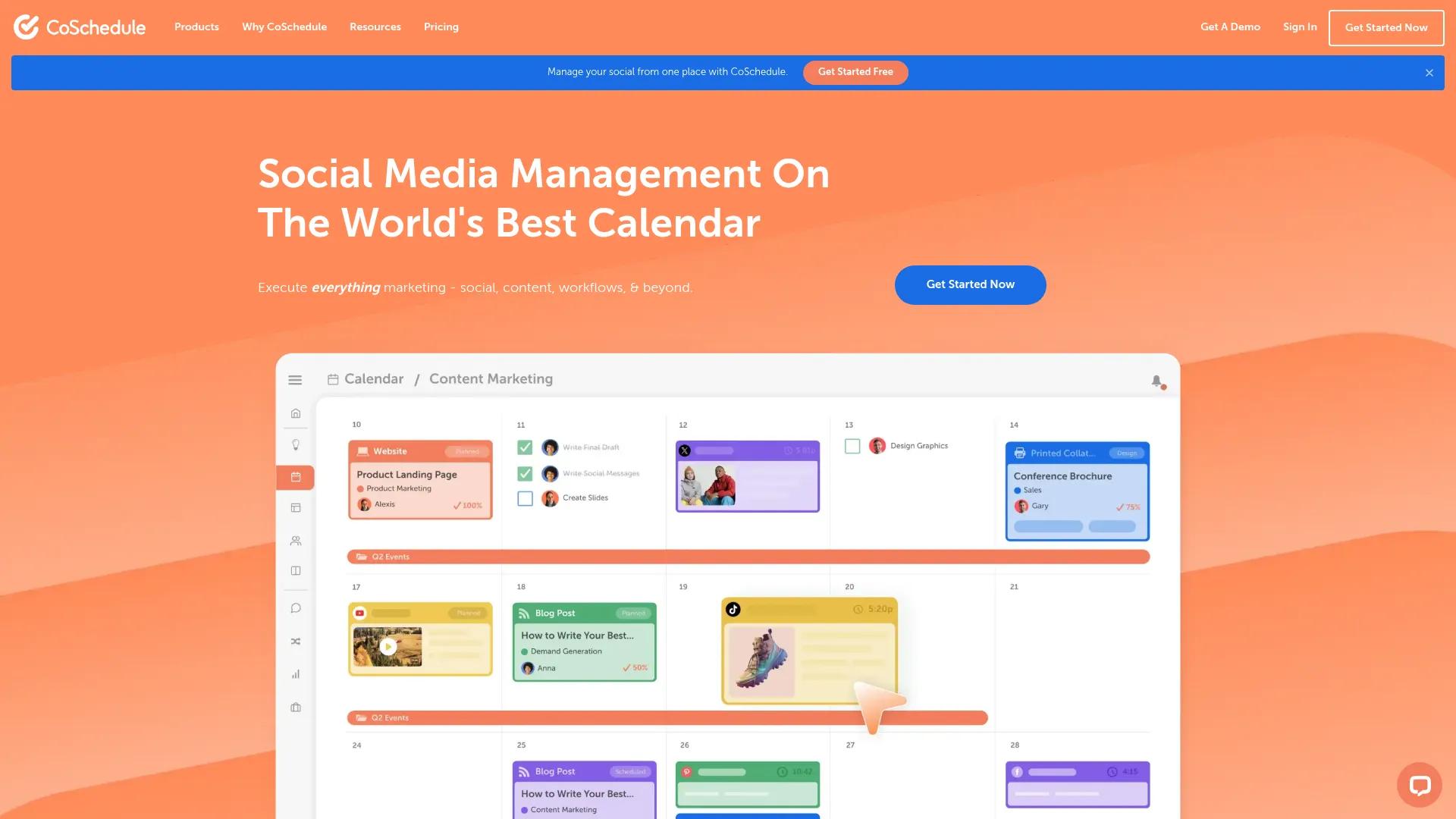
Purpose: Editorial calendar and content planning.
CoSchedule centers on a drag-and-drop marketing calendar that plans content and social posts together, with automation for scheduling and publishing. It's built for the planning stage specifically, rather than covering the entire workflow end to end.
Best for: Marketing teams that need one visual calendar spanning blog content and social promotion.
Standout feature: The drag-and-drop month view, for rearranging a content and social calendar without digging through menus.
Limitation: Social layout previews are limited; one reviewer wanted an Instagram feed preview to plan grid appearance in advance.
Pricing: Starter runs $29/month billed annually, Professional $49/month billed annually, and Suite starts at $69/month.
Planable

Purpose: Social content scheduling and approval.
Planable handles social media content specifically, with a visual feed preview and configurable approval levels before a post goes live. It fills the gap that general content workflow tools leave for social-specific review.
Best for: Teams and agencies that need clients or stakeholders to formally sign off on social posts before publishing.
Standout feature: Approval levels scale by plan, from none or optional on Basic to fully required sign-off on Pro, so review rigor can match how formal a client relationship needs to be.
Limitation: Approval is currently single-tier per post; one reviewer wanted sequential approval levels so a manager could sign off before it escalates to an executive.
Pricing: Basic runs $33/workspace/month, Pro $49/workspace/month, and Enterprise is custom; the first 50 posts are free.
Contentful Workflows
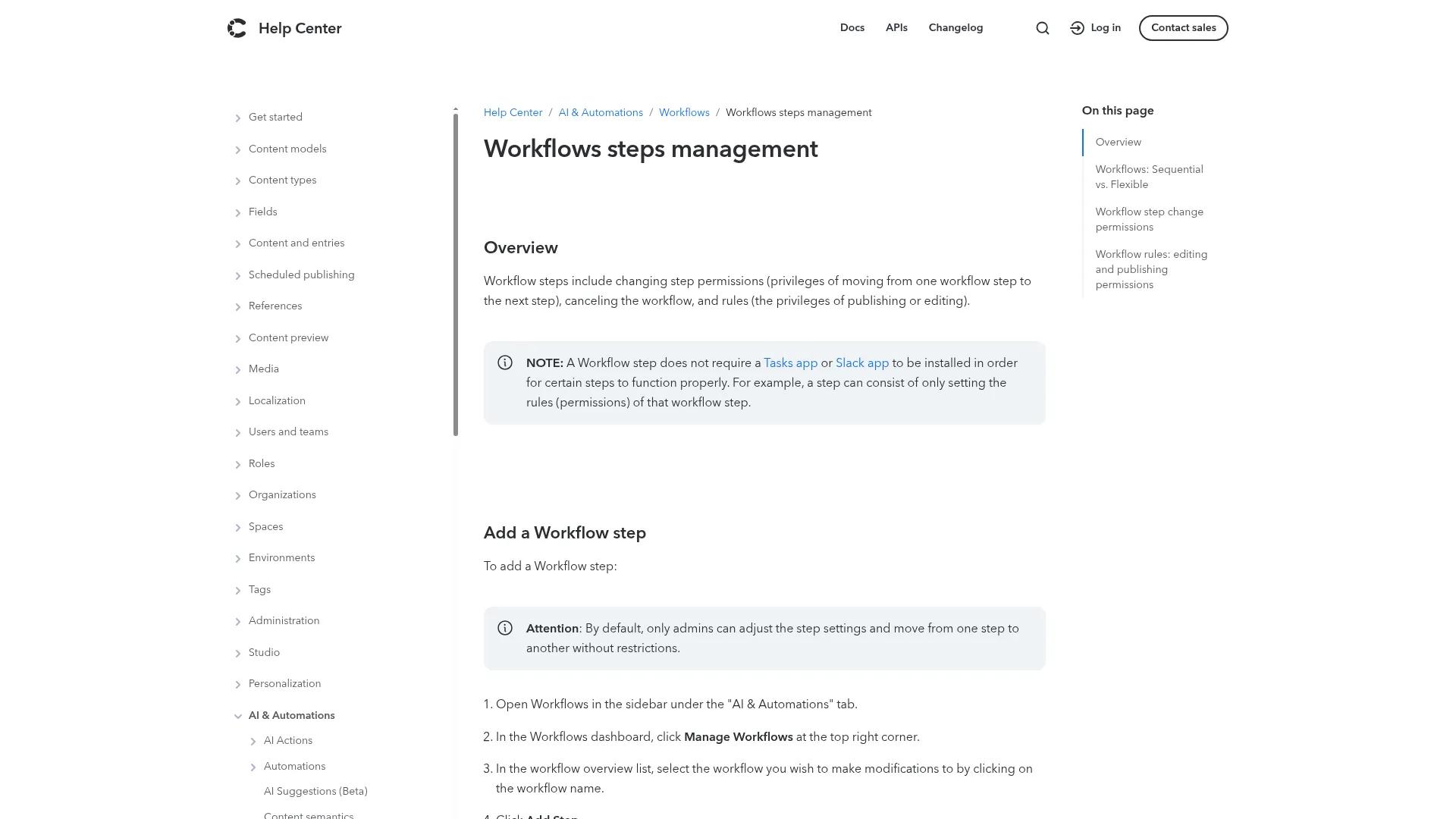
Purpose: CMS governance and publishing checkpoints.
Contentful's Workflows feature applies status-based checkpoints directly inside the CMS, so content can't skip a required review stage before it publishes. It's less a standalone tool than a governance layer built into the platform teams are already using to manage structured content.
Best for: Teams already on Contentful who want approval gates enforced at the CMS level.
Standout feature: Governance checkpoints that apply directly to the content model, keeping unapproved content from being published by mistake.
Limitation: Workflows steps management ships as part of paid Contentful plans; free-tier availability isn't publicly confirmed.
Pricing: Contentful's Lite plan starts at $300/month; Enterprise pricing is custom.
Bynder Content Workflow
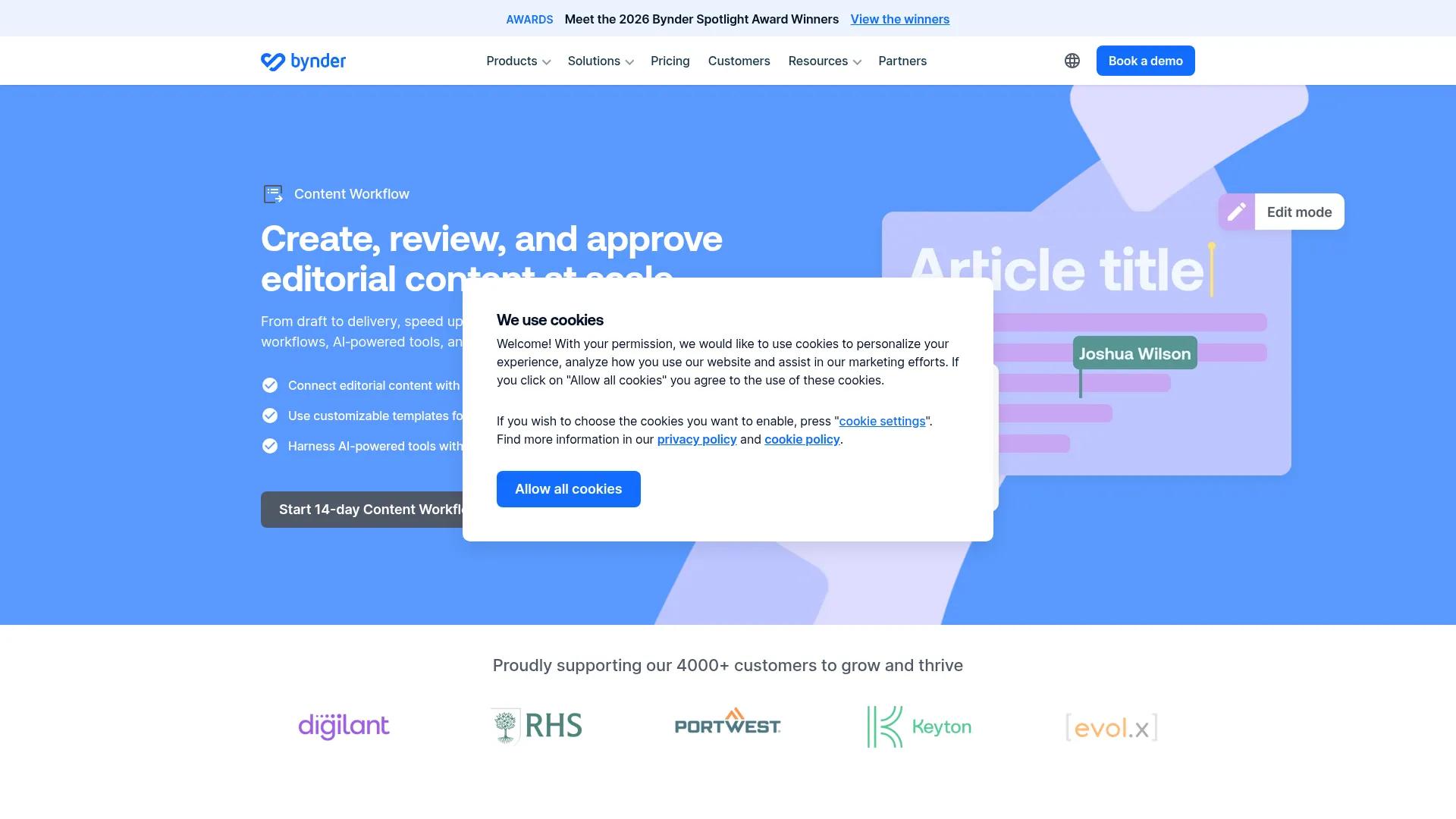
Purpose: Enterprise content operations and DAM-integrated approvals.
Bynder pairs content workflow management with its digital asset management platform, giving large teams one system for both approvals and asset storage. Customizable workflow templates and automated audit trails support the compliance needs that come with scale.
Best for: Enterprise marketing departments or agencies that need workflow and digital asset management unified in one platform.
Standout feature: One review noted that “task-driven workflows support granular content approvals,” backed by version control that “clearly tracks changes and feedback histories.”
Limitation: The same review flagged limited reporting compared to analytics-focused platforms, and onboarding can run long for smaller teams.
Pricing: Fully custom, based on users, storage, and integrations; not publicly listed.
Google Search Console
Purpose: Performance tracking and analysis.
Google Search Console closes the loop on the workflow by showing how published content performs in search. It's the free, direct source for the performance data that feeds the refresh decisions in the final stage of the lifecycle.
Best for: Any team that publishes content and needs to know what's ranking, what's declining, and what needs a refresh.
Standout feature: Direct indexing and query-level performance data straight from Google.
Limitation: It only covers search performance, so it needs to be paired with an analytics tool for the fuller engagement and conversion picture.
Pricing: Free.
Choosing between them
Start with team size and existing tech stack. A five-person team on Google Workspace probably doesn't need Bynder's enterprise DAM integration yet.
Next, factor in budget and how centralized the workflow needs to be. A single all-in-one platform reduces tool-switching, but it often means paying for features a smaller team won't use. A stitched-together stack costs less per tool, but it needs more discipline to keep in sync.
Finally, look at where the bottleneck is today. A team drowning in review feedback needs Filestage more urgently than a new calendar tool. A team with clean reviews but a messy publishing step needs automation more than another approval layer.
Automating Your Content Workflow
A documented process only holds up at volume if the repetitive parts run themselves. The handoffs worth automating first are status notifications, task assignment, and moving approved content into the CMS without manual copy-paste.
Where AI fits today
AI tools are useful for drafting assistance, tone and brand-voice checks, and repurposing one piece of content into multiple formats. A blog post can become a social thread or an email summary in minutes instead of a half-day rewrite.
Keep a human review step in place regardless. AI-assisted drafts still need a person checking facts, tone, and whether the piece actually answers the reader's question.
Automated publishing
Turning an approved document into a formatted, published page without manual reformatting removes one of the slowest and most error-prone steps in the entire workflow. This is also where a well-designed workflow tends to fall apart.
Manual publishing reintroduces the exact errors and delays the earlier stages worked to eliminate. Automating content publishing directly closes that gap.
What to automate first
Not every step needs automation on day one. A short checklist helps decide where to start:
- Automate notifications and status updates first. They're low-risk and immediately save time.
- Automate publishing once the CMS destination and formatting rules are stable.
- Leave approval decisions manual until the team trusts the system enough to reduce human checkpoints.
- Revisit the list quarterly as volume grows and the workflow proves itself.
Get your content workflow under control with BlogSync
Most of the tools covered above manage tasks, approvals, and collaboration well. What they don't fully solve is the last step: getting an approved piece correctly formatted and live on the CMS it's headed to.
That's the exact gap BlogSync closes. It takes an approved Google Doc, Word file, or Notion page and converts it into clean, SEO-optimized, CMS-ready content.
From there, it publishes directly to WordPress, HubSpot, Webflow, Contentful, Sanity, Ghost, and other platforms. No manual reformatting, no copy-paste errors creeping back in after a workflow was otherwise built right.
If publishing is where your team's workflow keeps breaking down, even after fixing everything upstream, that's worth a look. See how BlogSync works or check the documentation for a closer look at how the CMS connections are set up.