Webflow Vs Wix: Which Website Builder Wins In 2026?
Has Wix Studio finally closed the gap with Webflow? We compare design, ecommerce, AI tools, and pricing to help you choose the right website builder.
Picking between Webflow and Wix usually comes down to speed versus control. Webflow gives you code-level precision without writing code. Wix gets a working site online in an afternoon.
Both platforms have changed a lot recently. Webflow added AI tools and a marketing suite. Wix launched Wix Studio, a design-focused tier built to compete directly with Webflow.
A decision based on either platform's old reputation might be out of date.
This guide compares Webflow and Wix across design, ecommerce, pricing, and more, using current pricing and verified reviewer feedback.
Quick summary: Webflow wins on design flexibility, code export, and technical SEO control, but it costs more and takes longer to learn. Wix wins on speed, built-in marketing tools, and price, with Wix Studio narrowing the design gap for agencies that still want simplicity.
Webflow Vs Wix At A Glance
Webflow
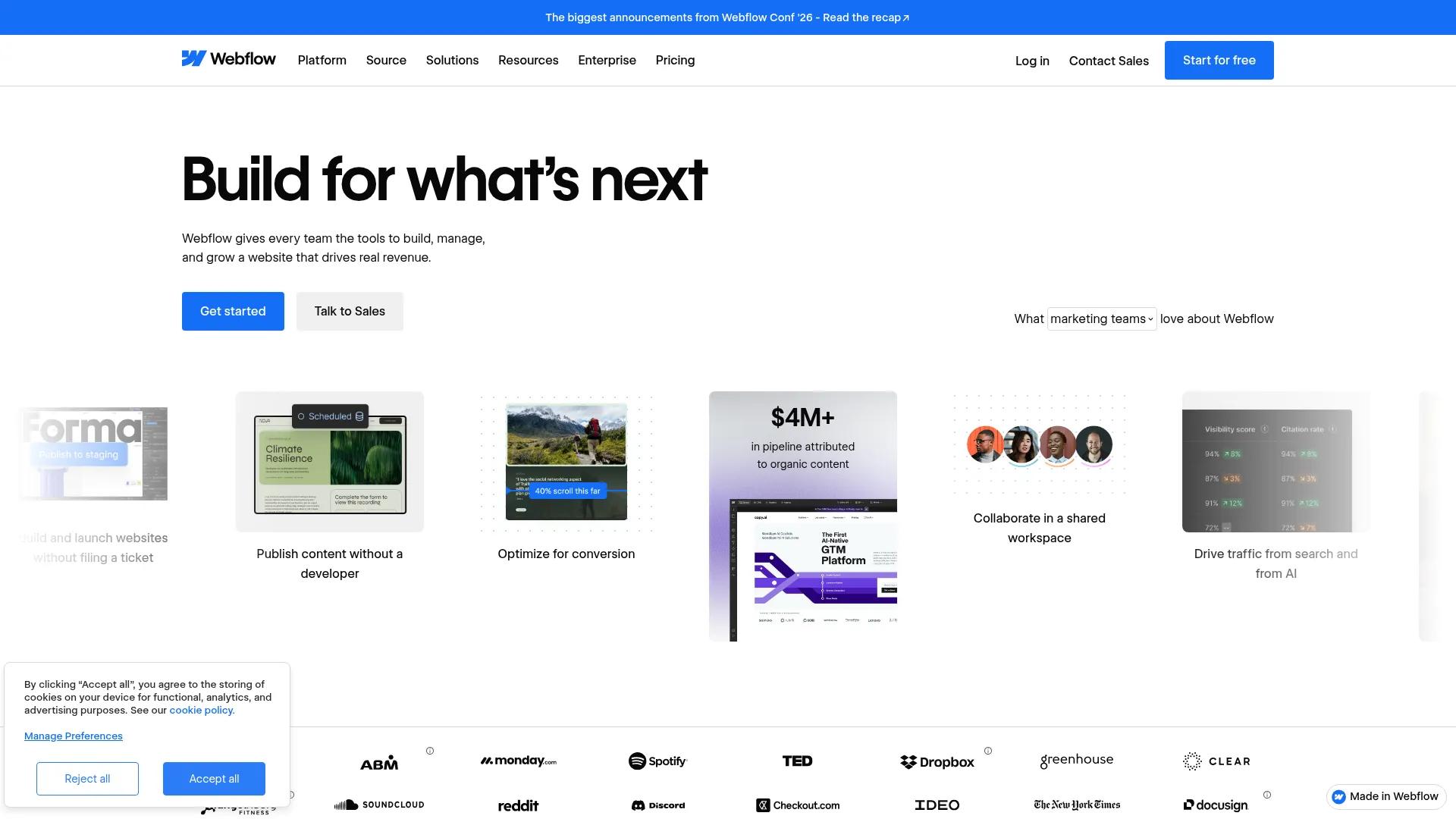
Webflow markets itself as a platform for teams that need pixel-level control. It combines a visual design canvas with clean, exportable code, so designers get precision and developers get code they can work with directly.
Wix

Wix is built around speed. Its drag-and-drop editor, AI site generator, and built-in marketing tools let a small business launch a professional-looking site in a single sitting.
Wix Studio
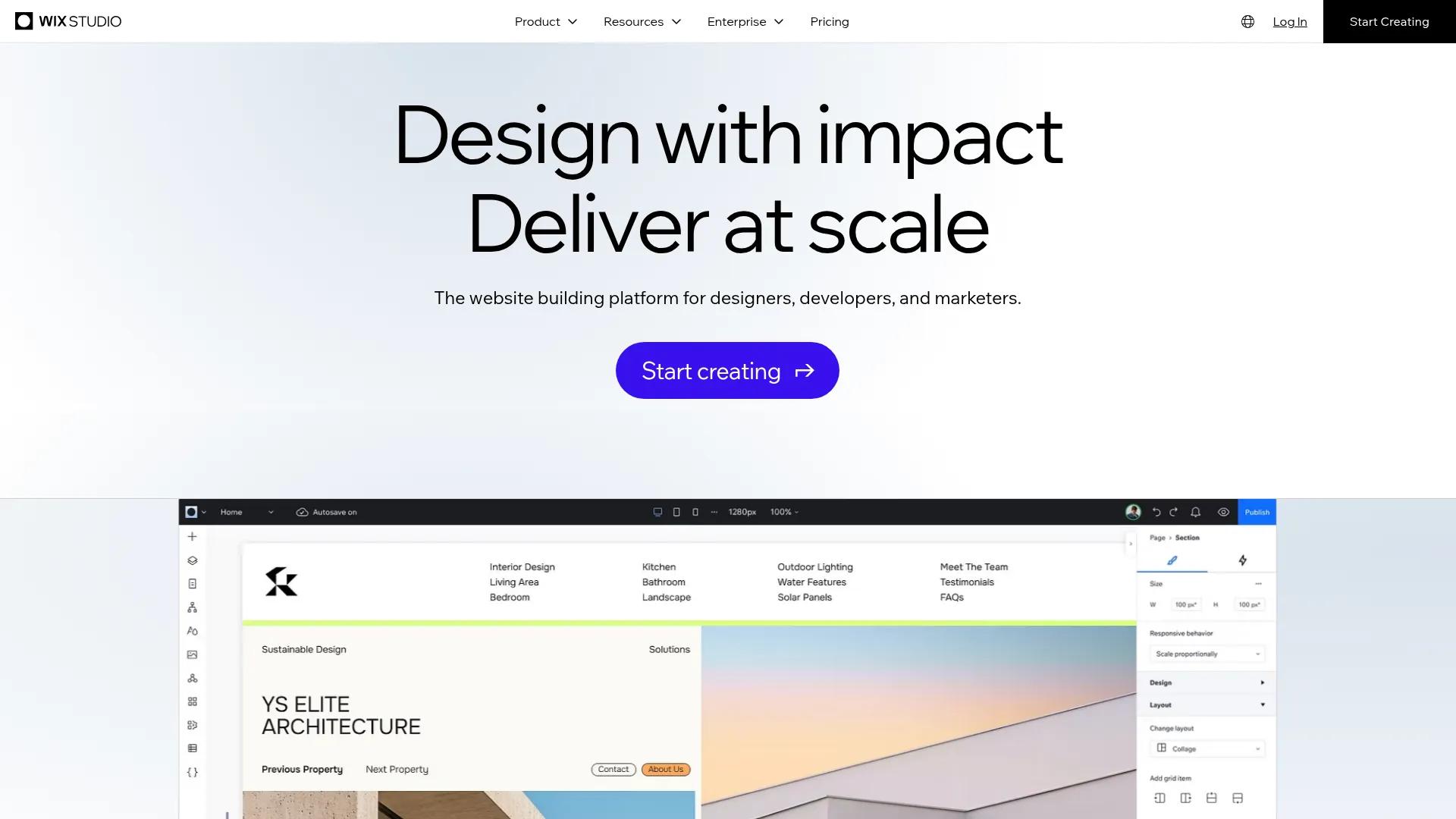
Many "Webflow vs Wix" searches are actually asking about Wix Studio instead of the classic Wix Editor. Wix Studio adds CSS grid controls, reusable components, and client permissions built for agencies. It narrows several of the gaps covered below, so keep this in mind as you read.
Design, Ease Of Use & Technical Foundation
Webflow's editor mirrors real CSS. You can adjust spacing, animations, and interactions down to the pixel, and reuse components across hundreds of pages without breaking consistency.
That power has a learning cost
One G2 reviewer, a small-business CEO, wrote that “the visual builder looks nice at first glance, and the marketing makes it feel powerful. But that initial appeal disappears quickly once you hit the hidden limitations.”
Wix trades some of that precision for accessibility. Its drag-and-drop editor needs no code at all.
A G2 reviewer who works as an artist called it “intuitive.” She added that “you don't need to know a single line of code to create a professional, polished website,” according to her G2 review.
Template libraries reflect the same split
Webflow offers 7,000+ templates, most of which serve as flexible starting points for a custom build. Wix offers 2,000+ templates that are ready to publish with minimal editing.
One G2 reviewer, a small-business co-owner, noted that Wix “it's very glitchy” once a site gets more complex, in a review on G2.
On the technical side, Webflow generates clean, semantic code and lets you export it (HTML, CSS, and JavaScript) on paid plans. Wix doesn't offer code export. That matters if you ever want to move your site off Wix's infrastructure. Both platforms cover the SEO basics (editable meta tags, sitemaps, and redirects), but Webflow gives you more granular control over schema markup and canonical tags.
Support experiences vary on both sides. Webflow reviewers have flagged slow response times. One small-business CEO wrote that “support takes forever to respond,” in a review on G2.
Wix gets mixed feedback too. One founder described a frustrating support loop of “agents who don't read your messages.” Another small-business owner, by contrast, called Wix's team “super responsive and always willing to help” (source).
Ecommerce, Marketing & AI Features
Ecommerce is where the platforms diverge most sharply
Webflow's ecommerce plans cap out at 15,000 products on its Advanced tier. Its entry-level Standard plan charges a 2% transaction fee. That fee drops to 0% on Plus and Advanced.
Wix Studio supports up to 50,000 products across its ecommerce-capable plans. It doesn't charge its own transaction fee at any tier.
Marketing tools follow a similar pattern
Wix bundles email campaigns, social scheduling, and a built-in CRM into its paid plans. Webflow leans on AI-powered personalization and A/B testing instead of an all-in-one marketing suite.
AI has become a meaningful differentiator on both sides
Wix's AI tools generate full site layouts, images, and copy from a short business description. Webflow's AI tools focus more narrowly on writing page sections, generating CMS content, and assisting with code snippets.
Integrations tell a similar story
Wix's App Market lists 500+ apps covering everything from bookings to loyalty programs. Webflow's marketplace is smaller, at 300+ apps, but it covers most of the popular tools teams already use.
Both platforms also connect to thousands of more tools through Zapier.
Pricing & Which One Fits Your Business
A few hidden costs are worth flagging. Webflow's cheapest Basic plan doesn't include blogging or the CMS, so most content-driven businesses need the $25/mo Premium plan instead. Wix's Light plan doesn't support ecommerce, so anything selling online needs at least the $29/mo Core plan.
If you're a solo founder on a tight budget who just needs a marketing site, Wix's Light or Core plan covers it. An in-house marketing team that wants built-in email and social tools will get more out of Wix too.
A design agency serving multiple clients, or a brand that needs full creative control and code ownership, is better served by Webflow. An ecommerce store planning to scale past a few thousand products should lean toward Wix Studio's higher product limits, unless custom checkout logic matters more.
Choose Webflow if design precision and code ownership matter most to your team. Choose Wix if you want to launch fast, keep costs predictable, and get marketing tools built in from day one.
Getting Your Content Into Webflow Or Wix
Picking a platform is only half the job. Someone still has to get written content into it, and that step breaks more often than either platform's own editor lets on. Copying a draft out of Google Docs or Word usually means reformatting headers, re-uploading images, and fixing broken styling by hand.
BlogSync
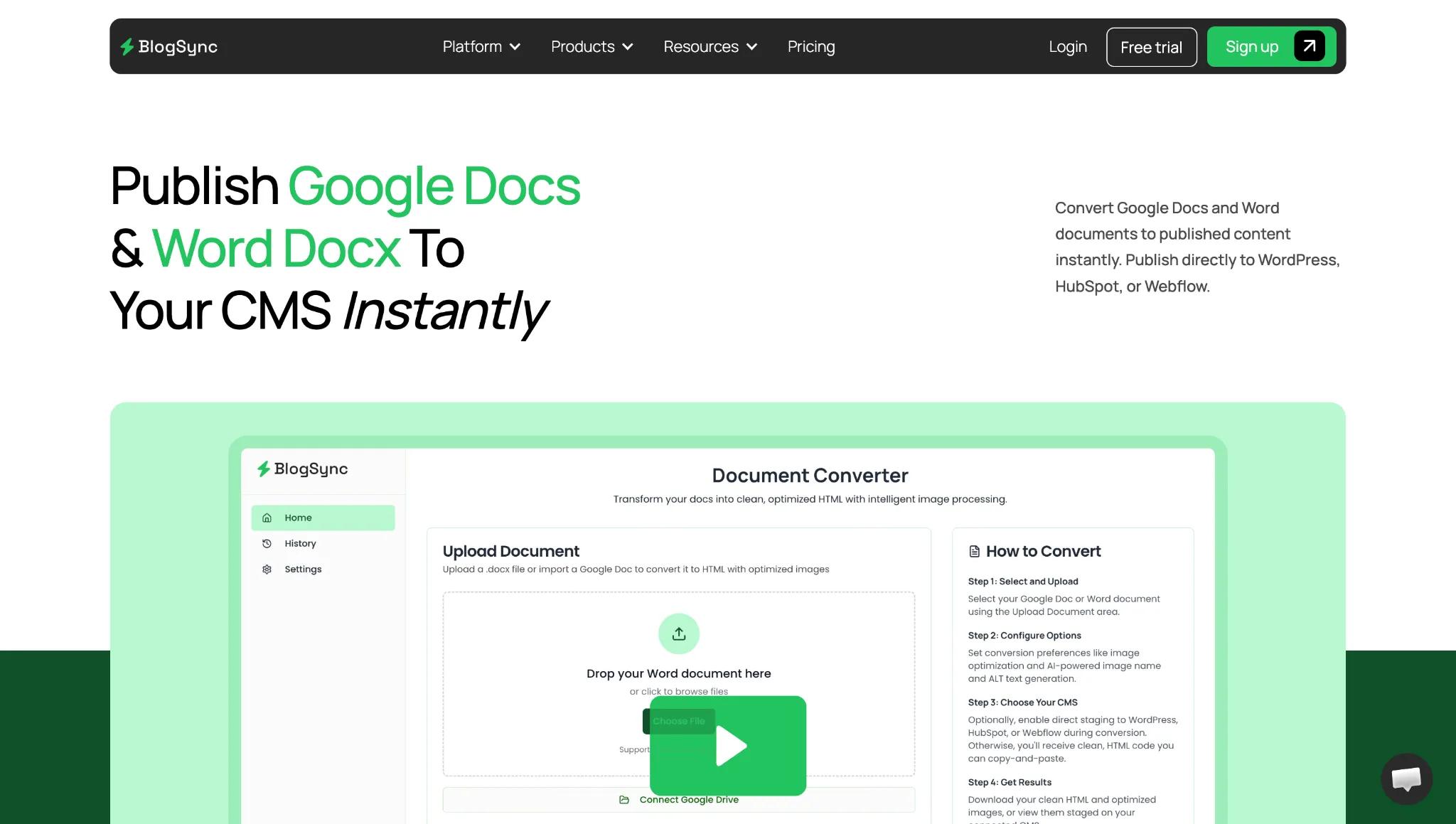
BlogSync publishes drafts directly from Google Docs, Word, or Notion into either a Webflow CMS collection or a Wix blog. It converts documents to clean HTML, optimizes and renames images automatically, and preserves headers and structure along the way.
BlogSync also converts images to WebP format and generates AI-written alt tags. That saves an estimated 20 minutes or more per document compared to manual publishing.
Whichever platform you land on, that's one less workflow your content team has to build from scratch.
Frequently Asked Questions
Is Webflow or Wix cheaper long-term?
Pricing is close at the entry level: Webflow's cheapest paid plan is $15/mo (no CMS or blogging), a bit less than Wix's $17/mo Light plan (no ecommerce). Add blogging or ecommerce and pricing shifts.
Webflow's CMS-enabled Premium plan is $25/mo, and its Ecommerce Standard tier is $29/mo plus a 2% transaction fee that only disappears on the $74/mo Plus plan. Wix's Core plan, at $29/mo, includes both blogging and ecommerce with no Wix-charged transaction fee, which can make it the cheaper option once you need those features.
Which platform is easier for a total beginner?
Wix is easier for beginners. Its drag-and-drop editor and AI site generator need no design or coding background. Webflow's visual Designer outputs real, production-grade CSS under the hood, so it takes longer to learn, but rewards that investment with more control.
Can you migrate a site from Wix to Webflow?
There's no automatic migration tool between the two. Moving a site means rebuilding pages and content in Webflow's Designer, since Wix doesn't support code export. Content and images can transfer, but layout and design need to be recreated manually.
How do the free plans compare?
Webflow's free plan limits you to two pages on a Webflow.io subdomain. Wix's free plan carries Wix branding and doesn't support a custom domain or ecommerce. Neither free plan works as a permanent, professional site.
Is Webflow or Wix better for SEO?
Both cover core SEO features like editable meta tags, sitemaps, and redirects. Webflow gives more granular control over schema markup and canonical tags, plus code export for teams that want full control over site structure. Wix's SEO tools are easier to use out of the box but offer less depth for advanced, technical optimization.